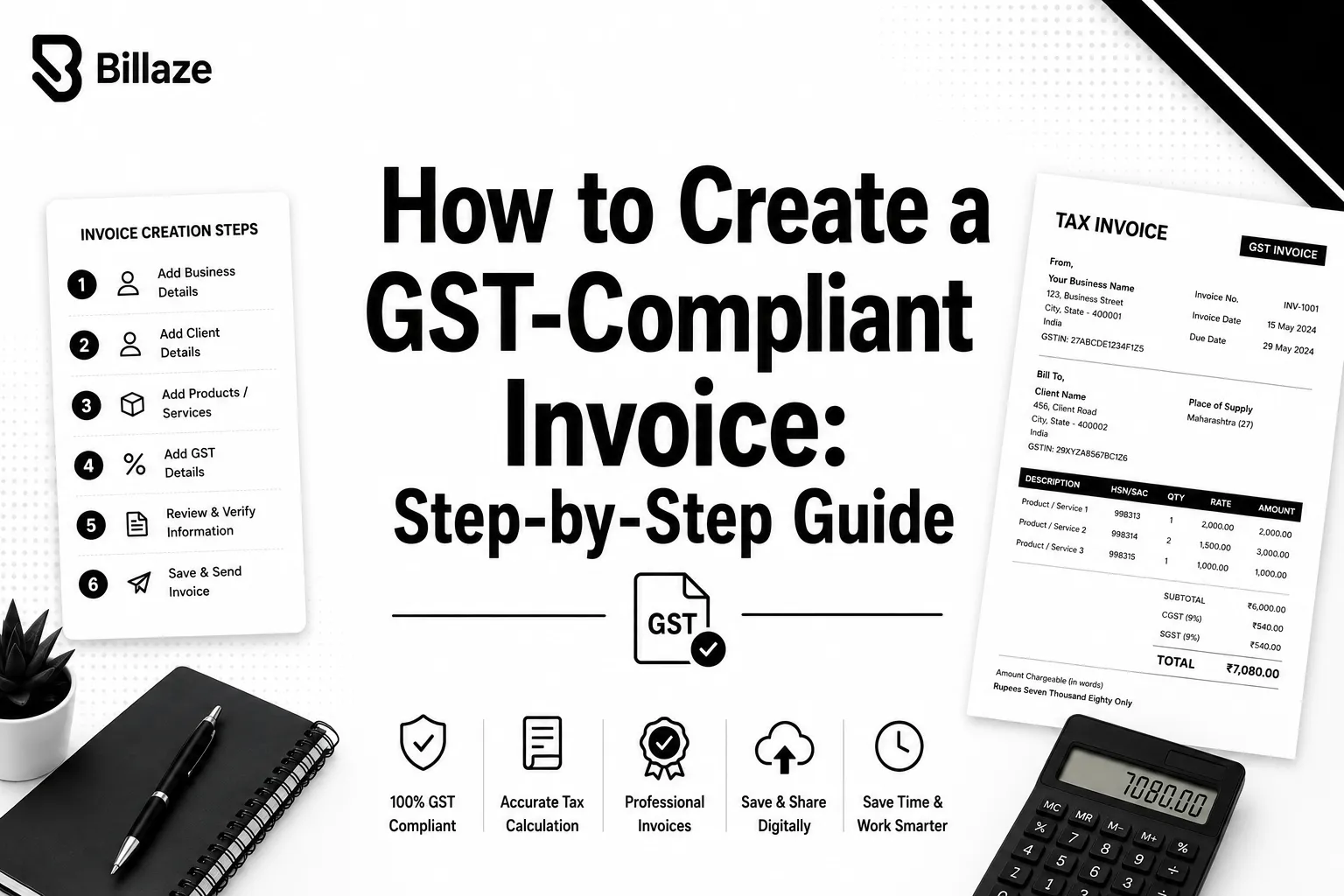


Creating a GST-compliant invoice sounds straightforward until you actually sit down to do it. Between GSTINs, HSN and SAC codes, place of supply rules, and the correct tax split, there are several places where a small mistake can make the invoice non-compliant. And a non-compliant invoice is not just a paperwork issue, it can mean your buyer loses out on input tax credit or your own GST return filing gets messier than it needs to be.
This step-by-step guide walks through exactly how to create a GST-compliant invoice from scratch, and where a tool like a GST-compliant invoice generator can take the manual guesswork out of the process entirely.
What Makes an Invoice GST-Compliant?
Before getting into the steps, it helps to know what "compliant" actually means. Under GST law, an invoice is compliant when it includes all the mandatory fields prescribed by the rules, applies the correct tax rate and split based on the place of supply, and follows a consistent, sequential invoice numbering system. Missing any one of these can make the invoice invalid for tax purposes, even if the transaction itself was completely legitimate.
Step 1: Confirm Your GSTIN and the Buyer's GSTIN
Start by making sure your own GSTIN is correctly entered and up to date. If the buyer is GST-registered, collect their GSTIN as well, since this is what allows them to claim input tax credit on the purchase. If the buyer is not registered, you can still issue an invoice, but the compliance requirements differ slightly.
Step 2: Assign a Sequential Invoice Number
Every GST invoice needs a unique, sequential invoice number for the financial year. Skipping numbers, reusing them, or resetting the sequence without reason can create red flags during reconciliation or audits. Keeping this consistent is one of the simplest things to get right, provided you have a system that tracks it automatically.
Step 3: Add the Correct HSN or SAC Code
Every item or service on the invoice needs the correct HSN code for goods or SAC code for services. These codes determine the applicable tax rate, so using the wrong one does not just look sloppy, it can actually change how much tax is charged.
Step 4: Determine the Place of Supply
The place of supply decides whether the transaction is treated as intra-state or inter-state, which in turn determines whether you charge CGST and SGST or IGST. Getting this wrong is one of the most common compliance errors, especially for businesses that deal with clients across multiple states.
Step 5: Calculate the Taxable Value and Apply GST
Once the place of supply is confirmed, calculate the taxable value of the goods or services and apply the correct GST rate. Show the tax amount separately from the taxable value, rather than as a single lumped total, since GST rules require this breakdown to be visible on the invoice.
Step 6: Total the Invoice and Add Terms
Add up the taxable value and tax amount to arrive at the grand total. Include any relevant payment terms, due dates, or bank details if applicable, so the buyer has everything they need to process the payment.
Step 7: Sign and Issue the Invoice
Finally, add your signature, digital or physical, to authenticate the invoice before sending it to the buyer. Keep a copy for your own records, since GST law requires invoices to be retained for several years.
Doing This Without Manual Errors
Following these seven steps manually, invoice after invoice, is where most small businesses run into trouble. A missed HSN code here, a wrong tax split there, and suddenly reconciling your GST returns at the end of the month becomes a headache. This is exactly the kind of repetitive, detail-heavy process that benefits from using one consistent system for generating GST invoices online instead of rebuilding each invoice from scratch by hand.
Final Thoughts
Creating a GST-compliant invoice is not complicated once you understand what each step is checking for, but doing it correctly every single time is where small businesses need the most support. Beyond invoices, many businesses also rely on a broader set of business document generator tools to keep quotations, receipts, and purchase orders just as accurate and professional.
FAQs
What happens if I forget to add the buyer's GSTIN?
The buyer may not be able to claim input tax credit on the purchase, even if the rest of the invoice is correct.
Can I edit a GST invoice after it has been issued?
Once issued, you should not directly edit an invoice. Instead, corrections are made through a revised invoice, credit note, or debit note depending on the nature of the change.
Is a physical signature mandatory on every GST invoice?
A signature, digital or physical, is required to authenticate the invoice, though the specific requirements can vary based on how the invoice is issued.
How do I know whether to charge CGST/SGST or IGST?
This depends on the place of supply. If the buyer and seller are in the same state, CGST and SGST apply. If they are in different states, IGST applies instead.

























Sign in to leave a comment.