
Introduction
Understanding your IP address is crucial in today's digital world. An IP (Internet Protocol) address is a unique identifier assigned to each device connected to a network. It enables communication between devices over the internet and local networks. Knowing how to find and interpret your IP address info can help with network troubleshooting, enhance online security, and improve overall internet experience.
Types of IP Addresses
Public IP Address
A public IP address is assigned to your network router by your Internet Service Provider (ISP) and is visible to the outside world. It allows your devices to communicate with external networks and websites.
Private IP Address
Private IP addresses are used within a local network. These addresses are not visible to the external internet and are used to identify devices within the same network.
Static IP Address
A static IP address is a fixed address assigned to a device. Unlike dynamic IP addresses, static IPs do not change over time. They are often used for servers and other permanent devices.
Dynamic IP Address
Dynamic IP addresses are assigned by the network when a device connects and can change over time. These are more common for personal devices and typical home networks due to their efficient use of available IPs.
Finding Your IP Address
Using Command Prompt (Windows)
Open Command Prompt by typing cmd in the Start menu search bar.Type ipconfig and press Enter.Look for the section that says "IPv4 Address" under the network connection you're using.Using Terminal (Mac/Linux)
Open Terminal.For Mac, type ifconfig | grep inet and look for the inet address.For Linux, type hostname -I.Through Router Settings
Log into your router by entering its IP address into a web browser.Navigate to the status or network section to find your public IP address.Online Tools to Find IP Address
Many websites can display your public IP address when you visit them. Examples include "whatismyip.com" and "ipchicken.com".
Checking IP Address on Mobile Devices
For iOS: Go to Settings > Wi-Fi, tap the connected network, and check the IP address.For Android: Go to Settings > Network & Internet > Wi-Fi, tap the connected network, and look for the IP address.Interpreting IP Address Information
Understanding IPv4 vs. IPv6
IPv4: The most common type, formatted as four sets of numbers separated by periods (e.g., 192.168.1.1).IPv6: A newer format designed to accommodate more devices, using eight groups of hexadecimal numbers separated by colons (e.g., 2001:0db8:85a3:0000:0000:8a2e:0370:7334).Components of an IP Address
Network Part: Identifies the specific network.Host Part: Identifies the specific device within the network.Subnet Mask
A subnet mask determines the network and host portions of an IP address, allowing networks to be divided into sub-networks.
Gateway
The gateway IP address is the device that routes traffic from a local network to other networks or the internet.
DNS Servers
DNS (Domain Name System) servers translate domain names into IP addresses, allowing users to access websites with human-readable names.
Uses of IP Address Information
Network Troubleshooting
Knowing your IP address helps diagnose and resolve connectivity issues.
Geolocation Services
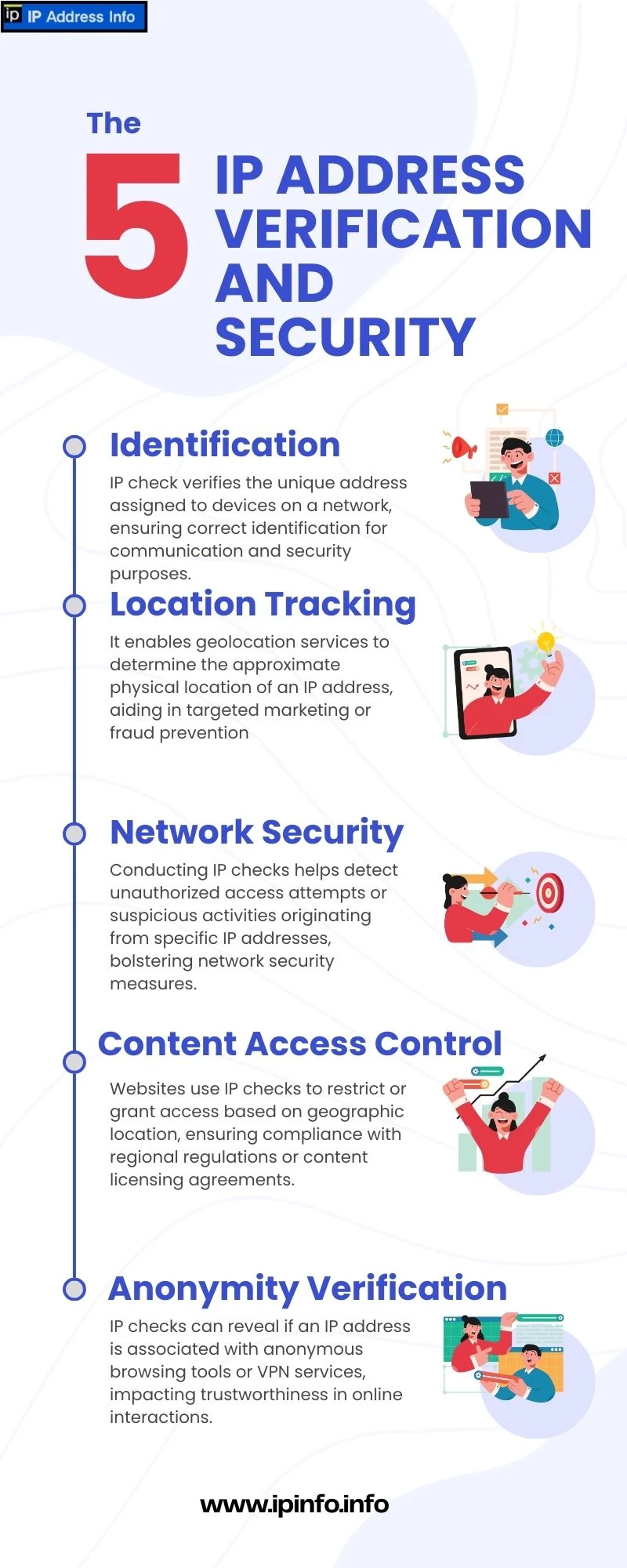
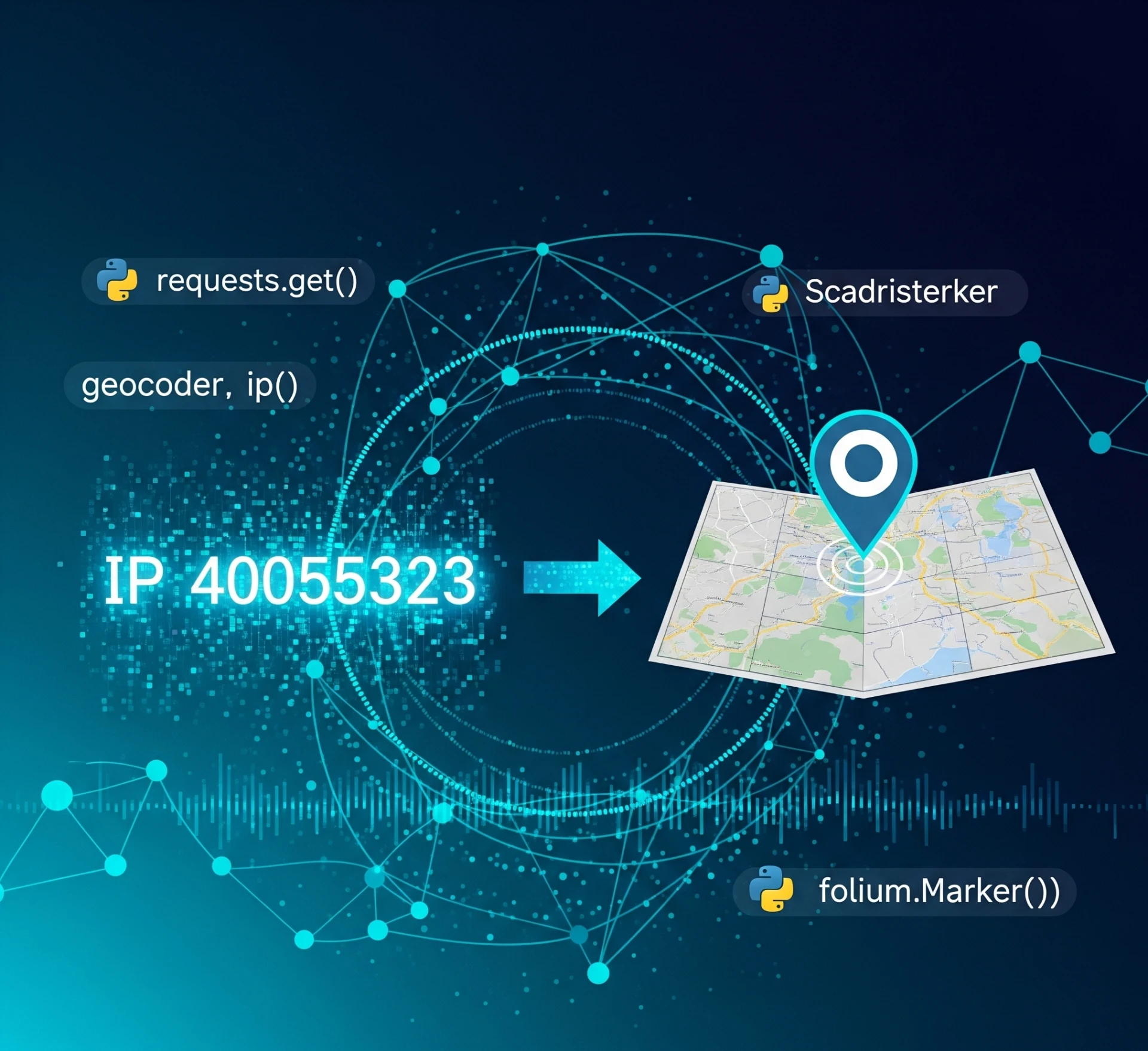
IP addresses can provide approximate geographical location information, useful for location-based services.
Online Security
Monitoring IP addresses helps detect unauthorized access and enhance security measures.
Access Control
IP addresses can be used to restrict or allow access to networks and devices.
Privacy and Security Concerns
How IP Addresses Can Be Tracked
Your IP address can be tracked by websites, advertisers, and cybercriminals to monitor your online activity.
Protecting Your IP Address
Use firewalls, secure your router, and limit access to your network.
Using VPNs
Virtual Private Networks (VPNs) mask your IP address, providing anonymity and security.
Proxy Servers
Proxies act as intermediaries between your device and the internet, hiding your IP address.
Frequently Asked Questions (FAQs)
What is the difference between IPv4 and IPv6?
IPv4 uses a 32-bit address scheme allowing for 4.3 billion unique addresses. IPv6 uses a 128-bit scheme, significantly increasing the number of available addresses.
Can someone track me with my IP address?
Yes, but they can typically only determine your general location and ISP. Using a VPN can help protect your privacy.
How can I hide my IP address?
Using a VPN, proxy server, or the Tor network can hide your IP address and enhance online privacy.
Is it illegal to change my IP address?
Changing your IP address is not illegal, but using it for malicious activities is.
Why do I have two IP addresses?
You may have both a public IP address (assigned by your ISP) and a private IP address (assigned by your router).
Conclusion
Understanding how to find and interpret your IP address is essential for managing your online presence and security. From identifying your IP type to using tools and services to protect your privacy, this knowledge empowers you to navigate the digital world more effectively. Stay informed and proactive about your IP address management to enhance your overall internet experience.

























Sign in to leave a comment.