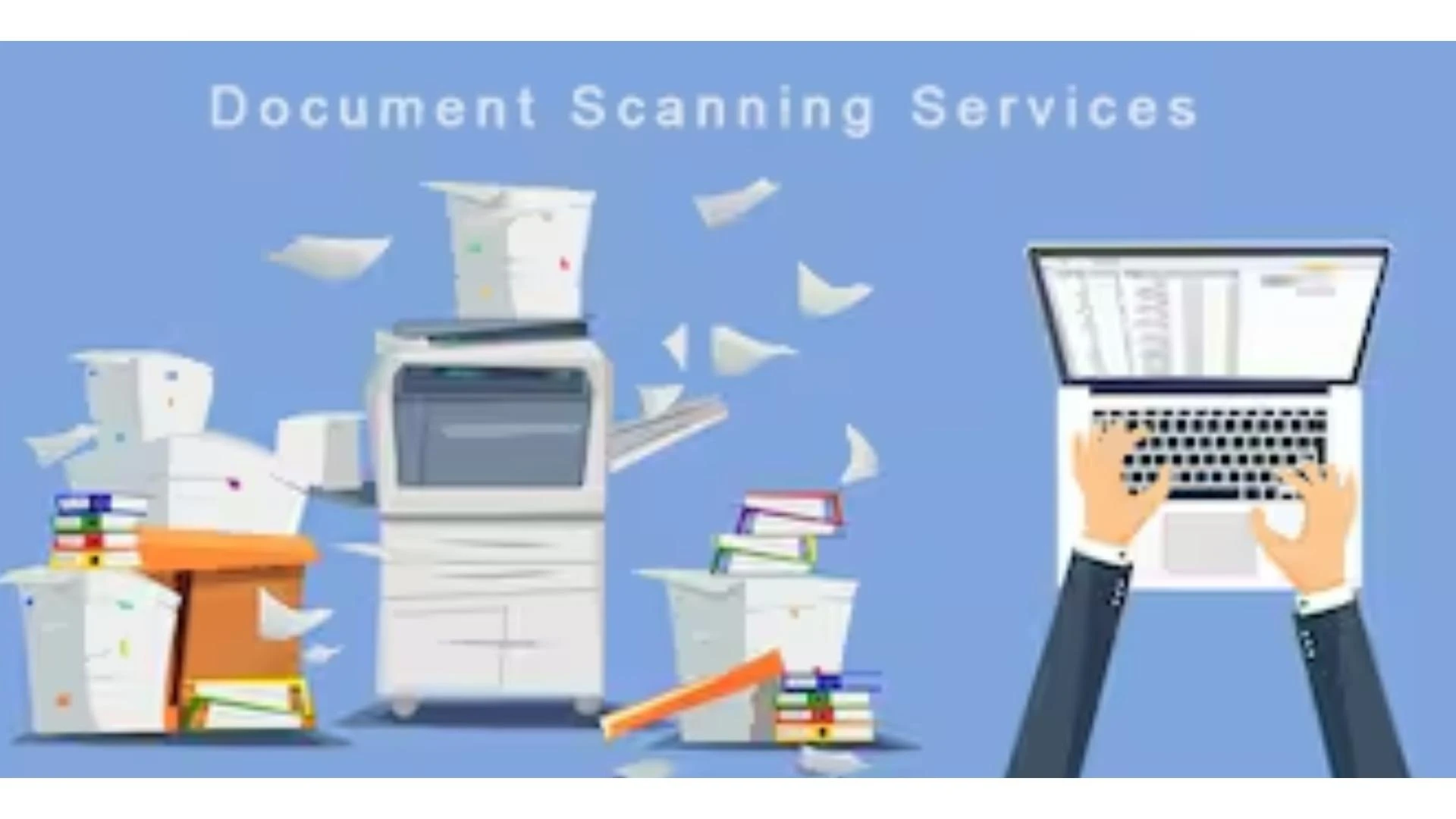

Transitioning to a paperless office can significantly improve the efficiency and productivity of legal practices. Implementing a legal document scanning service is a crucial step towards this transformation. This guide outlines the key steps and benefits of adopting a legal document scanning system.
Understanding Legal Document Scanning
Legal document scanning involves converting physical legal documents into digital formats. This process uses Optical Character Recognition (OCR) technology to create searchable digital documents, enhancing traceability and accessibility.
Steps to Implement a Legal Document Scanning System
1. Assess Your Needs
Before implementing a legal document scanning system, assess your current document management needs. Identify the types of documents that need scanning, such as wills, deeds, affidavits, contracts, and memorandums. Determine the volume of documents and the frequency of access required.
2. Choose the Right Technology
Select a legal document scanning service that uses best-of-breed technologies to ensure speed, quality, and high accuracy. Ensure that the service can handle both small and large volumes of documents and offers secure scanning solutions.
3. Develop a Scanning Plan
Create a detailed plan outlining the scanning process, including:
Document preparation: Sorting and organizing documents for scanning.Scanning procedures: Setting up the scanning equipment and defining the scanning parameters.Quality control: Implementing measures to ensure the accuracy and quality of the scanned documents.4. Secure Data Management
Ensure that the legal document scanning service provides secure data management. The service should offer secure storage solutions and robust data protection measures to safeguard sensitive information.
5. Indexing and Archiving
Implement a system for accurate indexing and archiving of digital documents. Proper indexing ensures that digital files are organized and easily accessible. Archiving provides long-term storage solutions, freeing up physical space and ensuring that documents are available when needed.
6. On-Site Scanning Option
Consider using on-site scanning services to eliminate the risks associated with transporting sensitive legal documents. On-site scanning brings the digitization process directly to your office, ensuring security and convenience.
Benefits of Legal Document Scanning
Increased Traceability
Legal document scanning utilizes OCR technology to transform physical documents into searchable digital formats. This significantly reduces search times and enhances efficiency in managing legal records.
Greater Efficiency
Digitizing legal documents eliminates the hassle and expenses associated with manual paper processing. It also reduces the demand for physical storage space, allowing legal offices to utilize their space more effectively.
Enhanced Flexibility and Scalability
A customizable document scanning service can cater to your specific needs for document recovery and storage. Whether you need frequent access to certain documents or large-scale digitization, a flexible solution can be tailored to meet your requirements.
Secure Document Scanning
A reliable legal document scanning service ensures that your files are digitized securely, maintaining the confidentiality of sensitive information. The service should provide high-quality scanning for both small and large volumes of documents.
Reduced Costs
Maintaining physical records can be expensive. Legal document scanning helps cut costs by reducing the need for physical storage and minimizing manual document handling expenses.
Conclusion
Implementing a legal document scanning system can revolutionize the way legal offices manage their records. By following the steps outlined above and choosing a reliable legal document scanning service, legal practices can enhance efficiency, improve traceability, and reduce costs. Embracing a document digitization service is a vital step towards achieving a paperless, more productive legal environment.








Sign in to leave a comment.