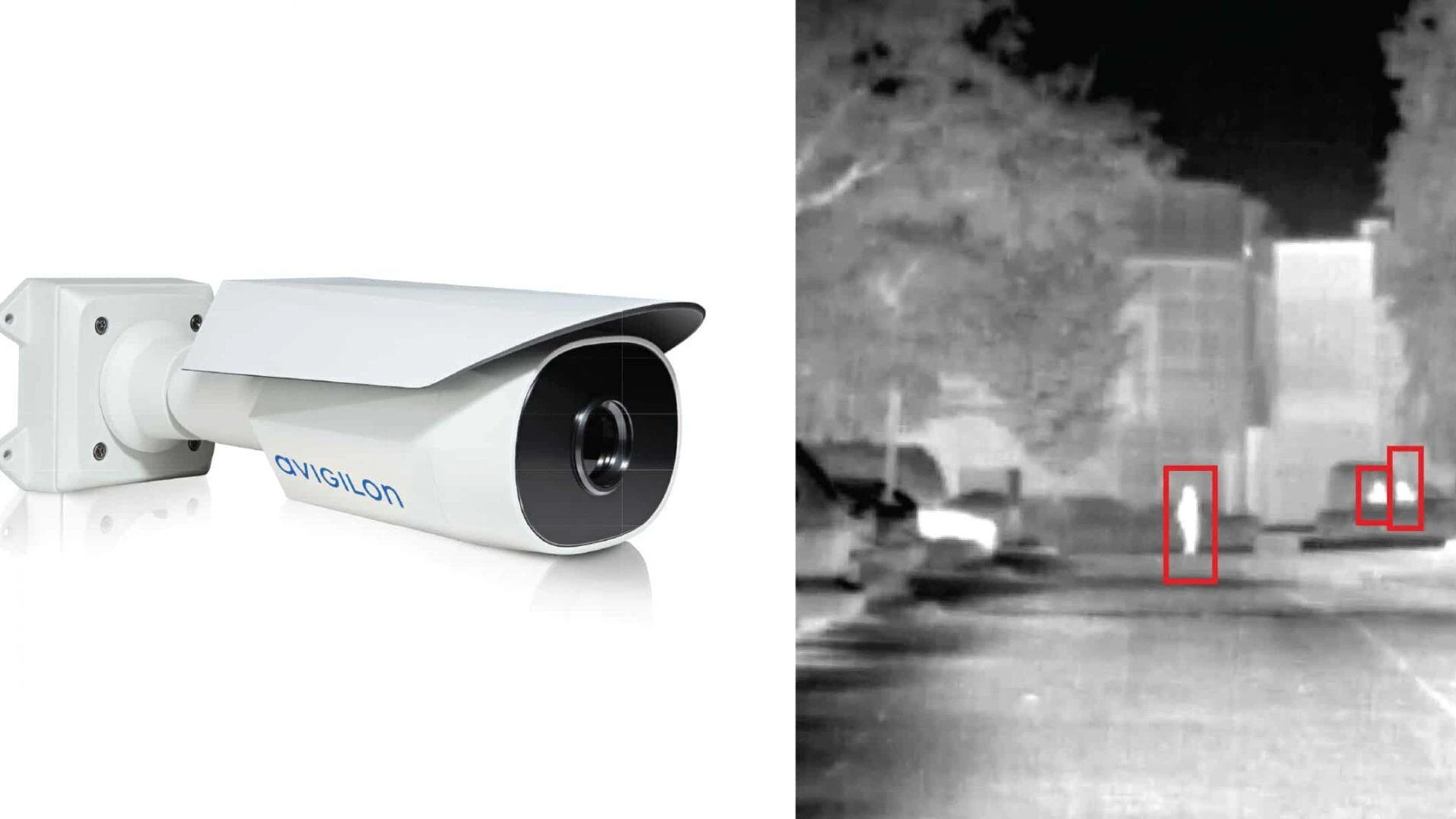

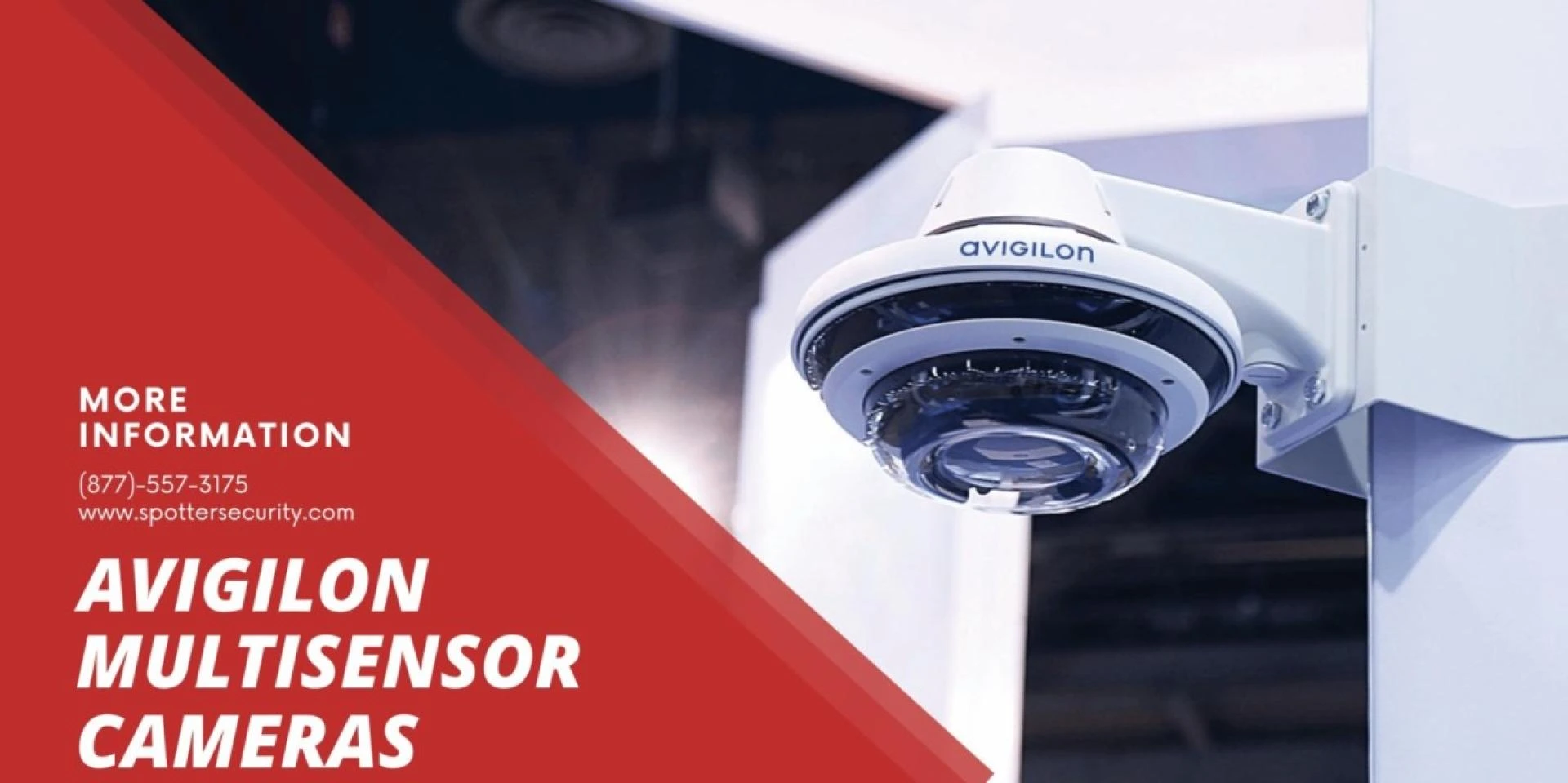
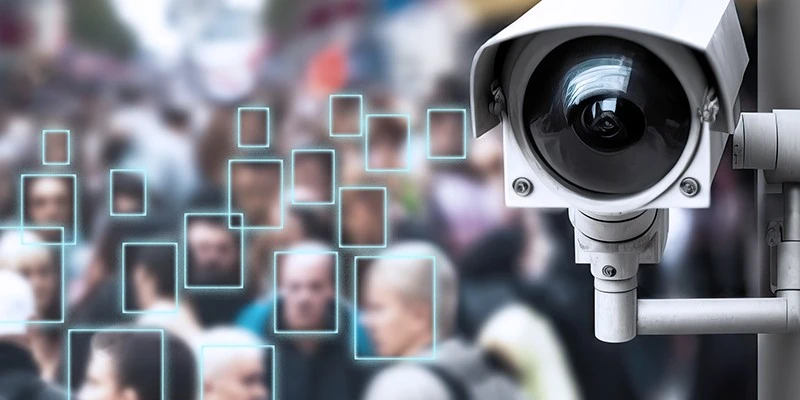
In today’s digitally-driven world, ensuring the security of your premises is paramount. With the advancement in surveillance technologies, installing a high-definition Avigilon camera can significantly enhance your security measures.
This step-by-step guide will walk you through the process of setting up your Avigilon camera, ensuring you have a comprehensive understanding of the installation process.
Whether you're looking to bolster your home security or enhance the surveillance system of your business, this guide is designed to assist you in maximizing the efficiency and effectiveness of your Avigilon camera installation.
Preparing for Installation
Before diving into the installation process, it’s crucial to plan your setup meticulously. Selecting the optimal location for your Avigilon camera plays a critical role in ensuring maximum coverage and effectiveness of your surveillance system.
Consider high-traffic areas or points of entry that are crucial for monitoring. Once the location is finalized, ensure you have all the necessary tools and components on hand, including the Avigilon camera, mounting hardware, power tools, and network connection materials.
Mounting Your Avigilon Camera
Marking the Spot: Begin by marking the position where the camera will be mounted. It's essential to ensure that the location offers a clear, unobstructed view of the area you wish to monitor.Installing the Mount: Use the provided mounting bracket as a template to mark drill holes. Drill the holes and then secure the mounting bracket using the screws provided with your camera kit.Attaching the Camera: Once the mount is securely in place, attach your Avigilon camera. Adjust the camera angle to ensure it covers the desired area effectively.Establishing a Network Connection
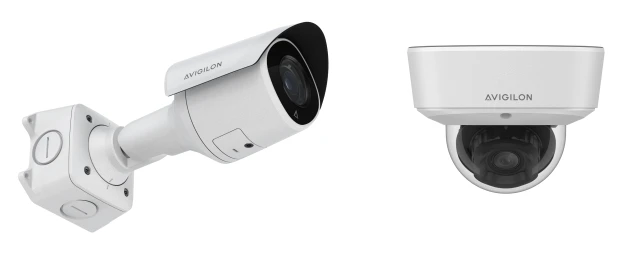
A reliable network connection is vital for your Avigilon camera to function correctly. Connect your camera to your network using an Ethernet cable.
For cameras that support Wi-Fi, ensure that your wireless connection is stable and secure. Follow the manufacturer’s instructions to connect your camera to the network properly.
This step is critical for enabling remote monitoring and recording capabilities.
Configuring Your Camera
With your Avigilon camera mounted and connected to the network, the next step is to configure the camera settings through the Avigilon Control Center software.
This powerful software allows you to customize various aspects of your camera's functionality, including motion detection settings, recording schedules, and notification alerts.
Take your time to familiarize yourself with the software’s features to optimize your camera’s performance according to your specific needs.
Integrating Multi-Class Access Control Technologies
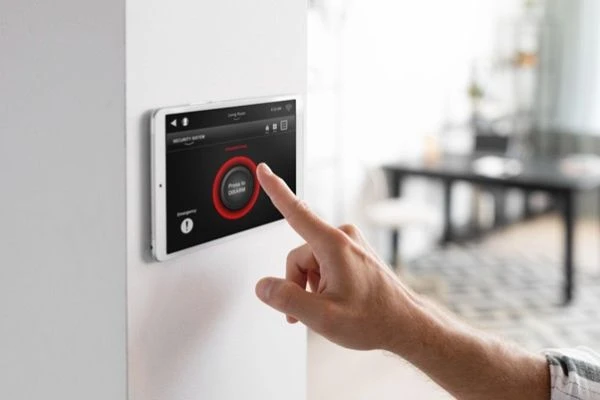
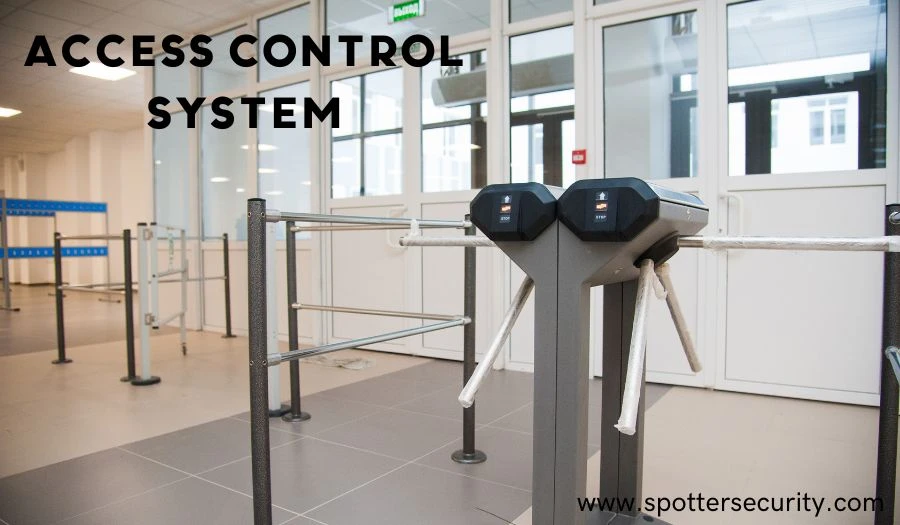
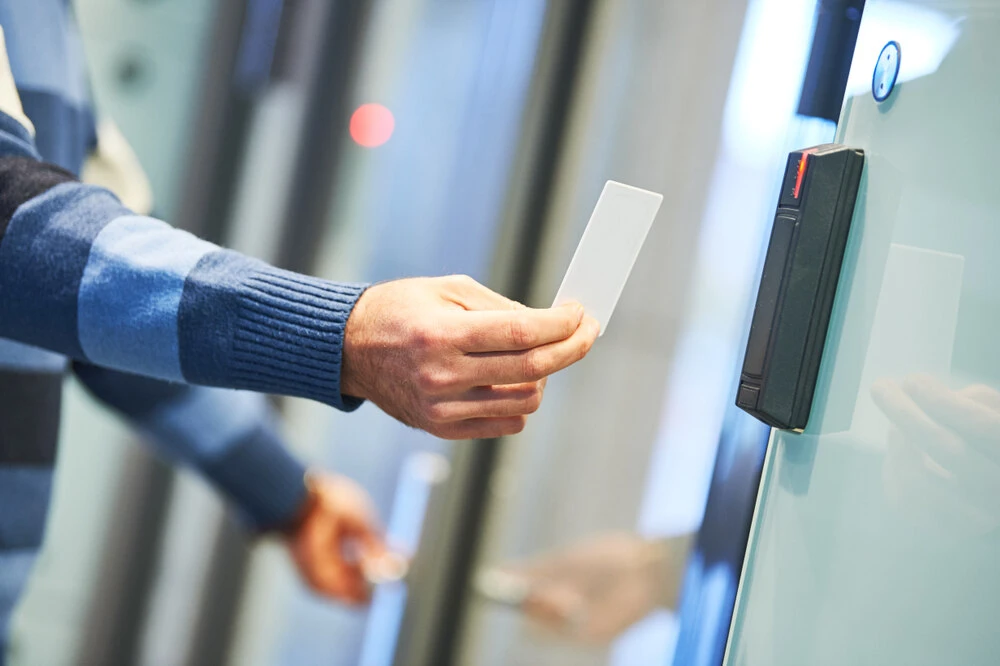
Incorporating Multi-Class Access Control Technologies into your security system can significantly enhance the protective measures of your premises.
This sophisticated technology allows for the differentiation and recognition of various access levels, ensuring that individuals can only enter areas for which they are authorized.
Integrating your Avigilon camera with such technologies can provide a comprehensive security solution, combining video surveillance with advanced access control functionalities. This integration represents a pinnacle in security system sophistication, offering unparalleled protection and peace of mind.
Finalizing the Installation
After configuring your camera and integrating it with any additional security technologies, it’s time to finalize the installation.
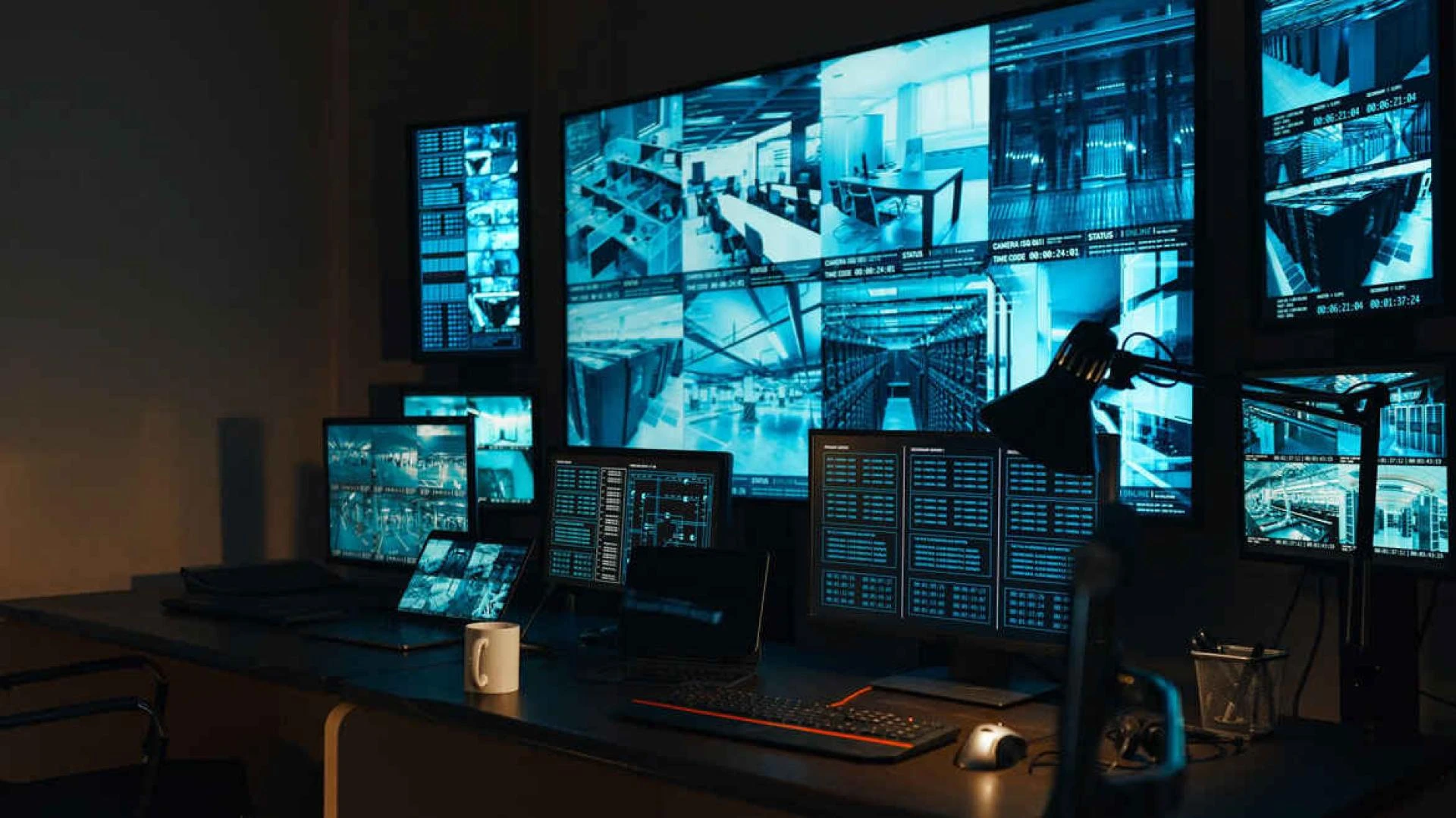
Test your camera to ensure it’s functioning as expected. Monitor the live feed to verify that the camera’s field of view is correctly aligned and that the image quality meets your requirements.
Adjust the camera settings as needed to ensure optimal performance. With these steps complete, your Avigilon camera is now fully operational, providing a robust surveillance solution for your property.
Conclusion
Installing an Avigilon camera is a straightforward process that can significantly enhance the security of your premises. By following this step-by-step guide, you can ensure that your camera is installed correctly and configured to meet your specific security needs.
Remember, the integration of advanced technologies like Multi-Class Access Control Technologies can further augment your security system, offering an additional layer of protection. With your Avigilon camera in place, you can enjoy peace of mind knowing that your property is under vigilant surveillance.
























Sign in to leave a comment.