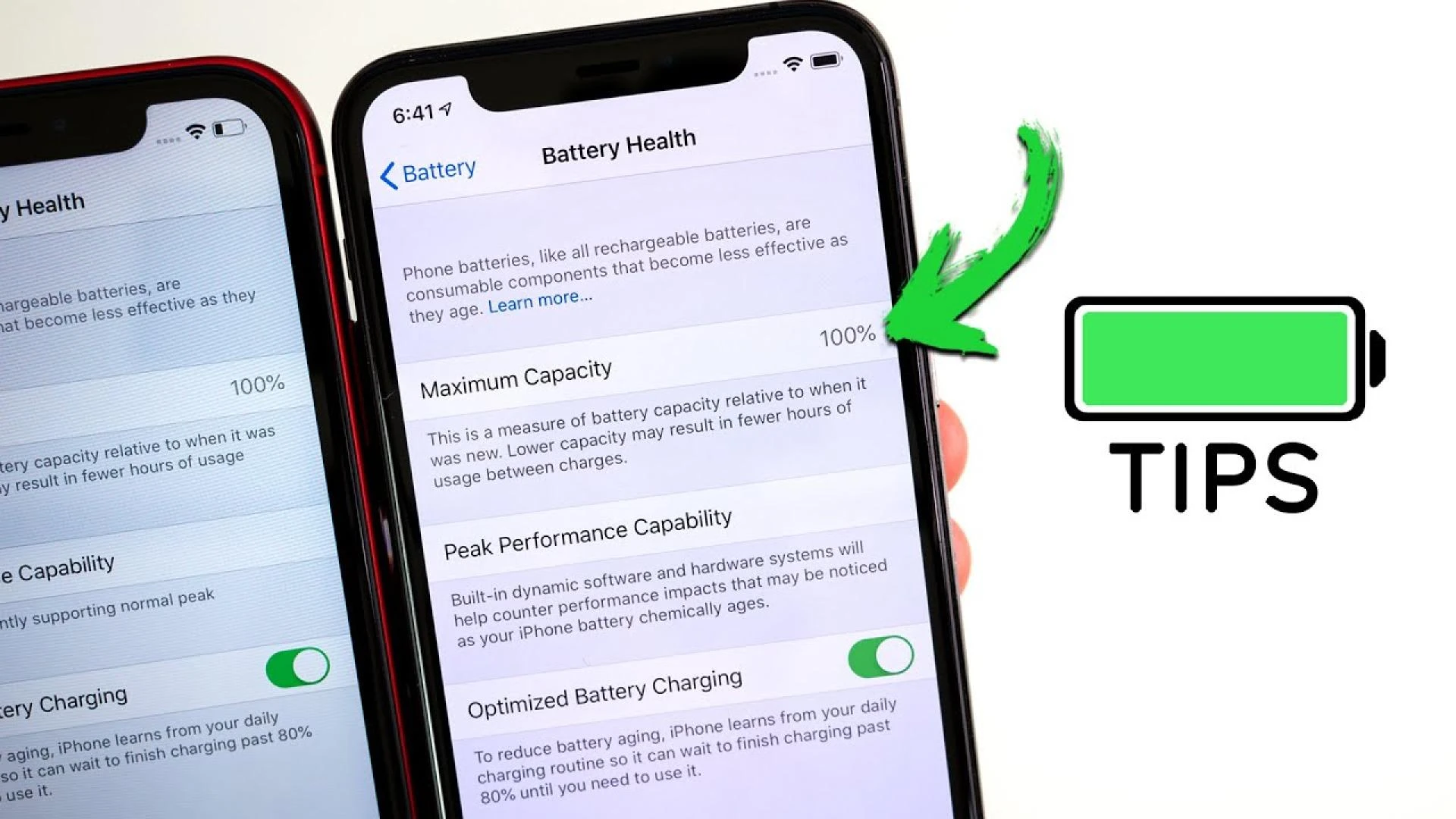

Apple's iPhone is undoubtedly a powerful device, but it requires some care to ensure proper functioning. Most people know that all iPhone users always experience battery health issues. While all iPhones will degrade over time, certain actions can be taken to extend their longevity. One of the most common iPhone issues is the battery. If you overlook taking care of the battery, it may stop working, even when plugged in.
There is no way to assure how long an iPhone's battery will last, as many factors impact its health. In this blog by Cell Phone Parts Canada, we will help you learn some basics to extend and maintain the battery life of your iPhone. Contact us for iPhone 7 battery replacement in Canada. So, let's get back to the blog and learn about your iPhone's battery health.
How to save battery life?
Every user faces a different problem regarding the battery. But, If your iPhone device battery is getting low quickly, then some tricks will save you from a big loss.
Avoid extreme temperatures:
Heat permanently damages the battery's health and causes many issues regarding its overall functionality. It is important to keep your phone at a normal temperature. While extremely cold temperatures damage the battery's health temporarily. Charging in high temperatures is not recommended either. You must make sure you charge your iPhone in normal temperature zones.
Remove cover during charging
Charging generates heat, and people used to enjoy gaming while using the phone. You have no idea how dangerous it is. Your iPhone may heat up while charging, and your battery life decreases its health. You should remove your iPhone's cover if your phone is warm. Always make sure that the heat generated during charging is dissipated properly. Some thick mobile covers trap the heat, leading the iPhone to heat up unnecessarily while charging. This may result in damaging the battery's health.
Overnight charging
iPhone batteries are made with a cut-off point to ensure the device battery doesn't overcharge. This helps to maintain the battery health of your iPhone. But don't ever leave your phone on charging overnight. Moreover, you can turn on Optimized battery charging to ensure you get 100% battery when you wake up every morning without worrying about the whole overnight charging battery damage.
Low power mode
It is a battery saver. Try to use your phone on low Power Mode. It minimizes the amount of power that your iPhone uses. When the battery gets low, it works as an alarm. It gives you the notification to turn off the low power mode. The battery icon changes to a yellow bar whenever it's turned on. The main purpose of this option is to reduce the background activity until your phone is fully charged.
Avoid Updating
Try to avoid automatic updates. Don't download extra updates if you want to keep your iPhone's battery healthy. Sometimes software updates are full of bugs that create permanent issues and damage the battery's health.
These are the tricks that will help you to save the life of your battery. If you are a user of the iPhone, then we are sure this might help you.
An expensive phone means extra care, and you need authentic parts if something worst happens to the phone. Contact us for iPhone 8 screen replacement in Canada at a reasonable price.
Cell phone parts Canada offers you the best prices with 100% original parts. You can't be worried about the service. We are here to solve your issue and provide original accessories and mobile parts.
0



























Sign in to leave a comment.