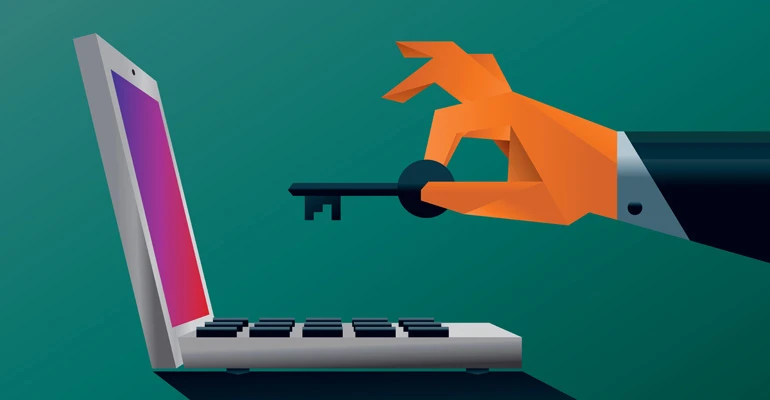

In a world where data is collected and stored on just about everything we do online, it’s important to know how to protect your online privacy. From social media to internet browsing and everything in between, there are steps you can take to keep your information safe. In this blog post, we will explore how to protect your online privacy. From being aware of what information is being collected to using VPNs and more, read on to learn more about how you can keep your data safe.
What is online privacy?
Your online privacy is the degree to which you are protected from having your personal information collected and used by others without your permission. There are a number of ways to protect your online privacy, including using a secure web browser, encrypting your communications, and being cautious about the information you share online.
When you use the internet, you leave a trail of data that can be collected and used by others. This data can include everything from your IP address and browsing history to the contents of your emails and messages. Even something as innocent as liking a Facebook post can give away information about your interests and activities.
That’s why it’s important to be aware of how your personal information can be collected and used, and take steps to protect your online privacy. Using a secure web browser like Mozilla Firefox or Google Chrome can help protect your data from being collected by third-party cookies and other tracking technologies. Encrypting your communications with tools like Pretty Good Privacy (PGP) or Signal can make it much more difficult for someone to eavesdrop on your conversations or read your emails. And being careful about the information you share online—including not sharing sensitive personal information like addresses or credit card numbers—can help keep your data out of the hands of criminals and other bad actors.
According to Master Computer, by taking these steps to protect your online privacy, you can help keep yourself safe from identity theft, fraud, and other malicious activity.
Why is online privacy important?
Online privacy is important for a number of reasons. First, it helps to protect your personal information from being accessed and used without your consent. This includes your name, address, phone number, email address, and any other personal information that you may have entered into websites or online forms.
Second, online privacy helps to prevent identity theft. Identity theft occurs when someone obtains your personal information and uses it to commit fraud or other crimes in your name. This can cause a lot of financial and emotional stress and can take a long time to resolve.
Third, online privacy helps to protect your online activity from being monitored or tracked without your consent. This includes the websites you visit, the searches you conduct, and the content you view or download. Monitoring or tracking of your online activity can be done for a variety of reasons, including marketing research or targeted advertising.
Fourth, online privacy helps to ensure that the information you share online is used in the way that you expect it to be used. When you share information online, you expect it to be used for the purpose for which it was shared. For example, if you share your email address with a website in order to sign up for an account, you expect that website to use your email address only for the purpose of creating and managing your account. However, if that website sells your email address to third-party marketers without your consent, then your privacy has been violated.
Finally, online privacy is important
How to protect your online privacy
In this digital age, it's more important than ever to be aware of how to protect your online privacy. Here are some tips:
1. Use a strong password and never reuse passwords across different accounts.
2. Be careful what you click on - only click links from trusted sources.
3. Keep your software and operating system up to date with the latest security patches.
4. Don't overshare on social media or other online platforms. Think twice before posting anything personal or sensitive online.
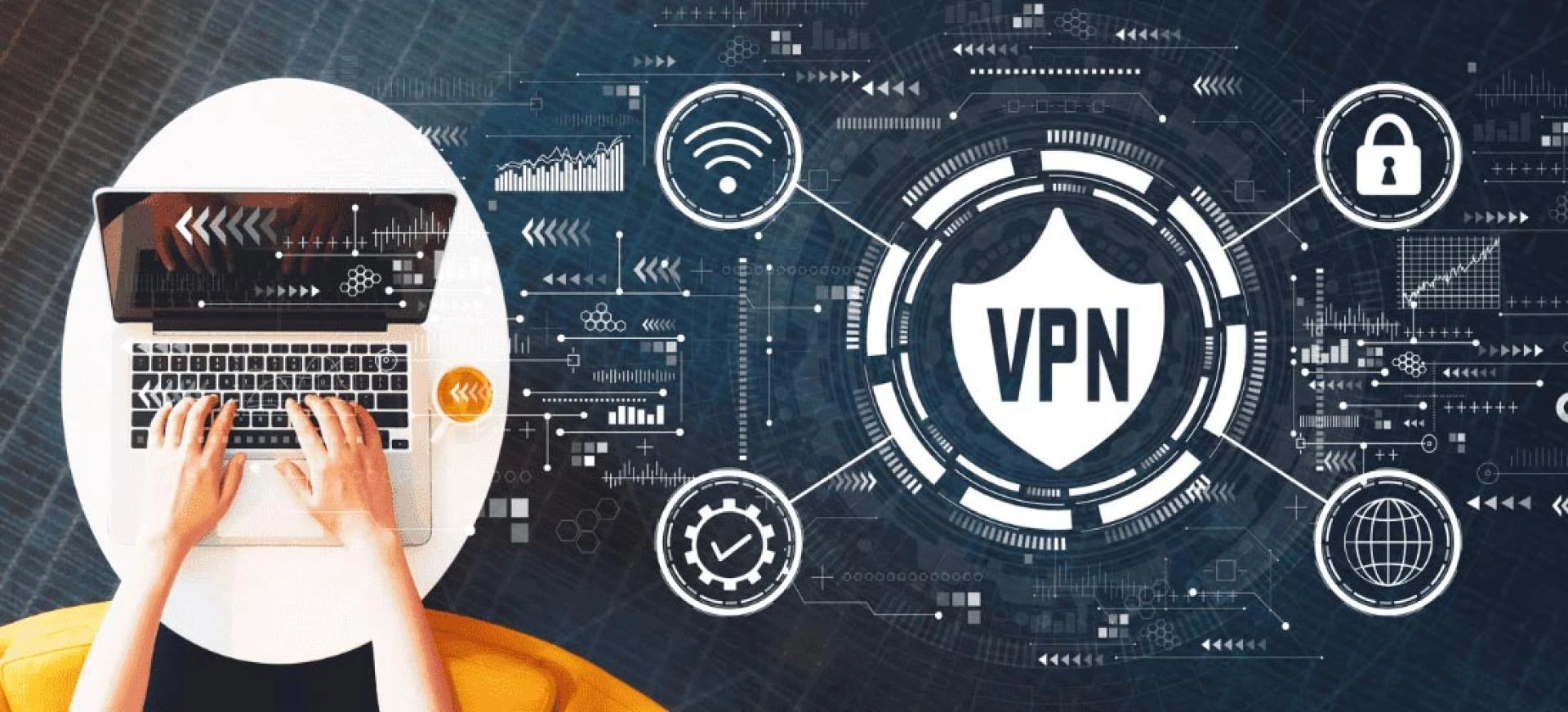
5. Use a VPN (a virtual private network) when connecting to public Wi-Fi networks to encrypt your traffic and keep your data safe from eavesdroppers.
By following these simple tips, you can help protect your online privacy and safeguard your personal information.
Online privacy tips
There are a number of ways to protect your online privacy, and it’s important to be aware of them in order to keep your information safe. Here are some tips:
1. Use a secure browser: A secure browser is one that encrypts your data so that it can’t be read by others. The two most popular secure browsers are Mozilla Firefox and Google Chrome.
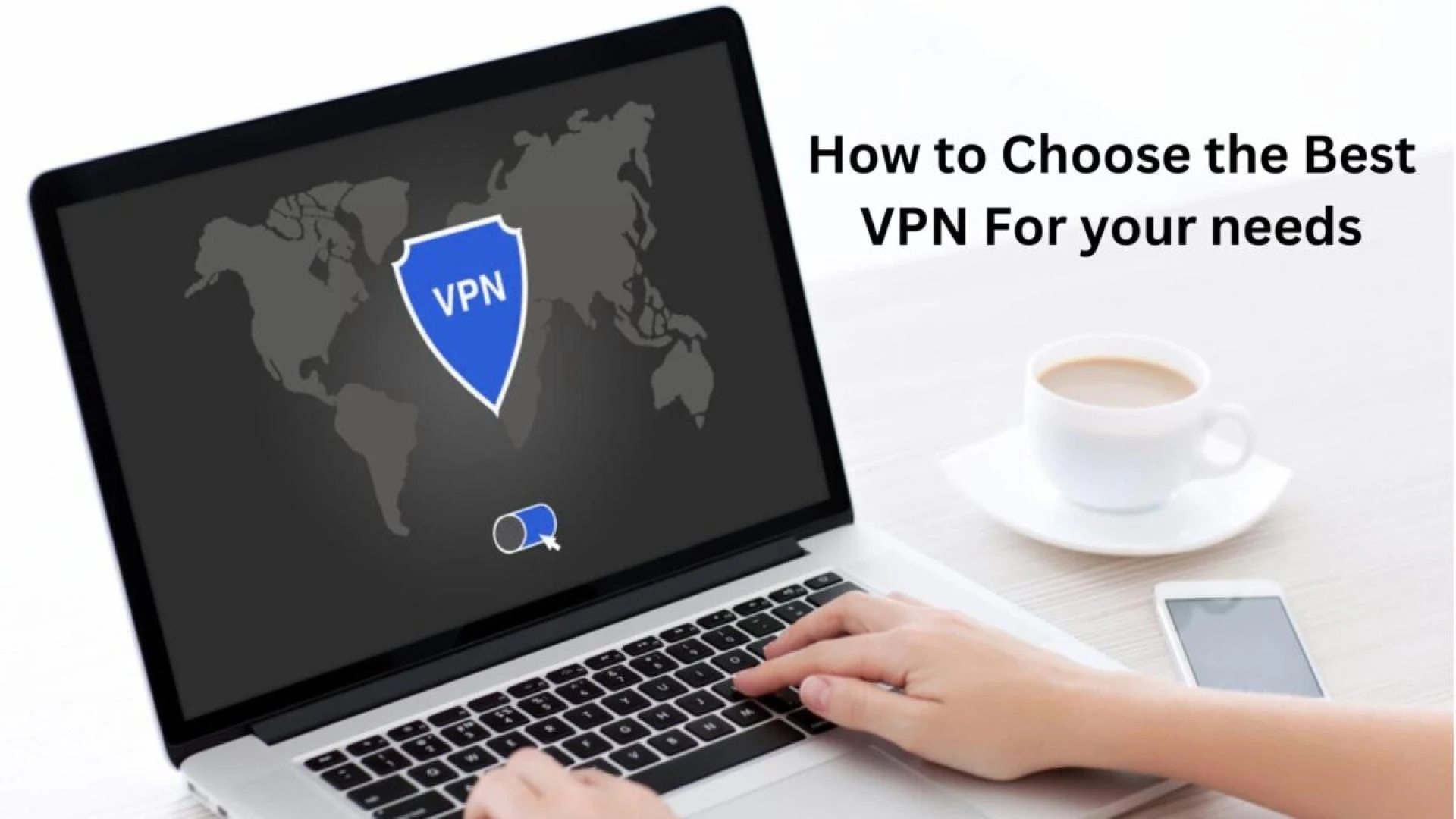
2. Use a VPN: A VPN (a virtual private network) provides an extra layer of security by encrypting your data and routing it through a server so that it can’t be traced back to you. There are many free and paid VPN services available, so find one that fits your needs.
3. Be careful what you click on: Be wary of clicking on links or attachments in emails or instant messages from people you don’t know, as they could contain malware or phishing scams designed to steal your personal information.
4. Keep your software up to date: Make sure you have the latest versions of all your software programs, including your operating system, web browser, and email client. These updates often include security fixes for vulnerabilities that could be exploited by hackers.
5. Use strong passwords: When creating passwords for websites, use a combination of letters, numbers, and symbols, and make sure they are at least 8 characters long. Avoid using easily guessed words like “password” or “123456”. It
Conclusion
There are a lot of ways to protect your online privacy, but the most important thing is to be aware of how you're being tracked and what information you're sharing. Be sure to read the terms and conditions of any website or app before you use it, and think twice before sharing any personal information. Use strong passwords for all your online accounts and don't reuse them, enable two-factor authentication whenever possible, and consider using a VPN when you're on public Wi-Fi. Taking these simple steps can help you keep your data safe and secure.
0







Sign in to leave a comment.