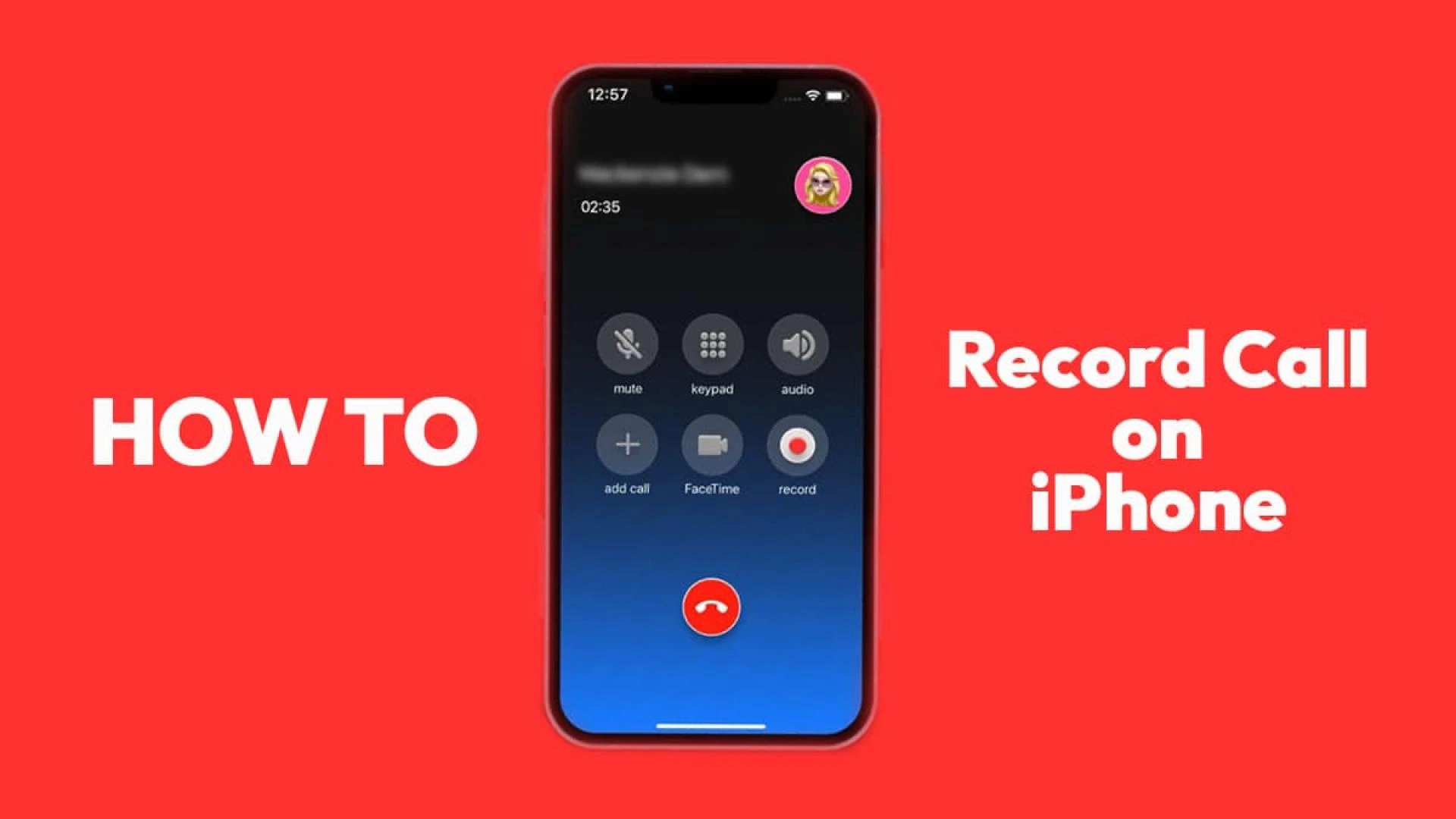

Are you looking for How to Record a phone call on iPhone for free?
The step-by-step guide on this page will show you how to record a phone call on iPhone in 2022 for free and the easiest way. In 2022, there are many reasons to record calls on your iPhones. But Apple cannot provide facilities like Android devices to record incoming and outgoing calls on your smartphones.
On this page, I am going to show you a total of five ways to record calls absolutely for free. The first method is completely free and without downloading any applications and The second method depends on third-party applications. Let’s record with me on your iPhone.
HOW TO RECORD A PHONE CALL ON IPHONE WITHOUT AN APP?
If you are unable to download an app on your iPhone, these two methods help a lot with call recording.
1. VOICEMAIL
Voicemail is the safest and most secure way to record phone calls on iPhone without an app. Voicemail allows you to send voice messages to yourself or in other words to call yourself. So for active voicemail on your iPhone, just dial your number and just follow the steps below.
Call yourself by dialing your own phone number.Next, press 2 to send a message to yourself.Now press # to enable voice recordings.The last step is to add a call button and select the contact of the person you want to talk to.Press the call merge button to record the full conversation of both people.2. RECORDERS
This is a very simple method among all others. All you need is a computer, laptop, iPhone, or any other device like an Android phone. When someone calls you or an important call is received, you just need to enable speaker mode and start recording on the other device. Maybe in an emergency, this method may not work but most of the time it is a very easy way to record a complete conversation without an app or any complicated methods.
Enable iPhone Speaker mode after answering callsUse another recording device such as other smartphones or computersEnable sound recording to record iPhone callsHOW TO RECORD A PHONE CALL ON IPHONE FREE
Let’s check the app that allows you to record calls on your iPhone. We found two main apps that can help record phone conversations without hassle.
1. GOOGLE VOICE
Google Voice provides a new number that you can access on your iPhone and other devices as well. But the way it records phone calls is a bit limited. Just sign up to Google Voice and create a new number based on your country code. Now, call anyone through the Google Voice app and you can also record your phone in this app.
After the call ends, you will receive a new mail from Google Voice, which contains a voicemail of the current conversation that you can download. It’s that simple and we trust Google, right?
2. REV CALL RECORDER
Download the Rev Call Recorder app from App Store and verify your phone number first. After that follow all the steps below.
Verify your phone number with OTPClick on the phone icon at the bottom of the application screen.Now, type the phone number or select from the contact that you want to call and click on the Start Calling button.Next, you need to click on Call Rev’s recorder button to start recording and connect the call.After the call is finished, click on the Recordings tab to check and download previous call recordings.FAQ:
CAN YOU RECORD CALLS ON YOUR IPHONE?
Yes, we can record any incoming as well as an outgoing call on iPhone in 2022.
CALL RECORDING IS LEGAL IN THE US?
No, it is not legal to record calls in many US countries without permission from other ends.
Note:
In most countries, it is not legal to record calls without permissionBefore using any call recording method, ask themIf you record any calls, please store them in your safe storageDo not share call recordings for privacy purposes.That’s it. We hope this post will help you a lot in recording your iPhone while calling. Also, let us know in the comment box which method you have tried.









Sign in to leave a comment.