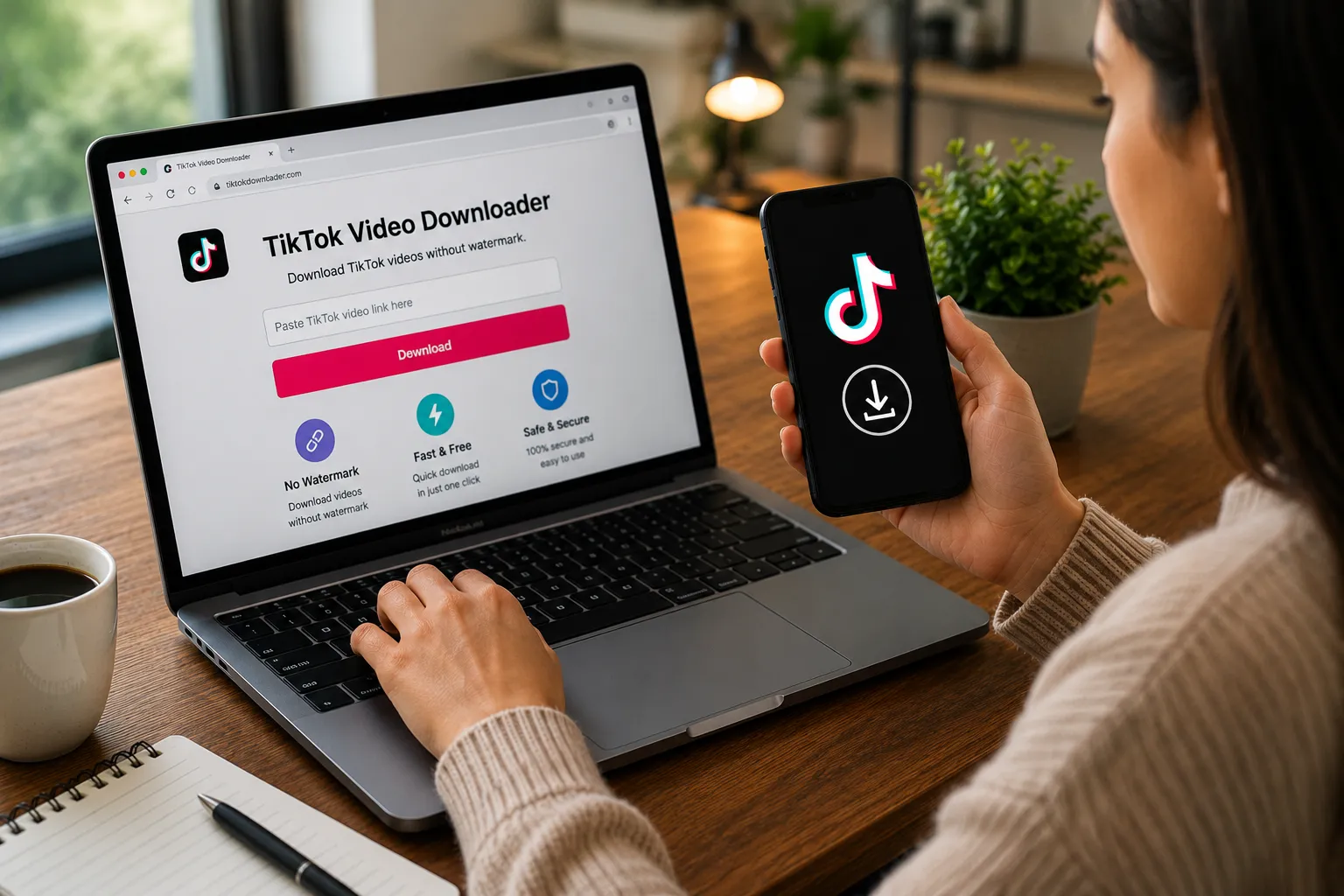

High-definition TikTok videos can preserve small details, sharp text, facial features, product visuals, and fast-moving scenes more effectively than heavily compressed copies. This makes HD saving useful when a video is being kept for offline viewing, personal reference, or future editing.
The quality of a saved video depends on more than simply selecting an “HD” option. The original upload, available resolution, compression, output settings, internet connection, and downloading method can all influence the final result. A larger file does not automatically mean better quality if the source itself is already low resolution.

For mobile users in particular, there is also a balance between clarity and storage. High-quality videos can occupy considerably more space than standard versions, so selecting an appropriate output rather than downloading everything at the maximum setting is often more practical.
What Does HD Mean for a TikTok Video?
HD generally refers to video with a relatively high level of resolution compared with standard-definition footage. Depending on the source and available options, users may encounter different resolutions when attempting to save a TikTok video.
Resolution describes the number of pixels used to display the image. More pixels can provide greater visual detail, but resolution is only one part of overall quality. Compression, bitrate, source recording quality, lighting, and the original upload can also affect how clear a video looks.
A video recorded with good lighting and detail may remain visually strong after compression, while a poorly captured source may look soft even when saved at a higher resolution.
For this reason, HD downloading should be understood as preserving the best available version rather than magically upgrading a low-quality source.
Why Save TikTok Videos in High Quality?
Higher-quality files can be particularly useful when a video contains information that needs to remain readable. Tutorials, demonstrations, product showcases, recipes, educational clips, and videos containing small on-screen text can benefit from greater clarity.
HD copies can also be preferable on larger displays. A file that looks perfectly acceptable on a smartphone may appear less detailed when viewed on a laptop, monitor, or television.
Another reason is personal archiving. If a user wants to retain an important reference video for a longer period, keeping the best available version can reduce the need to locate the original post again.
However, maximum quality is not always necessary. For quick viewing on a small phone screen, a lower-quality version may be sufficient and considerably easier to store.
Check the Original Video Before Downloading
The source video establishes the quality ceiling for the downloaded copy. If the original upload is blurry, heavily compressed, or recorded at a low resolution, an online downloader cannot genuinely restore the missing detail.
This is an important distinction when comparing different downloading options. Two services may advertise HD output, but neither can create information that was never present in the source.
Look at the original video carefully before deciding which quality to choose. If fine details already appear soft in TikTok, selecting a larger output file may only increase the file size without producing a meaningful improvement.
The best result usually comes from preserving the highest-quality version that is actually available rather than artificially increasing the resolution.
How to Save a TikTok Video in HD Online
Start by locating the TikTok video you want to keep and obtain its shareable URL through the platform's sharing controls. The original link gives the online service the information needed to identify the selected post.
Open a compatible browser and access a service that supports TikTok video downloading. Paste the copied URL into the designated input area and submit it for processing.
When the available options appear, look for the highest-quality video option that the source actually provides. Depending on the service, the choices may be labeled according to resolution, quality, or file type.
Select the appropriate option and allow the browser to complete the transfer. Once the file has been saved, check the downloaded video's properties or playback information if you want to verify its resolution.
Free HD TikTok Downloader
For users looking for a browser-based option, SnapTikk.io can be used to process supported TikTok video links without requiring a dedicated desktop or mobile application. This makes it convenient for users who want to access the downloading process directly through a browser.
A web-based workflow can also be useful when working across different devices. Instead of maintaining separate downloading software on a phone and computer, users can access the service through their existing browser.
When saving a video, users should review the available quality options and select the version that best matches the source and their intended use. Choosing an HD option is most useful when the original content contains sufficient detail to benefit from it.
The resulting file can then be handled through the device's normal storage and file-management tools.
Using a Downloader for Higher-Quality Files
A TikTok video downloader can simplify the process of obtaining an available high-quality version without requiring users to work with complicated video software.
This is useful when the goal is simply to save a clip rather than manually capture the screen and edit the recording afterward. A direct file can also avoid some of the quality limitations associated with screen recording.
Users should still examine the output rather than relying only on a quality label. The final appearance depends on the source material and the way the service processes the file.
If two versions are available, comparing their resolution and file size can help determine whether the larger option provides a noticeable improvement.
HD Downloading on Android Phones
Android users can save high-quality TikTok videos through a mobile browser when the relevant online service supports the source. After processing the video link, the resulting file can usually be accessed through the browser's download section or the phone's file manager.
The main consideration on Android is storage. High-definition videos can consume substantially more space than smaller versions, especially when downloading several clips.
Users who frequently save HD material should periodically review their Downloads folder. Removing duplicates and videos that are no longer needed can prevent media files from taking over available storage.
It can also be useful to create separate folders for different types of content. This makes large collections easier to navigate and reduces the need to search through unrelated files.
HD Downloads on iPhone
iPhone users can similarly work through a browser and manage downloaded files using the device's file-management system. Once the video has been processed, the saved file can generally be accessed through the browser's download controls or the Files application.
Because high-quality videos can be relatively large, available storage should be checked before downloading multiple clips.
Users can move important videos into organized folders after downloading. This can be particularly helpful when HD files are being retained for reference rather than immediately deleted after viewing.
If a video is intended for later editing, keeping the highest useful source quality may be worthwhile. For simple offline viewing, however, a smaller version may provide a better balance between clarity and storage.
Saving HD TikTok Videos on a Computer
Computers offer additional storage and file-management flexibility, making them suitable for users who maintain larger video collections. After processing a TikTok URL through a browser, the resulting file can normally be saved to the computer's Downloads folder.
From there, the video can be moved into project-specific directories or organized according to topic and date. Descriptive filenames can also make individual files easier to identify later.
A computer may be particularly useful when HD videos are intended for personal editing. Larger screens make quality differences easier to inspect, while additional storage can accommodate larger media files.
Even with greater storage capacity, it is still useful to remove unnecessary copies and failed downloads so that the collection remains manageable.
How Resolution Affects Video Quality
Resolution refers to the dimensions of the video image in pixels. A higher-resolution file can contain more visual information, but resolution alone does not determine whether a video looks good.
Bitrate and compression also matter. A highly compressed file can lose detail even when its nominal resolution appears high.
The original recording quality is equally important. A well-lit, sharply captured video can look better at a moderate resolution than a poorly recorded video saved at a much larger resolution.
When choosing an HD download, users should therefore consider the complete picture rather than focusing exclusively on the resolution number displayed by the service.
HD Does Not Always Mean the Largest File
A common mistake is assuming that the biggest downloadable file must be the best option. File size can provide clues about quality, but it is not a complete quality measurement.
A larger file may contain a higher resolution, less compression, or simply a different encoding configuration. Without knowing the source and technical properties, size alone cannot establish which version will look better.
For everyday smartphone viewing, a moderate HD file may be more practical than an extremely large version. The difference may be difficult to notice on a small screen while the storage cost remains significant.
The best selection is the highest-quality version that provides a meaningful visual benefit for the intended use.
HD Versus Screen Recording
Screen recording captures the video as it appears on a particular device rather than preserving the source file directly. This can introduce additional compression or capture unwanted interface elements.
It also requires the entire video to play while the recording is being created. If the recording settings are not optimized, the result may be softer than the original content.
When direct downloading is available, obtaining the actual video file can be a more efficient way to preserve its available quality. The user does not have to play the entire clip during the saving process.
Screen recording can still be useful when direct downloading is unavailable, but it should not automatically be considered equivalent to obtaining the original-quality video.
Internet Speed and HD Downloads
High-quality videos generally contain larger amounts of data, so download duration can increase when compared with smaller versions.
A stable connection is therefore particularly useful when saving HD files. An interrupted transfer may produce an incomplete or corrupted file, requiring the process to be repeated.
Users relying on mobile data should also consider their data allowance. Several high-resolution downloads can consume a noticeable amount of bandwidth.
For larger files, a reliable Wi-Fi connection may be more practical, particularly when downloading multiple videos in succession.
What If the HD Option Is Not Available?
Not every TikTok video will provide the same quality choices. The source may have been uploaded at a lower resolution, or the particular service may not be able to retrieve every available version.
If an HD option does not appear, increasing the resolution through another setting does not necessarily improve the underlying video. The limitation may originate from the source rather than the downloader.
Users can check whether the original TikTok video itself appears sharp and detailed. If it already looks low quality, a higher-resolution download is unlikely to produce a genuine improvement.
If the source appears high quality but the downloader provides only a lower-quality option, the limitation may relate to the service's current processing capabilities.
Common Problems With HD Video Downloads
A download can fail for several reasons. An incorrectly copied URL may prevent the service from identifying the video, while a deleted or restricted post may no longer be accessible.
Internet instability can also interrupt larger transfers. Because HD files contain more data, a weak connection can make the process more noticeable than with a smaller download.
Browser issues may contribute as well. Cached information, blocked scripts, or incompatible settings can interfere with the webpage's normal operation.
If a download repeatedly fails, copying the URL again, refreshing the browser session, checking the internet connection, or trying another compatible browser can help determine the cause.
Managing Storage After Saving HD Videos
High-quality video collections can grow quickly. A few clips may have little impact, but dozens of HD files can occupy a substantial portion of a phone or computer's available storage.
Organizing videos into folders makes it easier to identify which files are important and which can eventually be removed.
Users can also review duplicate files and unnecessary downloads periodically. Keeping only useful versions prevents multiple copies of the same video from consuming space.
For long-term collections, external storage or another appropriate personal storage solution may be considered when local device capacity becomes limited.
Privacy and Security During HD Downloads
A basic online downloading task should generally revolve around the video URL. Users should be cautious if a third-party service asks for TikTok passwords, private account credentials, payment information, or other unrelated sensitive details.
Unexpected software installation requests should also receive attention. A website that claims an unfamiliar application or extension is required for a basic browser download should be approached carefully.
Users should also distinguish legitimate download controls from advertisements or redirects. Clicking unfamiliar buttons can lead to unrelated pages or unwanted files.
Maintaining normal browser security settings and avoiding unnecessary permissions can reduce avoidable risks when using online services.
Responsible Use of HD TikTok Videos
Saving a high-quality copy does not change the ownership of the original content. The creator may retain rights over the footage, while music, graphics, narration, or other elements can involve additional rights holders.
An HD file may be kept for personal offline viewing without becoming automatically available for public redistribution. Reposting it elsewhere, incorporating it into commercial material, or presenting it as original work can raise copyright or platform-policy concerns.
Removing a watermark or downloading the highest available resolution does not provide a license to reuse the content.
Users intending to publish or commercially use another creator's video should determine whether appropriate permission or licensing exists before doing so.
Choosing the Best HD Version for Your Needs
The best HD download is not necessarily the largest file available. The right choice depends on the source quality, viewing device, storage capacity, internet connection, and intended purpose.
For a phone-based personal collection, a balanced HD version may provide enough clarity without consuming excessive space. For editing or viewing on a larger screen, preserving the highest available source quality may be more valuable.
Checking the actual output rather than relying solely on labels is useful when quality matters. Resolution, file size, visual sharpness, and compression should be considered together.
This approach allows users to preserve TikTok videos at a quality level that is genuinely useful while avoiding unnecessary storage, bandwidth, and file-management costs.



























Sign in to leave a comment.