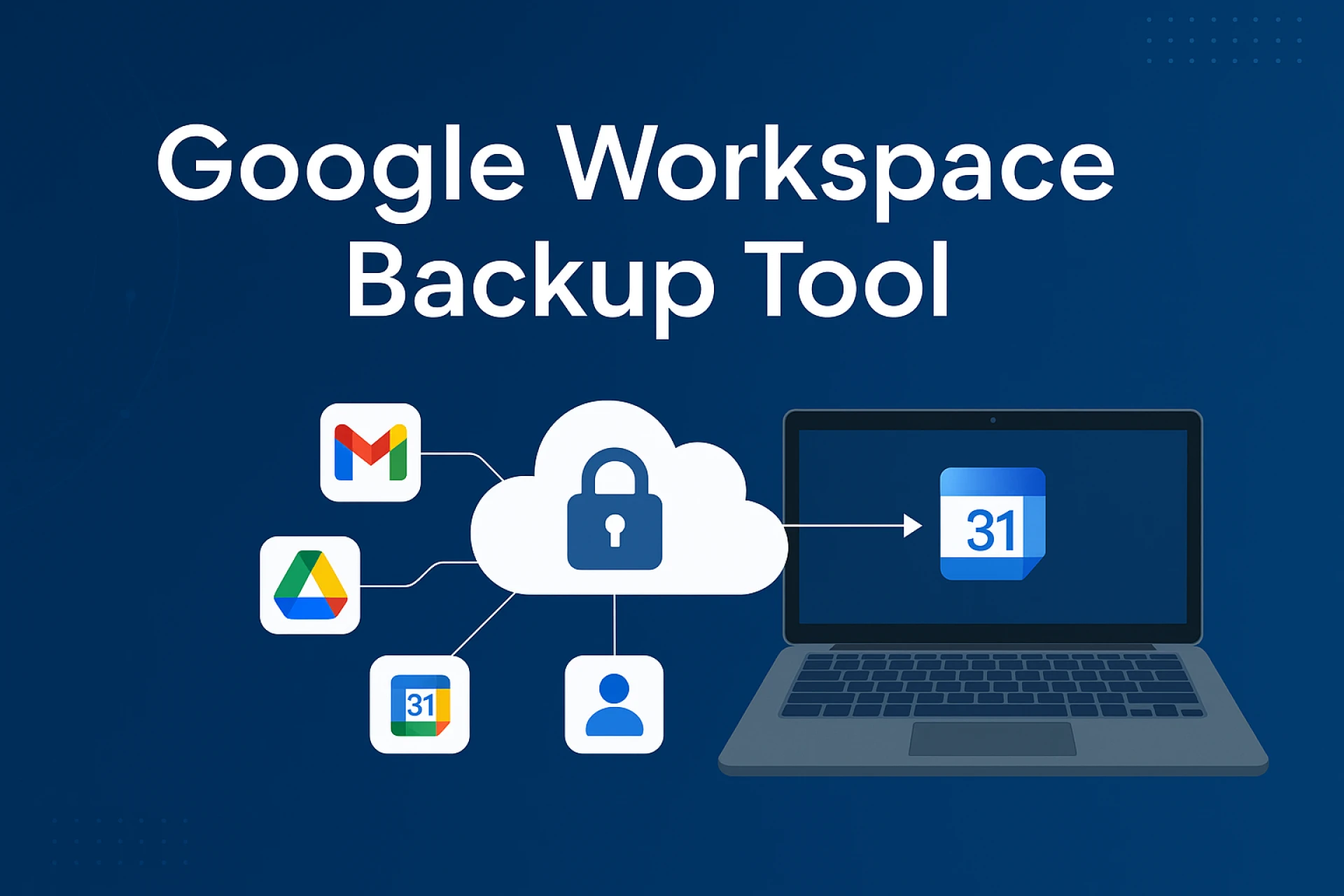

Google Workspace (formerly G Suite ) powers millions of businesses for email, calendar, docs, and team collaboration in a cloud-first world today. But here's the tough question:
Are you sure your Google Workspace is totally safe from unintentional deletions, hacking or user mistakes?
Security (Google offers security and redundancy, but not a full backup or point-in-time recovery). In those cases, a dedicated solution for Google Workspace backup is necessary; this article will explain why and how to choose one
Risk of Not Backing Up Google Workspace
It’s a common misconception that Google automatically backs up your data in a way that allows full recovery. While Google provides basic tools like version history and trash folders, they are time-bound (usually 30 days) and don’t cover all scenarios.
Real-world threats include:
- Accidental deletion of critical emails or files
- Malicious deletion by ex-employees
- Ransomware or malware attacks
- Sync errors that overwrite or corrupt files
- Loss of access due to human error or deactivation
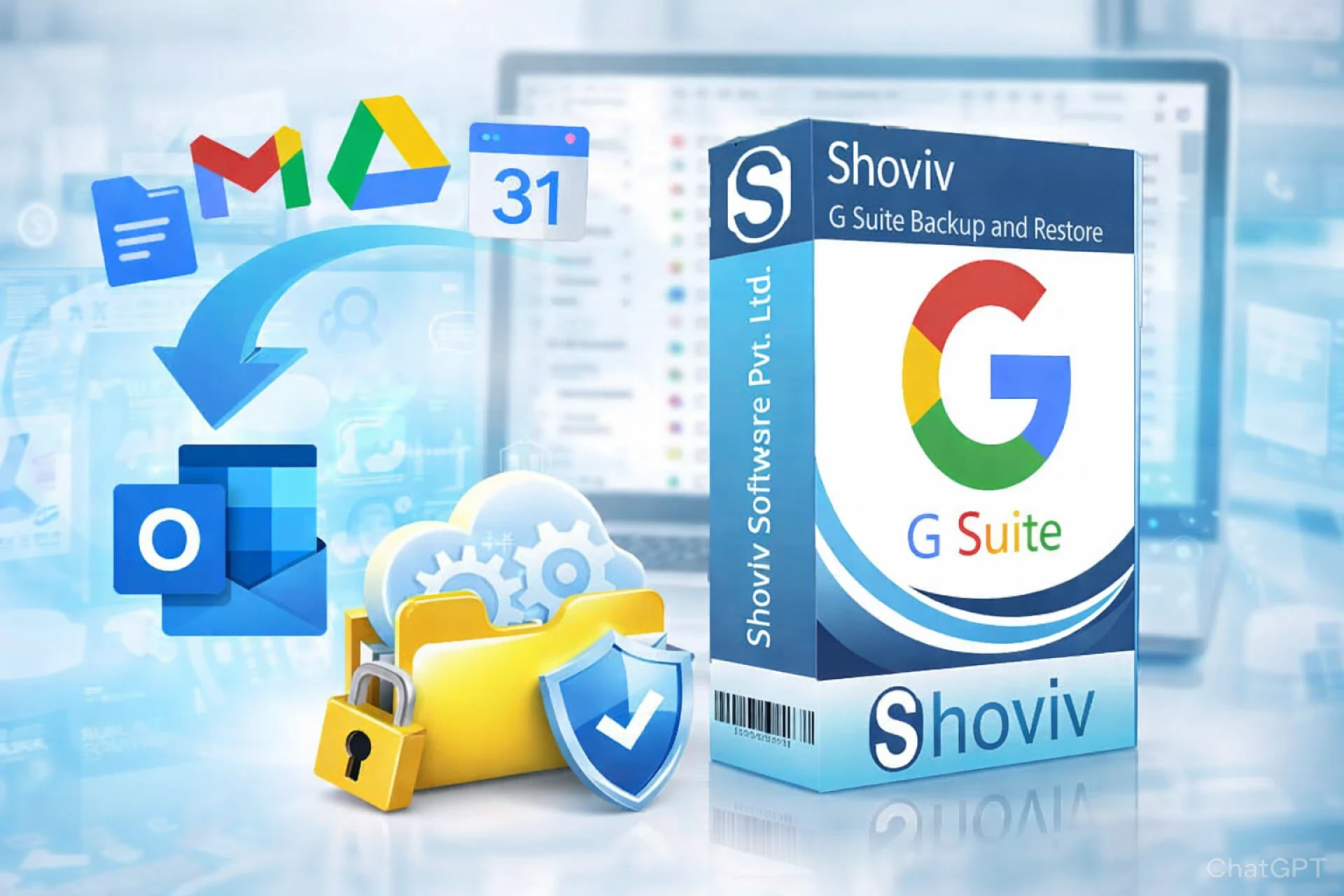
Shoviv Google Workspace Backup Tool: Reliable Protection You Can Trust
To fill these gaps, businesses are turning to dedicated Shoviv Google Workspace backup software, and it is a trusted name in this domain.
What makes Shoviv stand out?
1-Comprehensive Backup Coverage – Gmail, Google Drive (including Shared Drives), Contacts, Calendars, and more
2-Incremental Backup – Only backs up new or changed data to save space and time
3-Granular Restore – Recover a single email, folder, or contact without restoring the whole account
4-User-friendly Dashboard – Easy to manage and monitor all backup jobs
5-Secure Storage Options – Backup to local systems or cloud of your choice
6- No data loss during migration – Ideal for businesses switching domains or platforms

Who Should Use a Google Workspace Backup Tool?
This isn’t just for large enterprises. In 2025, every organization using Google Workspace—regardless of size or industry—should consider a backup solution.
- Startups & SMEs: Affordable protection from costly data loss
- Educational Institutions: Secure student and faculty data
- Enterprises: Meet compliance and data retention requirements
- Freelancers & Teams: Keep project files safe from accidental deletion
Final Thoughts: Don’t Wait for a Data Loss Incident
Relying solely on Google’s built-in tools is not enough. In the modern digital workspace, where data is constantly shared, edited, and moved, accidents are inevitable.
A robust, third-party Google Workspace backup solution like Shoviv gives you peace of mind with automatic backups, flexible recovery options, and long-term data retention.
Read more to backup Google Workspace mailbox

























Sign in to leave a comment.