
Understanding the Importance of Email Backup
Google Workspace is widely used for managing business communication, but relying entirely on cloud storage can sometimes be risky. While Google ensures high availability, it does not fully protect against accidental deletion, cyber threats, or data loss caused by human error. Emails once permanently deleted may not always be recoverable.
Backing up Google Workspace emails to local storage gives users an extra layer of security and control. It ensures that important conversations, attachments, and records remain accessible even if something goes wrong in the cloud environment.
Challenges with Manual Backup Methods
Many users try to use native methods like Google Takeout to export their emails. However, these approaches often come with limitations. Manual backups can be time-consuming, especially when dealing with multiple accounts or large volumes of data. There is also a lack of automation, meaning users must repeat the process regularly to keep backups updated.
Another common issue is the difficulty in restoring data back into Google Workspace or other email clients. These challenges make manual methods less practical for businesses or professionals who require consistent and reliable backups.
Simplifying the Process with Shoviv Backup Tool
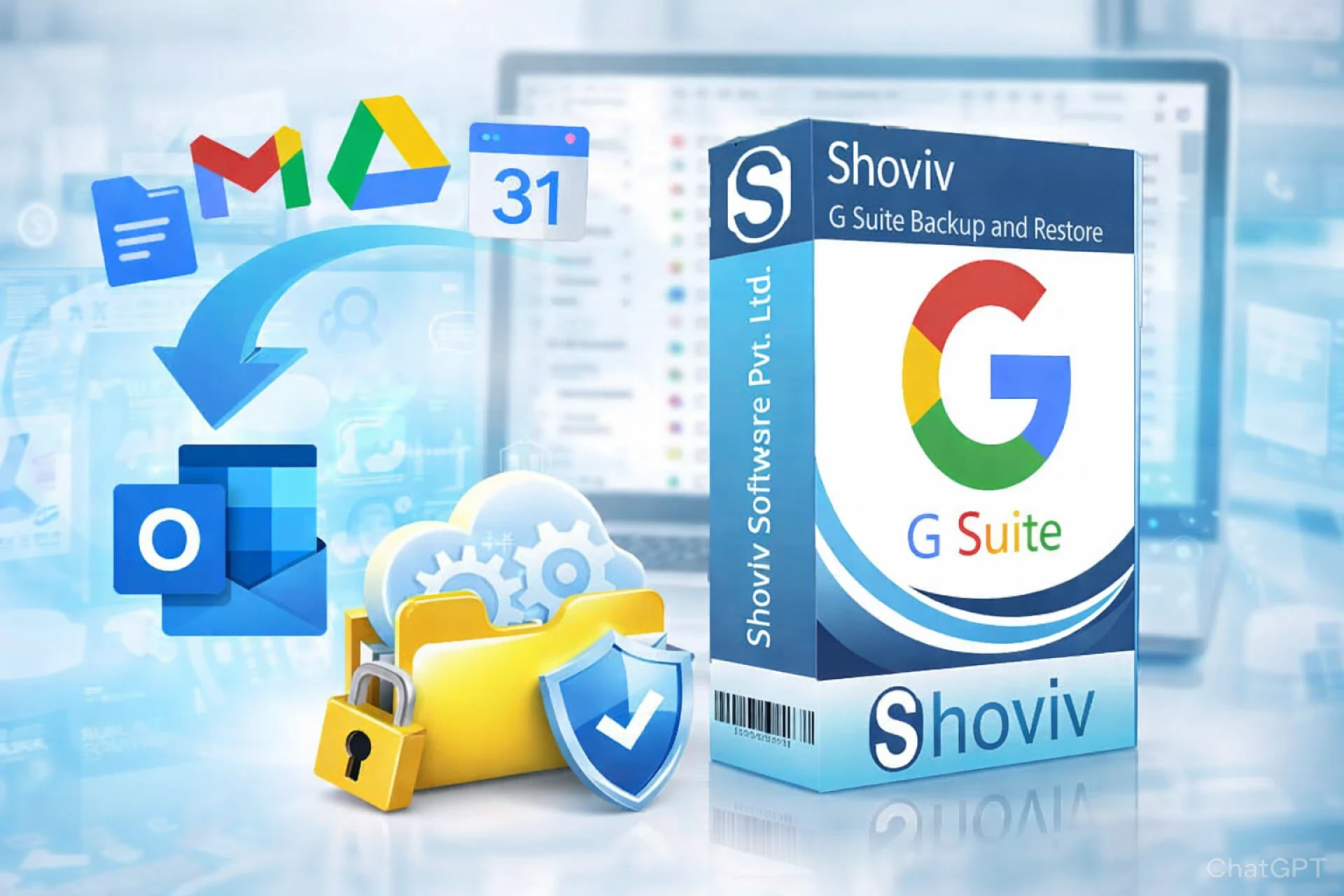
To overcome these challenges, the Shoviv Google Workspace Backup Tool provides a streamlined and efficient solution. It allows users to back up Google Workspace emails directly to local storage without complex steps. The tool supports multiple export formats such as PST, MBOX, EML, and MSG, making it easier to access emails across different platforms.

Shoviv is designed to handle both individual and bulk mailbox backups, making it suitable for organizations of all sizes. With its simple interface, even non-technical users can perform backups without difficulty.
Smart Features That Enhance Backup Efficiency
One of the key strengths of Shoviv lies in its advanced features. The tool offers incremental backup, which ensures that only new or modified emails are saved after the initial backup, reducing duplication and saving time. It also includes a scheduling option, allowing users to automate backups daily, weekly, or at custom intervals.
Additionally, users can apply filters to back up specific data based on date range or folder selection. This level of flexibility helps in managing storage efficiently and focusing only on important data. The tool also maintains data integrity and folder hierarchy throughout the backup process.
Advantages of Storing Emails Locally
Backing up emails to local storage provides several benefits. It ensures quick access to data without needing an internet connection and protects against unexpected service outages. Local backups also help organizations meet compliance requirements by maintaining secure records of communication.
Moreover, having a separate copy of emails reduces dependency on a single platform and provides peace of mind in case of emergencies. It is a proactive approach to data management that supports long-term business continuity.
Final Thoughts
Backing up Google Workspace emails to local storage is a smart and necessary step for anyone who values their data. While manual methods may work for small tasks, they often fall short when it comes to efficiency and reliability.
Using a professional solution like the Shoviv Google Workspace Backup Tool simplifies the entire process with automation, flexibility, and advanced features. By implementing a proper backup strategy, users can ensure their emails remain safe, accessible, and fully under their control at all times.
Read more to Backup Google Workspace Mailboxes.




























Sign in to leave a comment.