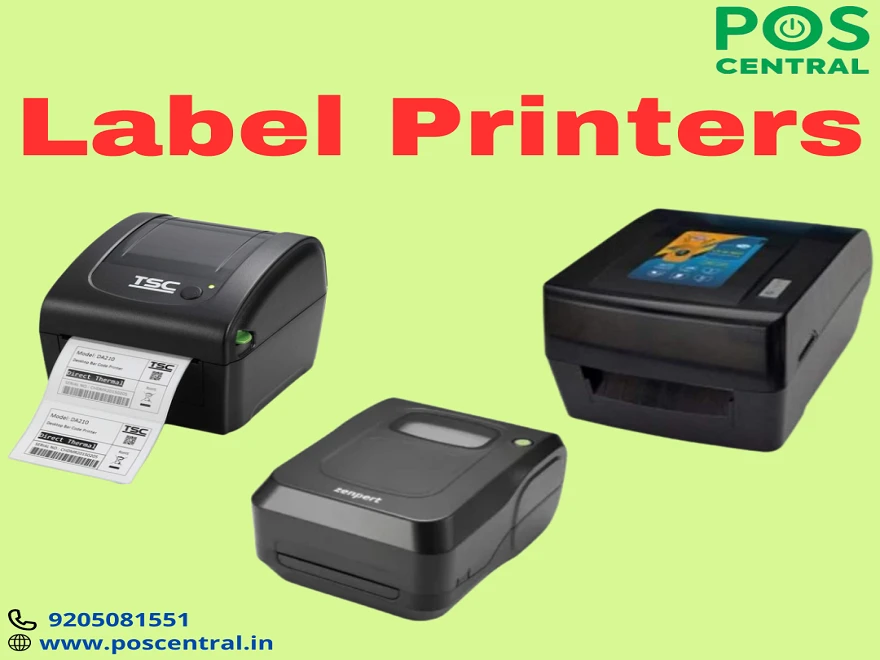

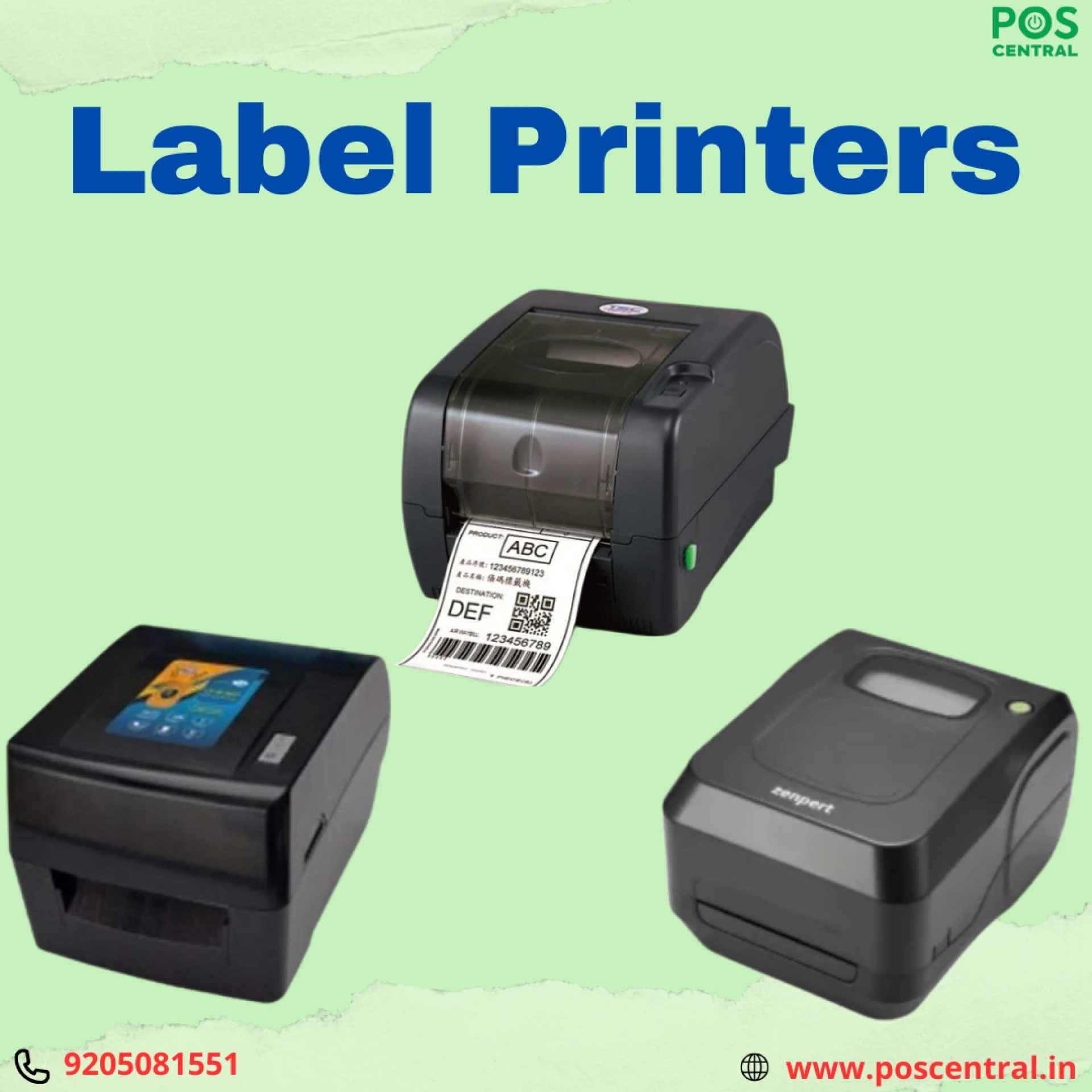
Having the right tools is crucial when achieving efficient and organized business operations. A label printer is a tool that plays a significant role in labeling products, inventory, and documents. Selecting the right one for enduring performance can streamline your processes, save time, and ensure professional-quality results.
Understand Your Labeling Requirements
Before diving into the options, assess your specific needs. What do you need the label printer for? Are you labeling products, organizing inventory, or creating shipping labels? Your purpose will influence the type of label maker machine you should choose. For example:
- Product Labeling: Opt for a label printing machine that produces clear, durable labels with customizable designs.
- Shipping and Logistics: It is designed for fast, high-volume printing and is ideal for shipping labels.
- Home or Office Use: A handheld label printer can provide portability and ease of use for smaller-scale tasks.
Understanding your requirements will help you narrow down the options that best suit your needs.
Types of Label Printers
Label printers come in various types, each suited to specific tasks. Here’s a quick overview:
- Thermal Printers: These are widely used for high-speed printing without the need for ink or toner. They’re ideal for shipping and product labels.
- Inkjet Printers: Perfect for creating colourful, detailed labels for branding or decorative purposes.
- Laser Printers: Known for their sharp and precise prints, these are excellent for professional-quality results.
- Handheld Label Printers: Compact and portable, these are great for on-the-go tasks or quick labelling needs.
Choosing the best label printer depends on your workload, budget, and the level of detail you require in your labels.
Features to Look for in a Reliable Label Printer
Not all label printers are created equal, and the features they offer can significantly impact your overall experience. Here are some must-have features to consider:
1. Print Speed and Resolution
A fast label maker printer with high resolution ensures that your labels are produced quickly and look professional. If you’re managing a business with heavy labeling needs, prioritize speed without compromising quality.
2. Connectivity Options
Modern label printers often come with various connectivity options, such as USB, Wi-Fi, or Bluetooth. Wireless connectivity allows you to print from multiple devices, making the process seamless and efficient.
3. Durability and Build Quality
For enduring performance, choose a label machine made from robust materials. This is especially important if you’ll be using the printer in industrial or high-demand environments.
4. Customizability
A printer that allows you to customize label sizes, fonts, and designs will provide greater flexibility. This is particularly useful for businesses that require unique branding on their labels.
5. Ease of Use
User-friendly operation is key, especially if multiple team members will be using the printer. Look for intuitive controls, easy loading mechanisms, and straightforward software.
Advantages of Buying a Label Printer Online
When considering a purchase, many people prefer to buy label printer online for their convenience and variety. Here’s why this option stands out:
- Extensive Options: Online platforms offer a wide range of choices, allowing you to compare features and prices easily.
- Customer Reviews: Reading reviews from other buyers can provide valuable insights into the performance and reliability of the product.
- Convenience: Buying online saves time and effort, with the added advantage of doorstep delivery.
However, ensure that you buy from reputable sellers to guarantee product authenticity and quality.
Maintenance Tips for Long-Lasting Performance
To get the most out of your label printing machine, regular maintenance is essential. Here are some tips to ensure enduring performance:
- Clean Regularly: Dust and debris can affect the printer’s functionality. Clean the print head and rollers periodically.
- Use Quality Labels: Invest in good-quality labels that won’t jam the printer or damage its components.
- Avoid Overloading: Follow the printer’s capacity guidelines to prevent wear and tear.
- Software Updates: Keep the printer’s software or firmware updated to ensure optimal performance.
Proper care will not only extend the life of your printer but also ensure consistent results over time.
Why Choosing the Right Printer Matters
The right label printer can make a significant difference in your daily operations. It enhances efficiency, reduces errors, and elevates the professionalism of your labels. Whether you’re managing inventory in a warehouse, labeling products for retail, or organizing files in your office, a reliable printer is an invaluable asset.
Explore Options in India
If you’re looking for a label printer India, you’ll find a wide variety of options tailored to different needs and budgets. From compact handheld label printers to high-performance industrial machines, the Indian market offers something for everyone. Investing in the right printer ensures that your labelling tasks are handled effortlessly and professionally.
Choosing the ideal label printer requires careful consideration of your specific needs, the printer’s features, and your long-term goals. By investing in a durable, efficient, and user-friendly label maker machine, you’ll streamline your operations and achieve excellent results. To explore high-quality label printers and make the best choice, check out the options available at POS Central, where performance meets reliability.

























Sign in to leave a comment.