

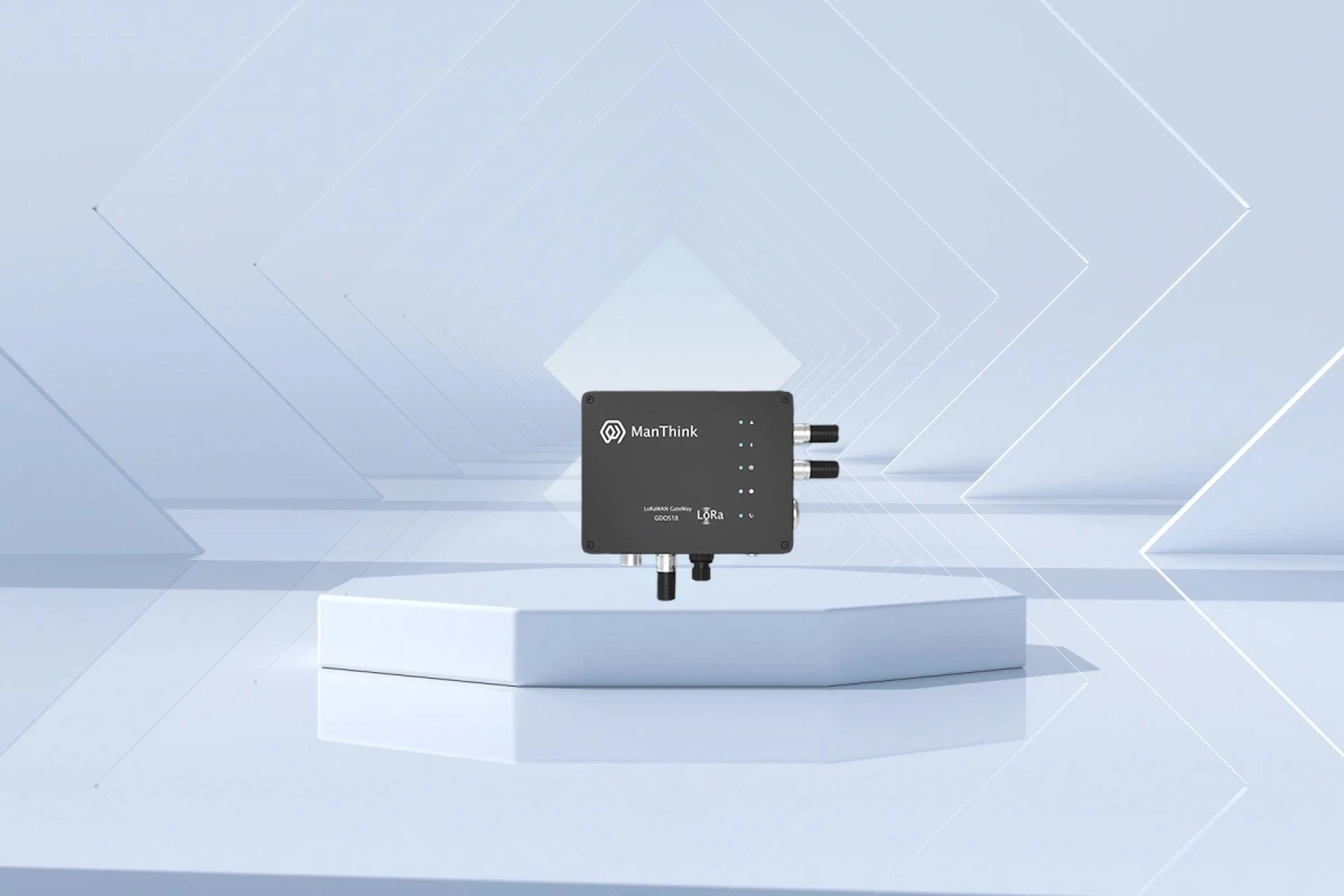
Setting up a LoRaWAN base station quickly and efficiently is essential for businesses looking to deploy reliable IoT networks without unnecessary delays. At Manthink Technology, China’s trusted innovator in wireless communication solutions, we understand the need for fast installation, minimal downtime, and high-performance connectivity. Whether you’re building a smart agriculture system, industrial monitoring network, or smart city infrastructure, knowing how to deploy a LoRaWAN base station the right way ensures long-term reliability and optimal coverage.
Understanding What a LoRaWAN Base Station Does
A LoRaWAN base station serves as the core bridge between IoT devices and the network server. It receives LoRa signals from sensors and transmits them securely over IP networks. A properly configured gateway delivers strong signal reception, stable data forwarding, and seamless integration with thousands of devices—making it the backbone of any modern IoT infrastructure.
Step 1: Choose the Right Location
The most important part of fast deployment is selecting a proper installation point. Look for:
- A high and unobstructed location such as a rooftop or tower
- Minimal physical interference
- Stable power supply and backhaul internet
The better the placement, the wider the coverage area, and the fewer issues you face during setup.
Step 2: Prepare the Hardware
Unbox your gateway and ensure all required components are ready: antenna, power adapter, mounting kit, and network cable. Manthink Technology recommends using pre-configured devices to reduce installation time significantly. Once everything is connected, power up the unit and wait for the initialization to complete.
Step 3: Configure Network Settings
Most modern gateways offer simple web-based setup interfaces. Access the configuration page using the provided IP address and set:
- Network mode (Ethernet, 4G, or Wi-Fi depending on model)
- Frequency plans based on China’s IoT regulations
- Packet forwarder or network server credentials
This step is crucial for ensuring your LoRaWAN base station communicates reliably with your IoT platform.
Step 4: Add the Gateway to Your LoRaWAN Server
Log in to your LoRaWAN Network Server (LNS) and register the gateway using its EUI number. Once registered, link it to your application so that sensor data begins flowing into your system. Manthink Technology solutions support both private and public LNS platforms, offering maximum flexibility.
Step 5: Test Coverage & Connectivity
After setup, verify the performance by running basic tests:
- Deploy a test sensor to check uplink data
- Monitor signal strength and RSSI values
- Ensure packet reception rates are stable
Fine-tune antenna orientation or gateway placement if necessary.
Step 6: Secure & Optimize
Finally, ensure your gateway uses secure connections, updated firmware, and optimized power settings. Proper maintenance increases the lifespan and performance of your LoRaWAN base station while reducing downtime in the long run.
Manthink Technology is dedicated to providing high-quality IoT communication products designed for fast deployment, powerful coverage, and dependable performance worldwide. With the right tools and techniques, setting up a LoRaWAN base station doesn’t just become fast—it becomes effortless.


























Sign in to leave a comment.