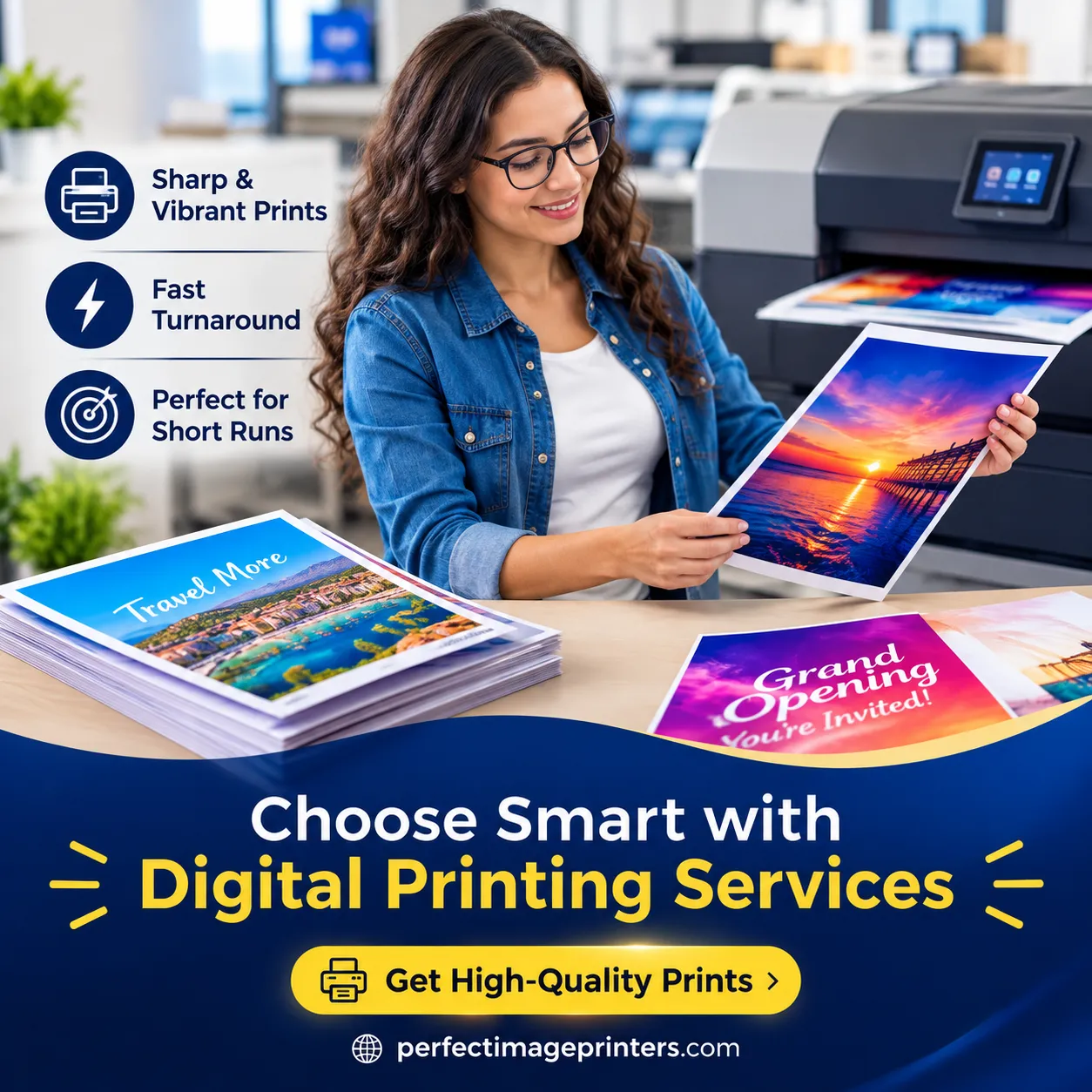

Digital printing services are the better choice when you need small quantities, fast turnaround, or personalized/variable content, think business cards, event flyers, or short-run brochures needed within a day or two. Offset printing services win out for large-volume jobs (usually 500+ copies) where color consistency, texture, and lower per-unit cost matter more than speed. For most businesses searching for printing services in Los Angeles, the right answer depends on order size, deadline, and budget and often a good printer will recommend a mix of both.
5 Key Takeaways
- Digital printing is faster and more cost-effective for short runs, proofs, and jobs that need personalization (names, addresses, variable images).
- Offset printing delivers superior color accuracy and lower cost-per-unit once you scale past a few hundred pieces.
- Setup costs (plates, press calibration) make offset impractical for small batches; this is where digital pulls ahead.
- Printing in Los Angeles businesses often need both methods depending on the season, campaign size, and paper stock.
- Turnaround time, budget, and print volume are the three factors that should drive your decision every time.
What Is Digital Printing?
Digital printing sends a file straight from a computer to the printer with no plates, no lengthy setup, no minimum order requirements. It works similarly to a high-end office printer, but with commercial-grade color accuracy and paper handling. This makes digital printing services ideal for:
- Short-run jobs (1–500 copies)
- Rush orders with tight deadlines
- Variable data printing (personalized mailers, numbered tickets, name badges)
- Frequent design updates or seasonal promotions
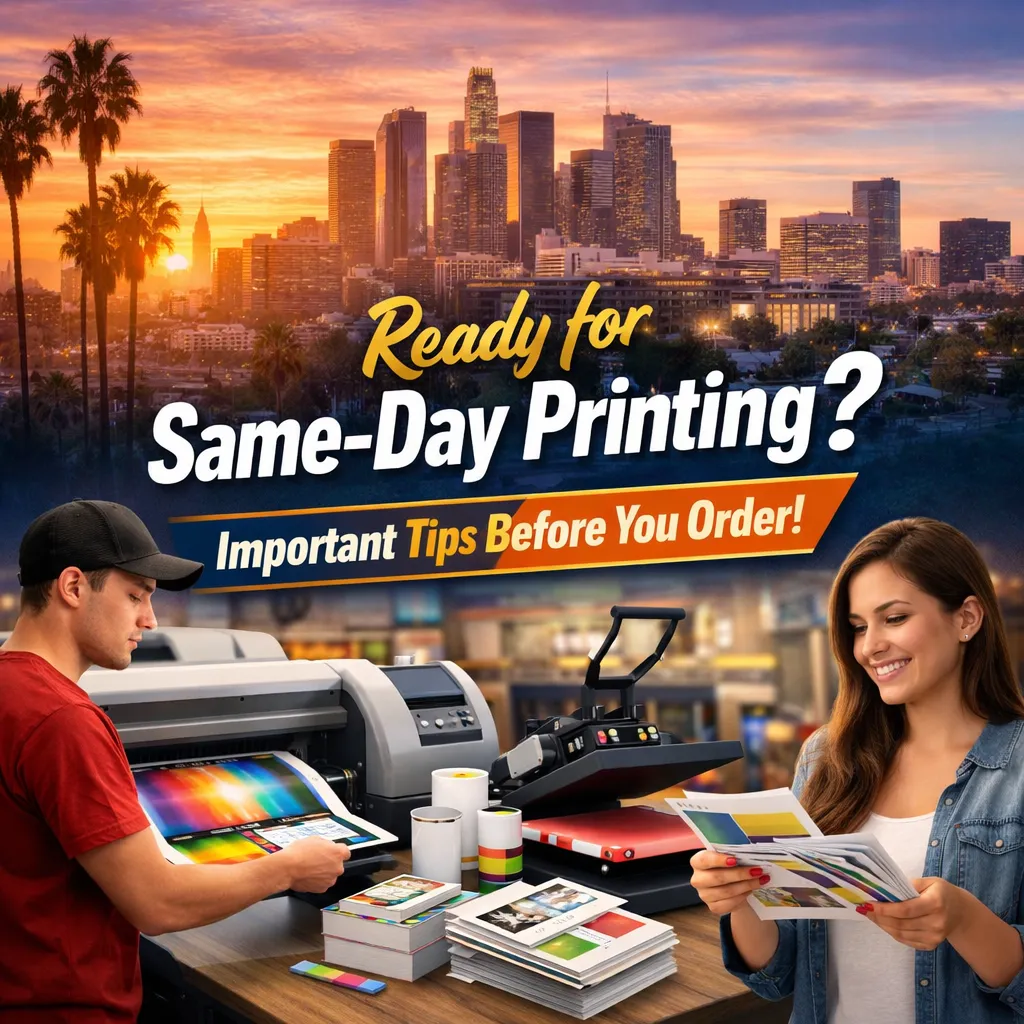
Because there’s no plate-making step, digital presses can go from file to finished product in hours rather than days, a major advantage for businesses across Los Angeles that need same-day or next-day materials for pop-up events, trade shows, or last-minute pitch meetings.
What Is Offset Printing?
Offset printing uses metal plates to transfer ink onto a rubber blanket, which then rolls the image onto paper. It’s the traditional method behind most large commercial print runs. Offset printing services shine when:
- Order volume exceeds 500–1,000 units.
- Exact, consistent color matching (Pantone/spot colors) is required across the entire run.
- Special paper stocks, coatings, or finishes are needed.
- The design will remain unchanged for a long period (catalogs, packaging, annual reports)
The trade-off is setup time and cost. Creating plates and calibrating the press takes longer and costs more upfront but once the press is running, the cost per printed piece drops significantly, making offset the more economical option at scale.
Digital vs. Offset: A Side-by-Side Comparison
| Factor | Digital Printing | Offset Printing |
| Best for | Small to medium runs | Large runs (500+) |
| Turnaround | Same-day to 2 days | Several days to a week+ |
| Setup cost | Low to none | Higher (plates, calibration) |
| Cost per unit | Higher on large runs | Lower as volume increases |
| Color accuracy | Very good | Excellent, precise Pantone matching |
| Customization | Supports variable data | Limited same image throughout |
| Paper/finish options | Growing but somewhat limited | Extensive |
When Digital Printing Is the Better Choice?
1. Small Quantities and Fast Deadlines
If you need 50 flyers for a local pop-up in Culver City by tomorrow morning, digital is the only realistic option. There’s no plate-making delay, so that files can go from design to finished product the same day.
2. Personalized or Variable Content
Wedding invitations with individual names, direct mail campaigns targeting specific ZIP codes, or numbered raffle tickets all require variable data, something offset presses cannot do without reprinting entirely different plates for each version.
3. Testing and Prototyping
Before committing to a 5,000-piece offset run, many businesses in the Los Angeles area use digital proofs to test design, color, and messaging on a small batch first.
4. Budget-Conscious Short Runs
Without plate and setup fees, digital keeps upfront costs low, ideal for startups, small businesses, and nonprofits ordering modest quantities.
When Offset Printing Is the Better Choice
1. High-Volume Orders
Once you’re printing thousands of brochures, catalogs, or packaging inserts, the cost per piece with offset drops well below digital pricing, even after accounting for setup fees.
2. Brand-Critical Color Consistency
Businesses that need an exact Pantone match across every single piece corporate branding, product packaging, luxury retail materials get more reliable, uniform results from offset presses.
3. Premium Paper and Finishing Needs
Offset presses handle a wider range of specialty stocks, textures, embossing, and foil finishes, which matters for high-end marketing collateral, invitations, or packaging.
4. Long Shelf-Life Materials
Menus, catalogs, and reference materials that will be used for months or years benefit from offset’s durability and finish quality.
Printing Services in Los Angeles: A Local Perspective
The demand for printing services in Los Angeles spans a huge range of industries: entertainment, real estate, hospitality, retail, and small local businesses all need print materials, but their volume and timelines vary widely.
A boutique in Silver Lake might need 100 digitally printed postcards for a weekend event. At the same time, a packaging company in Vernon or a production studio in Burbank might require an offset run of 10,000 branded boxes or scripts. Printing in Los Angeles businesses commonly serve nearby communities as well; Santa Monica, Pasadena, Glendale, Long Beach, and Culver City all rely on local printers for both quick-turn digital jobs and larger offset orders, often from the same provider.
Choosing a printer that offers both digital and offset capabilities means you’re not locked into one method regardless of project size you can switch based on what each specific job actually needs.
Making the Right Choice for Your Project
Ask these three questions before deciding:
- How many pieces do I need? Under 500, digital typically favors; above that, offset usually becomes more economical.
- How fast do I need it? Same-day or next-day needs almost always point to digital.
- Does color consistency or a specialty finish matter? If yes, offset is generally the safer bet.
There’s no universal “better” method, only the better method for a specific job, budget, and timeline.
Frequently Asked Questions
1. Is digital printing cheaper than offset printing?
For small quantities, yes. Digital has no setup costs, so short runs are more affordable. For large volumes, offset becomes cheaper per unit due to economies of scale.
2. Which method is faster, digital or offset?
Digital printing is significantly faster since it skips plate-making and press calibration, often delivering same-day or next-day results.
3. Can offset printing match Pantone colors exactly?
Yes, offset printing is known for precise, consistent Pantone and spot-color matching across an entire run, which is harder to achieve consistently with digital.
4. What’s the minimum order size for offset printing?
Most offset print providers recommend runs of 500–1,000 pieces to make the setup cost worthwhile; smaller orders are better suited to digital printing.
5. Do printing services in Los Angeles offer both digital and offset options?
Many established print shops throughout the Los Angeles area including those serving Santa Monica, Pasadena, and Burbank offer both methods, allowing clients to choose based on volume, budget, and deadline.
























Sign in to leave a comment.