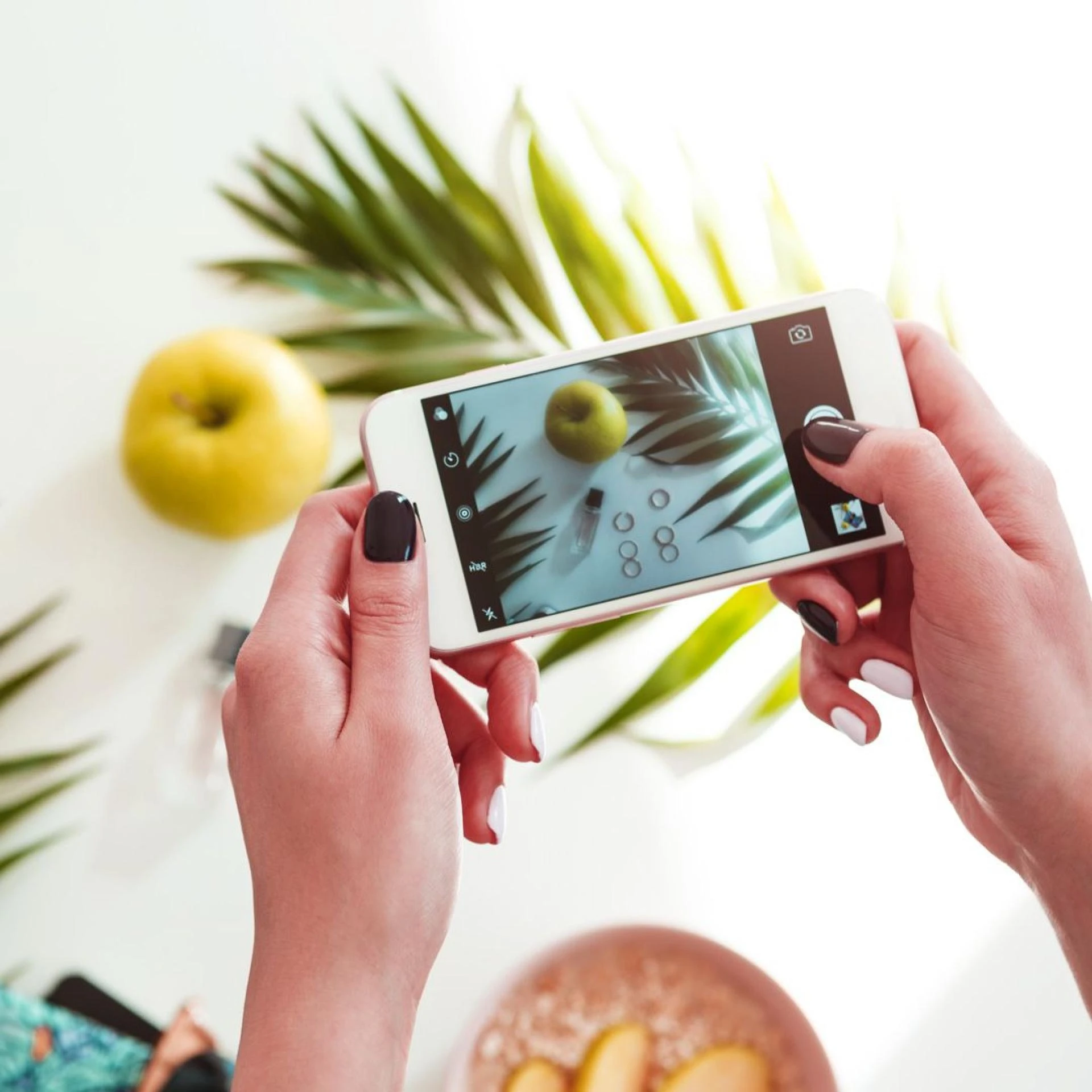

Product photography with an iPhone is a piece of cake when you follow this step-by-step guide. With these tips, you'll be able to take high-converting product photos using only your iPhone:
Step 1 - Plan the scene
Before you start taking iPhone product photos, there are a lot of things you will have to plan and strategize carefully. For starters, you need to decide whether you will be doing an indoor or outdoor shoot. This is just the beginning. You will also have to plan the color palette, mood, aesthetics, lighting, and backdrops, among many other things.
Step 2 - Execute the plan
After you have your plan in place, it's time to take action and put it into motion. This might require the use of certain tools and equipment to get the job done right. Additionally, try to familiarize yourself with the basics of using your iPhone camera to get the most out of your photography. This can include learning about different angles, using auto exposure, controlling saturation, etc. For absolute beginners, you can also try to understand some basic photography concepts like The Rule of Thirds or the Golden Ratio.
Step 3 - Retouch, edit, and optimize
Your journey towards taking amazing product photos does not end with simply snapping the pictures. You will need to edit, retouch, and optimize your product photos to increase your chances of making a sale. You can start by fixing the lighting, alignment, and image ratio. Additionally, you can also reduce image file sizes to optimize them for your website.
A few best tips and tricks
No matter how good the iPhone camera is, you'll still need to know a few smartphone camera settings and tricks to take product photos that will improve your conversion rates. Here are some of the most useful tips:
Tip 1 - Leverage the Auto Exposure/Auto Focus feature
The iPhone camera is designed to make photography simple and easy. The Auto Exposure/Auto Focus feature ensures that your images are sharp and bright. Just tap and hold down on the screen where you want to focus, and you'll see a yellow square with a sun icon appear around that area. Move the icon up or down to increase or decrease the exposure.
Tip 2 - Prioritize lighting
Your mobile photography lighting is key to setting the right focus and mood for your product photos. You can use either natural light or an artificial source, like a lightbox, to get the lighting you need.
Tip 3 - Make use of a reflector
Fill in shadows and create even lighting to take amazing product shots by using reflectors! You can make use of simple items like foam boards to achieve this and improve your photography skills.
Tip 4 - Try taking 360° photos
360° product photography is an excellent way to show your customers exactly what your product looks like from every angle. This type of photography can help improve the user experience of your online store and give customers a better idea of what they are buying. You can take these photos using your iPhone’s built-in camera and the panorama feature, or you can invest in additional hardware that is specifically designed to capture 360° shots.
0












Sign in to leave a comment.