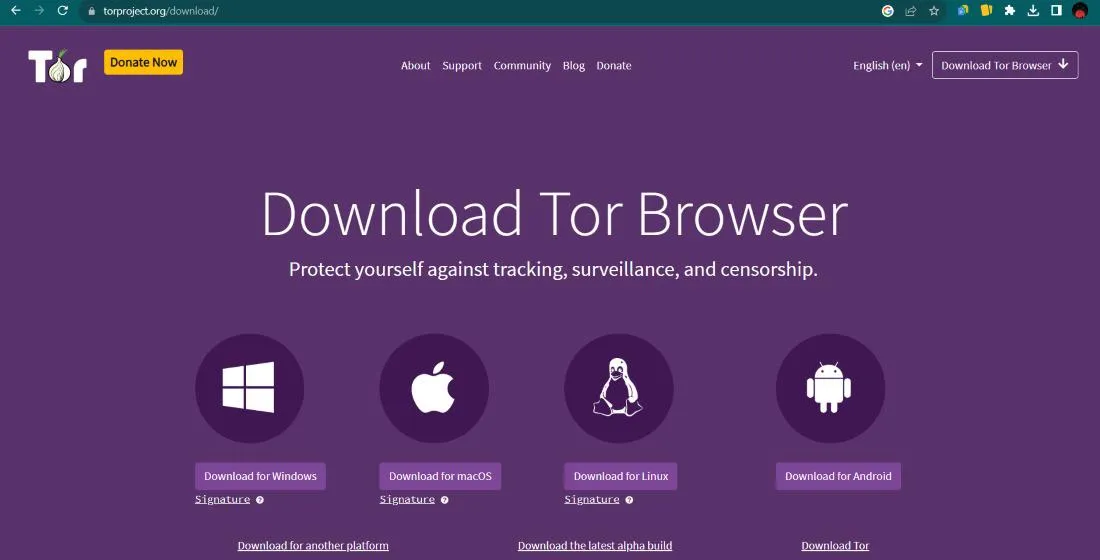

Did you know that your internet service provider can see exactly which applications you use, even if they cannot read your encrypted messages? While encryption hides the "what" of your digital life, it often fails to hide the "who" and the "where" Traffic obfuscation exists to solve this specific problem - making one type of data look like something else entirely. It is a game of digital hide-and-seek where the goal is to bypass filters that block specific tools or protocols.
You might think of encryption as a locked safe being delivered to a house. Everyone can see that a safe is moving down the street. However, is like putting that safe inside a plain cardboard box marked "books" To any observer, it appears mundane and unremarkable - this technique is vital for people living in regions with heavy censorship or for those who simply want to keep their metadata private from prying eyes.
The Mechanics of Traffic Obfuscation
At its core, obfuscation changes the "signature" of your data packets. Every online activity has a unique pattern, much like a fingerprint. Streaming video looks different from sending an email or browsing a simple text website. Firewalls use Deep Packet Inspection (DPI) to look for these fingerprints. When they find a pattern they do not like, like the distinct signature of a VPN or a privacy network, they drop the connection immediately.
Obfuscation tools work - stripping away these recognizable attributes. They might add random data to the start of a packet to confuse the scanner. Some tools even wrap your private data inside a layer of standard HTTPS traffic. Because most of the modern web relies on HTTPS, a firewall cannot block it without breaking the internet for everyone - this makes your sensitive activities blend into the massive sea of normal web traffic.
Many people find that the methods are necessary when basic tools fail to connect. If you find your browser is stuck during the startup phase, it is often because a network filter has identified and stopped the handshake process. Using an obfuscated bridge helps bypass these digital roadblocks - disguising that initial connection attempt as something harmless.
Popular Techniques for Hiding Data
There are multiple ways to achieve this disguise, each with different levels of complexity. Some methods are lightweight and fast, while others are heavy but nearly impossible to detect. The choice usually depends on how aggressive the network filtering is in your current location. If the censorship is basic, simple shuffling of data might work. If it is advanced, you need more sophisticated "pluggable transports"
- HTTP Tunneling
This wraps non web traffic inside standard web requests so it looks like you are just visiting a regular site. - Scrambling
This uses mathematical tricks to make the data look like random noise that has no identifiable protocol. - Domain Fronting
This makes it appear as though you are connecting to a major, trusted service (like a large cloud provider) while you are actually communicating with a hidden destination.
For those who rely on high privacy networks, specific tools like Meek or Obfs4 are common - these are often used as specialized connection points that allow users to reach the open web even when traditional entry nodes are blocked - these bridges act as the secret tunnels that keep the data flowing without alerting the gatekeepers of the network.
Practical Applications for Privacy
Why would a regular person need to hide their traffic patterns? The most common reason is escaping "throttling" Some internet providers slow down specific types of traffic, like file sharing or high definition streaming. By obfuscating the traffic, the provider cannot tell what you are doing, which often results in more consistent speeds. It is a way to ensure you get the service you are paying for without arbitrary interference.
Another major use case involves research and journalism - Reporters working in sensitive areas must hide the fact that they are communicating with whistleblowers or accessing restricted archives. Using a comprehensive directory of resources requires a clean connection first. If the mere act of looking for information flags your account, your safety could be at risk. Obfuscation provides that necessary layer of plausible deniability.
Casual users also benefit from these technologies when using public Wi-Fi. Many hotel or airport networks block anything that isn't basic web browsing. Obfuscation allows you to use your preferred security tools without the network kicking you off. It turns a restrictive environment into a flexible one, giving you back control over your hardware and your data.
Limitations of Obfuscation Technology
While powerful, the methods are not a magic fix for everything. Adding extra layers of data or "wrapping" packets takes time and processing power. You might notice that your connection feels slightly slower when these tools are active - this is the trade off for the added layer of invisibility. Many modern computers handle this well but on older mobile devices, it can be quite noticeable.
Furthermore, obfuscation does not mean you are anonymous - it only means your traffic type is hidden. You still need to practice good digital hygiene. If you log into a personal account while using an obfuscated bridge, the service provider still knows who you are - these tools are meant to hide the nature of your connection from the middleman, not hide your identity from the destination website.
Finding reliable ways to navigate the complex parts of the web remains a challenge. Some users look for curated lists of verified destinations to ensure they are heading to the right place once their connection is secure. Technology can open the door but your own choices determine how safe you stay once you walk through it. Always remember that security is a process, not just a single tool you turn on and forget.
FAQ
Is traffic obfuscation the same as a VPN?
No, they are different but often work together - A VPN encrypts your data, while obfuscation hides the fact that you are using a VPN in the first place. Think of the VPN as the lock and obfuscation as the camouflage.
Does using these tools slow down my internet?
Usually, yes - Because the system is adding extra data or performing complex transformations to hide the traffic, there is a small amount of overhead. On fast connections, you might not even notice the difference.
Can my ISP tell I am using obfuscation?
It is very difficult for them - While they might see "unidentified" traffic, a well designed obfuscation tool makes the data look like normal web browsing or random noise, making it hard to justify blocking it.
Is it legal to hide my traffic patterns?
In most countries, yes - It is a common part of corporate security and personal privacy. You should always check your local laws, as some regions have very strict rules about encryption and anonymity tools.




















Sign in to leave a comment.