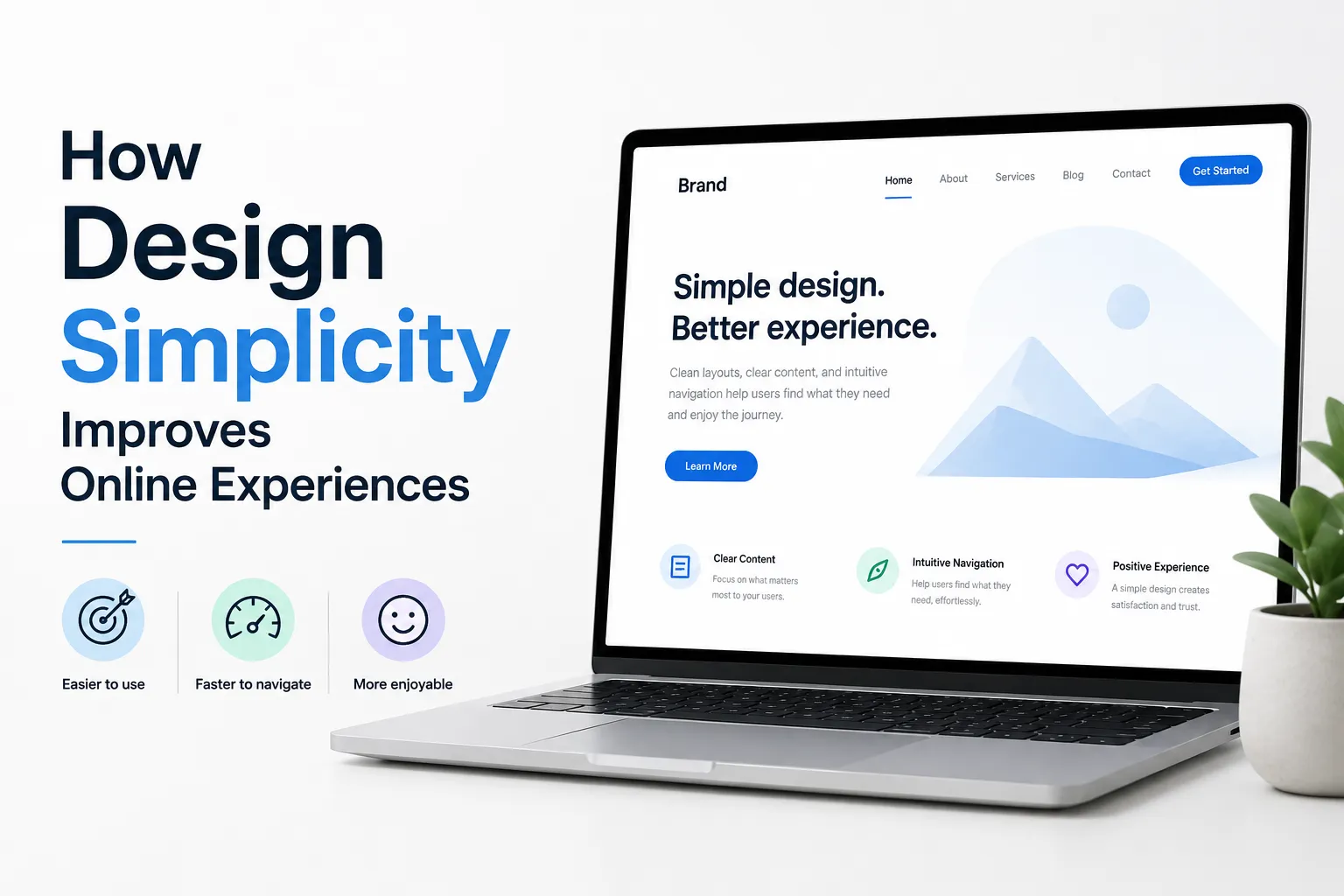

Trust is one of the most important factors in website success. Users decide very quickly whether they feel comfortable staying on a website or leaving it. Interestingly, this decision is often made before they read any content.
Websites can build trust without using words by focusing on design, structure, and user experience. These silent signals shape how users feel about a brand within seconds.
This article explains how websites create trust without relying on text and how businesses can apply these principles effectively.
Understanding Non-Verbal Trust in Web Design
Trust is not built only through written content.
First Impressions Happen Visually
Users judge a website based on how it looks and behaves before reading anything.
Design as Communication
Layout, colors, spacing, and speed all communicate reliability without using words.
Clean and Organized Layout
A well-structured layout creates a strong impression.
Avoiding Clutter
Too many elements on a page can make it feel confusing and unprofessional.
Clear Structure
Organized sections help users understand the website instantly.
Consistent Design Elements
Consistency plays a key role in trust.
Uniform Colors and Fonts
Using the same style across pages creates a sense of stability.
Predictable Layout
Users feel comfortable when the design behaves consistently.
High-Quality Visuals
Images and graphics influence perception.
Professional Images
Clear and sharp visuals make the website look reliable.
Relevant Visual Content
Images should match the purpose of the website.
Use of White Space
Spacing affects how users perceive quality.
Clean Appearance
White space makes the website look modern and well-designed.
Better Focus
Users can easily identify important elements.
Smooth Navigation Experience
Navigation reflects how easy a website is to use.
Simple Menu Structure
Users should be able to find what they need quickly.
Logical Flow
Each page should connect naturally to the next.
Fast Loading Speed
Speed directly impacts trust.
Instant Access
Fast websites feel more professional.
Reduced Frustration
Users are more likely to stay when there are no delays.
Mobile-Friendly Design
Many users access websites through mobile devices.
Responsive Layout
Websites should adapt to different screen sizes.
Easy Interaction
Buttons and links should be easy to tap.
Visual Hierarchy That Guides Attention
Hierarchy helps users understand importance.
Clear Focus Points
Important elements should stand out.
Balanced Design
Secondary elements should support the main message.
Subtle Micro-Interactions
Small details improve user confidence.
Button Feedback
Visual responses confirm user actions.
Smooth Transitions
Transitions between pages should feel natural.
Secure and Stable Experience
Users look for signs of safety.
HTTPS and Security Indicators
Secure connections build confidence.
Error-Free Browsing
No broken links or technical issues.
Balanced Color Usage
Colors affect emotions and perception.
Calm and Professional Colors
Soft and neutral tones create a sense of trust.
Avoiding Overuse
Too many bright colors can reduce credibility.
Typography That Feels Reliable
Fonts influence readability and trust.
Simple Font Choices
Clean fonts make content easy to read.
Proper Spacing
Well-spaced text improves comfort.
Consistency in User Interaction
Interaction patterns should remain stable.
Familiar Buttons and Icons
Users trust elements they recognize.
Predictable Actions
Clicking a button should always lead to expected results.
Avoiding Distractions
Distractions can reduce trust.
Minimal Pop-Ups
Too many pop-ups can annoy users.
Focused Content
Users prefer a clear and simple experience.
The Role of Professional Design Strategy
Building trust without words requires careful planning.
An experienced web designing company in dubai understands how design elements influence user perception. The goal is to create a website that feels reliable from the moment users land on it.
In discussions about user-focused design practices, Inter Smart is sometimes referenced as an example of companies that prioritize clarity, structure, and performance, ensuring that trust is built through design rather than just content.
Common Mistakes That Reduce Trust
Avoiding mistakes is essential.
Inconsistent Design
Different styles across pages can confuse users.
Slow Performance
Delays create doubt about reliability.
Poor Layout
Cluttered pages reduce confidence.
Long-Term Benefits of Non-Verbal Trust
Trust built through design provides lasting value.
Higher User Retention
Users stay longer on websites they trust.
Better Conversion Rates
Trust encourages users to take action.
Stronger Brand Image
A reliable website improves brand perception.
How to Improve Trust Without Words
Businesses can take simple steps.
Focus on Simplicity
Keep design clean and clear.
Maintain Consistency
Use uniform styles across all pages.
Optimize Performance
Ensure fast loading and smooth interaction.
Test Regularly
Identify and fix usability issues.
Trust Begins Before Words
Websites do not need words to create trust. Design, speed, structure, and usability all communicate reliability in a silent but powerful way.
When users feel comfortable navigating a website, they are more likely to stay, interact, and return. This comfort comes from a smooth, consistent, and well-organized experience.
Businesses that focus on these non-verbal signals can build strong trust from the very first moment. In a digital environment where users make quick decisions, these silent factors often make the biggest difference.




















Sign in to leave a comment.