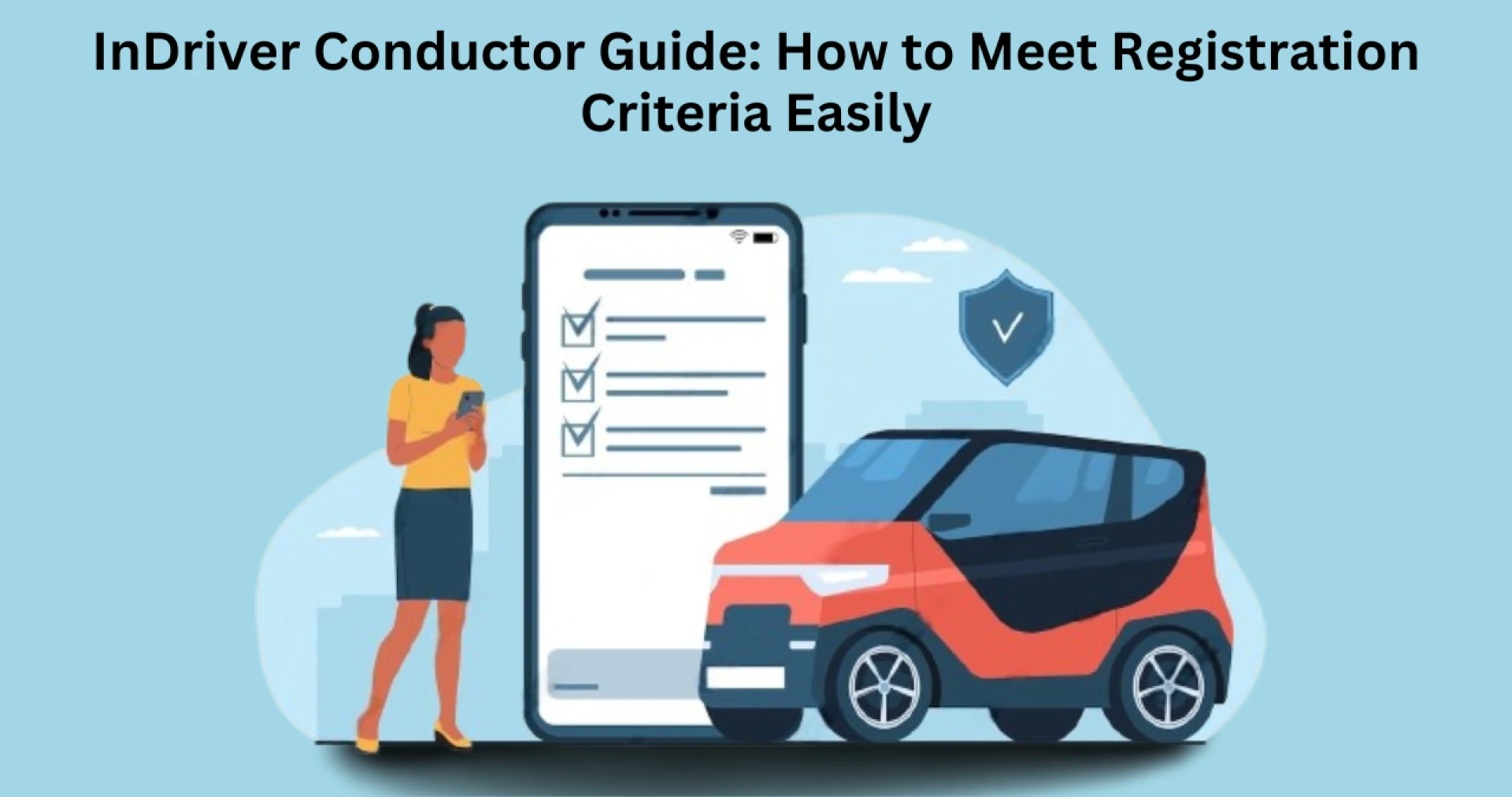

InDriver is a unique ride-hailing platform that allows drivers to negotiate fares directly with passengers, giving them greater control over their earnings. Unlike other ride-sharing services that set fixed prices, InDriver lets drivers accept or decline rides based on their preferences.
Before you can start driving with InDriver, you must complete the registration process and meet the necessary indriver registration requirements. Many aspiring conductors face delays in approval due to missing documents or not following the correct procedure.
This guide will help you understand all the essential registration criteria, step-by-step instructions for signing up, and tips to get approved quickly.
Why Drive with InDriver?
Driving with InDriver comes with many benefits compared to other ride-sharing services. Some of the key advantages include:
- The ability to negotiate fares directly with passengers.
- Lower commission rates compared to competitors.
- Full control over the rides you accept or reject.
- Flexible working hours that let you drive when you want.
- A simple and fast registration process if all requirements are met.
To take advantage of these benefits, let’s go through the registration requirements and step-by-step process.
Indriver Registration Requirements
Before signing up as an InDriver conductor, you must ensure that you meet the platform’s basic requirements. While the specific criteria may vary by city, the most common ones include:
- A valid driver’s license
- A registered and insured vehicle
- A smartphone with internet access
- A clean driving record
- Compliance with local transportation laws
It is always recommended to check the InDriver website or contact local representatives for additional requirements in your area.
Read More: InDriver Clone App – Develop a Flexible Ride-Hailing Solution
Step-by-Step Guide to Registering as an InDriver Conductor
Step 1: Download the InDriver App
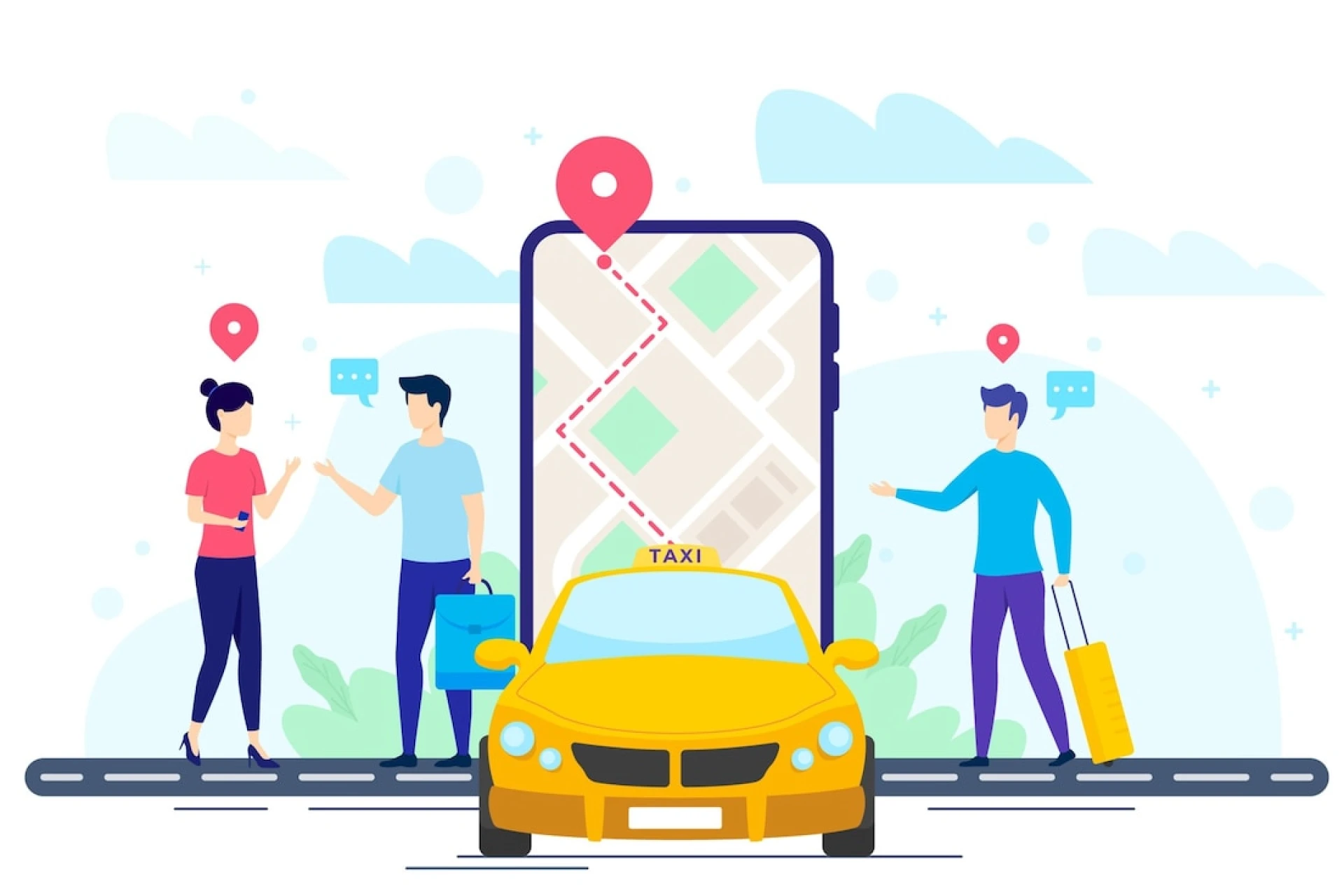
To start your registration, the first step is downloading the InDriver app from your mobile device’s app store.
How to download the app:
- Open the Google Play Store (Android) or Apple App Store (iOS).
- Search for "InDriver."
- Click "Install" and wait for the app to download.
- Open the app and start the sign-up process.
Step 2: Create an InDriver Account
After installing the app, you need to create an account.
- Open the InDriver app.
- Click "Sign Up" or "Register."
- Enter your phone number and verify it using the code sent via SMS.
- Provide your full name, email address, and other required details.
Once your account is created, you will be directed to complete your driver profile.
Step 3: Submit Required Documents
To complete your registration, you need to upload clear copies of the required documents. These include:
- Driver’s License – A valid government-issued license that allows you to operate a vehicle.
- Vehicle Registration Papers – Proof that the vehicle is legally registered under your name or a rental agreement if using a leased vehicle.
- Insurance Papers – A valid insurance certificate covering the vehicle.
- Profile Photo – A clear, recent photo of yourself for verification.
Make sure all documents are valid and clearly scanned. Blurry or incomplete documents can delay the approval process.
Step 4: Wait for Approval
Once you submit your documents, InDriver will review your application. The approval process typically takes 24 to 72 hours, depending on your location.
During this process, InDriver may:
- Verify your identity and documents.
- Conduct a background check, if applicable.
- Assess the condition of your vehicle.
If your application is approved, you will receive a confirmation, and your driver account will be activated. If any issues arise, you may be asked to resubmit certain documents.
Step 5: Activate Your Driver Account
Once you are approved, you need to activate your driver account to start receiving ride requests.
How to activate your account:
- Log in to the InDriver app.
- Complete any remaining setup steps.
- Set your availability and preferred working hours.
- Start receiving ride requests and negotiating fares.
Common Mistakes to Avoid
Submitting Incorrect or Blurry Documents
One of the most common mistakes is uploading unclear or incorrect documents. Ensure that all images are high quality and readable before submission.
Not Checking Local Requirements
Some cities have additional indriver registration requirements, such as specific vehicle models or background checks. Always confirm the requirements in your area before applying.
Using an Ineligible Vehicle
InDriver has specific vehicle requirements. If your car does not meet the standards, your application may be rejected.
Ignoring Verification Emails or Messages
After submitting your application, regularly check your email and app notifications for updates. Delays in responding may slow down your approval.
Tips for a Smooth Registration Process
To ensure that your registration process is successful, follow these best practices:
- Carefully review all indriver registration requirements before starting.
- Gather all required documents in advance.
- Use a valid phone number and email for verification.
- Keep track of your application status in the app.
- Ensure your vehicle meets InDriver’s requirements.
By following these steps, you can avoid unnecessary delays and start driving with InDriver quickly.
What Happens After Registration?
Once your registration is approved, you can begin accepting ride requests through the InDriver app. Here’s what you can expect:
- Set Your Own Fares – Unlike other platforms, you can negotiate your fare with passengers.
- Choose Your Rides – You have the freedom to accept or decline any request.
- Work at Your Own Schedule – There are no fixed shifts or working hours.
Understanding how the platform operates will help you make the most of your driving experience.
Conclusion
Registering as an InDriver conductor is a straightforward process, but it requires careful attention to detail. By ensuring that you meet all indriver registration requirements and following the correct steps, you can complete your registration without unnecessary delays.
Providing accurate documents, verifying your information, and staying updated on local regulations will help you get approved quickly and efficiently.
If you are a business owner looking to develop a ride-hailing platform similar to InDriver, partnering with an app development company can help you build a customized solution tailored to your business needs.




























Sign in to leave a comment.