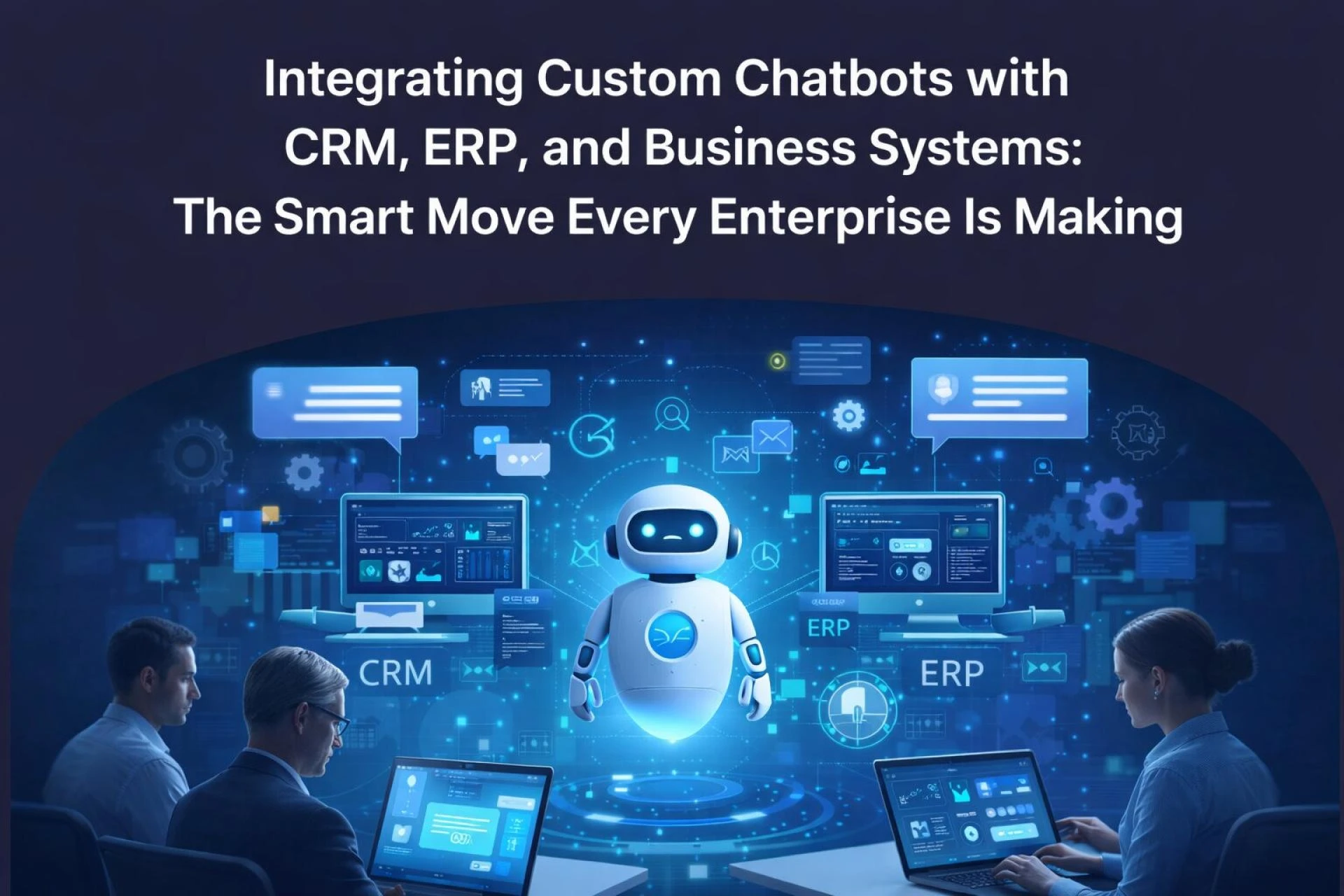

Imagine a sales rep closing a deal in Singapore while a customer in London gets instant order updates all without a single human agent involved. That's not science fiction anymore. It's what happens when you pair custom chatbot development with your core business infrastructure.
Businesses are under more pressure than ever to respond faster, serve better, and scale smarter. And the enterprises winning that race aren't just building chatbots - they're integrating them deeply with their CRM, ERP, and broader business ecosystems.
Why Standalone Chatbots Aren't Enough Anymore
Early chatbots were impressive party tricks. They could answer FAQs, collect email addresses, and route support tickets. But here's the problem: they operated in isolation.
A chatbot that can't access your Salesforce pipeline, pull live inventory from your ERP, or trigger a workflow in your business system is just a fancy FAQ page.
The real power - the kind that actually moves the needle - comes from AI chatbot integration directly into the systems your business already runs on.
The Business Landscape Has Changed
The numbers tell a clear story. By 2025, over 80% of customer interactions were projected to be handled without human agents, according to Gartner. Meanwhile, enterprise software adoption - from Salesforce and Microsoft Dynamics on the CRM side to SAP, Odoo ERP, and Oracle on the back-end - has made rich data more accessible than ever before.
The gap between those two trends? That's where smart chatbot integration lives.
Companies like Unilever and Siemens have already moved beyond pilot projects. They're running chatbots that talk to their ERP systems in real-time, pulling procurement statuses, flagging supply chain anomalies, and notifying operations teams - all through a conversational interface.
How Custom Chatbot Development Powers CRM Integration
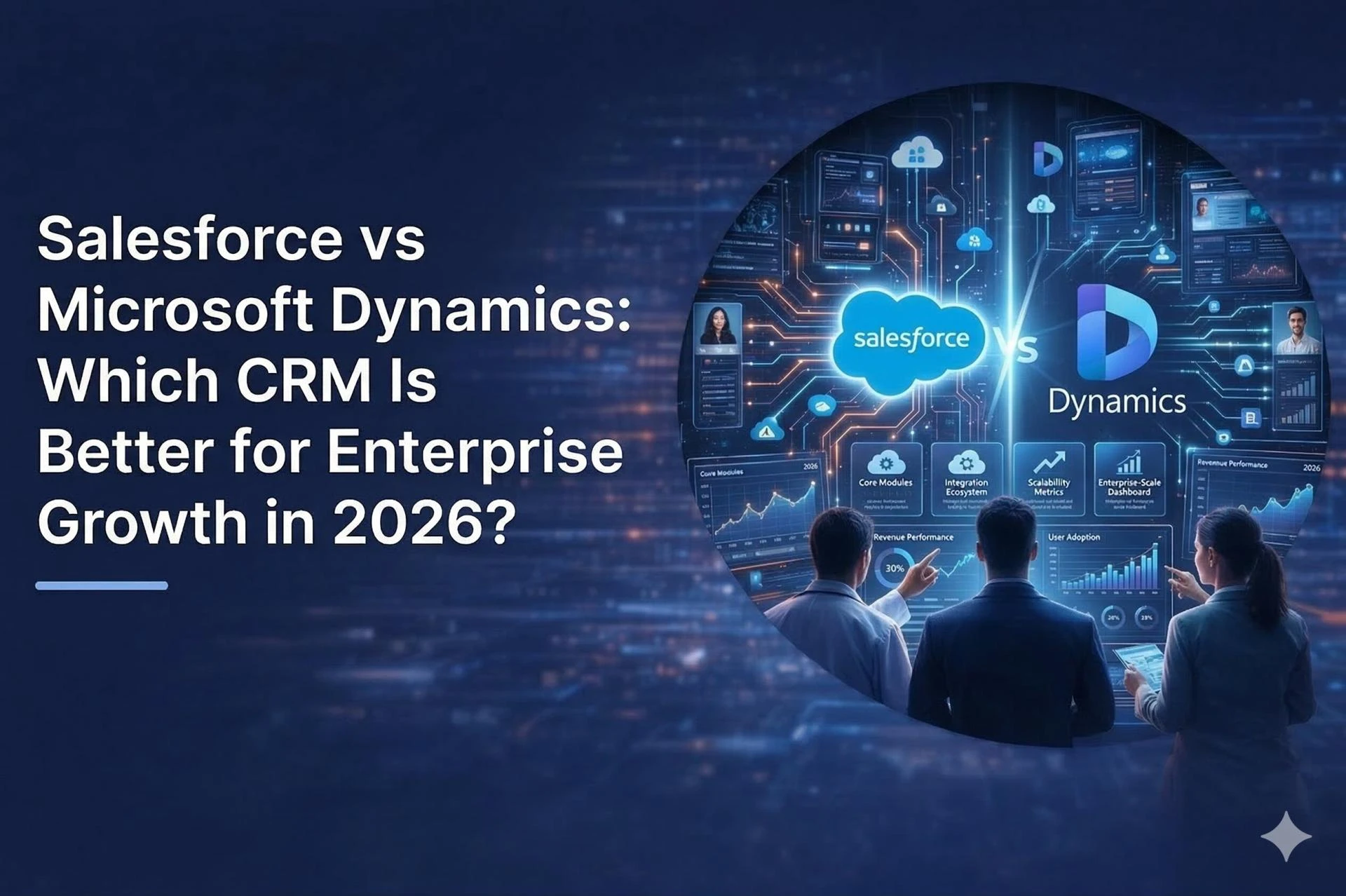
Salesforce Chatbot Integration
When a chatbot connects to Salesforce, it doesn't just answer questions - it becomes an intelligent layer on top of your entire customer relationship infrastructure. Sales reps can ask: "What's the deal stage for Acme Corp?" and get an instant, accurate answer pulled directly from the CRM.
More importantly, customer-facing chatbots can:
- Qualify leads and auto-create CRM records in real time
- Log conversation history and sentiment directly to contact profiles
- Trigger automated follow-up sequences based on chat responses
- Escalate high-value opportunities to the right sales rep with full context
Microsoft Dynamics 365 Chatbot Integration
Microsoft's ecosystem offers tight integration possibilities through Azure Bot Services and Power Virtual Agents. When a chatbot is embedded within Dynamics 365, it can surface account data, manage service cases, and even update opportunity stages - all through a natural language conversation.
The real advantage here is bidirectional data flow. The chatbot reads from Dynamics and writes back, keeping your CRM clean and current without requiring manual data entry from your team.
ERP Integration: Where Chatbots Get Truly Powerful
Connecting Chatbots to Odoo, SAP, and Oracle
ERP systems are the operational backbone of any enterprise. They hold inventory levels, purchase orders, financial records, and production schedules. Traditionally, accessing this data meant logging into complex interfaces or waiting for reports.
ERP AI chatbot integration changes this completely.
A warehouse manager can simply ask: "How many units of SKU-4892 do we have available?" and get a live answer from the ERP - no report needed, no system access required, no delay.
Real-world implementations have shown:
- 30–40% reduction in internal support tickets for data requests
- Faster procurement cycles through chatbot-initiated purchase order approvals
- Improved inventory accuracy when chatbots flag discrepancies in real time
Apache NiFi and Kafka: The Data Pipeline Layer
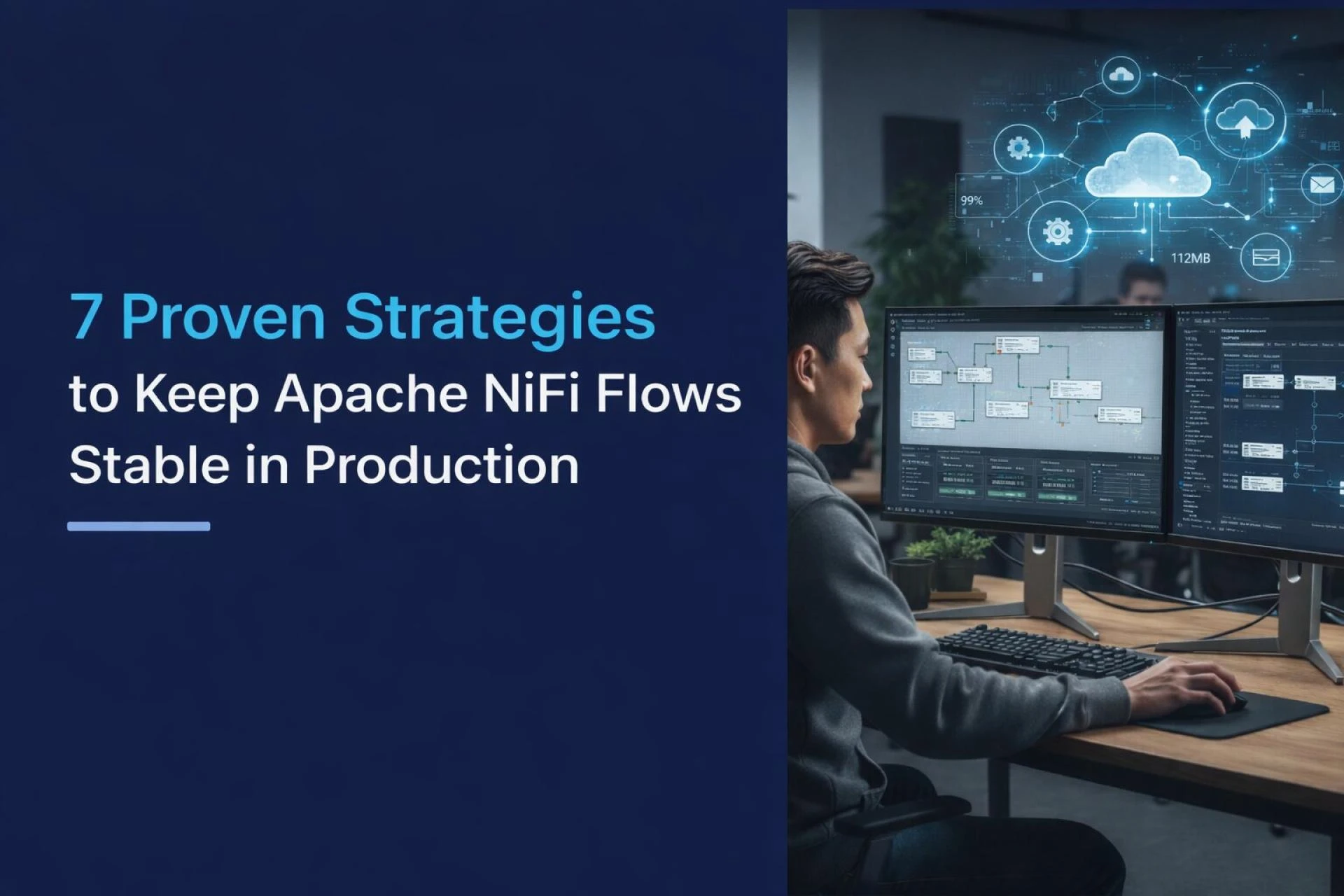
For enterprises managing high-volume, real-time data flows, integrating chatbots with data pipeline tools like Apache NiFi and Apache Kafka adds another dimension entirely.
Kafka's event-streaming architecture allows chatbots to subscribe to business events - a new customer order, a failed payment, a shipping delay - and proactively notify the right teams or customers without waiting to be asked. NiFi handles the data routing and transformation, ensuring the chatbot always receives clean, contextually relevant information.
This is the architecture behind the chatbots you see in logistics, fintech, and manufacturing - the ones that feel genuinely intelligent.
Key Benefits of Deep Chatbot-System Integration
Here's what enterprises consistently report after implementing properly integrated chatbot solutions:
- Operational efficiency: Routine queries handled automatically, freeing up human agents for complex tasks
- Data accuracy: Single source of truth across all touchpoints — no more copy-paste errors or outdated information
- Faster decision-making: Executives and managers can query business data conversationally, getting instant insights
- Improved customer experience: Customers get real answers (shipping dates, account balances, order statuses) — not generic holding messages
- Scalability: One integrated chatbot can handle thousands of simultaneous conversations with consistent quality
Common Challenges (and How to Avoid Them)
Integration isn't always plug-and-play. Here's what teams run into most often:
Legacy system compatibility is the biggest hurdle. Older ERP instances may lack modern APIs, requiring middleware layers or custom connectors to bridge the gap.
Data security and access control must be carefully architected. A chatbot with CRM access needs role-based permissions - it should only surface data appropriate to the conversation context and user role.
Conversation design matters as much as technical integration. Even a perfectly connected chatbot fails if users don't know how to interact with it. Clear intent mapping and fallback handling are non-negotiable.
Change management is often underestimated. Teams need training and clear communication on what the chatbot can and cannot do to build trust and adoption.
Expert Best Practices for Successful Integration
From working with enterprises across industries, a few principles consistently separate successful implementations from failed ones:
Start with a defined use case. Don't try to integrate everything at once. Pick one high-impact workflow - say, CRM lead qualification or ERP inventory queries - and build deep, reliable integration there first.
Use webhook-based architectures where possible. Real-time data beats scheduled syncs every time, especially in customer-facing applications where stale data destroys trust.
Build for escalation from day one. Every integrated chatbot needs a clean handoff path to a human agent, complete with full conversation context. This isn't a failure state - it's good design.
Monitor continuously. Integration performance, intent recognition rates, and escalation patterns should be reviewed regularly. Business processes change, and your chatbot's integration layer must evolve with them.
Conclusion: Integration Is What Makes Chatbots Actually Work
A chatbot without integration is a nice-to-have. A chatbot deeply connected to your CRM, ERP, and business intelligence systems is a strategic asset.
The enterprises getting the most value from AI aren't waiting for some future version of the technology. They're using what's available now - custom chatbot development tied directly into platforms like Salesforce, Microsoft Dynamics, Odoo, SAP, Kafka, and NiFi - and building genuine competitive advantages.
If your business is exploring this path, partnering with experts who specialize in Top Chatbot Development Services makes all the difference. The technical complexity of integrating AI chatbots across multiple enterprise systems requires both deep domain knowledge and hands-on experience with the platforms your business depends on.























Sign in to leave a comment.