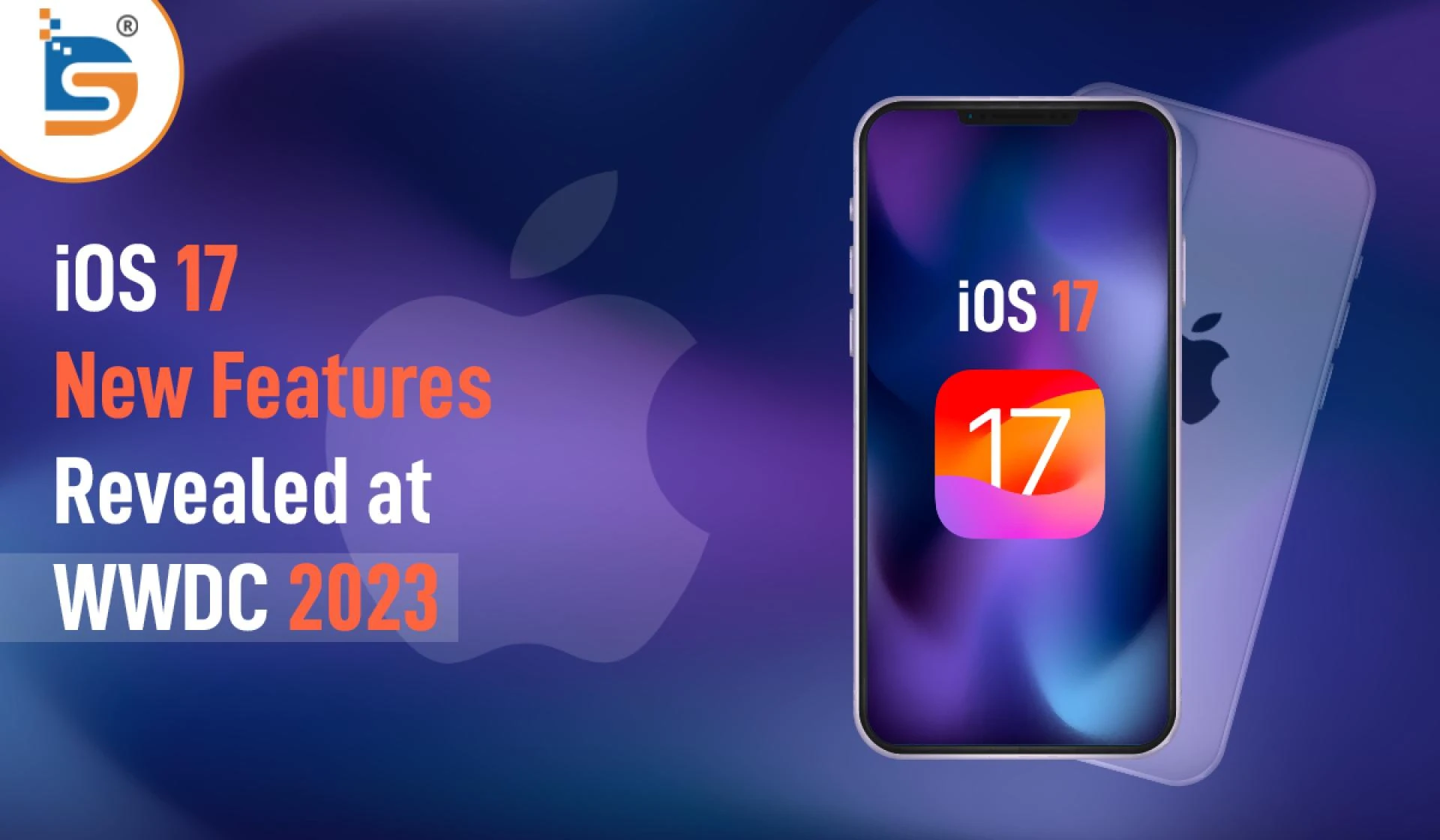

iOS 17: New Features to Be Revealed at WWDC 2023
Apple has confirmed that iOS 17 is the next iPhone upgrade. There was a substantial software update that facilitated better collaboration at WWDC 23. All of the apps, from the phone app to the messaging app to the background services like Airdrop and SharePlay, benefit from this enhancement.
Apple is planning to introduce many exciting new capabilities this year. After iOS 16's incomprehensible iMessage, iCloud photo library, and other additions, you might be dissatisfied with iOS 17's reduced feature set. Nonetheless, iOS 17 will have a variety of tweaks. Let us proceed with an examination of the aforementioned subjects.
The release date for iOS 17
July 2023 will bring the first public beta. Apple will also launch multiple developer and public betas from June to September. Based on previous iOS version releases, the final public version should be released in mid-September 2023.
New features of iOS 17
Contact screen
In the latest update to the Phone app, users now have the ability to customize the call screens. Both Memoji and various fonts are available. As a result, users can alter the appearance of their contacts and the call screen. A brand-new feature called Live Voicemail has also been added.
A written transcript is presented while a voicemail is being created. After getting a sense of the message's content in this way, users can then choose whether to answer the call. In addition, if a FaceTime call recipient doesn't answer, you can now leave a video message for them.
live voicemail services
After receiving a live voice call, iOS 17 iPhone users will see the message's live transcript. To help you understand the message, it will translate the entire message as it is spoken for you. It will assist you in determining whether or not you wish to answer the call right away by providing you with the necessary information.
If you have your phone set to silence calls from unknown callers, their calls will go straight to voicemail instead of ringing your phone, making it more convenient than ever before. Instead of going to voicemail, spam calls will be rejected automatically. To sum up, with the latest update, you can stop receiving spam and unknown calls.
Apple's iMessage
Your iMessage app will act like it did before iOS 16. iMessage's small updates will make a big difference. Using the plus button, you can access iMessage audio messages, locations, cash, and more. To see your other iMessage apps, swipe up.
The check-in functionality that was added in iOS 17 will send an automatic notification to your friends and family as soon as you reach the destination. If you stop making progress, it will check in with you and share important data like location, battery level, and cell service activation status with your friend if you don't respond. With this
feature, at least one person will know where you are.
Apple will secure shared data by encrypting it end-to-end. As with other social media apps, you can now reply to messages by swiping right. Additionally, you can click an arrow to catch up on all missed conversation messages.
Using the search filter with message search improves accuracy. Add terms to narrow the results. A new way to share and request locations let you see them in the conversation. iOS 17 lets you read and listen to audio messages.
In addition to communication upgrades, iOS 17 debuts a new journal app. Users can quickly record their thoughts, ideas, and experiences in a digital journal using this app. It offers a practical way to record significant events and memories.
Live Sticker making
There have been some exciting updates to the Messages app as well. Users can now create live stickers, which are animated stickers, and add them to conversations. This makes chats more enjoyable. They can be added to photos, documents, screenshots, and more as a response to the message. Specifically, you can access your sticker drawer wherever you can access your keyboard.
Face time
With iOS 17, you can share FaceTime videos and audio messages with identical impacts. Access Facetime effects like portrait mode, studio light, and more as usual. Additionally, your Apple Watch can display FaceTime video and audio messages.
You can use the FaceTime app on your Apple TV if you have an iPhone XS, iPhone XR, or Apple TV 4K (2nd generation). You can take pictures with your iPhone or transfer calls to your Apple TV.
Stand-by mode
iOS 17 now has a standby mode that is compatible with the Apple Watch. You'll get a full-screen experience after charging and turning your phone. It could be anything from a bedside clock to flashes of photos from your gallery to a speaker displaying details about the song that is currently playing to sharing the live activities. You can get the right information from a certain distance with the right widgets.
Widgets
Widgets for podcasts, audio files, home monitors, and the main, lock, and standby screens.
AirDrop
AirDrop will be simpler and faster in the upcoming iOS update. AirDrop the files between two phones or watches.
Share Content Online: Once you start sharing content and leave the AirDrop range, you can still share it securely and in full quality over the internet. Both parties can access the content via iCloud. This update is coming later this year.NameDrop: AirDrop lets you swap data between different iOS devices or watches made by Apple (Take a look at Series 6 and later, SE (from the first and 2nd series), as well as Apple Watch Ultra) using this amazing new feature. You can select the email addresses and phone numbers that you'd like to share with the contact poster.Session Share: Start SharePlay by carrying your two iPhones close and listening to music, watching content, and playing games together.Keyboard
iOS 17 will enhance keyboard autocorrect. For a variety of languages, including all types of languages. It will temporarily underline autocorrected words so you can easily revert to the original. In addition, your keyboard will provide inline predictions as you type, and you can use the spacebar to complete English sentences.
Google Maps
Maps can now be downloaded and used offline. Besides maps, you can view active times, ratings and reviews, location cards, and more. It will give directions for traveling, biking, walking, and riding. In addition, according to their charging network, individuals will be able to locate stations for charging.
Spotlight
Being smarter Spotlight Intelligence provides app shortcuts. App shortcuts are at the top of the list. Based on search results, rich visuals will change app colors and icons.
Visual Search
Take a photo and video to get the best search results, from recognizing the object to locating recipes. The photo or video call-out menu lets you research the lifted object.
HealthApp
iOS 17 will also track mental health. Based on your mood, move the slider and let the health features provide powerful insights.
Data security and privacy
Last but not least, iOS 17 will improve privacy and security by alerting you to sensitive content and asking for permission to share. AirDrop, FaceTime, Messages, Contact Posters, and other third-party apps' sensitive videos and photos will be protected by the update.
Nutshell
Apart from the above features, there are a few more upgrades we can look forward to that will make Apple products more interactive and amazing in the future. If you've read this far, you've probably become even more eager than before for the next autumn. We'll work together to maximize your app development idea's iOS 17 update.











Sign in to leave a comment.