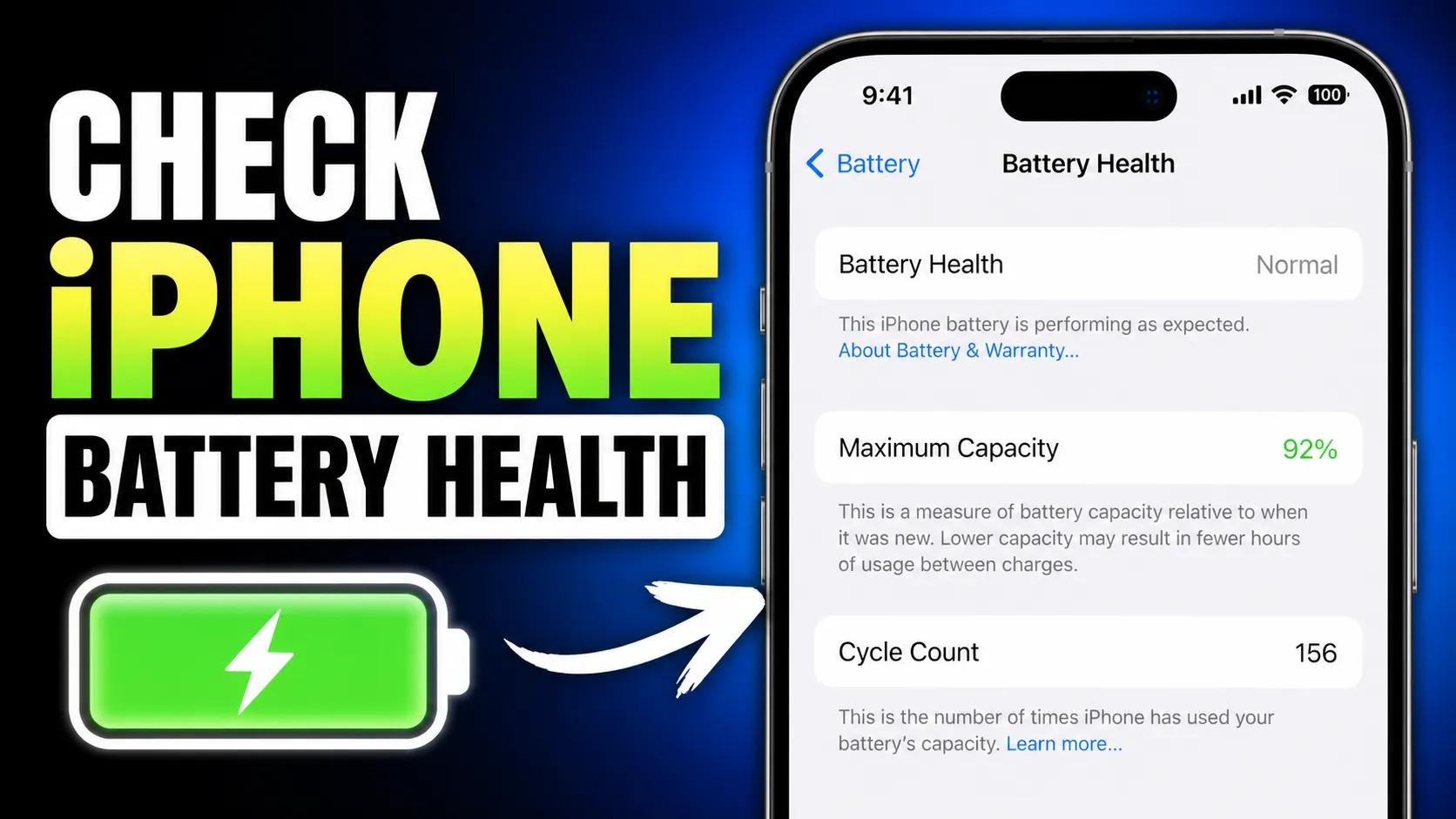

Understanding Your iPhone Battery Health
For every iPhone user, the battery is the heart of the device’s performance. Unlike other components, lithium-ion batteries are consumable parts that chemically age over time. This aging process leads to a lower amount of charge the battery can hold, which results in fewer hours of usage between charges and, eventually, a decrease in peak performance capability. Understanding how to manage this lifecycle is essential for maintaining a smooth user experience.
When you invest in a premium smartphone, whether it is a brand-new model or one of the high-quality second hand iphones online in india available through trusted platforms like EasyPhones, monitoring battery longevity becomes a priority. By staying informed about your battery's state, you can ensure your device remains reliable for years to come.
How to Check Battery Health on iOS
Apple has made it incredibly easy for users to monitor their battery status without needing third-party diagnostic tools. To check your current status, navigate to Settings, select Battery, and then tap on Battery Health & Charging. Here, you will find the "Maximum Capacity" percentage, which measures your battery capacity relative to when it was new.
A new iPhone will typically show 100% capacity. As the battery ages, this number will drop. Most users will not notice a significant difference in daily use until the capacity falls below 80%. If you are looking forward to future software updates and ios 26 features, keeping your hardware in top shape is vital, as newer operating systems often demand more efficient power management to run advanced background processes.
Identifying When It Is Time for a Replacement
Knowing when to swap out your battery can save you from the frustration of a device that shuts down unexpectedly. Apple generally considers a battery to be "worn" once it hits the 80% maximum capacity mark. At this stage, you may see a notification stating that your battery health is significantly degraded and that an authorized service provider can replace the battery to restore full performance and capacity.
Beyond the percentage, pay attention to "Peak Performance Capability." If your iPhone has experienced an unexpected shutdown because the battery could not deliver the necessary instantaneous power, iOS will apply performance management (throttling). If your apps are lagging or the screen frame rate feels choppy, it is a clear sign that a replacement is due. For those who prefer a device that feels brand new without the steep price tag, choosing an iphone 16 refurbished from EasyPhones ensures you receive a device with a rigorously tested battery that meets high functional standards.
Best Practices for Charging and Longevity
To extend the lifespan of your battery, you should avoid extreme temperatures. Heat is the natural enemy of lithium-ion cells; charging your phone in a hot car or under direct sunlight can cause permanent damage to the battery capacity. Ideally, keep your iPhone in environments between 62° to 72° F (16° to 22° C).
Another effective strategy is utilizing the "Optimized Battery Charging" feature found in your settings. This feature uses machine learning to understand your daily charging routine, waiting to finish charging past 80% until you need to use it. This reduces the time your battery spends at a fully charged state, which can wear it out faster. If you are a heavy power user who requires the most robust hardware, upgrading to an iphone 16 pro refurbished can provide the larger battery volume and efficiency needed to handle intensive tasks while following these maintenance tips.
Managing Background Activity and Settings
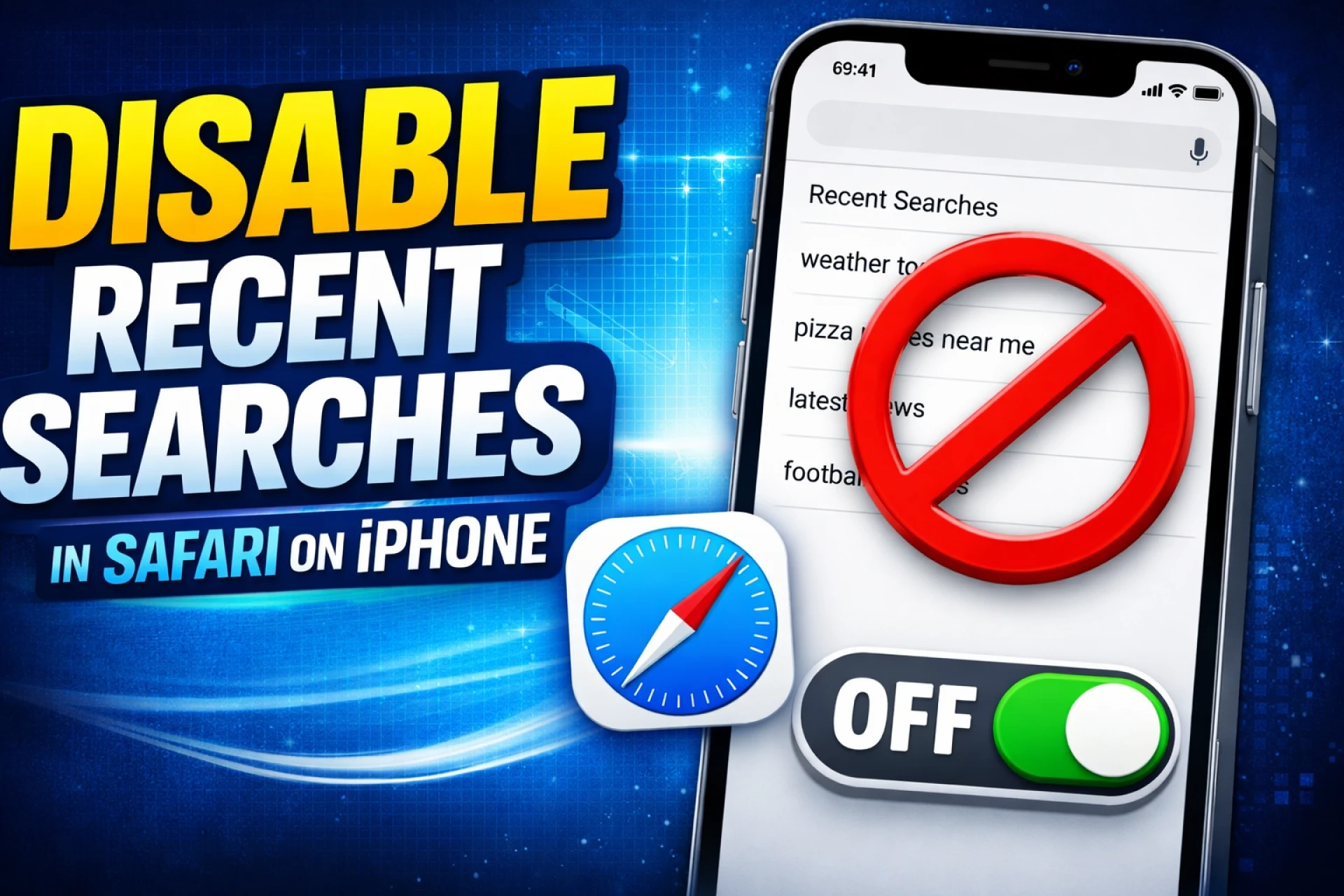
Software settings play a massive role in how hard your battery has to work every day. To reduce the strain, consider turning off "Background App Refresh" for apps that do not require constant updates. Additionally, using "Dark Mode" on iPhones with OLED screens can save a measurable amount of power, as black pixels effectively turn off and consume zero energy.
At EasyPhones, we emphasize that a well-maintained iPhone is a sustainable iPhone. By managing your settings and keeping an eye on your battery health, you contribute to the longevity of your device, reducing electronic waste. Simple habits, like using Wi-Fi instead of cellular data when possible and lowering screen brightness, can decrease the number of charge cycles your battery goes through, delaying the inevitable chemical aging.
Why Battery Health Matters for Resale Value
Maintaining a high battery percentage is not just about daily convenience; it also protects the financial value of your device. When the time comes to upgrade, a phone with a battery capacity above 90% will always command a higher price on the secondary market. Buyers are often wary of devices that require immediate repairs, so keeping your battery healthy is a smart long-term investment.
EasyPhones makes it easy for users to transition between devices by offering certified pre-owned options that undergo extensive checks. Whether you are looking to buy or simply trying to make your current iPhone last another year, prioritizing battery health is the most effective way to ensure your technology serves you well. By following these professional tips and monitoring your settings regularly, you can enjoy peak performance and avoid the inconvenience of a failing battery.
























Sign in to leave a comment.