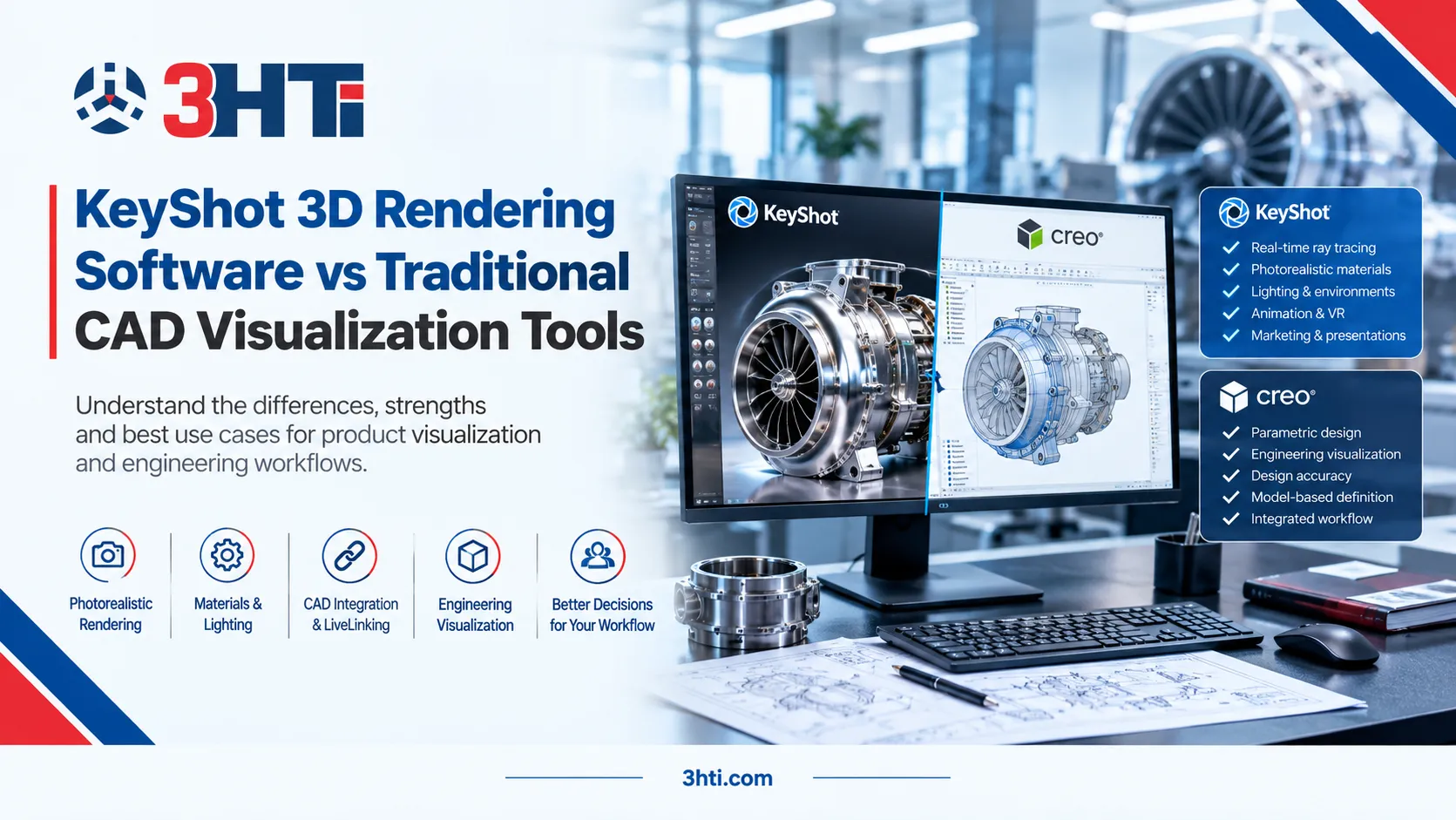

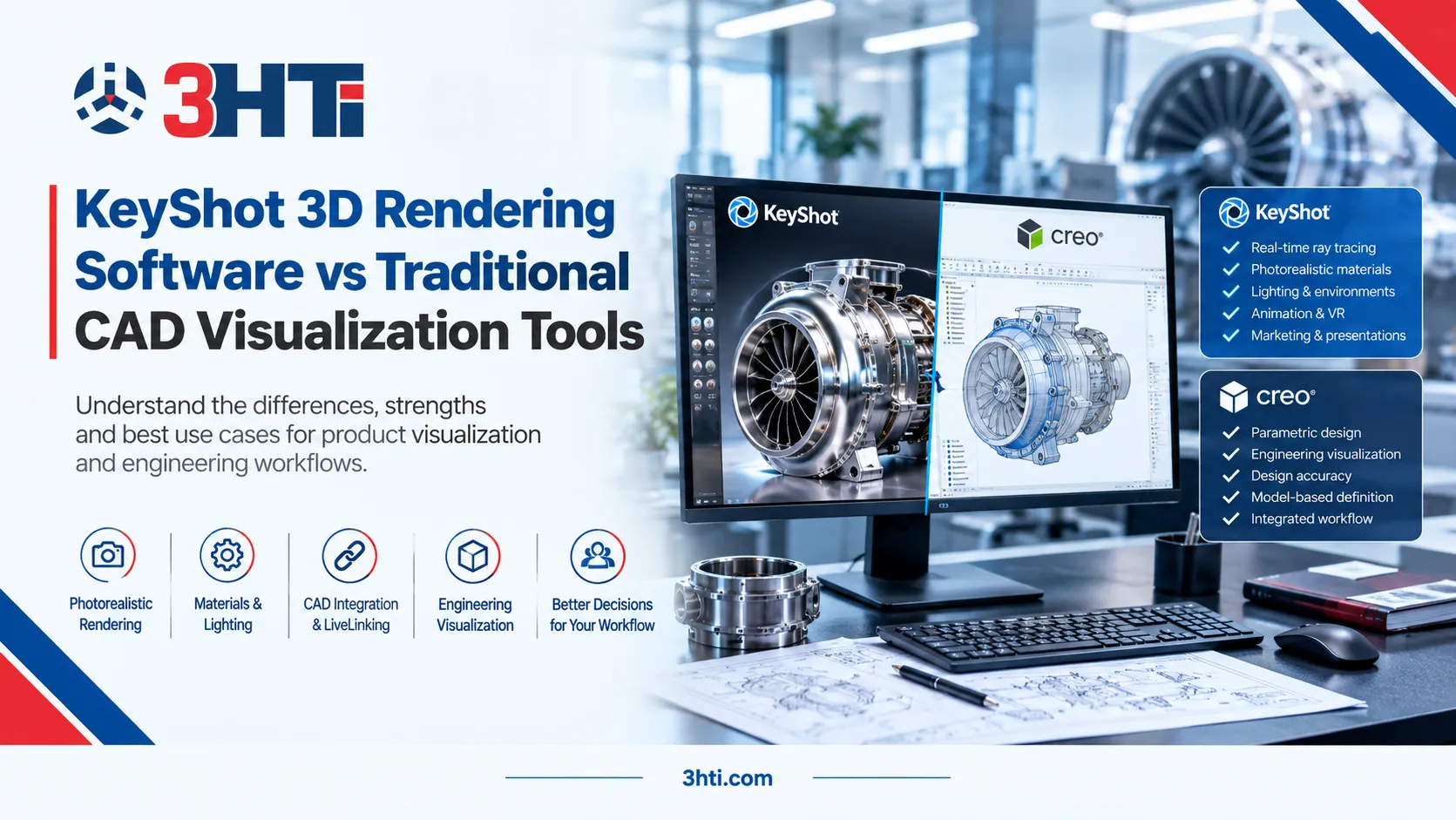
KeyShot 3D rendering software is designed primarily for producing photorealistic product visuals from existing 3D CAD data, while traditional CAD visualization tools are generally more closely integrated with the engineering environment used to create and modify the model. The distinction matters because engineering teams often need both design accuracy and high-quality visual communication.
KeyShot Studio provides real-time ray tracing, physically based materials, HDRI and physical lighting, camera controls, animation, and direct integration with major CAD platforms. Traditional CAD visualization capabilities, such as those within Creo, can keep visualization closely connected to the engineering model and design workflow.
For enterprise teams, the decision is therefore less about choosing a universally superior renderer and more about determining where visualization sits within the product-development workflow.
Key Takeaways
- KeyShot 3D rendering software focuses on fast, photorealistic product visualization and presentation.
- Traditional CAD visualization tools prioritize visualization within the engineering and CAD environment.
- KeyShot supports direct CAD workflows, including LiveLinking that can transfer model changes without rebuilding applied visual settings.
- Creo includes visualization and rendering capabilities, while Creo Render Studio is powered by the Luxion KeyShot rendering engine.
- KeyShot is particularly relevant for product presentations, design reviews, marketing imagery, material studies, animations, and stakeholder communication.
- Engineering organizations should evaluate integration, model complexity, rendering requirements, governance, hardware, and workflow ownership before selecting a visualization approach.
What Is the Difference Between KeyShot and Traditional CAD Visualization?
The fundamental difference is workflow specialization.
Traditional CAD visualization is typically part of, or tightly connected to, the CAD ecosystem. Its primary purpose is to help engineers visualize a design they are already developing. For example, Creo combines parametric 3D CAD with simulation, manufacturing, model-based definition, and other engineering workflows.
KeyShot 3D rendering software, by contrast, is a dedicated visualization environment. It imports CAD geometry and provides specialized tools for materials, lighting, cameras, environments, animation, and photorealistic rendering. KeyShot currently supports more than 30 3D formats and provides plugins for major CAD applications.
That distinction creates different strengths for different enterprise workflows.
KeyShot 3D Rendering Software vs CAD Visualization Tools
| Evaluation area | KeyShot | Traditional CAD visualization |
| Primary purpose | Product visualization and rendering | Engineering visualization within CAD |
| Photorealistic presentation | Strong focus | Depends on CAD platform and rendering module |
| CAD design modification | Usually performed in CAD software | Directly within the CAD environment |
| Materials and environments | Extensive visualization-oriented workflow | More closely tied to CAD workflow |
| Design-review visualization | Strong | Strong |
| Marketing/product imagery | Particularly well suited | May require additional visualization workflow |
| Engineering integration | CAD plugins and LiveLinking | Native or tightly integrated |
| Best fit | Visual communication and rendering | Engineering-centered visualization |
The table illustrates why the comparison should not be treated as a simple replacement decision.
Where KeyShot Has an Advantage
1. Faster iteration for visual communication
KeyShot's real-time rendering workflow allows users to change materials, lighting, and cameras while seeing the visual result in the viewport. This reduces the repeated test-render cycle often associated with conventional rendering workflows.
For an engineering organization, that can be useful when multiple stakeholders need to review finishes, colors, product configurations, or presentation environments before physical prototypes are available.
2. Specialized materials and lighting
KeyShot provides drag-and-drop materials, HDRI environments, physical lighting, material editing, and libraries that include industry-recognized color and material systems.
This is particularly relevant for manufacturers where visual accuracy matters for product reviews, industrial design, executive presentations, sales assets, or launch materials.
3. CAD-to-visualization continuity
A major consideration is what happens after the CAD model changes.
KeyShot's LiveLinking connects the CAD application with KeyShot so design changes can be transferred while preserving existing views, materials, textures, and animations.
That workflow can reduce the friction of maintaining visualization assets during iterative engineering development.
Where Traditional CAD Visualization Can Be the Better Fit
Dedicated rendering software is not automatically the right answer for every engineering workflow.
If engineers primarily need to inspect assemblies, examine geometry, review configurations, or communicate technical design information, visualization capabilities integrated into the CAD environment may be sufficient.
For example, PTC's Creo visualization ecosystem includes tools for viewing and interacting with product data, while Creo Render Studio provides appearances, scenes, perspective controls, real-time rendering, and denoising.
This creates an important enterprise distinction:
Use CAD visualization when visualization is primarily an engineering activity. Use dedicated rendering when visualization itself becomes a specialized deliverable.
What About Creo CAD Software?
For organizations already using Creo CAD software, KeyShot does not necessarily represent a competing engineering platform.
Creo remains the environment for parametric product design and engineering, while KeyShot can serve as a specialized visualization layer. PTC's documentation also states that Creo Render Studio is powered by the Luxion KeyShot rendering engine, illustrating that the technologies can overlap rather than exist as completely separate alternatives.
Teams evaluating both should therefore define responsibilities clearly:
Creo: model creation, engineering changes, parametric design, manufacturing-related workflows.
KeyShot: high-quality visualization, materials, environments, presentation imagery, animations, and visual communication.
For teams evaluating this workflow, 3HTi provides information about its Creo CAD software capabilities.
Is KeyShot 2023 Still Relevant?
KeyShot 2023 remains a useful historical reference when reviewing legacy workflows, documentation, or existing enterprise installations, but it should not be treated as the current product baseline in 2026.
For example, KeyShot 2023.2 introduced features including 360-degree views in KeyShot Web Viewer. Current KeyShot Studio documentation describes newer capabilities including real-time ray tracing, expanded CAD support, LiveLinking, and locally run AI visualization features.
Organizations maintaining older KeyShot deployments should therefore evaluate the capabilities of the current release rather than assuming that KeyShot 2023 accurately represents today's feature set.
How Should Enterprise Teams Choose?
A practical evaluation can use five questions:
- Who owns the workflow? Engineering, industrial design, marketing, or a shared visualization team?
- Where does the source model live? Consider CAD, PLM, and configuration-management requirements.
- How frequently does the model change? Frequent engineering changes increase the importance of CAD integration and LiveLinking.
- What is the output? Technical review images and photorealistic marketing assets have different requirements.
- What needs to be governed? Evaluate materials, approved configurations, file formats, data security, licensing, and asset ownership.
A KeyShot reseller or implementation partner can also help organizations assess licensing and workflow requirements, but procurement decisions should be based on the organization's actual technical and operational needs.
3HTi's KeyShot 3D rendering software resources can be considered alongside its broader engineering software portfolio.
An Important Enterprise Consideration: Rendering Is Not Engineering Validation
Photorealistic visualization should not be confused with engineering simulation or product validation.
A render can communicate how a product may look under particular materials, lighting, and environmental conditions, but it does not replace structural, thermal, fluid, or other engineering analysis.
For simulation-focused workflows, organizations should evaluate dedicated engineering simulation tools alongside visualization platforms. 3HTi also provides information on Simerics engineering simulation solutions.
Conclusion
KeyShot 3D rendering software and traditional CAD visualization tools solve related but different problems. CAD visualization is valuable when visualization remains tightly connected to engineering design and product data. KeyShot becomes particularly useful when an organization needs a dedicated environment for photorealistic rendering, materials, lighting, animation, and broader product communication.
For enterprise engineering teams, the strongest evaluation is therefore workflow-based rather than feature-based: identify where models originate, how frequently they change, who consumes the visuals, and whether the output is intended for engineering review, executive communication, sales, or product marketing.
FAQs
Is KeyShot a CAD software?
No. KeyShot is primarily a 3D rendering and product visualization application rather than a parametric CAD modeling system. It imports 3D models from CAD and other applications so users can create photorealistic images, animations, and interactive visualizations.
Can KeyShot work with Creo?
Yes. KeyShot supports Creo workflows through CAD import and plugins, while its LiveLinking capability can transfer changes from supported CAD applications while preserving visualization settings.
Is KeyShot better than CAD rendering?
Neither approach is universally better. KeyShot is specialized for product visualization, while CAD rendering can be more convenient when visualization is embedded directly in the engineering workflow. The appropriate choice depends on output requirements, integration, model changes, and users.
What was KeyShot 2023 used for?
KeyShot 2023 provided real-time 3D rendering and visualization capabilities for product and engineering workflows. KeyShot 2023.2 also introduced features such as 360-degree views through KeyShot Web Viewer.
Does KeyShot replace engineering simulation software?
No. Rendering and simulation have different purposes. KeyShot communicates visual characteristics such as materials, lighting, and appearance, whereas engineering simulation evaluates physical behavior using specialized analysis methods.




























Sign in to leave a comment.