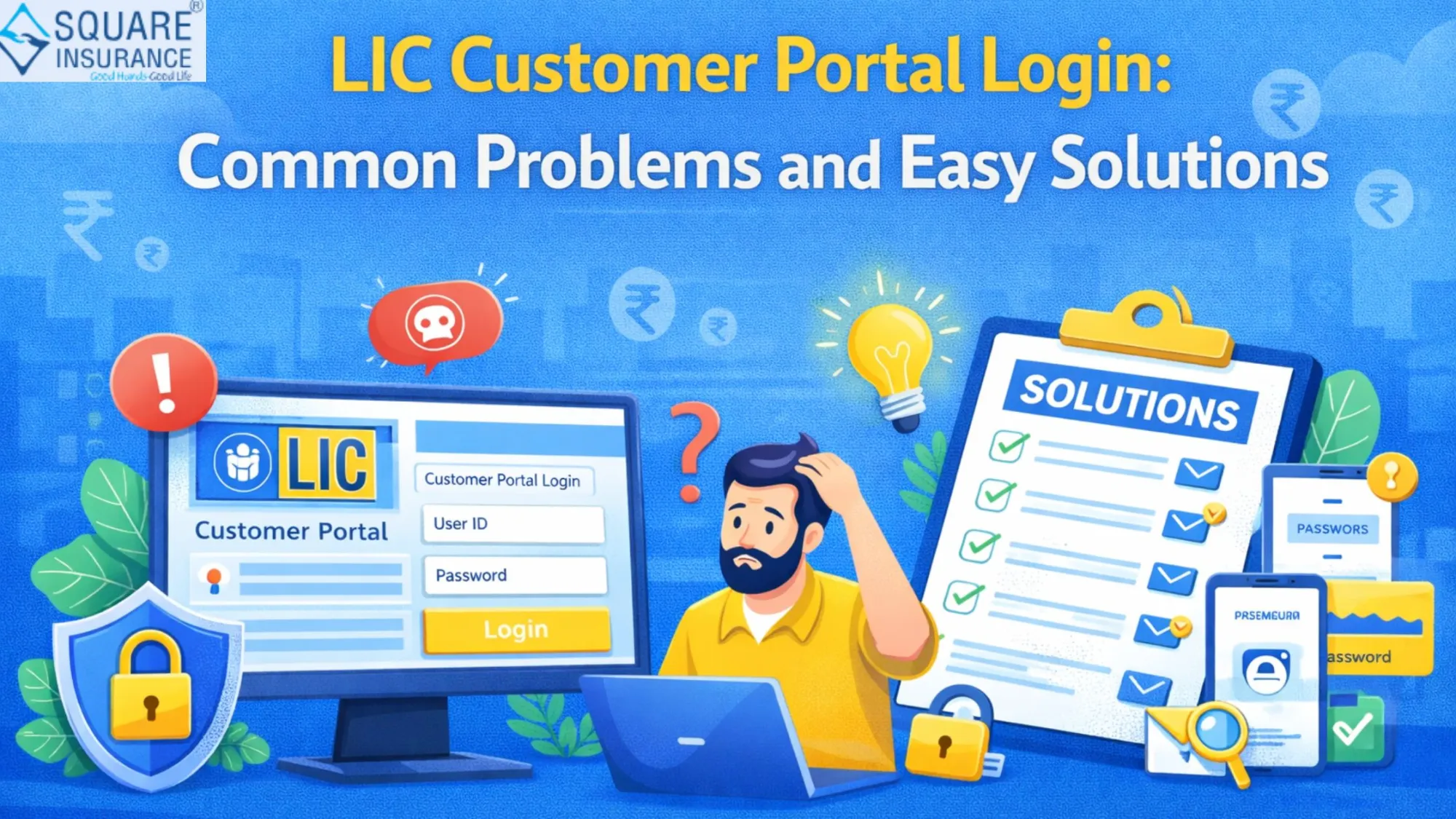

Digital services have transformed the way insurance policyholders manage their accounts. Instead of visiting branch offices for every query or service request, customers can now access important policy-related information online through the LIC Customer Portal. This platform allows policyholders to check policy details, premium payment status, service requests, and other account-related information from the comfort of their homes.
While the LIC Customer Portal login is designed to offer convenience and efficiency, users may occasionally face login-related issues or technical difficulties. Problems such as forgotten passwords, incorrect login credentials, registration errors, and account access issues can sometimes prevent smooth usage of the portal.
The good news is that most of these problems have simple solutions. Understanding the common challenges and knowing how to resolve them can help users access their accounts without unnecessary frustration.
What Is LIC Customer Portal Login?
The LIC Customer Portal Login facility allows registered policyholders to access their insurance-related information online. After logging into the portal, users can perform various account management activities without needing to visit a branch office.
Some common services available through the customer portal include:
- Viewing policy details
- Checking premium payment information
- Monitoring policy status
- Updating certain account information
- Accessing policy-related services
The portal helps improve convenience and provides quicker access to important insurance information.
Problem 1: Forgotten Login Password
One of the most common issues faced by users is forgetting their password.
Since many people use multiple online accounts, it is easy to forget login credentials over time. When this happens, accessing the customer portal becomes difficult.
Easy Solution
Most portals provide a password recovery option. Users can reset their password by verifying their identity through registered contact information and following the instructions provided.
Creating a strong but memorable password can help reduce the chances of future login difficulties.
Problem 2: Incorrect User ID or Login Details
Sometimes users enter incorrect login credentials by mistake.
Common errors include:
- Typing mistakes
- Incorrect user ID
- Wrong password
- Extra spaces in login fields
Even small mistakes can prevent successful login attempts.
Easy Solution
Carefully review all login information before submitting. Double-check spelling, capitalization, and numerical entries to ensure accuracy.
Taking a few extra seconds to verify details can often solve the problem immediately.
Problem 3: New User Registration Issues
Some users experience difficulties while registering for the customer portal.
These problems may occur because:
- Required information is entered incorrectly.
- Policy details do not match records.
- Incomplete registration forms are submitted.
Easy Solution
Ensure that all registration information matches official policy records. Review details carefully before completing the registration process and provide accurate information wherever required.
Accurate registration data improves the chances of successful account creation.
Problem 4: Account Locked After Multiple Login Attempts
Multiple unsuccessful login attempts may temporarily restrict access to your account as a security measure.
This security measure helps protect customer accounts from unauthorized access.
Easy Solution
If an account becomes temporarily locked, users should wait for the specified period before attempting another login. Following the recommended password recovery process may also help restore account access.
Avoid repeatedly entering incorrect passwords, as this can extend access delays.
Problem 5: Not Receiving Verification Messages
Verification messages are often required during registration, password recovery, or account updates.
Occasionally, users may not receive these messages due to various reasons.
Easy Solution
Check that the registered mobile number and email address are active and accurate. Users should also ensure that message inboxes are not full and that network connectivity is functioning properly.
Keeping contact information updated helps prevent verification-related issues.
Problem 6: Slow Portal Performance
At times, users may experience slow loading speeds while accessing the customer portal.
Possible reasons include:
- Heavy website traffic
- Internet connectivity issues
- Browser-related problems
Easy Solution
Refresh the page and check your internet connection. Using an updated browser and clearing temporary browsing data may also improve performance.
Trying again during non-peak hours can sometimes result in a smoother experience.
Problem 7: Difficulty Accessing Policy Information
Some users may log in successfully but struggle to locate specific policy details.
This issue often occurs when multiple policies are linked to the account or when users are unfamiliar with portal navigation.
Easy Solution
Spend some time exploring the portal dashboard and available menu options. Reviewing account sections carefully can help users locate the desired information more easily.
Familiarity with the portal often improves the overall user experience.
Problem 8: Outdated Contact Information
Outdated contact details can create difficulties when receiving notifications, verification messages, or important account updates.
Easy Solution
Regularly review and update personal information whenever changes occur. Maintaining current contact details helps ensure smooth communication and uninterrupted access to services.
Accurate records contribute to better account management.
Problem 9: Browser Compatibility Issues
Sometimes the customer portal may not function properly on older browsers or unsupported software versions.
This can lead to display problems or login difficulties.
Easy Solution
Use a modern and updated web browser. Installing the latest updates often improves compatibility and enhances security while accessing online services.
Updated browsers generally provide a more reliable experience.
Problem 10: Security Concerns While Logging In
Many users worry about protecting their personal and financial information while accessing online accounts.
Easy Solution
Follow basic online security practices such as:
- Using strong passwords
- Avoiding public computers
- Keeping login credentials confidential
- Logging out after each session
- Monitoring account activity regularly
These habits help improve account security and reduce risks.
Tips for a Smooth LIC Customer Portal Experience
To make the most of the customer portal:
- Keep login credentials secure.
- Update personal information regularly.
- Review policy details periodically.
- Use updated browsers and devices.
- Check account notifications frequently.
- Maintain accurate contact information.
These simple practices can help minimize common issues and improve overall portal usage.
Conclusion
The LIC Customer Portal Login facility offers policyholders a convenient way to manage their insurance accounts online. While occasional login or technical issues may arise, most problems can be resolved quickly with the right approach.
Whether the issue involves forgotten passwords, registration difficulties, verification problems, or account access concerns, understanding the common causes and solutions helps users navigate the portal more confidently. By keeping account information updated and following good security practices, policyholders can enjoy a smoother and more efficient online experience.
As digital insurance services continue to grow, becoming familiar with the LIC Customer Portal can help customers save time, access information easily, and manage their policies more effectively.
FAQs
Q1. What is LIC Customer Portal Login?
It is an online facility that allows policyholders to access and manage their insurance-related information digitally.
Q2. What should I do if I forget my login password?
You can use the password recovery option available on the portal and follow the verification process to reset your password.
Q3. Why am I not receiving verification messages?
This may occur due to outdated contact information, network issues, or inbox-related problems.
Q4. How can I avoid login issues?
Use accurate credentials, maintain updated account information, and keep your password secure.
Q5. Is the LIC Customer Portal safe to use?
Yes, when users follow proper security practices such as using strong passwords and protecting login credentials.
























Sign in to leave a comment.