
In my years of helping brands navigate the noise, We’ve found that the biggest barrier to video isn't technology - it's the "Corporate Mask." People don't want to buy from a logo; they want to buy from the expert who solved a problem they’re facing right now.
If you're still at the starting line, don't worry. Every top-tier creator began with a digital marketing for beginners mindset. The goal isn't to be a filmmaker; it’s to be a helpful authority.
Why LinkedIn Video is Your New "Digital Handshake"
In an era where AI-generated text is everywhere, video is the ultimate proof of human experience. When you show up on camera, you are answering 10 common digital marketing questions before they are even asked. You are proving that you are real, knowledgeable, and accessible.
The Dwell Time Metric: The Hidden Algorithm Secret
LinkedIn's algorithm is no longer impressed by a "like." It tracks how long someone stops their scroll to watch your clip. High dwell time signals to the platform that your content is high-quality. This is why strategic content creation for LinkedIn professional growth is about more than just "posting video" - it’s about creating a "hook" that earns every second of the viewer's attention.
The Anatomy of a High-Retention LinkedIn Clip
A professional scrolling their feed in between meetings has a very low tolerance for fluff. You have roughly 2.5 seconds to prove your video is worth their time.
The "Headline-First" Strategy
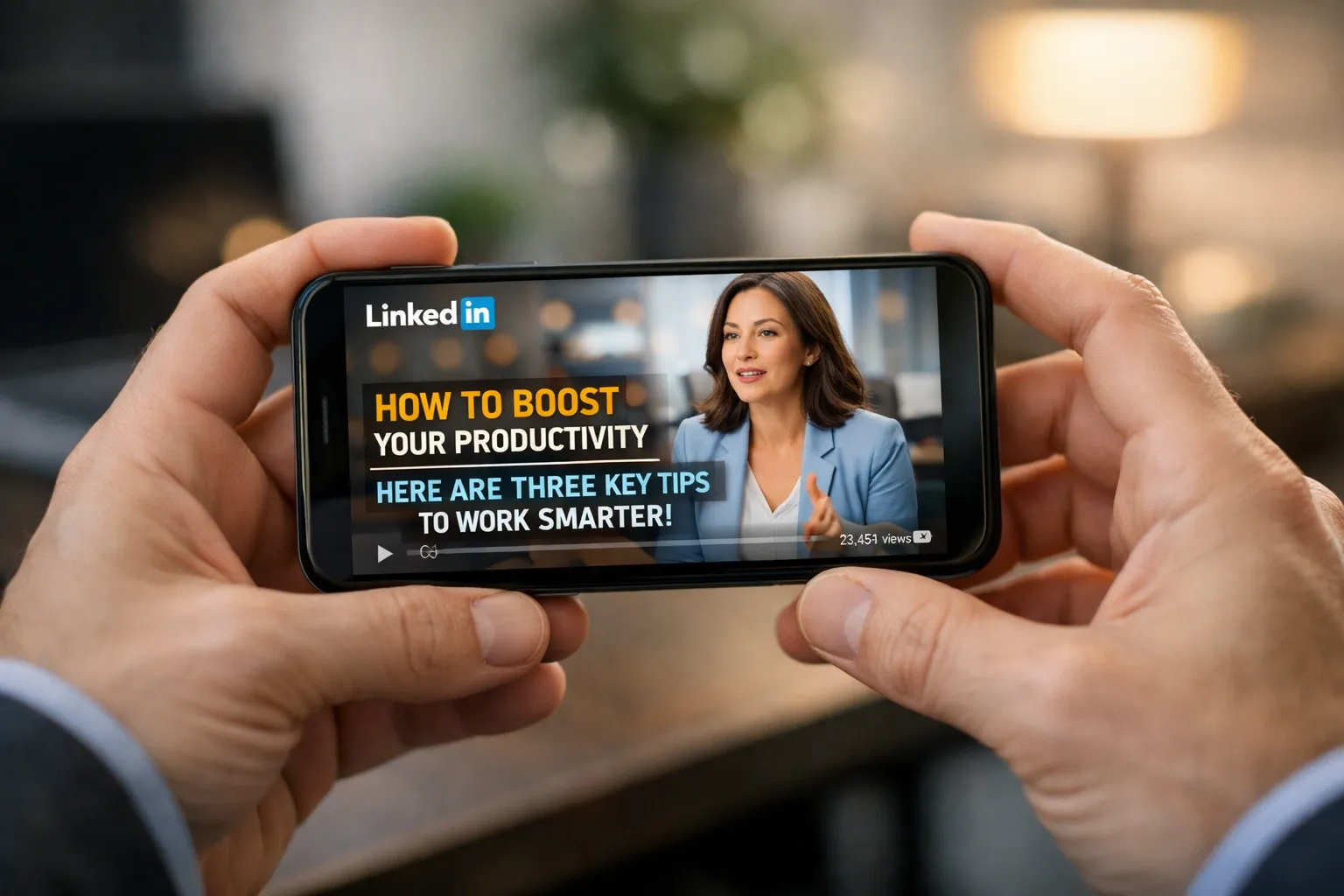
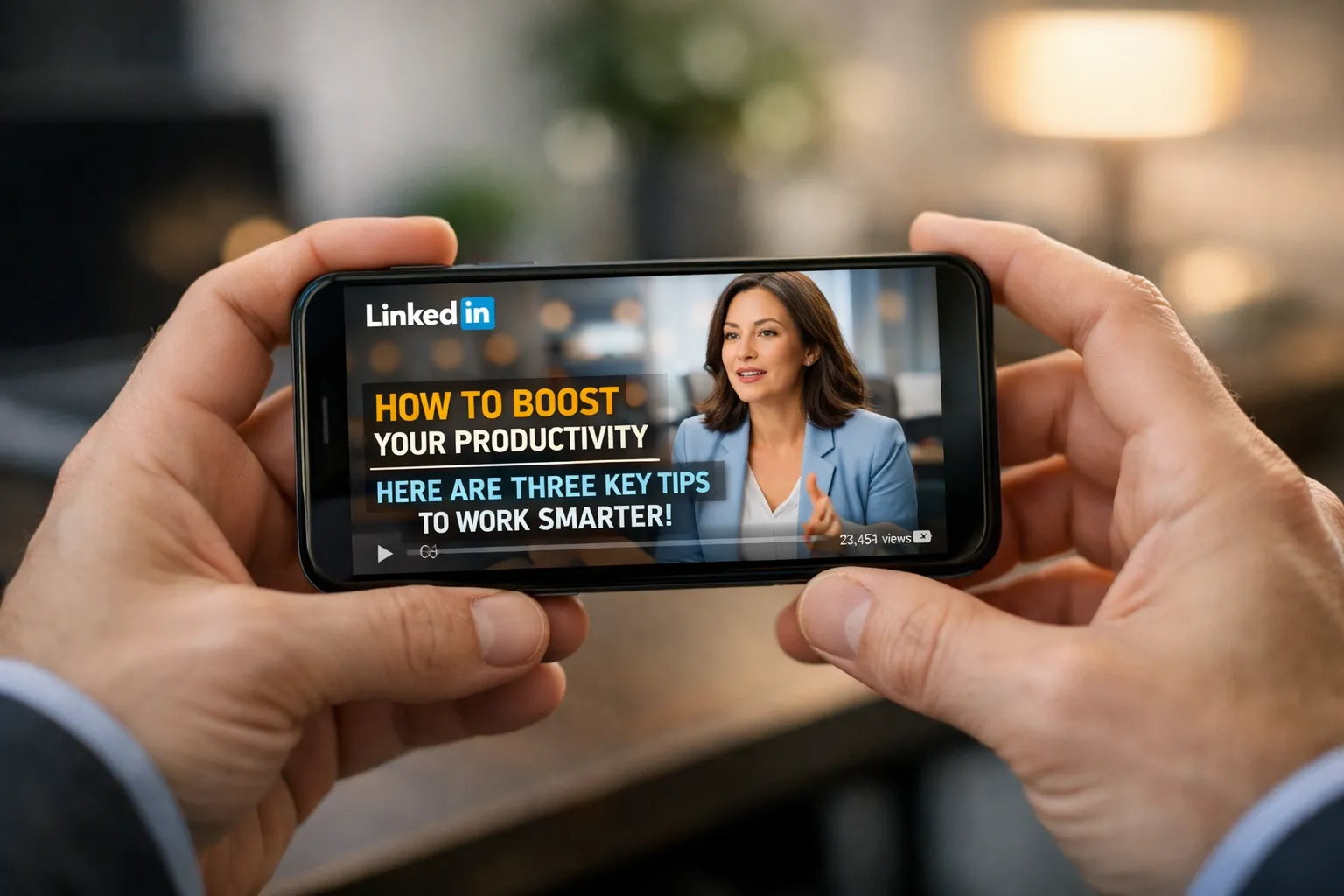
Most people watch LinkedIn videos on mute. If your video starts with a silent face just smiling, they will keep scrolling. You need "burnt-in" headlines at the top of your frame.
Expert Scenario: > Imagine you’re scrolling. You see a video with no text. Keep scrolling. Now, imagine a video with a bold top border that says: "Why Your B2B Ads are Burning Cash." Stop. You don't even need the sound on to know if that video is relevant to you.
You can easily create these professional frames by learning how to use Canva to overlay text on your vertical or square videos. It’s a small technical step that can double your engagement.
Designing for the "Silent" Majority
Since 80% of users watch with sound off, your captions are your script. Don't just rely on LinkedIn's auto-captions, which often make mistakes. Use your video transcript to create a blog post or a newsletter, but first, ensure those captions are clear and fast-paced. This ties back into a broader blog structure for SEO - treating your video content as a structured piece of media.
Cracking the 2026 LinkedIn Algorithm
LinkedIn is protective of its audience. If you try to lead them away from the platform, the platform will lead them away from you.
The Power of Native Uploads
One of the most frequent google ads for beginners mistakes I see translated to social media is the use of external links. If you post a YouTube link on LinkedIn, the algorithm will likely bury it. LinkedIn wants you to stay on LinkedIn. By using high-impact video marketing strategies for small businesses, you upload the raw file directly to the platform. This allows for "auto-play," which captures the viewer's eye far more effectively than a static thumbnail with a "Play" button.
Embracing the "Zero-Click" Strategy
In 2026, we focus on zero-click searches SEO impact. This means providing the "A-ha!" moment right there in the feed. Don't say, "Watch the full video on my site." Give the answer in the first 45 seconds of the LinkedIn clip. Paradoxically, the more value you give away for "free" in the feed, the more likely someone is to click your profile and eventually how to build an email list for beginners by signing up for your deep-dive resources.
Technical Setup: Professionalism Without the Price Tag
You don't need a studio. In fact, "over-produced" videos can sometimes feel like commercials, which B2B audiences tend to ignore.
- The Lighting: Face a window. Natural light is better than a $500 ring light.
- The Audio: Use a simple lapel mic. As we mention in our free marketing tools for beginners list, good audio is the difference between an amateur and an expert.
- The Safe Zones: Remember that the LinkedIn mobile app has "UI overlays" at the bottom (like the "Like" and "Comment" buttons). Keep your captions and your face in the middle of the frame so they aren't covered up.
This mobile-first approach is similar to why we emphasize local seo for voice search beginners guide - it’s about meeting the user where they are, on the device they are using right now.
Turning Views into Conversations
A million views from people who can't buy from you is just a vanity project. We are looking for the "Hand-Raise."
The "Soft CTA" Approach
Instead of a hard sell, end your video with a question that sparks a discussion.
- "Is your team seeing the same trend with LinkedIn reach?"
- "What's the one video tactic you've found that actually works for B2B?"
These questions encourage comments, and comments are the fuel that keeps your video in the feed for days. This conversational style is also how you master voice search vs text search trends - by speaking the natural language of your audience.
Leveraging the Answer Engine Advantage
Your video scripts are a goldmine for metadata. When you discuss a topic in detail, you are creating content that feeds into an answer engine optimization (AEO) guide strategy. LinkedIn's internal search is becoming more sophisticated; by using your keywords naturally in your video description and comments, you ensure your video shows up when a prospect searches for a solution.
Key Takeaways for Your LinkedIn Strategy
- Hook Fast: Use a "burnt-in" headline to capture attention in the first 3 seconds of the scroll.
- Upload Natively: Never use external video links if you want the algorithm to favor your reach.
- Design for Mute: Ensure your captions are 100% accurate so the message isn't lost for the 80% watching without sound.
- Value First: Use a "zero-click" approach to build authority directly in the feed, sparking conversations rather than just chasing clicks.
Conclusion: The Camera is Your Competitive Advantage
The barrier to entry for LinkedIn video is no longer about having the best gear - it's about having the most courage to be authentic. In a sea of AI-generated articles and stock-photo-heavy posts, your voice is the only thing your competitors can't replicate.
By consistently showing up and sharing your expertise, you aren't just making content; you're building a digital asset that works for you 24/7. Whether you're trying to featured snippet seo position zero on Google or dominate the LinkedIn feed, the principle is the same: Help first, sell second.
Have you created video content for LinkedIn? If you're ready to stop guessing and start growing, our digital marketing plan for small business guide can help you integrate video into a strategy that actually moves the needle for your business.
























Sign in to leave a comment.