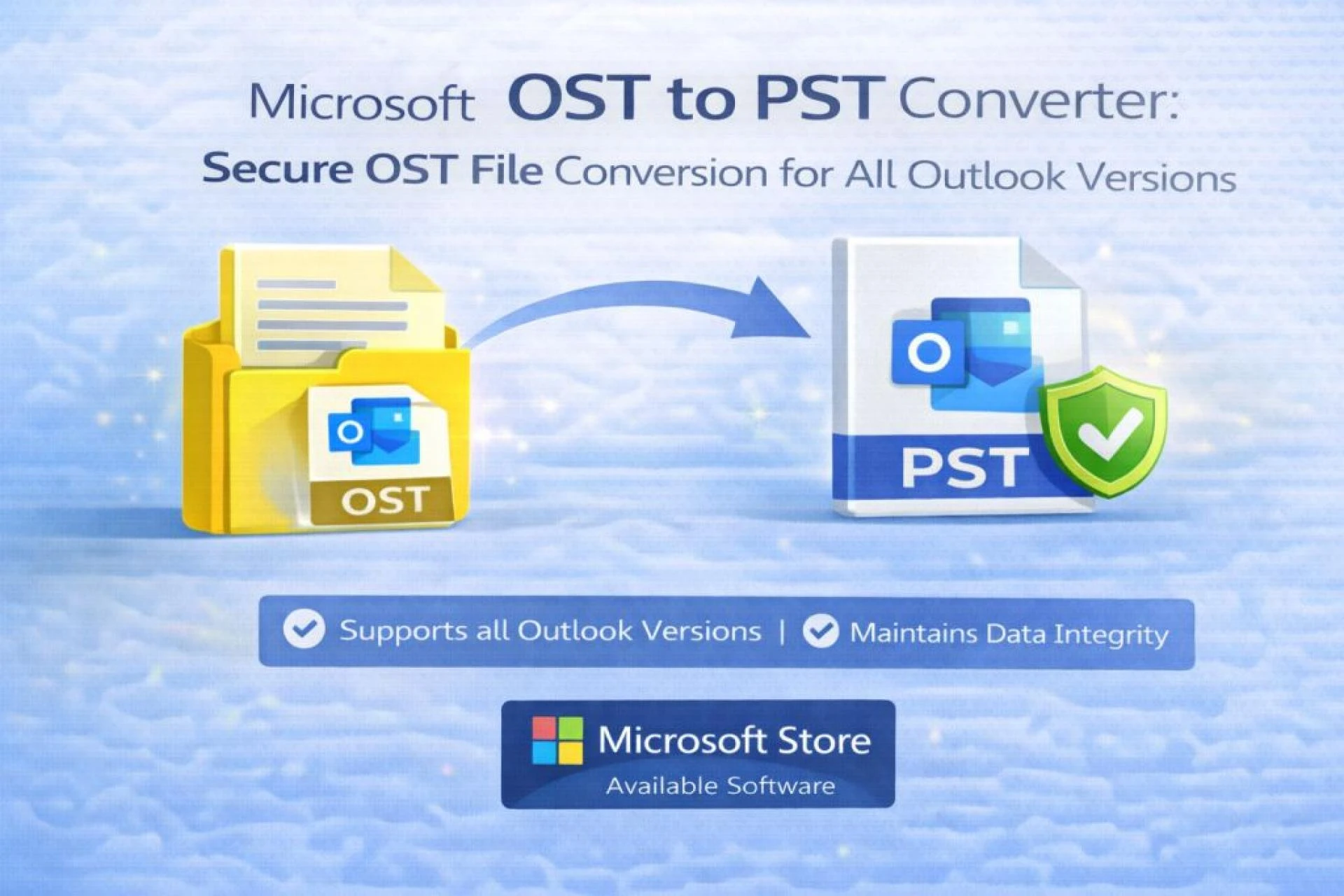

Introduction: The Need for Reliable OST File Conversion
Microsoft Outlook is a core communication platform for businesses and individuals worldwide. While it offers robust features, many users encounter challenges when dealing with OST (Offline Storage Table) files, especially when Outlook profiles become inaccessible or Exchange and Microsoft 365 connections are lost. In such scenarios, accessing important emails, attachments, and contacts becomes nearly impossible without proper conversion.
A Microsoft OST to PST Converter provides a secure and efficient way to regain control over Outlook data. By converting OST files into PST (Personal Storage Table) format, users can access their mailbox data independently of Outlook profiles or server connectivity. This blog explains why OST to PST conversion is essential, how it works securely, and why professional tools are the best solution across all Outlook versions.
Understanding OST and PST File Formats
What Is an OST File?
An OST file is a local offline copy of a mailbox synchronized with an Exchange, Office 365, or IMAP server. It allows users to access emails, calendars, contacts, tasks, and notes even without an internet connection. However, OST files are encrypted and linked to a specific Outlook profile, making them inaccessible once the original account or server connection is removed.
What Is a PST File?
A PST file, on the other hand, is a standalone Outlook data file. It stores mailbox data locally and can be easily imported, transferred, or archived without requiring server authentication. This makes PST the preferred format for backup, migration, recovery, and long-term data storage.
Why Do Users Need to Convert OST to PST?
There are several common situations where OST to PST conversion becomes necessary:
- Exchange or Office 365 account deletion
- Outlook profile corruption
- System crash or OS reinstallation
- Employee exit or mailbox decommissioning
- Server migration or domain changes
- Need for offline access or email backup
In all these cases, a professional OST to PST converter ensures secure access to valuable Outlook data without relying on Outlook or Exchange connectivity.
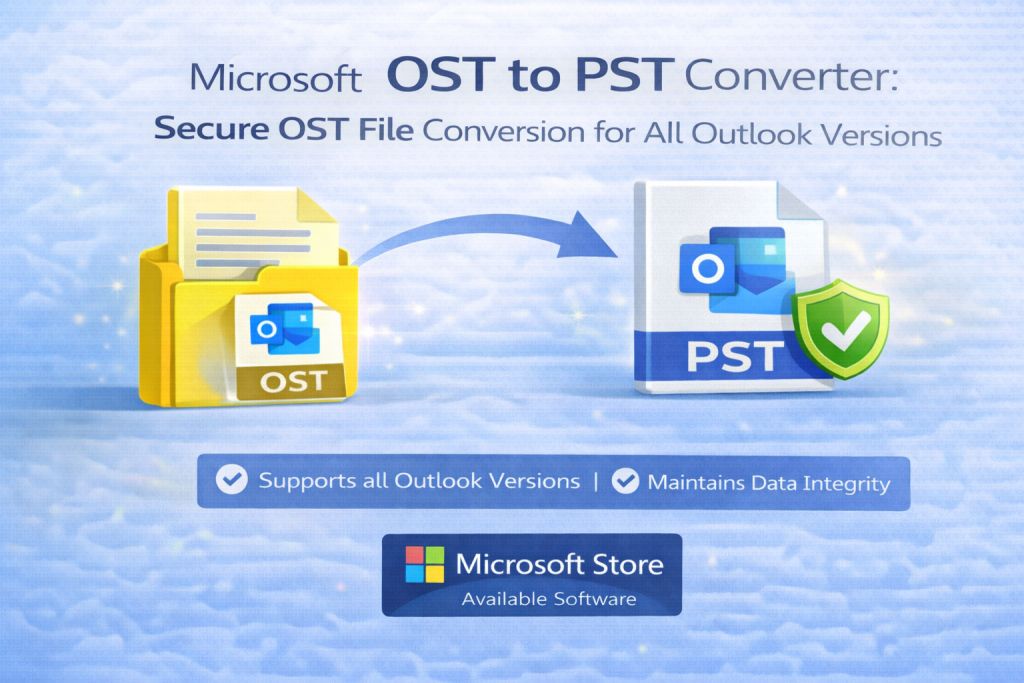
Limitations of Manual OST to PST Conversion
Microsoft Outlook offers limited manual export options, but they only work if the OST file is actively connected to the original account. Manual methods fail when:
- The OST file is orphaned or encrypted
- Outlook cannot open the mailbox
- Exchange or Office 365 access is unavailable
- The OST file is corrupted or oversized
What Makes a Secure OST to PST Converter Essential
A reliable OST to PST converter is designed to work independently of Outlook and Exchange, ensuring maximum flexibility and data safety.
Key Features of a Professional OST to PST Converter
- Secure, read-only scanning of OST files
- No Outlook or Exchange dependency
- Recovery of corrupted and orphaned OST files
- Preservation of folder hierarchy and metadata
- Support for large OST files
- Batch conversion capability
- Compatibility with all Outlook versions
How ATS OST to PST Converter Fits Into the Solution
To overcome these challenges, tools like the ATS OST to PST Converter provide a reliable and independent approach to OST file conversion. The software works without requiring Outlook installation or an active Exchange or Office 365 account, making it ideal for recovering data from orphaned, inaccessible, or corrupted OST files.
ATS OST to PST Converter scans OST files in a read-only mode, ensuring that original data remains untouched. It reconstructs the complete mailbox—including emails, attachments, contacts, calendars, tasks, notes, and journals—into a usable PST file while preserving folder hierarchy and metadata such as sender, recipient, subject, and timestamps.
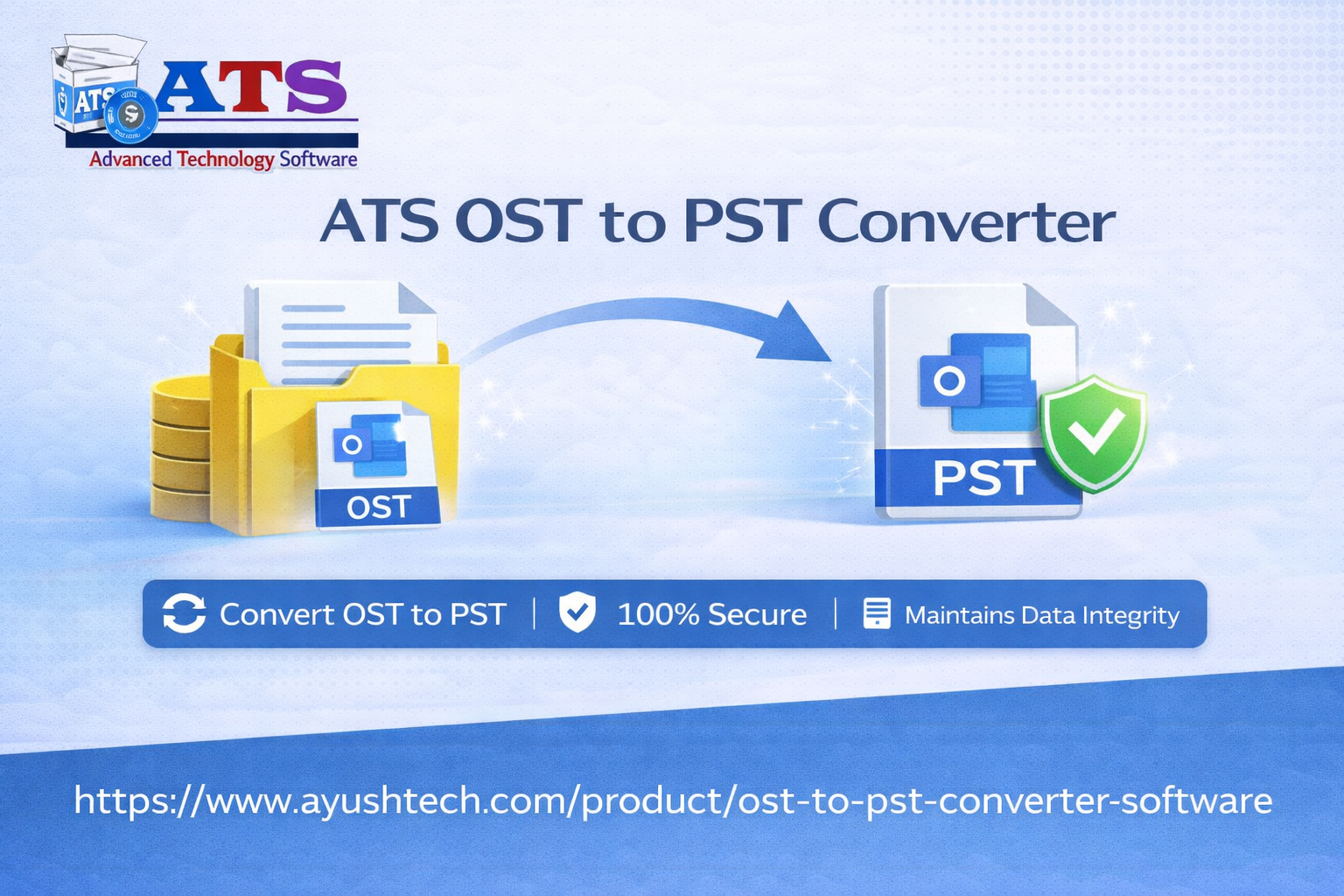
Core Capabilities of ATS OST to PST Converter
Integrated into a professional conversion workflow, ATS offers key advantages:
- Independent Conversion: No Outlook or server dependency
- Support for All Outlook Versions: From legacy editions to Outlook 2024 and Microsoft 365
- Recovery from Corrupted OST Files: Handles damaged or partially synchronized files
- Bulk and Large File Support: Efficient processing of multiple or oversized OST files
- Multiple Export Options: PST, EML, MSG, MBOX, and direct migration to Office 365, Gmail, Yahoo, and IMAP servers
- Preview Functionality: Allows verification of mailbox data before conversion
Secure Conversion Workflow Using a Professional Tool
A secure and reliable OST to PST conversion process typically involves:
- Backing up the original OST file
- Scanning the file for errors or corruption
- Previewing mailbox content to confirm recoverability
- Exporting data to PST or directly to a cloud platform
- Validating the output by importing it into Outlook
ATS OST to PST Converter supports each of these steps, ensuring accuracy, security, and efficiency throughout the conversion lifecycle.
Handling Large, Orphaned, and Corrupted OST Files
Large OST files and corrupted mailboxes present significant technical challenges. ATS addresses these by offering advanced scanning algorithms, optional PST splitting, and stable processing that prevents system overload. This makes it particularly useful for enterprise migrations, disaster recovery scenarios, and legal or compliance-driven data extraction.
Beyond PST: Cloud and IMAP Migration
Modern email ecosystems often extend beyond local Outlook environments. ATS OST to PST Converter supports direct migration to Office 365 and IMAP-based cloud services, eliminating the need for intermediate PST imports and reducing migration time for organizations moving to cloud platforms.
Security, Compliance, and Data Integrity
Data security is a top priority during mailbox conversion. ATS follows strict security practices by:
- Maintaining read-only access to source files
- Avoiding data overwrites or unauthorized modification
- Preserving mailbox structure and integrity
- Supporting compliance-oriented workflows such as eDiscovery
Conclusion: Secure Your Outlook Data with Confidence
A Microsoft OST to PST Converter is an essential tool for anyone facing OST file accessibility issues. By converting OST files into PST format securely and independently of Outlook or Exchange, users gain full control over their email data across all Outlook versions.
Whether you are recovering data from a corrupted OST file, migrating to a new system, or creating a secure backup, a professional OST to PST converter ensures accuracy, reliability, and peace of mind. In today’s data-driven environment, secure and flexible email access is not just a convenience—it’s a necessity.























Sign in to leave a comment.