


Multi-state cannabis operators need centralized visibility, but they should not give every employee access to every store, license, inventory record, or compliance action. The larger the organization becomes, the more important it is to separate corporate oversight from operational permissions.
For operators using IndicaOnline POS, multi-state management can remain centralized while individual stores and licenses retain their own compliance context. IndicaOnline states that each license can be mapped to its own facility, while role-based permissions restrict actions such as discounts, refunds, cart edits, and other store functions.
The goal of license-level access control is not to make employees log into more systems. It is to make sure each person can act only where their job actually requires authority.
Why MSOs Need More Than Basic User Roles
A single dispensary may get by with simple roles such as owner, manager, inventory manager, and budtender. An MSO adds another dimension: location and license scope.
A regional inventory employee may need access to several stores in one state but not facilities in another. A local store manager may need full operational control inside one license while having read-only visibility elsewhere.
That means access should answer two questions:
- What actions can this employee perform?
- At which licensed facilities can they perform them?
A role defines capability; license scope defines where that capability applies.
Separate Corporate Visibility From Store Authority
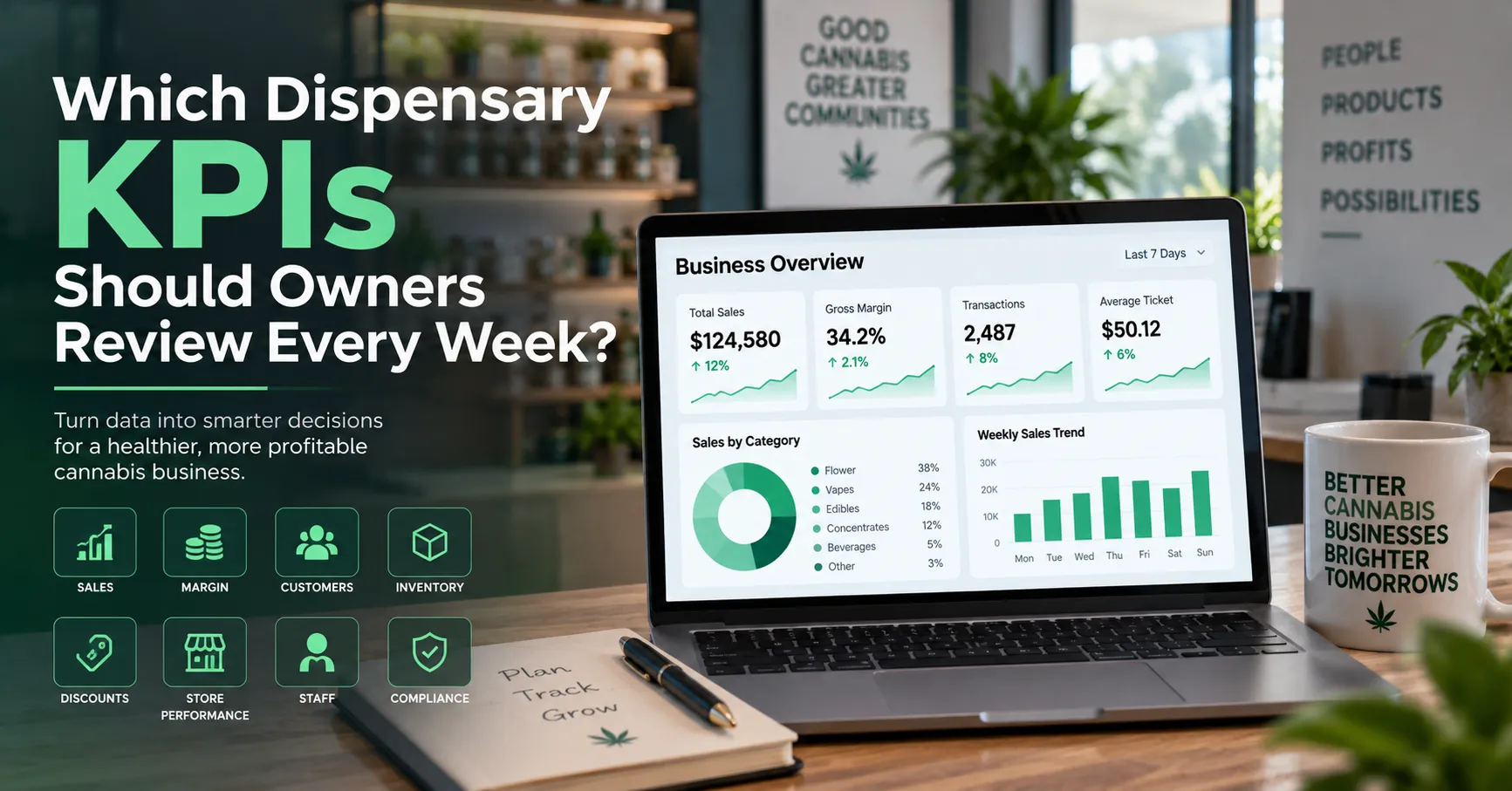
Executives often need consolidated information across every state. They may need revenue, margin, inventory, or average ticket reporting without permission to edit regulated package data.
IndicaOnline describes enterprise reporting that can be filtered by account, facility, or individual store while compliance remains mapped locally.
Use Different Access Layers
A useful structure can include:
- enterprise reporting access;
- state-level operational access;
- license-level management access;
- store-level employee access.
Someone who needs to see a number does not automatically need permission to change the data behind it.
This distinction is especially valuable for finance, BI, marketing, and executive users.
Apply the Principle of Least Privilege
Least privilege means giving each employee only the access required for current duties.
Metrc describes role-based security with granular permission assignment so users can receive the permissions they need rather than unrestricted system access.
For cannabis operators, this principle can reduce the risk of:
- accidental inventory adjustments;
- unauthorized refunds;
- incorrect package changes;
- cross-location data edits;
- inappropriate access to customer or financial information.
Retailers can review the official Metrc Security guidance when developing user-access policies.
Build Access Around Job Functions
Budtenders
Budtenders typically need checkout access within their assigned store.
Their permissions may include:
- customer verification;
- product search;
- cart creation;
- payment processing;
- receipt generation.
Higher-risk functions such as inventory adjustments, product mapping, and administrative configuration can remain restricted.
IndicaOnline states that discounts, refunds, and cart removals can be limited by role.
Inventory Managers
Inventory staff may require broader permissions for:
- receiving;
- cycle counts;
- package reconciliation;
- approved inventory adjustments;
- Metrc-connected inventory review.
IndicaOnline describes inventory audits and adjustments as functions that can be tied to the staff member performing them.
An inventory manager may need deeper inventory access without needing corporate finance or employee-administration rights.
Store Managers
Store managers often need to approve refunds, manage shifts, review sales, and supervise staff permissions within one location.
The key phrase is “within one location.” A manager at Store A should not automatically gain the same authority at Store B.
Map Every User to a License Scope
A strong multi-state operator pos system should make location scope explicit.
For each user, document:
- job title;
- assigned state;
- assigned licensed facility;
- POS role;
- Metrc role where applicable;
- temporary elevated permissions;
- manager who approved access.
If nobody can explain why an employee has access to a particular license, that access should be reviewed.
Avoid One Enterprise Superuser Account
Shared administrator accounts create weak accountability. When several employees use one credential, audit logs become less useful because sensitive changes are harder to attribute.
Instead, give each authorized employee an individual account and use role templates.
This supports better investigation of:
- inventory adjustments;
- discount overrides;
- refunds;
- receiving activity;
- package changes;
- administrative edits.
IndicaOnline notes that inventory and sales activity can be tied to the staff member who performed it.
Keep Metrc and POS Permissions Aligned
A common access-control gap appears when the POS is restrictive but Metrc is broad, or vice versa.
For example, an employee may be blocked from adjusting inventory in MSO dispensary software but still retain higher-level Metrc permissions that allow direct changes.
Review Both Systems Together
For every high-risk role, compare:
- POS permissions;
- Metrc permissions;
- licensed facilities available to the user;
- state-specific responsibilities.
The strongest control model closes the gap between retail software permissions and regulatory-system permissions.
Handle Multi-State Teams Carefully
Corporate employees often work across several states, but regulatory workflows differ by jurisdiction.
A compliance lead may legitimately need access to multiple licenses, while a marketing analyst may need only aggregated reporting.
MSO cannabis retail software should therefore support broader visibility without requiring broad operational authority.
A useful pattern is:
- enterprise read access for analytics teams;
- limited write access for regional operations;
- facility-level write access for store teams;
- tightly controlled administrative access.
Use Temporary Access for Special Projects
POS migrations, acquisitions, new-store openings, and inventory investigations may require temporary elevated permissions.
Do not make those permissions permanent by default.
Temporary Access Checklist
Document:
- reason for access;
- affected licenses;
- approved actions;
- start date;
- expiration date;
- approving manager.
Temporary access should expire when the project ends.
This is especially important for multi-state cannabis expansion software projects, when outside consultants or onboarding teams may briefly need wider system access.
Review Access When Employees Change Roles
Access frequently becomes excessive because people receive new permissions without losing old ones.
When an employee is promoted, transferred, or moved to another state, review:
- previous store access;
- previous license access;
- Metrc permissions;
- refund and discount authority;
- inventory functions;
- corporate reporting rights.
Role changes should trigger replacement of permissions, not accumulation.
Offboard Employees Immediately
Departing employees should lose access to operational systems as part of the exit process.
Offboarding Should Cover
- POS credentials;
- Metrc access;
- ecommerce administration;
- inventory tools;
- reporting dashboards;
- API or integration credentials where applicable.
Access control is only effective when removal is as disciplined as onboarding.
Audit Permissions Regularly
A quarterly or periodic access review can identify users whose permissions no longer match their responsibilities.
Look for:
- inactive employees;
- managers with unnecessary cross-state access;
- users assigned to old facilities;
- duplicate accounts;
- high-risk permissions without a clear business need;
- temporary rights that never expired.
For MSO data management software, access reporting can become part of normal compliance governance rather than an emergency task before an audit.
Standardize Roles but Keep License Scope Local
MSOs benefit from role templates because every store can use the same definitions for Budtender, Store Manager, Inventory Manager, and Regional Manager.
But the template should define capability, not automatically grant access across the entire organization.
Standardize what a Store Manager can do; configure separately which store that manager can control.
This approach combines enterprise consistency with license-level separation.
Build a License-Level Access Matrix
Recommended Fields
Maintain a simple access matrix showing:
- employee;
- role;
- state;
- licensed facility;
- POS access;
- inventory access;
- reporting level;
- Metrc permissions;
- approval date.
This matrix becomes especially valuable as the MSO adds stores, acquires operators, or reorganizes regional teams.
Final Thoughts
Multi-state dispensary software should make enterprise operations easier without turning centralized management into centralized over-permissioning.
IndicaOnline describes an MSO architecture in which each store is connected to its own license and facility while centralized reporting and role-based permissions remain available through one platform. Metrc likewise supports role-based security with granular permissions.
For an MSO cannabis POS, the strongest model combines role, location, and license scope. Employees should receive the functions they need, only at the facilities where those functions belong.
Centralized visibility should scale across the enterprise. Operational authority should remain deliberately limited to the licenses, locations, and actions each employee is responsible for.






















Sign in to leave a comment.