
Power Automate Training in Singapore: What You Should Actually Learn Before Signing Up
Introduction
A colleague of mine, working in finance ops at a mid-size firm in Singapore, spent almost three hours every week manually copying data between Excel sheets and sending follow-up emails. Same task. Every single week. Then someone in her team mentioned Power Automate, and within a month, that three-hour task had shrunk to about ten minutes of checking that the automation ran correctly.
That's basically the whole pitch for Power Automate training in Singapore — it's not about learning some fancy new tech skill for the sake of it. It's about getting your actual work hours back.
But here's the thing. Not every Power Automate course teaches you in a way that sticks. A lot of people finish a course, get the certificate, and still can't build a working flow on their own three weeks later. That gap between "I completed the course" and "I can actually automate my work" is what this article is really about.
I'll walk you through what Power Automate training should cover, what real benefits look like once you're using it at work, and what to watch out for before you enrol anywhere. I'll also mention where Excelgoodies fits into this space.
What is Power Automate Training?
Power Automate training teaches you how to use Microsoft Power Automate — a tool that lets you build automated workflows between apps and services without needing to write complex code.
Think of it as connecting different tools you already use — Outlook, Excel, SharePoint, Teams, even third-party apps — so that repetitive tasks happen on their own. Someone submits a form, and an approval email goes out automatically. A new file lands in a folder, and it gets logged in a spreadsheet without anyone touching it.
In simple terms: it's training that teaches you to build "if this happens, do that" automation using a visual, drag-and-drop style interface, instead of manually repeating the same steps every day.
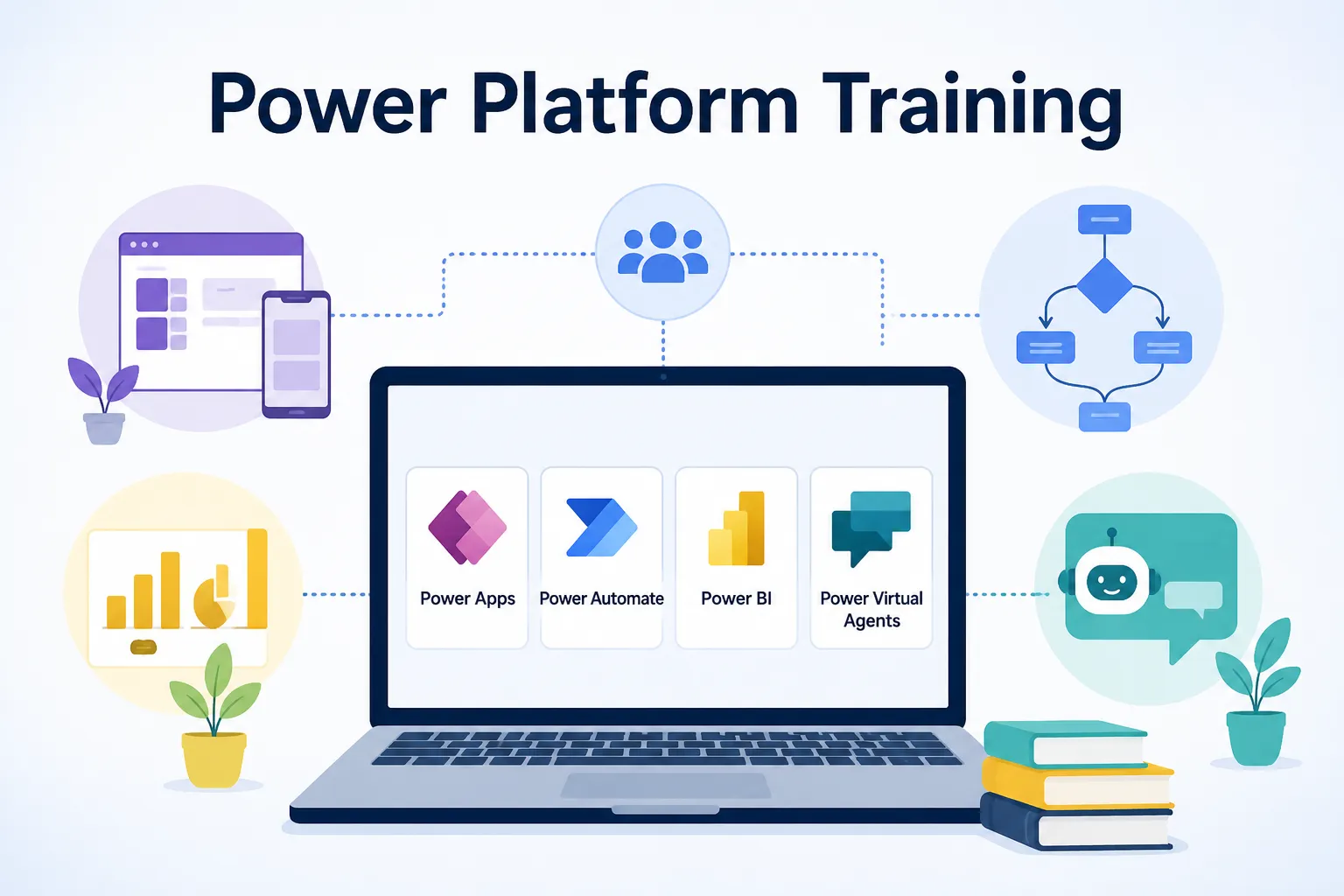
A solid Power Automate course usually covers automated flows, scheduled flows, approval workflows, and connecting Power Automate with other Microsoft 365 tools. Some courses go further into using Power Automate alongside Power BI or Power Apps, which is useful if you're aiming for a broader automation role.
Benefits of Power Automate Training
Here's what people consistently mention once they've actually put the training into practice at work.
- Saves real hours every week — Repetitive tasks like data entry, approvals, and notifications can run automatically.
- No coding background required — The visual builder makes it accessible even if you've never written a line of code.
- Boosts your value at work — Automation skills are increasingly asked for in operations, admin, HR, and finance roles across Singapore.
- Reduces human error — Manual copy-pasting and repetitive data entry are common sources of mistakes; automation removes that risk.
- Works well with tools you already use — If your company runs on Microsoft 365, Power Automate fits right in without needing new software.
- Opens up freelance and consulting opportunities — Many businesses now hire people specifically to build and maintain their automation workflows.
Here's a quick comparison of manual work versus automated workflows, since this is usually what convinces people to actually take the course.
| Task | Manual Process | With Power Automate |
|---|---|---|
| Sending approval emails | Done individually, each time | Sent automatically on trigger |
| Data entry between apps | Copy-pasted manually | Synced automatically |
| Weekly reports | Compiled by hand | Generated and shared on schedule |
| Follow-up reminders | Tracked manually | Sent automatically based on rules |
| Time spent weekly | Several hours | Minutes, mostly for review |
How Does a Power Automate Course Actually Work?
If you've never taken a technical course before, here's roughly how a good one is structured, step by step.
It usually starts with the basics of automation logic. Understanding triggers (what starts a flow) and actions (what happens next) before touching the actual software.
Then comes hands-on flow building. A good course has you building real flows early on — not just watching demos — so the learning actually sticks.
You move into connecting different apps. This is where you learn to link Outlook, Excel, SharePoint, Teams, and other tools together into a single working automation.
Approval workflows come next. Since these are one of the most commonly used features at work, most courses spend real time here — building multi-step approval processes that mirror actual office workflows.
Error handling and troubleshooting. This part often gets skipped in weaker courses, but it's essential. Flows fail sometimes, and knowing how to diagnose why is what separates someone who can maintain automation long-term from someone who can only build a demo.
A final project or capstone task. The stronger courses end with you building something close to a real-world use case — like automating an actual reporting or approval process from your own workplace.
Ongoing support after the course. This is something people often overlook when comparing options, but it matters. Automation tools get updated, and having someone to ask when something breaks makes a real difference.
Why Choose Excelgoodies?
There are quite a few training providers offering Power Automate courses in Singapore right now, so what actually separates a useful one from a certificate mill?
Talking to people who've completed different courses, the most common complaint isn't about the content being wrong — it's about the content being too generic, disconnected from actual day-to-day work situations.
Excelgoodies focuses on keeping the training practical, building flows around real business scenarios rather than isolated textbook examples, which tends to make the learning stick far better once someone's back at their desk trying to apply it.
What genuinely matters, from what learners describe, is whether a trainer actually understands the workplace context behind the tool — not just the software itself. A course built by someone who's actually automated real business processes tends to teach very differently than one built purely from a manual.
Common Mistakes to Avoid
I've heard the same regrets repeated by people who picked the wrong course or approach.
- Choosing a course based only on price — The cheapest option often skips hands-on practice, which is exactly what makes the skill usable later.
- Skipping the fundamentals — Jumping straight into complex flows without understanding triggers and actions properly leads to confusion later.
- Not practicing with your own real work tasks — Generic examples don't stick the way personal, relevant use cases do.
- Ignoring error handling training — Flows break. Not knowing how to troubleshoot means you'll be stuck the moment something goes wrong.
- Assuming one course covers everything — Power Automate is broad; a beginner course won't cover advanced integrations, and that's fine, but know what you're actually signing up for.
Frequently Asked Questions
Q1. Do I need coding knowledge to learn Power Automate?
No, Power Automate uses a visual, drag-and-drop interface, so no prior coding experience is needed to start building basic to intermediate workflows.
Q2. How long does a typical Power Automate course take?
Most beginner to intermediate courses run anywhere from a few days to a few weeks, depending on whether it's a full-time intensive format or a part-time evening schedule.
Q3. Is Power Automate training useful for non-technical roles?
Yes, professionals in operations, HR, finance, and admin roles often benefit the most, since these roles typically involve repetitive tasks that automation can directly simplify.
Q4. What's the difference between Power Automate and Power Apps?
Power Automate focuses on automating workflows and tasks between apps, while Power Apps is used to build custom business applications; they're often used together but serve different purposes.
Q5. Can Power Automate work with tools outside Microsoft 365?
Yes, Power Automate connects with hundreds of third-party apps and services in addition to Microsoft tools, though the setup process can vary depending on the connector.
Q6. Is certification necessary after completing a Power Automate course?
Certification isn't mandatory to use the skill at work, but it can strengthen your resume and demonstrate verified knowledge, especially if you're job hunting or freelancing.
Q7. What should I check before enrolling in a Power Automate course in Singapore?
Check if the course includes hands-on flow building, covers error handling, offers post-course support, and is taught by someone with real workplace automation experience, not just theoretical knowledge.
Conclusion
Choosing the right Power Automate training in Singapore really comes down to one thing — whether you'll actually be able to build and troubleshoot real workflows once the course ends, not just follow along during a live demo.
A good Power Automate course should leave you confident enough to automate an actual task at your job within the same week you finish it.
Excelgoodies structures its training around real business scenarios, which tends to help learners retain the skill long after the course wraps up, rather than forgetting it the moment they're back at their desk.
Before you enrol anywhere, ask about hands-on practice time, error handling coverage, and what kind of support is available after the course ends. Getting those answers upfront saves you from ending up with a certificate and no actual usable skill.




























Sign in to leave a comment.