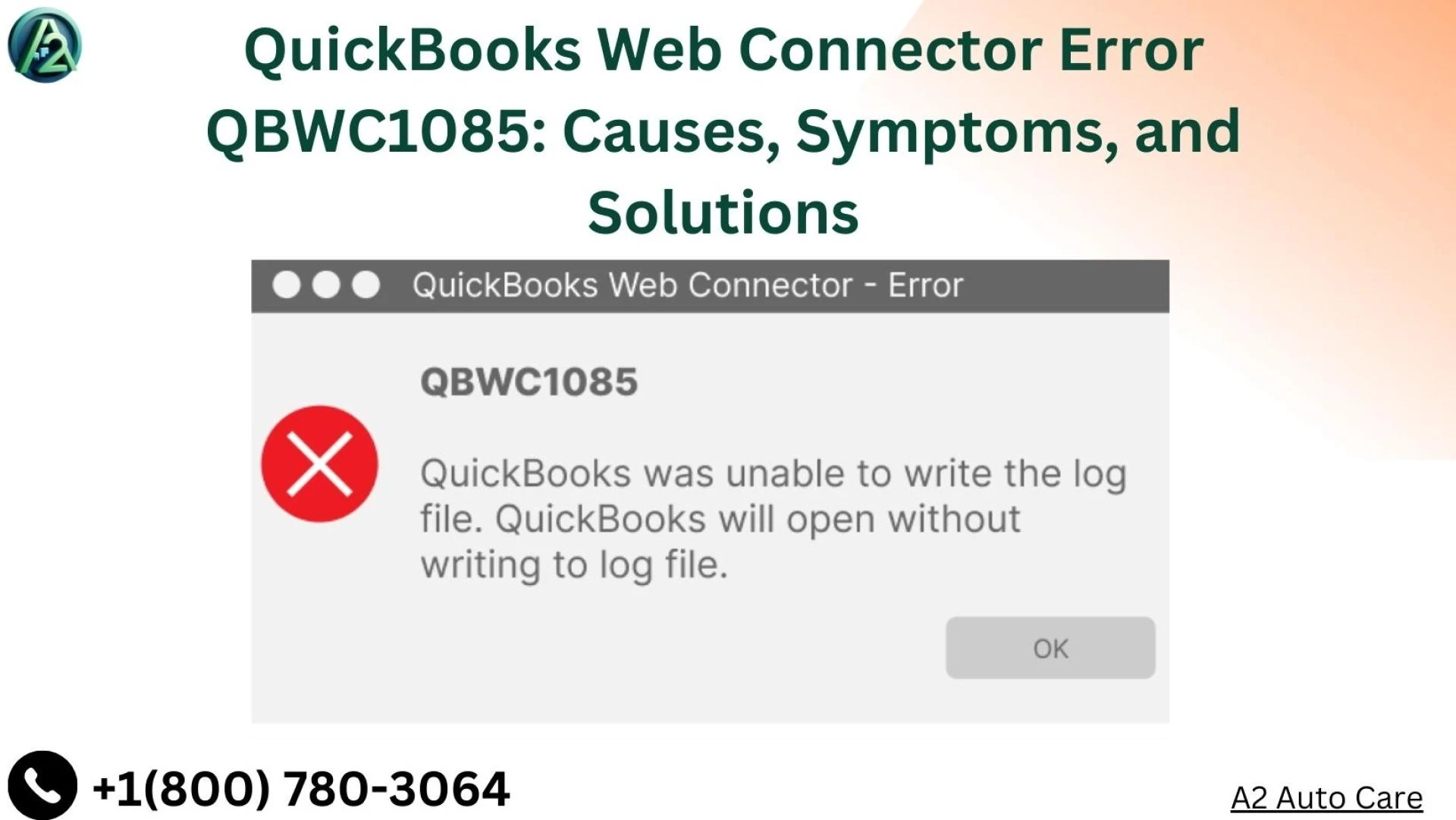

Understanding and resolving QuickBooks Web Connector Error QBWC1085 can be crucial for maintaining the smooth operation of your QuickBooks software. This guide provides a comprehensive overview of the error, its symptoms, causes, and detailed steps to fix it.
What is QuickBooks Web Connector Error QBWC1085?
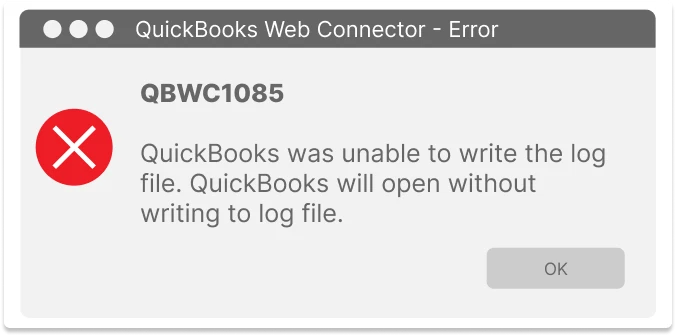
QBWC1085 is an error associated with the QuickBooks Web Connector, a tool that enables data exchange between QuickBooks Desktop and third-party web services. The error typically occurs when there\'s an issue with the Web Connector log file, preventing proper application functionality.
Symptoms of QBWC1085
- Error message: "QuickBooks was unable to write to the log file. QuickBooks will open without writing to the log file."
- Problems launching QuickBooks.
- Third-party applications fail to connect to QuickBooks.
Read more:- How to fix QuickBooks error ps038
Causes of QBWC1085
- Corrupted QWCLOG.TXT file.
- Incorrect file path for the Web Connector log file.
- Insufficient administrative permissions.
How to Fix QuickBooks Web Connector Error QBWC1085
Step 1: Locate the QWCLOG.TXT File
- Close QuickBooks and the Web Connector.
- Navigate to C:ProgramDataIntuitQBWebConnectorlog.
Step 2: Rename the Log File
- Find QWCLOG.TXT in the Web Connector folder.
- Rename it to QWCLOGOLD.TXT.
Read more:- QuickBooks 2024 Enterprise
Step 3: Restart Your System
- Restart your computer.
- Reopen QuickBooks and the Web Connector to check if the error persists.
Step 4: Check File Permissions
- Run QuickBooks as an administrator.
- Verify permissions for modifying files in the Web Connector folder.
Preventing Future Occurrences of QBWC1085
- Keep QuickBooks and the Web Connector updated.
- Regularly maintain and clean log files.
- Back up QuickBooks data frequently.
When to Seek Professional Help
If the error persists, consider contacting QuickBooks Support or a certified QuickBooks ProAdvisor for expert assistance.
Conclusion
While QuickBooks Web Connector Error QBWC1085 can disrupt your workflow, understanding its causes and following systematic steps to resolve it can restore your QuickBooks functionality swiftly. Implementing preventative measures will help you avoid similar issues in the future, ensuring seamless business operations.



























Sign in to leave a comment.