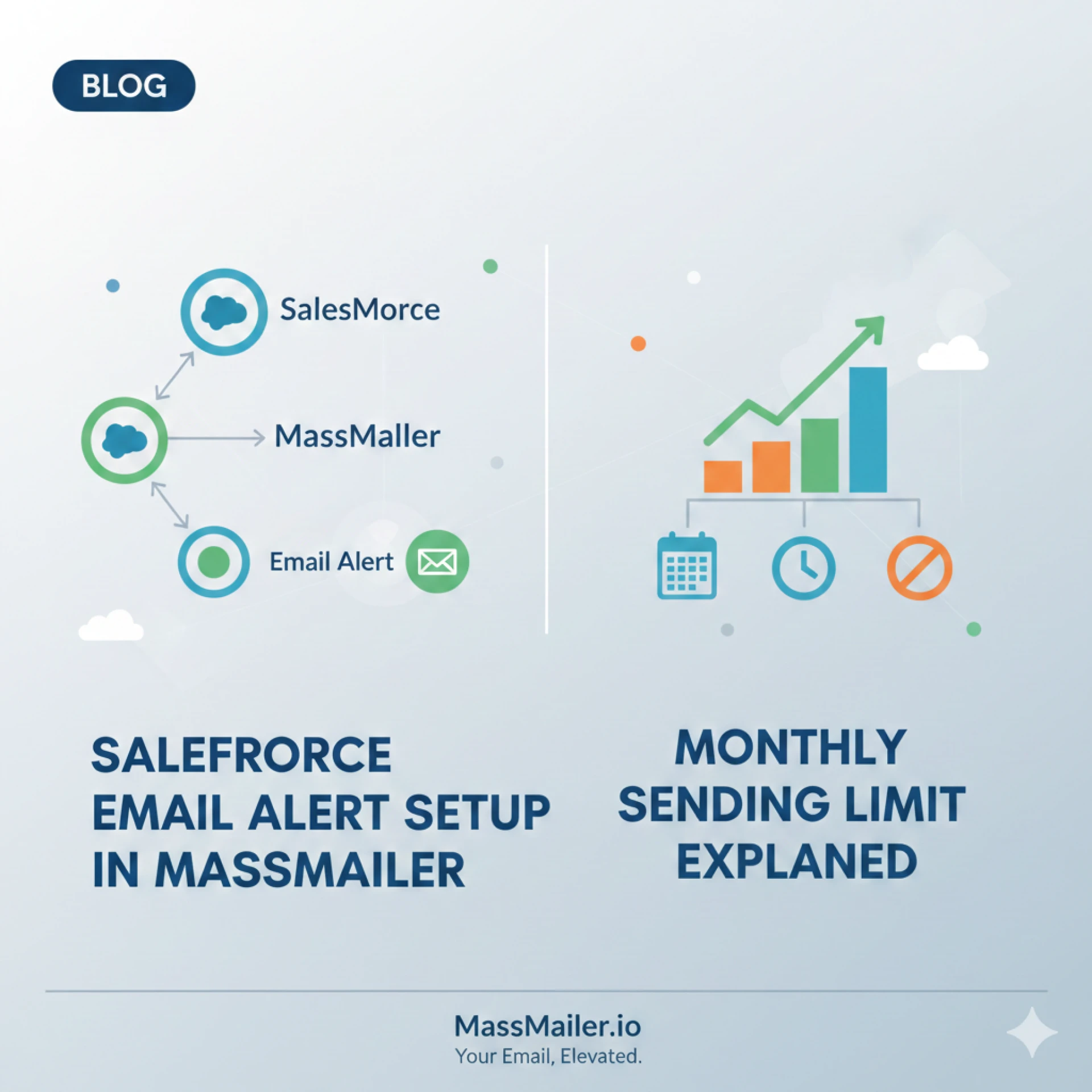

Email alerts are a core part of Salesforce automation. They support internal notifications, approval processes, record updates, and system communications that keep teams informed without manual effort. A well-configured Salesforce Email Alert framework helps organisations maintain timely communication while preserving system stability and compliance.
As alert volumes grow, managing monthly email limits becomes just as important as setting up the alerts themselves. Tools such as MassMailer help organisations control alert behaviour, monitor usage, and avoid disruptions caused by exceeded limits. Understanding both configuration and limits ensures alerts continue to support business operations without interruption.
Understanding Salesforce Email Alert Functionality
A Salesforce Email Alert is an automated email message triggered by predefined conditions. These alerts are commonly used in workflows and Salesforce Flow to notify users or external recipients when records are created, updated, or reach a specific stage.
Email alerts can be sent to:
- Salesforce users
- Contacts and leads
- External email addresses
Each alert uses a predefined email template and follows Salesforce’s outbound email rules. Alerts are often linked to operational processes such as approvals, escalations, renewals, and compliance notifications.
Because alerts run automatically, they can generate high email volumes if not carefully designed. This makes alert governance an essential part of Salesforce administration.
Role of MassMailer in Salesforce Email Alerts
MassMailer extends Salesforce email functionality by offering enhanced control over email activity, visibility into usage, and structured configuration options. While Salesforce manages the core alert triggers, MassMailer helps teams manage how emails are processed and monitored across the platform.
In alert-driven environments, MassMailer supports:
- Centralised visibility into outbound emails
- Controlled sending behaviour aligned with Salesforce limits
- Improved tracking of email volume and usage
This becomes especially useful in organisations that rely heavily on automated alerts across multiple teams and processes.
Steps to Configure Salesforce Email Alerts in MassMailer
Setting up Salesforce email alerts with MassMailer requires a structured approach. Alerts should always be tied to a clear business purpose and tested before activation.
The configuration process typically includes:
- Creating or reviewing the email template used for alerts
- Defining alert recipients based on record ownership or related fields
- Associating the alert with a workflow rule or Salesforce Flow
- Verifying that MassMailer is enabled for the relevant email context
- Testing the alert using sample records
Proper testing helps confirm that alerts are sent only when required and that recipients receive the correct information.
How Monthly Sending Limits Work in Salesforce
Salesforce enforces monthly email sending limits to protect platform stability. These limits apply to most automated emails, including workflow alerts and Flow-triggered notifications.
Key factors that influence limits include:
- Salesforce edition
- Number of licensed users
- Type of email being sent
Once the monthly limit is reached, Salesforce blocks further automated email sends until the limit resets. This can interrupt business-critical alerts such as approvals or system notifications.
Understanding how alerts contribute to monthly usage is essential for avoiding unexpected outages.
Monitoring Email Usage and Alert Volume
Monitoring alert usage helps organisations stay within Salesforce email limits. Salesforce provides basic reporting and monitoring tools, while MassMailer adds additional visibility into outbound email activity.
Regular monitoring allows teams to:
- Track how many alerts are sent daily and monthly
- Identify alerts generating high volumes
- Detect unusual spikes caused by misconfigured automation
By reviewing usage trends, administrators can adjust alert logic before limits are exceeded.
Common Reasons for Exceeding Monthly Limits
Many organisations exceed limits not because of volume alone, but due to inefficient alert design.
Common causes include:
- Alerts triggered on minor record updates
- Multiple alerts attached to the same automation
- Alerts sent to large recipient lists
- Duplicate automation logic across workflows and Flow
These issues often remain unnoticed until email sending is blocked. Periodic reviews help identify and eliminate unnecessary alerts.
Best Practices to Control Salesforce Email Alert Usage

Effective alert management requires planning and governance.
Recommended practices include:
- Limiting alerts to meaningful business events
- Using summary alerts instead of individual notifications
- Avoiding alerts on frequent field updates
- Reviewing automation logic during Salesforce releases
- Archiving unused workflows and Flow
MassMailer supports these practices by offering clearer visibility into alert-related email activity, helping teams make informed decisions about alert usage.
Troubleshooting Alert- and Limit-Related Issues
When alerts stop sending, the first step is to verify whether the monthly limit has been reached. Salesforce provides notifications when limits are exceeded, but proactive monitoring helps prevent this scenario.
Troubleshooting steps include:
- Checking Salesforce email usage metrics
- Reviewing recently modified automation
- Identifying alerts with high trigger frequency
- Temporarily disabling non-critical alerts
Once usage stabilises, alerts can be re-enabled in a controlled manner.
Operational Value of Well-Managed Email Alerts
A well-managed Salesforce email alert system improves internal coordination, reduces manual follow-ups, and supports compliance-driven communication. Alerts deliver timely information without requiring users to monitor records constantly.
By combining Salesforce automation with MassMailer oversight, organisations gain better control over alert behaviour while maintaining reliable communication. This balance helps teams scale automation without compromising system availability.
Closing Perspective
Salesforce email alerts are powerful tools when configured thoughtfully. Understanding how alerts work, how monthly limits apply, and how tools like MassMailer support monitoring helps organisations avoid disruption and maintain operational continuity.
With clear alert design, regular monitoring, and disciplined governance, Salesforce email alerts continue to support business processes effectively while staying within platform limits.






























Sign in to leave a comment.