
Introduction
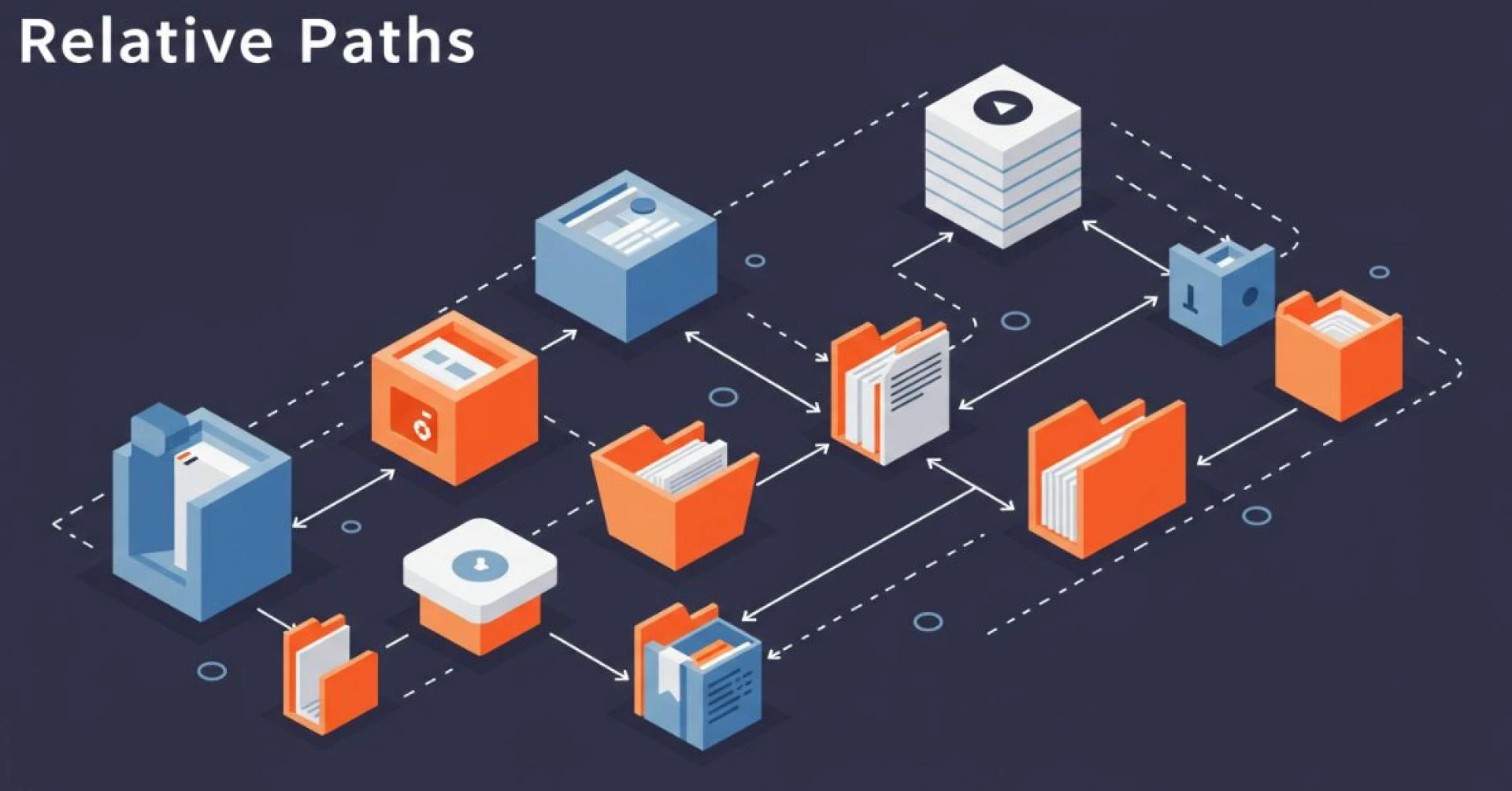
In the digital world, every file, folder, and resource lives in a specific location. To access these resources, computers and humans alike need directions. These directions are what we call paths. Among them, one of the most commonly used is the relative path, known in Japanese as Soutaipasu (相対パス). Though it may sound technical, Soutaipasu is something even beginners encounter whenever they build websites, write programs, or organize files. This article explores the meaning, importance, and real-world applications of Soutaipasu in detail.
What Does Soutaipasu Mean?
The term Soutaipasu is made up of two parts. The word “soutai” (相対) translates to “relative,” while “pasu” (パス) comes from the English word “path.” Together, they mean relative path. This type of path does not describe a file’s location from the very beginning of the system but instead describes it in relation to the current location.
For example, instead of saying the full street address of a house, you might say, “Go two blocks from here and turn left.” That is the real-life equivalent of a relative path.
Absolute vs. Relative Paths
To understand Soutaipasu fully, it’s important to compare it with absolute paths.
- An absolute path gives the complete address of a file starting from the root directory. It never changes, no matter where you currently are in the system.
- A relative path, on the other hand, changes depending on your current location. It is shorter, simpler, and usually easier to handle when working inside projects.
Absolute paths are like GPS coordinates, while relative paths are like directions given from your current position.
How Soutaipasu Works in Projects
When building a project, whether it’s a website or software program, files are usually stored in a structured folder system. For example, you might have a folder called “project” that contains subfolders for images, styles, and scripts. If you want a web page to display an image, you can use a relative path like “images/picture.jpg” instead of typing the entire system address.
This flexibility allows the project to work the same way across different computers, as long as the folder structure remains intact.
Why Developers Prefer Soutaipasu
Developers often choose Soutaipasu over absolute paths for several reasons. One major reason is portability. If you move a project from one system to another, relative paths still work without needing changes. Another advantage is simplicity. They are shorter, easier to read, and faster to write. In collaborative environments, relative paths ensure that team members can run the project without setting up identical folder systems.
Challenges of Using Soutaipasu
Despite its advantages, Soutaipasu can be confusing, especially for beginners. One of the most common mistakes is misunderstanding the current working directory. If you assume the wrong starting point, the computer won’t find the file, resulting in broken links or missing resources. Complex folder structures also make paths harder to track. Additionally, different operating systems sometimes treat paths differently, which can cause errors when moving between Windows, Mac, and Linux.
Real-Life Analogy of Soutaipasu
To make it even clearer, let’s compare Soutaipasu to real-world navigation. Imagine you are at a shopping mall. If someone asks where the food court is, you could say, “It’s at XYZ Street, City A.” That would be like an absolute path. But if you say, “Go up one floor and turn right,” that’s like a relative path. It only makes sense because of where you are standing right now.
This example shows how Soutaipasu makes directions simpler, but only when the starting point is understood correctly.
Soutaipasu in Web Development
In web development, Soutaipasu is everywhere. Whether linking images, CSS files, or JavaScript scripts, developers rely on relative paths to keep projects clean and functional. Without them, every link would need to be written as a full address, which is not only time-consuming but also breaks easily if the project is moved.
Content management systems (CMS) like WordPress and platforms like GitHub also depend heavily on relative paths to make projects portable and shareable across different environments.
Soutaipasu in Programming Languages
Relative paths are not limited to web development. Programming languages such as Python, Java, and PHP also use Soutaipasu when importing files, reading data, or managing modules. For instance, a Python project with multiple scripts might use relative paths to access data files stored in subdirectories.
By relying on relative paths, developers can create flexible projects that do not depend on one single machine setup.
Best Practices for Using Soutaipasu
To avoid problems, developers follow certain best practices when working with Soutaipasu. The most important is keeping folders well-organized. A clean structure reduces confusion and makes paths shorter. Another practice is using relative paths only within the project itself while relying on absolute paths for external or system-level resources. Testing paths on different systems is also a smart way to avoid unexpected errors.
Soutaipasu in Modern Technology
With the rise of cloud platforms, team collaboration, and distributed projects, Soutaipasu has become more essential than ever. In cloud storage services like Google Drive or Dropbox, relative paths make it possible for teams to share projects without breaking file connections. In software development teams using Git, relative paths ensure that code runs the same way no matter where it is downloaded.
The Future of Soutaipasu
As technology continues to evolve, Soutaipasu will remain a vital concept. The need for portability and flexibility in projects is growing rapidly. With remote work, collaborative platforms, and global teamwork becoming the norm, relative paths ensure that projects remain accessible and easy to manage across countless environments.
Conclusion
Soutaipasu, or relative path, may appear like a simple technical detail, but its importance cannot be ignored. From making projects portable and collaborative to keeping them clean and organized, Soutaipasu is at the heart of modern computing. Whether you are a beginner learning to code or a professional managing complex systems, mastering relative paths will save you time, effort, and frustration.
In short, Soutaipasu is not just a tool—it is a guiding principle that ensures smooth navigation through the digital world.
































Sign in to leave a comment.