

Supermarket payment processing machines include self-checkout kiosks, cashier-lane POS terminals, handheld readers, and scale-integrated card readers built to move a high volume of transactions at a lower cost per swipe than most retail categories. The right mix depends on your lane count, whether you need EBT and SNAP support, and how much of your store you want to run through self-checkout. Most supermarkets pair a cloud-based POS with contactless-ready terminals and built-in fraud tools to keep lines short and chargebacks down.
If you run a grocery store, you already know the checkout lane is where good margins get made or lost. Supermarket payment processing machines aren't just card readers bolted to a counter. They're the point where inventory, loyalty programs, EBT compliance, and fraud protection all meet at once, dozens of times a minute during a Saturday rush.
Choosing the wrong setup shows up fast: slow lanes, declined SNAP transactions, or a self-checkout bank that quietly bleeds you through barcode-switching theft. This guide walks through the machine types, what they cost, which payment methods you actually need, and how to protect your margins once the hardware is live.
What Are Supermarket Payment Processing Machines?
Supermarket payment processing machines are the hardware and software combination that authorizes and settles a sale at checkout. In a grocery setting that means more than a card reader. It includes the register terminal, the scale, the barcode scanner, and the network connection that talks to your processor.
The Core Hardware Types
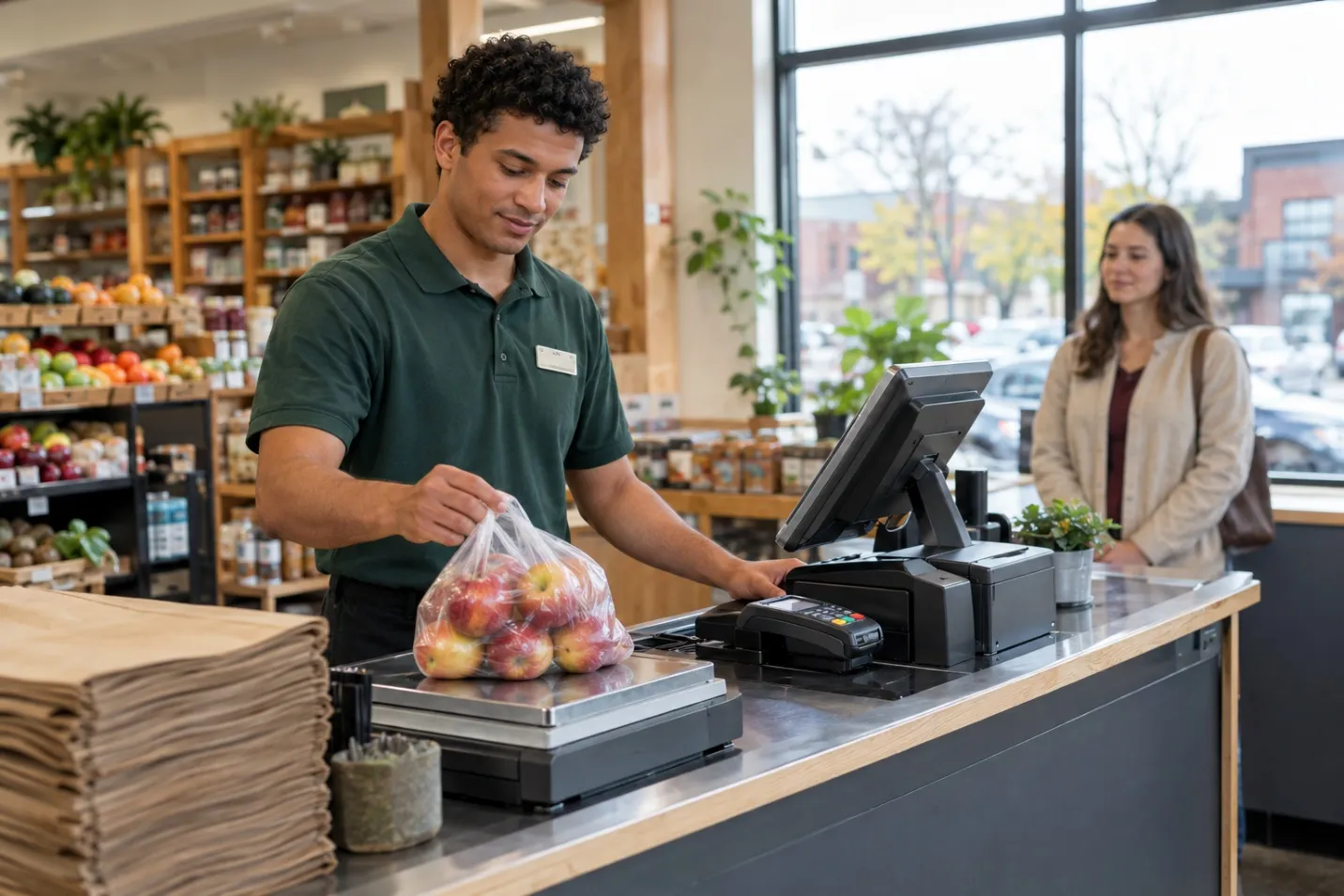
Most supermarkets run some combination of these:
- Cashier-lane POS terminals: full countertop registers with an integrated card reader, receipt printer, and connected scale for produce.
- Self-checkout kiosks: customer-facing units that scan, weigh, and take payment without a cashier, ranging from compact express-lane units to full-cart kiosks with bagging stations.
- Handheld and mobile readers: used for line-busting during peak hours, farmers market pop-ups, or curbside pickup payment.
- Scale-integrated terminals: built specifically to price produce and bulk goods at the point of sale, a feature general retail terminals often skip.
How Much Do Supermarket Payment Processing Machines Cost?
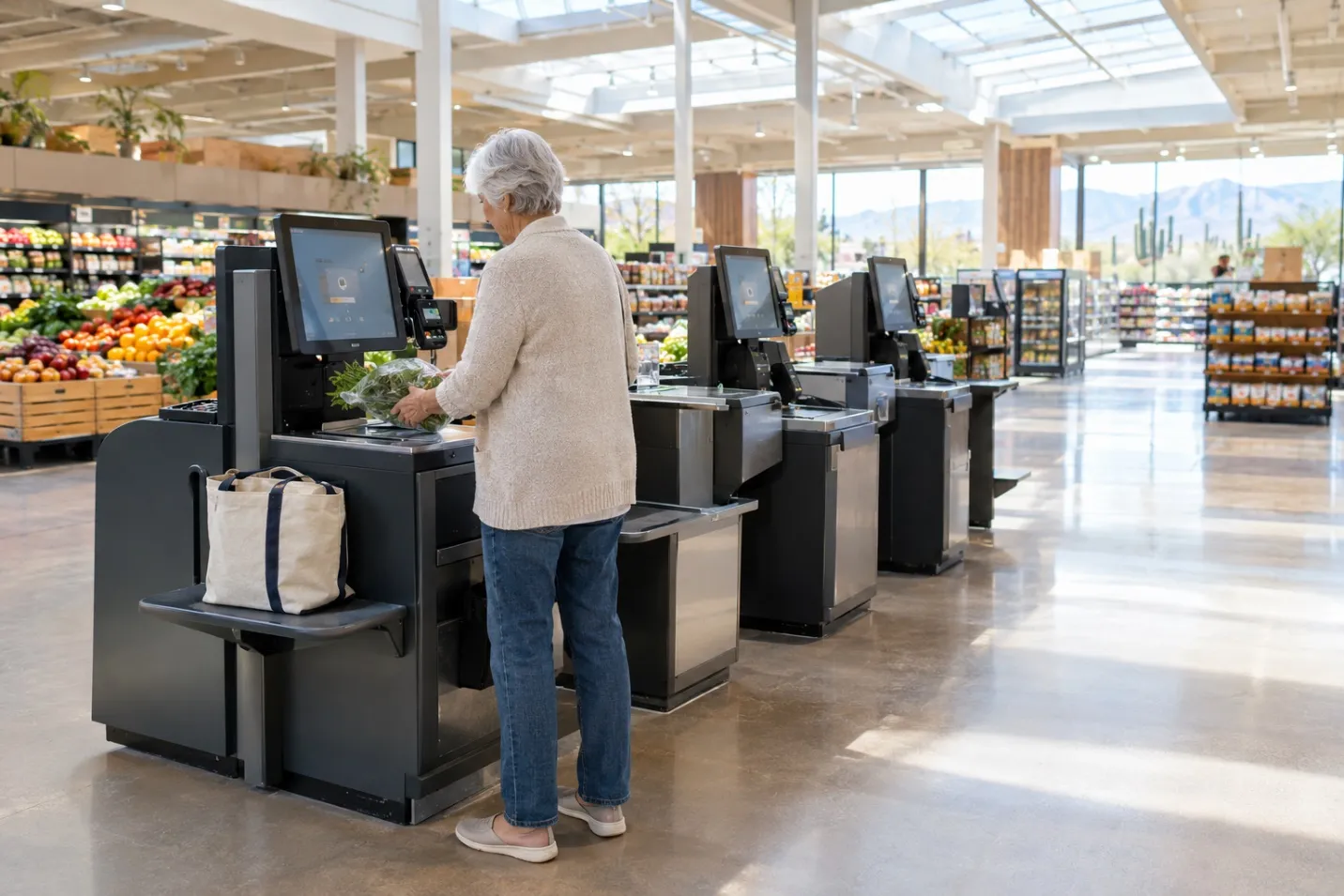
Pricing varies a lot because “payment machine” covers several different hardware classes. A basic countertop terminal runs a few hundred dollars, while a full self-checkout lane with a bagging station and scale can run into the thousands per unit before software and support fees.s
| Machine Type | Typical Price Range | Best For |
|---|---|---|
| Countertop POS terminal | $300 to $1,500 | Single-lane checkouts, small markets |
| Handheld/mobile reader | $150 to $500 | Line-busting, curbside, pop-ups |
| Self-checkout kiosk (compact) | $3,000 to $10,000 | Express lanes, convenience-format stores |
| Full self-checkout lane | $10,000 to $40,000+ | High-volume supermarkets, multi-department stores |
Hardware is only part of the bill. You're also paying processing fees on every transaction, and that's where a lot of supermarkets lose money without realizing it. so it's worth reviewing your current point of sale solutions before you commit to new hardware, since bundling terminals with your processor often beats buying gear separately.
What Payment Methods Should a Supermarket POS Support?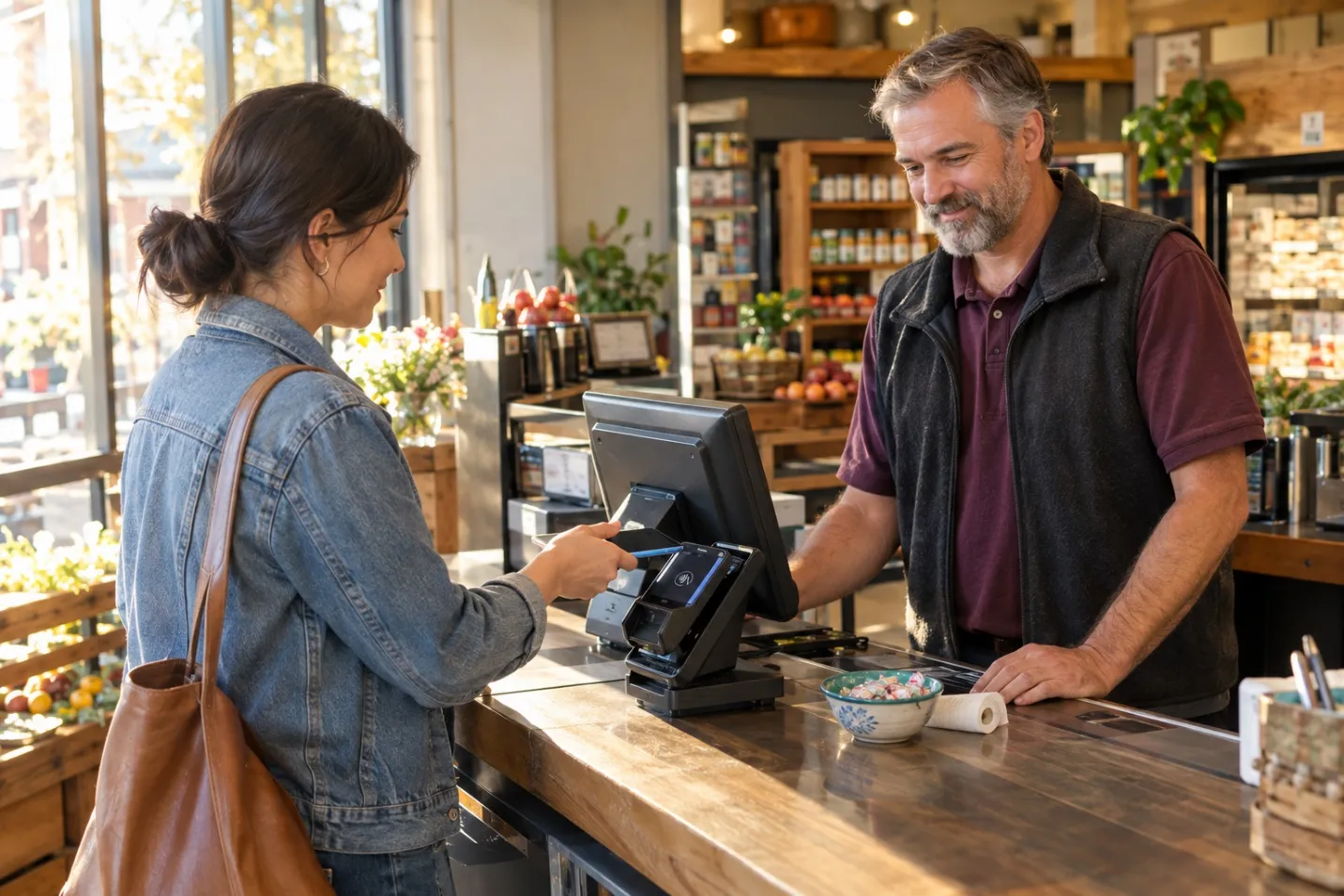
Your terminals need to accept every payment type your shoppers actually use, not just the ones that were common five years ago. At minimum that means chip and contactless cards, mobile wallets like Apple Pay and Google Pay, and EBT/SNAP where applicable.
SNAP deserves its own line item. The USDA requires retailers to get authorized before accepting SNAP, and you'll need EBT-capable terminals plus, if you sell online, a separate authorization for e-commerce SNAP orders with eligible-item controls and split tender support. Skipping this step locks out a meaningful share of grocery shoppers.
How Do You Stop Fraud at Self-Checkout and the Register?
Self-checkout brings real savings on labor, but it also opens the door to barcode-switching, weight discrepancies, and skipped scans. Weight-verified scales that flag a mismatch between the scanned item and what's actually on the belt catch a large share of this before the customer leaves the lane.
Card-present fraud is a separate problem. Tokenization, EMV chip acceptance, and real-time transaction monitoring cut down on counterfeit-card fraud at the terminal itself. When a disputed charge does slip through, having strong fraud protection tools in place from the start makes the difference between catching it early and eating the loss.
Chargebacks compound the cost. Processors typically charge a separate fee just to handle a dispute, on top of refunding the sale, and a high dispute rate can push your whole account into a higher risk pricing tier. Real-time alerts and automated dispute handling through chargeback management tools help you respond before a small dispute becomes a pattern that raises your rates.
How Do You Choose the Right Setup for Your Store?
Key factors to weigh before you sign a contract or buy hardware:
- Lane count and layout: how many self-checkout units versus staffed lanes actually fit your traffic patterns.
- EBT/SNAP readiness: confirm every terminal, in-store and online, is authorized and configured correctly.
- Scale integration: produce and bulk goods need accurate, certified weight capture built into the terminal.
- Uptime during peak hours: a terminal outage on a Saturday afternoon costs you real sales, not just inconvenience.
- Multi-channel support: if you offer online ordering or curbside pickup, your in-store and online payments should run through one system rather than two disconnected ones.
If your store sells across multiple channels, whether that's in-aisle, online ordering, or curbside pickup, unifying them under omnichannel payments keeps your reporting and reconciliation in one place instead of three. And if you're a smaller independent grocer comparing options, looking at retail payment solutions built for stores your size can save you from overpaying for enterprise features you'll never use.
Frequently Asked Questions
What is the difference between a POS terminal and a payment processing machine?
A POS terminal is the physical device at checkout. Payment processing is the service that authorizes, settles, and moves the money behind that transaction. You need both working together, which is why most supermarkets buy them as a bundle rather than sourcing them separately.
Do supermarket self-checkout machines cost more to run than staffed lanes?
The hardware costs more upfront, but stores with steady transaction volume usually recover that cost within a year through reduced cashier hours. Low-volume or high-theft-risk stores should weigh that trade-off carefully before going all-in on self-checkout.
Can supermarkets accept SNAP and EBT payments online?
Yes, but it requires a separate USDA authorization beyond in-store SNAP approval, along with e-commerce functionality that supports eligible-item controls and split tender at checkout.
How do supermarkets reduce credit card processing fees?
Common approaches include routing more transactions through debit where it makes sense, negotiating processor markup down, reducing chargebacks, and consolidating multiple payment tools under one processor instead of paying for several separately.
Conclusion
Supermarket payment processing machines aren't a single product. They're a mix of countertop terminals, self-checkout kiosks, and scale-integrated readers, tied together by a processor that handles SNAP, contactless, and fraud protection without slowing down your lanes. Get the hardware and the processing relationship right together, and checkout stops being your weakest link.
Ready to simplify your payments? Talk to a Rapid Payments expert today.






















Sign in to leave a comment.