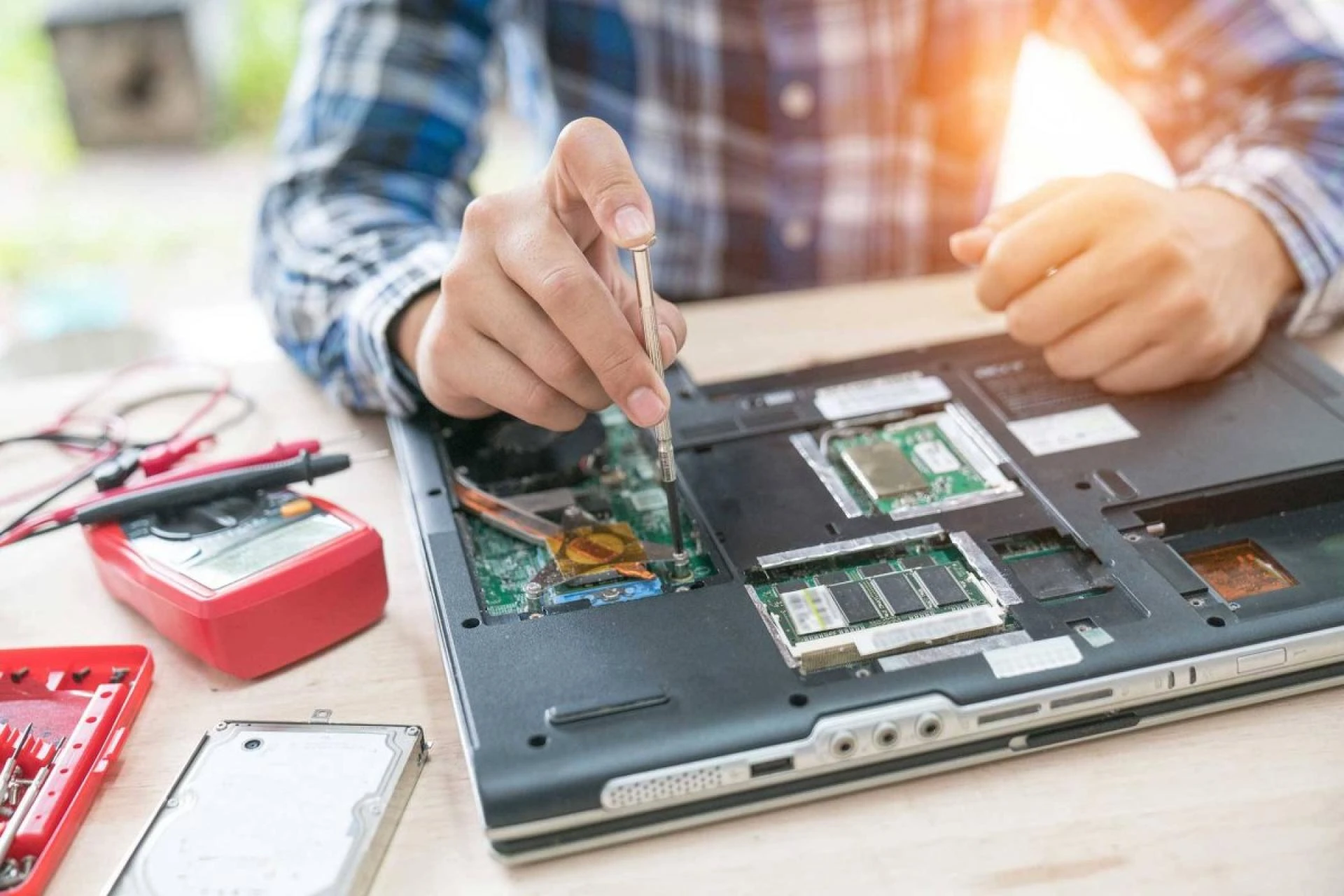

Does your laptop display error warnings, load apps slowly, or power off without notice?
While there may be a lot of causes for this, some of them are more serious than others. The following are the most common signs that a laptop needs repair:
The battery won't chargeThe Laptop shuts down unexpectedlyThe display/screen is cracked or brokenLaptop attacked by virus or malwareNot all these issues will require a professional to complete the laptop repairs as you can do some fixes at home.
You have several alternatives to identify your problems and determine the most effective method to get your Laptop back to full functionality, depending on your computer's make, model, and operating system.
The most common problems that can need fixing are listed below:
The battery won't charge.
You might need a new battery if your Laptop doesn't charge, won't charge altogether, or won't charge. A laptop's battery should last two to four years, but how you use and care for will affect how long it is functional.
Your operating system can alert you with a red "X" above the battery icon in your tools menu if it's getting close to the end of its life. If not, you can check the remaining capacity of your battery using third-party software.
Laptop Battery
For most laptops, this is one of the simplest fixes and costs the price of a new battery. Meanwhile, some laptop models might not allow you to access the battery compartment, so you'll have to ship the device to the manufacturer for service.
Adapter Cable
Another reason the battery won't charge is because your charging cord is not working. This is an easy replacement.
Charging port
You might also have a broken laptop charging port if the indicator light doesn't turn on when you connect your charger to your Laptop or if it does, but only when you hold the charger at a particular angle.
It is true that charging port repairs require having a professional open your Laptop and do the necessary internal repairs. However, this is often a quick procedure for them, so parts and labor prices should be affordable.
Shutting down unexpectedly
If your Laptop shuts off in the middle of a task, the problem can be with the battery. Please verify that your Laptop is plugged in and charging, and after giving it some time to recharge, switch it on.
It could potentially be a display issue. Restart your Laptop and check to see if the problem reappears if you hear your computer operating, but nothing is visible on the monitor. Your hard disc might fail if you've determined it's not one of these problems. Typically, this is a sign of a more serious, complex issue.
Before you lose the information saved on your Laptop, create a backup of the programs and data inside. Then, bring the Laptop to a professional for an inspection and laptop repair service.
Screen cracked, blurry, or pixelated.
Laptop screen repair is big business, partly because it's one of the few things difficult for consumers to DIY.
The manufacturer's warranty can be void practically every time you repair your screen, and broken or cracked screens are quite sharp and can be dangerous for someone who isn't experienced in fixing them.
It's advised that you leave screen problems to the experts because almost every laptop screen repair procedure requires you to open your Laptop up utilizing specialized electronics equipment and a keen eye.
Computer virus or malware attack
Suppose your computer is running unusually slowly, is plagued with pop-ups, has redirected you to questionable sites, or won't stay turned on. In that case, you could have a virus or malware problem.
Start restarting your Laptop using Cortana or the search function to find the Update and security screen.After selecting "Recovery," select "Advanced Startup." Rebooting in Safe Mode is an option that is available to you.After turning your computer back on, you'll discover that some of your programs are missing or seem weird.To ensure all your detection tools are operational, go to your antivirus program and conduct an update.Run a thorough system scan; this process could take many hours.Once it's finished, restart your computer normally and run a quick scan.Should notify you if any malicious files have been found, and your computer should generally work at this time. Create a restore point where you can go back in case the issue arises again and back up all necessary data immediately.
Always ensure your antivirus software is up to date, preferably weekly. New bugs always come out, so nightly updates are recommended and can be done while you're asleep and not using your computer.
Do you need laptop repair?
iFixScreens offers a same-day Laptop repair service. We have locations in New York, Georgia, and Florida.
No matter what the brand is of your Laptop, we will fix it, including Apple MacBook, Apple MacBook Air, Dell, HP, Lenovo, and even gaming laptops like Alienware. Our day-to-day business is to repair laptop screens, battery replacement on MacBook, logic board repair, motherboard repair, RAM upgrades, SSD installation, and screen and keyboard repairs. See us today! No appointment is needed! Most repairs are completed on the spot.


























Sign in to leave a comment.