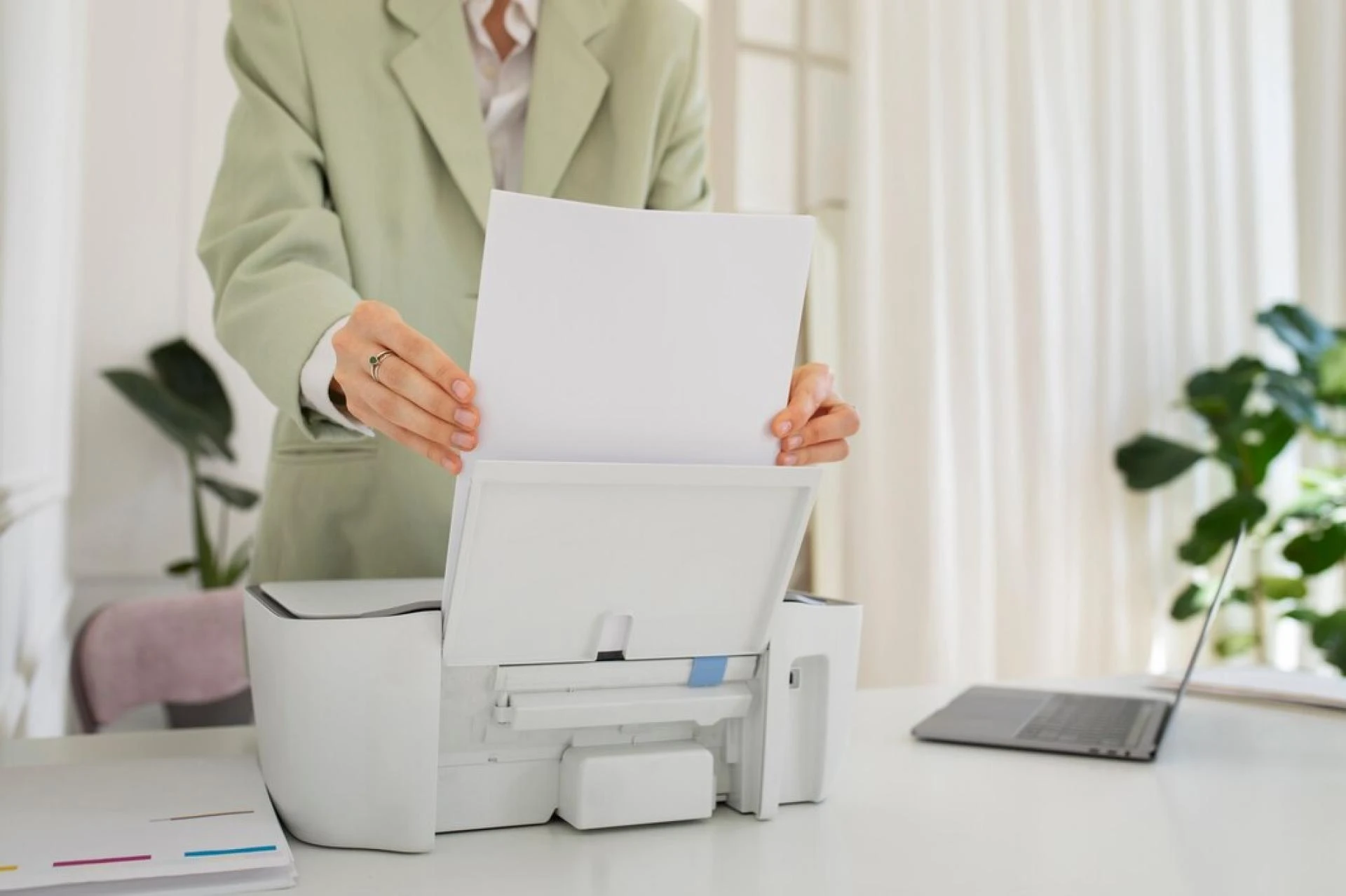

Managing printing tasks in a small business can be challenging. Without a structured approach, businesses often experience high costs, unnecessary paper waste, and inefficient workflows. Office print management is an effective solution that helps small businesses optimize their printing processes, reduce expenses, and enhance productivity.
This article explores the numerous benefits of office print management and why small businesses should implement it to improve efficiency and sustainability.
What Is Office Print Management?
Office print management refers to the strategic handling of all printing-related activities in a business environment. It involves monitoring print usage, managing printer fleets, and optimizing printing costs using software and professional services.
For small businesses, implementing office print management means gaining better control over print-related expenses, minimizing waste, and ensuring secure document handling.
Why Small Businesses Need Office Print Management
Many small businesses overlook the importance of structured print management, leading to:
- Uncontrolled printing costs due to excessive or unnecessary printing
- Printer downtime and maintenance issues affecting productivity
- Lack of security in document handling, risking data breaches
- Environmental impact from wasted paper and ink
By adopting a print management solution, businesses can address these issues while streamlining their operations.
Key Benefits of Office Print Management for Small Businesses
1. Cost Reduction and Budget Control
Printing expenses, including paper, ink, and maintenance, can quickly add up. Office print management helps businesses cut unnecessary costs by:
- Monitoring print usage to identify wasteful habits
- Setting printing quotas for employees
- Automating supply replenishments to prevent overstocking
- Consolidating devices to reduce energy consumption
By controlling expenses, small businesses can allocate funds to more critical areas of operation.
2. Enhanced Productivity and Workflow Optimization
Employees spend valuable time dealing with printer errors, refilling paper, or troubleshooting issues. Office print management streamlines these processes, allowing:
- Automatic software updates and maintenance
- Centralized printing controls to minimize disruptions
- Secure mobile and cloud-based printing for remote teams
This ensures that employees focus on more essential business tasks instead of handling printer-related problems.
3. Improved Security and Document Protection
Small businesses handle sensitive data, such as client contracts, financial statements, and employee records. Without proper print security, confidential information is at risk of exposure.
Office print management enhances security by:
- Implementing user authentication for printing
- Encrypting print jobs to prevent unauthorized access
- Enabling secure pull printing, where documents only print when the authorized user is present
This reduces the chances of sensitive documents falling into the wrong hands.
4. Eco-Friendly and Sustainable Printing
Office print management contributes to sustainability efforts by:
- Reducing unnecessary printing through digital workflows
- Encouraging double-sided printing to save paper
- Using energy-efficient printers and eco-friendly ink
By adopting green printing practices, small businesses not only save money but also demonstrate their commitment to environmental responsibility.
5. Centralized Management and Remote Printing Capabilities
Managing multiple printers across different locations can be challenging. Office print management offers centralized control, allowing businesses to:
- Monitor printer performance remotely
- Implement uniform printing policies across all departments
- Enable mobile and cloud printing for employees working remotely
This flexibility is particularly beneficial for businesses with hybrid work models.
6. Reduced Downtime and Automated Maintenance
Printer malfunctions can disrupt workflow and lead to unexpected costs. With a managed print solution, businesses experience fewer technical issues, thanks to:
- Regular maintenance schedules
- Automated diagnostics to detect potential failures
- Remote troubleshooting to resolve minor issues quickly
This proactive approach ensures that printing operations run smoothly with minimal downtime.
7. Compliance and Regulatory Adherence
Certain industries, such as healthcare, legal, and finance, require strict compliance with data protection regulations. Office print management helps businesses adhere to these regulations by:
- Implementing print tracking and auditing
- Restricting access to confidential documents
- Ensuring secure disposal of printed materials
This reduces legal risks and ensures that businesses remain compliant with industry standards.
How to Implement Office Print Management in a Small Business
1. Conduct a Print Audit
A print audit helps businesses understand their current printing habits, costs, and inefficiencies. By analyzing print data, companies can identify areas for improvement.
2. Choose the Right Print Management Software
Several print management solutions cater to small businesses. Look for software that offers:
- Print tracking and reporting
- Secure print release options
- Cloud-based management capabilities
3. Set Printing Policies
Establishing clear printing policies can significantly reduce costs. Businesses can:
- Limit color printing to essential documents
- Require double-sided printing by default
- Implement user authentication for print jobs
4. Optimize Printer Fleet
Assess whether your business has too many or too few printers. Consolidating multiple devices into a centralized, multi-functional printer can enhance efficiency.
5. Train Employees on Print Best Practices
Educating employees about efficient printing habits ensures long-term cost savings and better resource management.
6. Partner with a Managed Print Service (MPS) Provider
Managed print service providers handle print management, maintenance, and supply replenishment, freeing up internal resources to focus on business growth.
FAQs
How does office print management save money for small businesses?
Office print management reduces costs by tracking usage, implementing print quotas, and optimizing printer efficiency, leading to less waste and lower expenses.
Is office print management suitable for businesses with remote employees?
Yes, office print management supports cloud and mobile printing, allowing remote employees to securely print from any location.
What security features does office print management offer?
It includes user authentication, encrypted printing, and secure pull printing to prevent unauthorized access to sensitive documents.
Can office print management help with sustainability?
Absolutely. It reduces paper and ink waste, encourages double-sided printing, and promotes energy-efficient devices.
How do I choose the right office print management software?
Look for software that provides detailed print tracking, security features, and integration with cloud services.
Do small businesses need a managed print service provider?
While not mandatory, an MPS provider can streamline printing operations, reduce downtime, and enhance security, making it a valuable investment.
For small businesses, office print management is a game-changer that enhances efficiency, reduces costs, and strengthens security. By implementing a structured print management strategy, businesses can minimize waste, improve workflow, and ensure compliance with industry standards.
Investing in the right print management solution can lead to long-term savings and a more sustainable approach to business operations. Now is the time for small businesses to take control of their printing processes and optimize their resources effectively.


























Sign in to leave a comment.