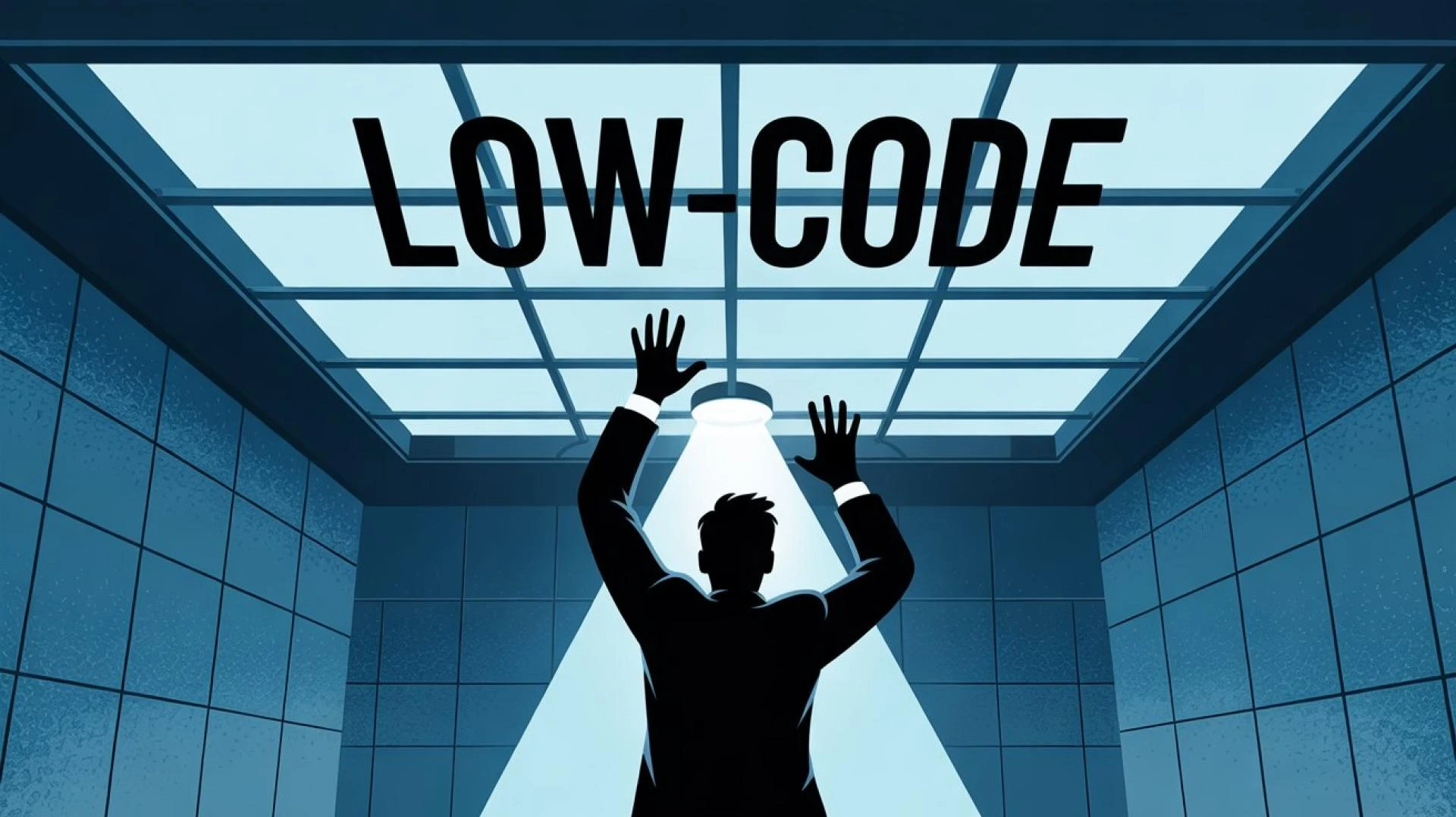

Hitting limits with no-code tools like Bubble or PowerApps? Learn when to migrate to custom software for better performance, scalability, and advanced features.
For instance, during the initial phases of a startup or a digital transformation effort, speed is more important than perfection. This is why no-code and low-code technologies like Bubble, Wix, and PowerApps have become so popular.
And they deliver on that promise—until the product starts to grow and your needs become more complex.
Because the more your product grows, the more your needs will grow too. The performance of your application will deteriorate, and customizing it will become a nightmare. And the most common complaint from your users will be:
“The app is slow, and it can’t do what we need anymore.”
This phenomenon is called the “Low-Code Ceiling.” And once your application hits that ceiling, there is only one solution left: custom software development.
1. Why No-Code Works (Until It Doesn’t)
No-code technologies are built for speed and ease of use. They enable users without programming skills to create applications using drag-anddrop tools and pre-built elements.
Why businesses love no-code technologies:
- Fast development
- Lower development costs
- No programming skills required
- Prototyping and MVP development are easy
For early-stage startups, this is perfect. You can validate your idea without having to heavily invest in engineering.
But these platforms are designed for generic applications, not complex and scalable applications. And that’s when things start to go wrong.
2. The Signs You’ve Hit the Low-Code Ceiling
Not all businesses need to move to a low-code or no-code platform. But there are tell-tale signs that your no-code solution is actually limiting your business.
a) Performance Issues Are Increasing
Your app’s performance is slowing down as your user base increases. It’s taking longer to load pages, and your users are complaining.
This is one of the major disadvantages of no-code platforms. They are not designed to be highly scalable.
b) Custom Features Are Hard (or Impossible)
You need to create a custom feature for a key client. But your platform doesn’t support it. In fact, there are times when you need to create complex backend functionality that’s just not possible.
You start to rely on workarounds and hacks.
c) Integration Limitations
The modern SaaS applications require integrations such as CRM, payment processors, analytics, etc. Low code platforms provide some level of integration. However, when you need to perform complex integrations, you run out of options.
d) Increasing Costs as You Scale
Ironically, what started off as a “low-cost” solution turns out to be a costly affair. Most no code platforms use a pay-per-use model. This includes costs associated with workflows or database usage.
As your app scales, so does your bill. However, you don’t get a corresponding increase in value.
e) Lack of Control
You don’t have control over your infrastructure, database, or performance tuning. This becomes a major risk when you need reliability and security.
3. The Real Business Impact
When you run into a low code ceiling, you are not just facing a technology problem. You are facing a business problem. What are you risking? • Losing customers due to poor performance
- Missing out on revenue growth since you cannot build custom features
- Delays in growth since you cannot scale
- Being at a competitive disadvantage since others don’t face such issues
At this point, sticking to a no code solution is like building a skyscraper on a weak foundation.
4. Why Custom Software Is the Next Step
Custom software development isn’t just about rewriting your app; it’s about unlocking your potential for growth.
By moving to a new technology stack with Node.js for the backend and React for the frontend, you are in full control.
Benefits of custom software development:
a) Performance at Scale
Your custom-built system is designed for your needs. You can support thousands, or even millions, of users without performance degradation.
b) Unlimited Flexibility
Do you need complex workflows? A custom feature? AI support?
With custom software, there are no limits.
c) Seamless Integrations
Do you need to integrate with another API or system? No restrictions.
d) Cost Efficiency in the Long Run
While custom software may be more expensive up front, in the long run, you avoid the “platform tax.”
e) Full Ownership
You are in full ownership and control. No dependence on platform restrictions.
5. The Migration Process: From No-Code to Custom
One of the biggest fears that businesses face is migration. It may sound complicated, and it can be, but with the right approach, it can be managed and a strategy can be implemented.
Step 1: Auditing Your Current System
Identify the following:
+ Core features
+ Performance bottlenecks
+ Critical workflows
+ Data structure
This will help identify what needs to be rebuilt and what needs to be improved.
Step 2: Prioritize Features
Not all features need to be migrated at once. Some features need to be prioritized.
- High-impact features
- Customer-facing features
- Revenue-generating features
Step 3: Rebuild the Backend
Move your business logic to a backend environment like Node.js with a powerful database like PostgreSQL or MongoDB.
This is the part of the process where most of the limitations will be eliminated.
Step 4: Develop a Modern Frontend
Create a fast and responsive interface with the help of React.
Step 5: Data Migration
Careful and secure migration of your existing data.
Step 6: Gradual Transition
6. Common Mistakes to Avoid
a) Rebuilding Everything at Once
This is not the best way to go. Start small and scale.
b) Ignoring UX Improvements
Migration is not just about moving the old system to the new platform; it is also an opportunity to improve the user experience.
c) Underestimating Planning
Migration is not something to be rushed, as it may cause more problems than it solves.
d) Choosing the Wrong Development Partner
Custom software needs to be built with the right team. The wrong team will cause more problems than it solves.
7. When Should You Make the Move?
The answer is simple: before your system starts breaking under the pressure.
Ask yourself:
- Are performance problems impacting your users?
- Are we losing business due to missing features?
- Are we spending more and more time patching and less and less time building?
If you are answering "yes" to these, then you've outgrown your no-code platform.
8. Final Thoughts: Build for the Next Stage, Not the Last One
No-code tools are perfect for bootstrapping. They are ideal for testing your idea and bringing your product to life. No-code tools are not, however, built to scale.
The move to custom software is not just a step forward from your current solution; it’s a step forward for your business.
If your current solution is holding you back, it’s not just holding you back; it’s telling you something.
You’ve plateaued. It’s time to build without limits.
For more such articles visit our site
























Sign in to leave a comment.