

Applying for an IPO is exciting — but the real thrill begins when you wait to find out whether you’ve received the allotment. With thousands of investors competing for limited shares, knowing how to correctly check the status of IPO allotment is essential.
This ultimate guide walks you through every trusted method to check your IPO allotment in seconds. Whether you prefer using IPOwatch, registrar portals like KFin Technologies or Link Intime, or the NSE/BSE websites, this blog explains it all in a simple, step-by-step manner.
Why Checking IPO Allotment Status Matters
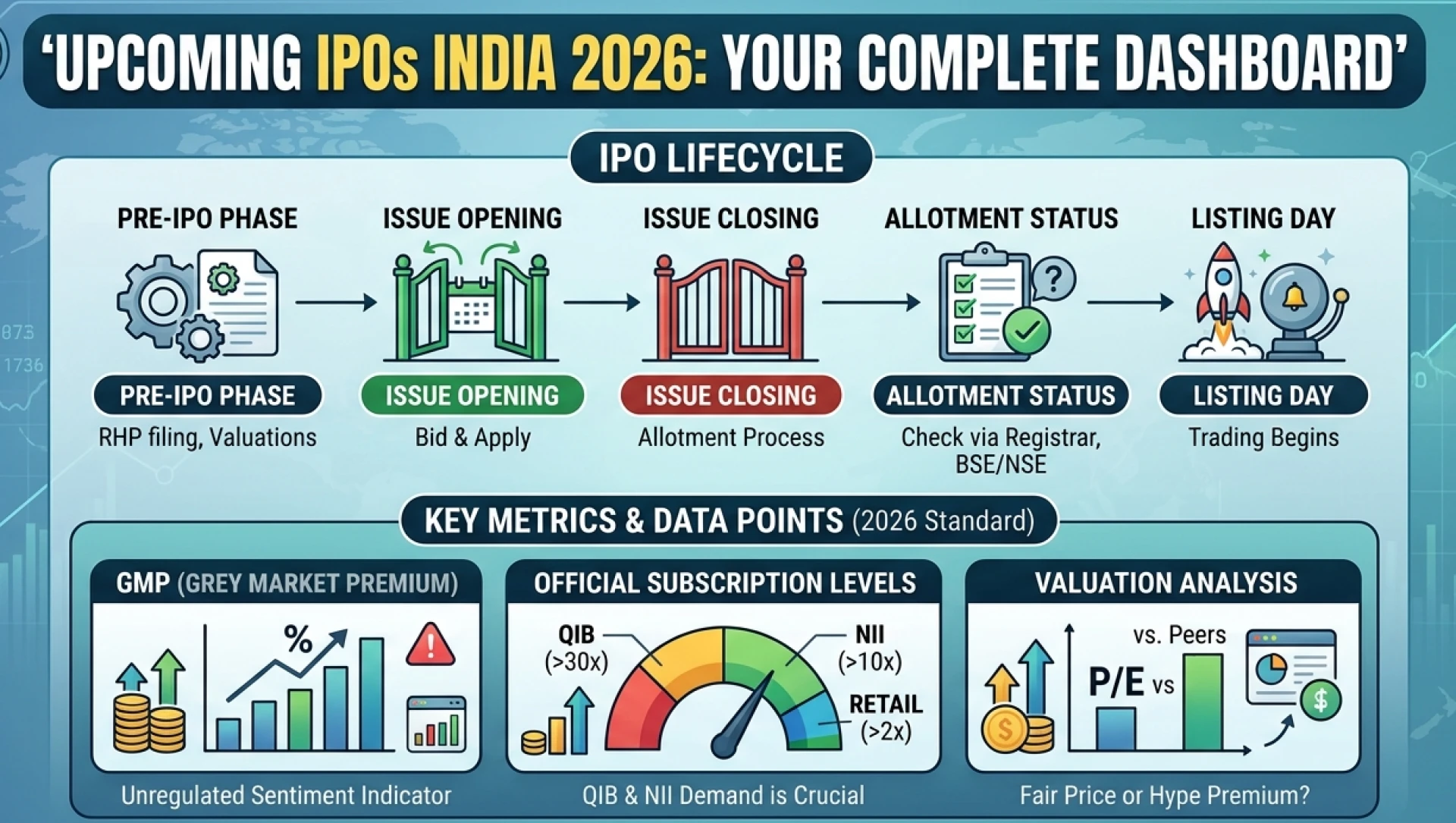
The allotment process determines whether you’ll receive shares, get partial allotment, or a refund. Knowing your status of allotment of IPO quickly helps you:
Plan your listing day strategy
Keep track of refund timelines
Prepare funds for the next IPO
Monitor your Demat updates
Make fast market decisions
With IPO interest surging across sectors, staying updated on your status of IPO allotment has become more important than ever.
1. Check IPO Allotment Status on IPOwatch (Fastest Method)
One of the most popular and convenient platforms today is IPOwatch, widely used by retail, HNI, and institutional investors.
How IPOwatch Helps You
Quick updates on allotment status
Simple input fields (PAN, DP ID, Application Number)
Regular notifications on allotment dates
GMP trends and listing expectations
Steps to Check IPO Allotment on IPOwatch
Visit the IPOwatch allotment status page.
Select the IPO name from the dropdown.
Enter your PAN, DP ID/Client ID, or application number.
Submit to view your allotment results instantly.
This is often the go-to method for investors due to its speed and accuracy.
2. Check Status of IPO Allotment on Registrar Websites
Every IPO is managed by a registrar like KFin Technologies or Link Intime, and their portals offer the most authentic allotment details.
A. Checking via KFintech
Go to KFintech IPO status link.
Choose the IPO name.
Enter PAN or application details.
View your allotment status.
B. Checking via Link Intime
Visit Link Intime’s IPO allotment page.
Select your IPO.
Fill in your PAN, DP ID/Client ID, or application number.
Check the results instantly.
Registrar portals provide 100% accurate allotment results because they handle investor records directly.
3. Track IPO Allotment Status Using BSE or NSE
If you prefer official, exchange-backed updates, the BSE and NSE websites offer a secure method.
How to Check on BSE
Visit BSE’s IPO allotment status page.
Select the issue type (Equity).
Enter your application number or PAN.
Submit to see your allotment details.
How to Check on NSE
NSE requires registration and login, after which you can track allotment and bid details for your IPO applications.
This method is best if you prefer direct exchange-based verification.
4. Check Allotment Status in Your Demat Account
Sometimes, the simplest method is to check your Demat account holdings.
Login to your broker app (Zerodha, Groww, Upstox, Angel One, etc.)
Go to “Holdings” or “IPO” section
If allotted, shares will appear before listing day
If not, amount will be unblocked/refunded
This method is reliable especially if registrar websites are slow on allotment day.
5. Using UPI Apps to Track Mandate Updates
If you applied using UPI, your UPI app (Google Pay, PhonePe, Paytm) will show:
Mandate acceptance
Blocked amount
Unblock status after non-allotment
This helps you confirm whether your refund has been processed after checking your status of allotment of IPO online.
Checking your IPO allotment status doesn’t have to be confusing. Whether you use IPOwatch, registrar portals, exchange websites, or your broker app, every method is designed to give you transparent and instant results.
With more investors participating in IPOs than ever before, staying informed about your status of IPO allotment helps you make smarter investment decisions and plan effectively for listing day.




























Sign in to leave a comment.