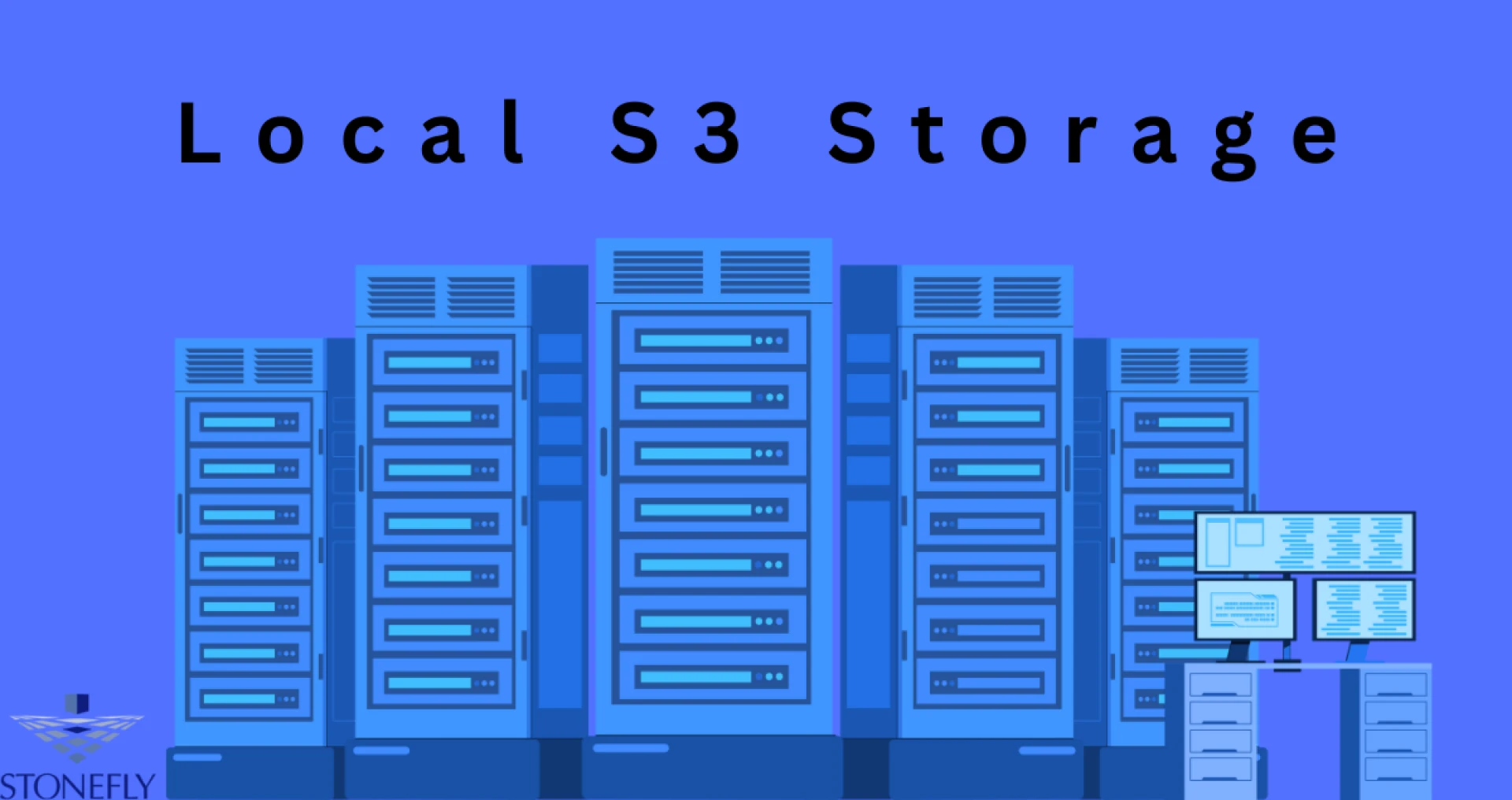

The Ultimate Guide to Local S3 Storage for Small Businesses, IT Professionals, and Startups
In today’s data-driven world, having a reliable, scalable, and cost-effective storage solution is paramount for businesses of all sizes. While cloud storage solutions like Amazon S3 have revolutionized how we store data, local S3 storage brings those benefits closer to home, literally. But what exactly is local S3 storage, and why should small businesses, IT professionals, and startups consider it?
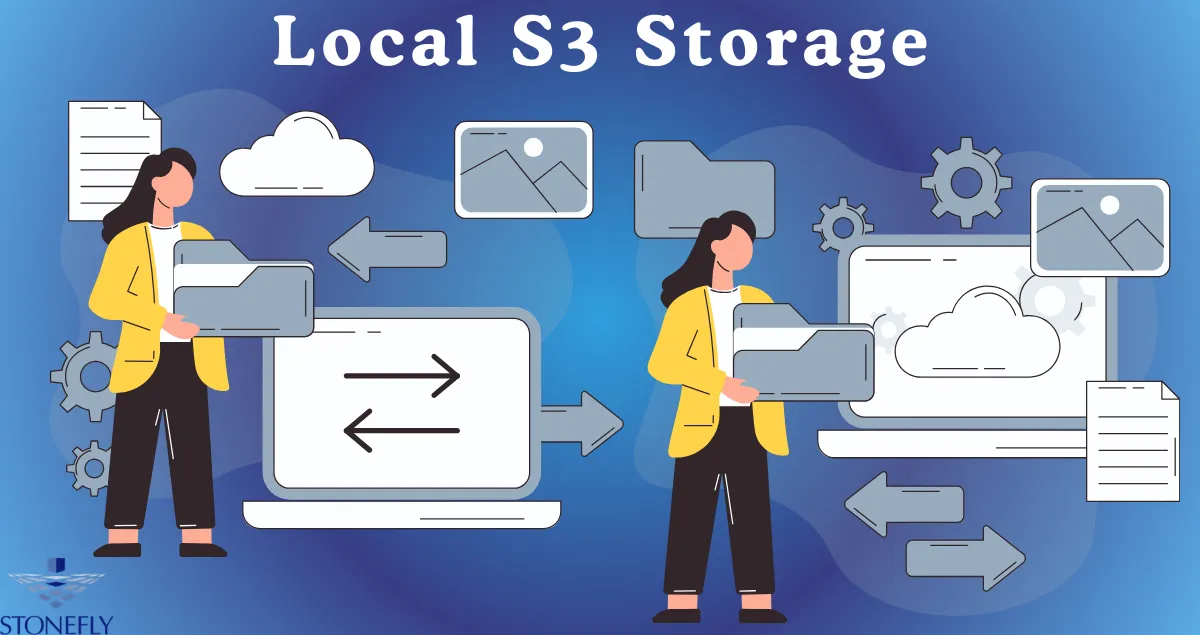
Local S3 Storage is essentially an on-premises solution that mimics the features and functionalities of cloud-based S3 storage. It allows businesses to store, manage, and access their data locally while enjoying the same scalability, durability, and accessibility that cloud storage offers.
In this comprehensive guide, we will explore the advantages of local S3 storage, how IT professionals can leverage it, best practices for implementation, and real-life case studies showcasing its success.
Advantages of Local S3 Storage for Small Businesses and Startups
Cost-Effectiveness
One of the most significant advantages of local S3 storage is its cost-effectiveness. Small businesses and startups often operate on tight budgets, and the costs associated with cloud storage can add up quickly. By using local S3 storage, businesses can avoid monthly subscription fees and data transfer costs, making it a more economical choice.
Enhanced Performance and Speed
Local S3 storage offers superior performance and speed compared to cloud storage. Because the data is stored on-premises, businesses can experience faster data access and transfer rates. This is particularly beneficial for applications that require low latency and high-speed data processing.
Data Control and Security
With local S3 storage, businesses have complete control over their data. This control translates to enhanced security measures, as organizations can implement their own security protocols and ensure that their data complies with local regulations and industry standards. Additionally, local S3 storage reduces the risk of data breaches associated with cloud storage providers.
Customization and Flexibility
Local S3 storage allows businesses to customize their storage solutions to meet specific needs. Whether it's configuring storage policies, access control, or integrating with existing infrastructure, local S3 storage offers the flexibility to tailor the solution to fit unique business requirements.
How IT Professionals Can Leverage Local S3 Storage for Enhanced Security and Flexibility
Implementing Robust Security Measures
IT professionals can utilize local S3 storage to implement robust security measures, including encryption, access controls, and audit logs. By managing data onsite, IT teams can enforce stringent security policies and ensure compliance with regulatory requirements.
Seamless Integration with Existing Systems
Local S3 storage seamlessly integrates with existing IT infrastructure, making it easier for IT professionals to manage and maintain. This integration enables efficient data management and ensures that local S3 storage works harmoniously with other enterprise applications and services.
Disaster Recovery and Backup Solutions
Local S3 storage can serve as a reliable disaster recovery and backup solution. IT professionals can create redundant copies of critical data, ensuring that it is protected from hardware failures, natural disasters, and other unforeseen events. By keeping backups onsite, businesses can quickly restore data and minimize downtime in the event of a disaster.
Scalability and Growth
As businesses grow, so do their storage needs. Local S3 storage offers the scalability needed to accommodate increasing data volumes without compromising performance or security. IT professionals can easily expand storage capacity by adding more hardware, ensuring that businesses can continue to scale without disruption.
Best Practices for Implementing Local S3 Storage in Your Business
Assess Your Storage Needs
Before implementing local S3 storage, it's essential to assess your storage needs. Consider factors such as data volume, access frequency, security requirements, and future growth projections. This assessment will help you choose the right hardware and configuration for your local S3 storage solution.
Choose the Right Hardware
Selecting the appropriate hardware is crucial for the success of your local S3 storage implementation. Look for storage systems that offer high performance, reliability, and scalability. Consider using Network Attached Storage (NAS) or Storage Area Network (SAN) devices that support S3-compatible protocols.
Implement Strong Security Practices
Security should be a top priority when implementing local S3 storage. Ensure that your storage solution includes encryption, access controls, and regular security audits. Implement multi-factor authentication (MFA) and monitor access logs to detect and respond to any suspicious activity.
Optimize Data Management
Effective data management is essential for maximizing the benefits of local S3 storage. Implement policies for data categorization, retention, and archiving. Use automation tools to streamline data management tasks and reduce the risk of human error.
Regularly Backup and Test Your Data
Regular backups are critical for data protection and disaster recovery. Schedule regular backups of your local S3 storage and test the restore process to ensure that your data can be recovered quickly in the event of a failure.
Case Studies: Real-Life Examples of Local S3 Storage Success
Case Study 1: Tech Solutions
Tech Solutions, a growing startup, needed a cost-effective storage solution to handle their increasing data volume. By implementing local S3 storage, they achieved significant cost savings while enjoying fast data access and enhanced security. The flexibility of local S3 storage allowed them to customize their solution to meet their specific needs, resulting in improved operational efficiency.
Case Study 2: Marketing Agency
Marketing Agency required a high-performance storage solution to handle large volumes of multimedia content. Local S3 storage provided the speed and performance they needed, enabling quick access to data and seamless collaboration among team members. The agency also benefited from complete control over their data, ensuring compliance with industry regulations.
Case Study 3: Acme Manufacturing
Acme Manufacturing implemented local S3 storage as part of their disaster recovery strategy. By creating redundant copies of critical data onsite, they ensured that their data was protected from hardware failures and other disruptions. The scalability of local S3 storage allowed them to accommodate their growing Data needs without compromising performance.
Conclusion:
As businesses continue to generate and rely on vast amounts of data, the need for reliable, cost-effective, and high-performance storage solutions will only grow. Local S3 storage offers businesses the advantages of cloud storage while providing enhanced control, security, and customization.
For small businesses, IT professionals, and startups, local S3 storage represents a valuable tool for managing data efficiently and securely. By understanding the benefits and best practices for implementing local S3 storage, businesses can position themselves for success in an increasingly data-driven world.
The future of local S3 storage is bright, with advancements in technology and increased adoption across various industries. As more businesses recognize the value of local S3 storage, we can expect to see continued innovation and new use cases emerge, further solidifying its place as a crucial component of modern data management.
Ready to explore the potential of local S3 storage for your business? Start by assessing your storage needs and implementing best practices to ensure a successful deployment. With the right approach, local S3 storage can provide your business with the performance, security, and flexibility needed to thrive in today's competitive landscape.
FAQs
What is local S3 storage?
Local S3 storage refers to the use of on-premises hardware and software to store data in a way that is compatible with Amazon's Simple Storage Service (S3). This allows businesses to have the benefits of cloud storage, such as scalability and cost-effectiveness, while maintaining control over their data.
What are the benefits of using local S3 storage?
Cost savings compared to traditional on-premises storage solutionsFast data access and high performanceEnhanced security through encryption and access controlsFlexibility for customization to meet specific business needsScalability to accommodate growing data volumes without compromising performance.Is local S3 storage suitable for all types of businesses?
Local S3 storage can benefit a wide range of businesses, from small startups to large enterprises. However, it is essential to assess your storage needs and ensure that the hardware and configuration you choose align with your business requirements.
What are the best practices for implementing local S3 storage?
Assessing storage needs before implementationChoosing the right hardware and configurationImplementing strong security practicesOptimizing data management through policies and automation toolsRegularly backing up and testing data for disaster recovery purposes. Overall, proper planning, regular maintenance, and continuous monitoring are crucial for successful deployment and usage of local S3 storage in any business setting.Can local S3 storage be used alongside cloud storage?
Yes, businesses can use a hybrid approach with both local and cloud-based S3 storage to achieve the benefits of both. This allows for flexibility, cost savings, and improved data redundancy in case of failures or disasters.
Are there any limitations or downsides to using local S3 storage?
Some potential limitations include higher upfront costs for hardware and setup, as well as the need for ongoing maintenance and updates. It is also essential to have skilled IT professionals to manage and monitor the system effectively. Additionally, businesses must ensure that their local S3 storage solution complies with any industry regulations or compliance standards.




























Sign in to leave a comment.