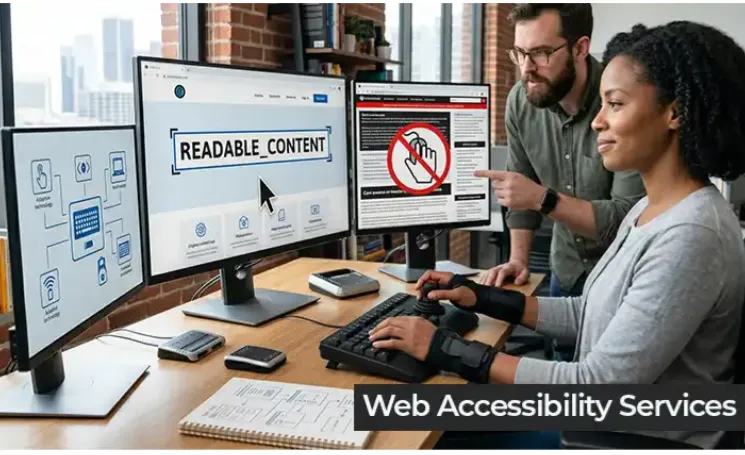

Every website owner has a responsibility to make their digital space usable for everyone, including people with disabilities. When you fix accessibility problems early and systematically, you create a better experience for all users while also improving your search rankings and avoiding legal risks. The good news is that resolving these issues does not require you to rebuild your website from scratch. A structured checklist approach makes the process manageable, even for non-technical teams.
Start With a Comprehensive Audit
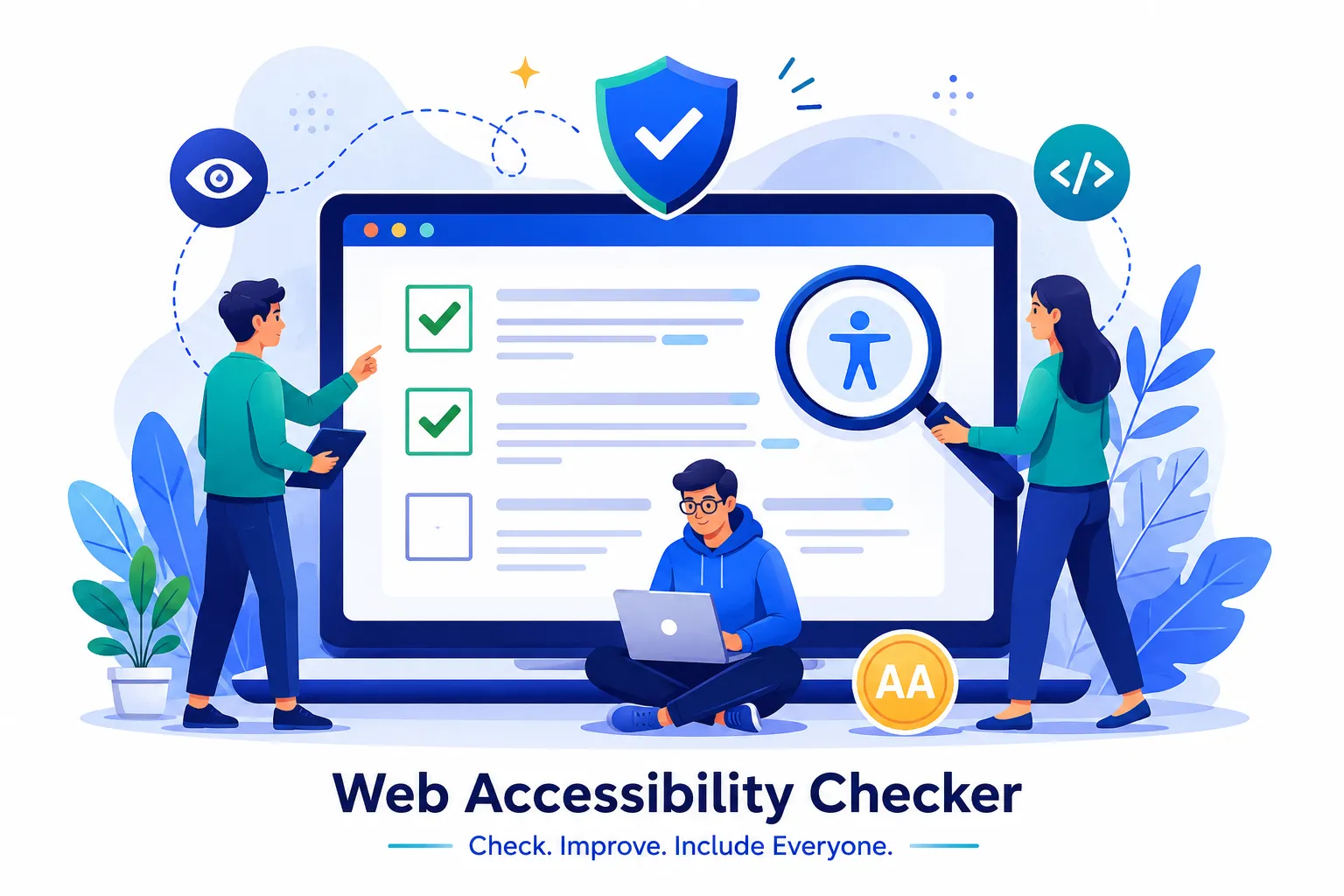
Before making any changes, you need a clear picture of where your website currently stands. Run a full accessibility audit using the Tranistics Data Technologies accessibility-checker-tool, which scans your entire website and surfaces issues mapped to WCAG 2.1 guidelines. This gives you a prioritized list of what needs attention rather than leaving you guessing. Document every finding so nothing slips through the cracks during the fixing phase.
Fix Keyboard Navigation First
Many users rely entirely on a keyboard to browse the web. Check that every interactive element, including menus, buttons, forms, and links, can be reached and activated using only the Tab and Enter keys. Ensure there is a visible focus indicator so users always know where they are on the page. Remove any keyboard traps where users get stuck inside a component and cannot navigate out. These fixes tend to have an immediate and significant impact on usability.
Address Images and Media Accessibility
Every image on your website needs descriptive alternative text that communicates its purpose to screen reader users. Decorative images should carry an empty alt attribute so screen readers skip over them. For videos, add captions and transcripts so users who are deaf or hard of hearing can access the content fully. Audio-only content also needs a written transcript. These steps are straightforward to implement and dramatically widen your audience reach.
Improve Color Contrast and Text Readability
Low contrast between text and background is one of the most common accessibility failures. Ensure your body text and background colors meet the minimum contrast ratio required under WCAG guidelines. Avoid using color alone to convey meaning, such as marking required form fields in red without any text label. Increase font sizes where needed and use clear, readable typefaces throughout the site.
Validate Forms and Error Messages
Forms are a major stumbling block for users with disabilities. Every form field must have a visible, properly associated label. Error messages need to be specific and placed close to the field that caused the problem. Do not rely solely on placeholder text as a substitute for labels, since placeholders disappear when a user starts typing.
Make Accessibility a Ongoing Practice
Fixing accessibility issues is not a one-time project. It becomes part of your regular development and content workflow. Run periodic scans, train your content team on accessible writing, and test with real assistive technologies before every major launch.
Tranistics Data Technologies Private Limited helps businesses build and maintain accessible digital experiences through its powerful accessibility-checker-tool, designed to detect, report, and guide you through every fix your website needs. Start your accessibility journey today and make your website work for every user, every time.



























Sign in to leave a comment.