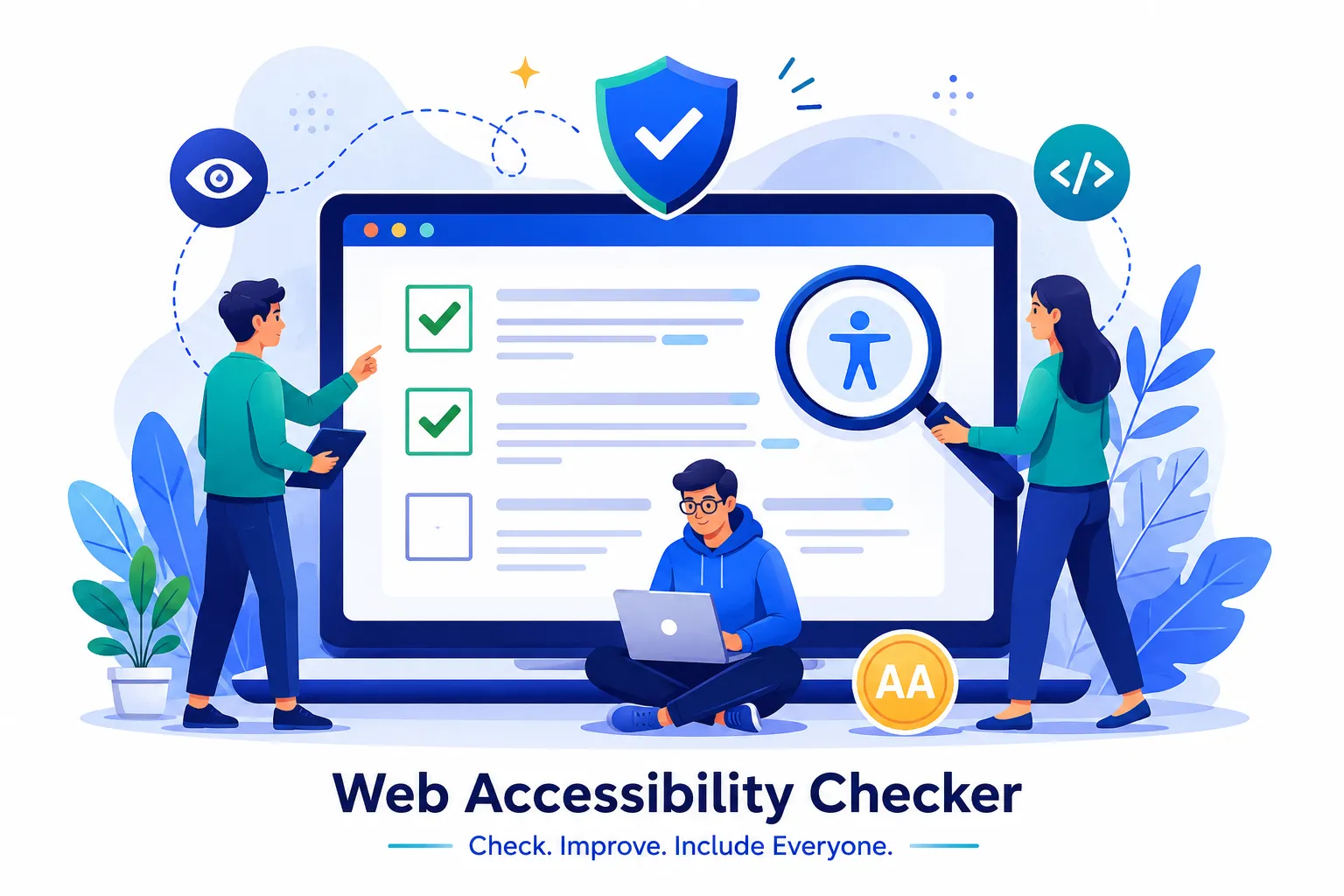

Every website owner wants their platform to be usable by everyone, yet many sites unknowingly carry barriers that stop people with disabilities from browsing freely. This is where a web accessibility checker becomes essential. It scans your website, identifies problem areas, and gives you a clear path to fix them. In this guide, we walk through a simple, practical process to find and resolve accessibility issues so your website becomes inclusive, compliant, and easier to use for every visitor.
Why Accessibility Matters for Every Website
Accessibility is not just a legal requirement, it is a responsibility. Millions of users rely on screen readers, keyboard navigation, and other assistive technologies to browse the internet. If your website has broken alt text, poor color contrast, or confusing navigation, these users are left out. Beyond compliance with standards like WCAG, an accessible website improves user experience for everyone, strengthens your brand reputation, and even helps with search engine visibility.
Step One: Run a Full Website Scan
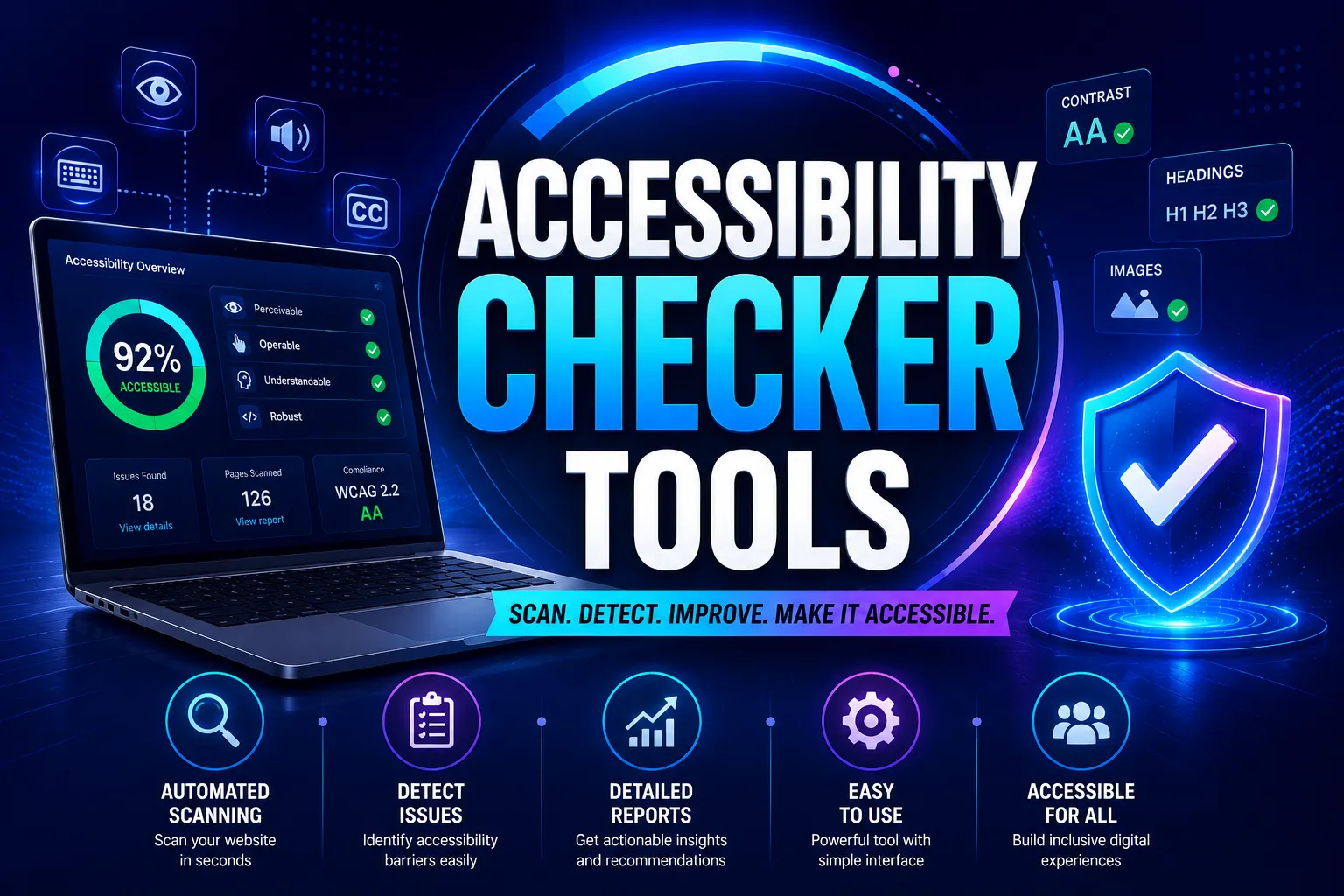
The first step is scanning your entire website using a reliable checker. This process highlights missing alt attributes, incorrect heading structures, low contrast text, unlabeled forms, and other common issues. A thorough scan gives you a complete picture of where your website stands before you start fixing anything.
Step Two: Prioritize the Issues Found
Not every issue carries the same weight. Some problems, like missing form labels or unreadable text, block users completely, while others are minor inconveniences. Group the issues by severity so your team can address the most critical barriers first. This structured approach saves time and ensures the biggest usability gaps are closed early.
Step Three: Fix Structural and Visual Problems
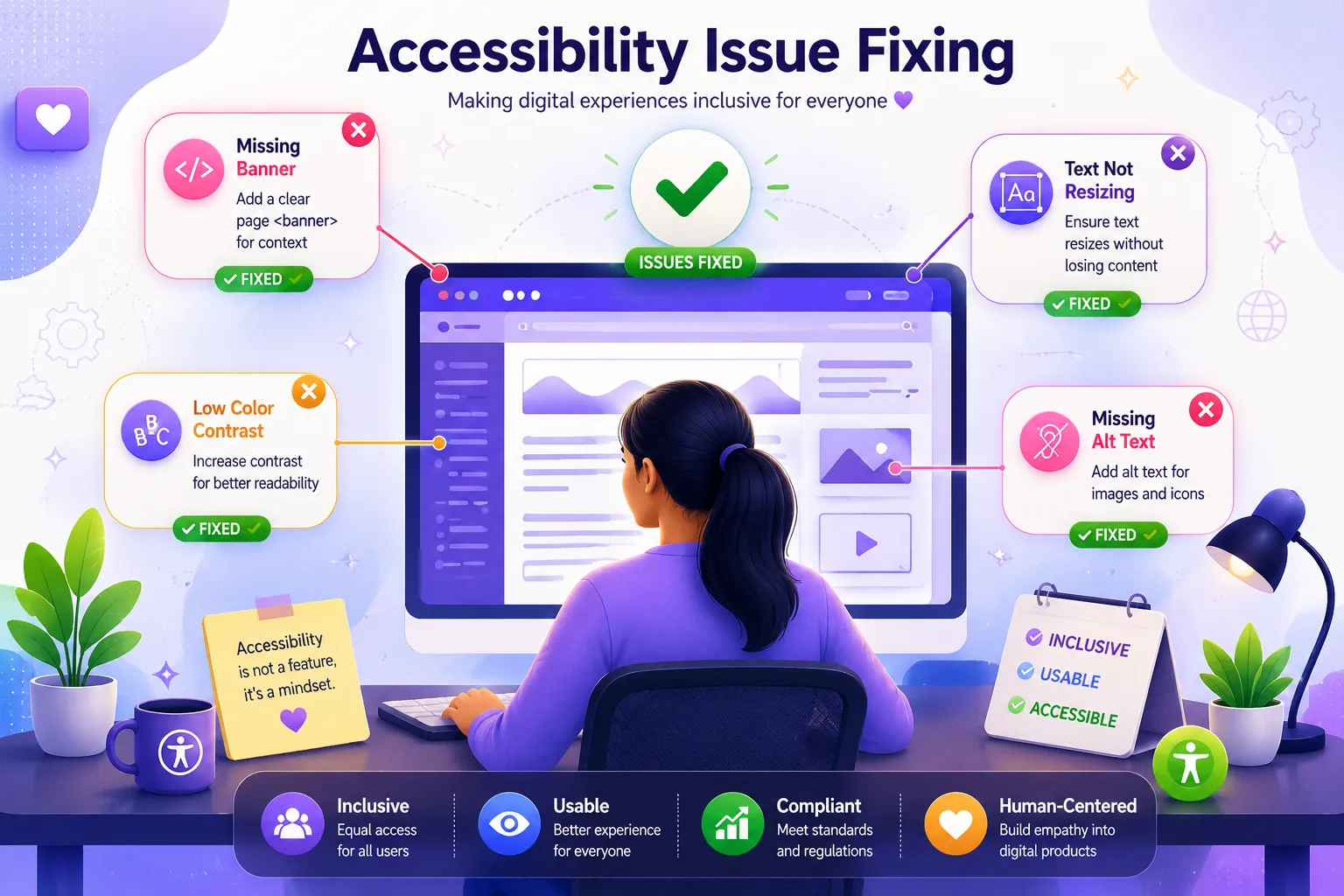
Once issues are prioritized, begin correcting them one by one. Add descriptive alt text to images, improve color contrast ratios, ensure buttons and links have clear labels, and organize headings in a logical order. These changes make your content easier to understand for both assistive technology users and regular visitors.
Step Four: Test Keyboard and Screen Reader Navigation
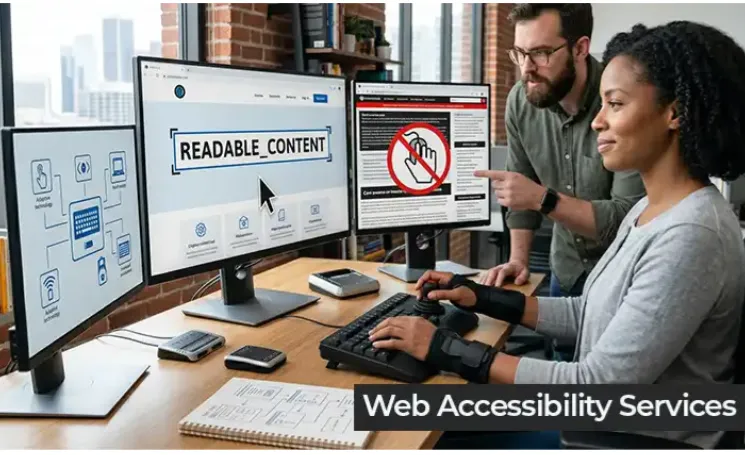
After fixing visual and structural issues, test your website using only a keyboard and a screen reader. This step reveals hidden problems that automated tools sometimes miss, such as focus traps or elements that are not reachable without a mouse. Manual testing complements automated scanning and results in a more reliable outcome.
Step Five: Re-Scan and Monitor Regularly
Accessibility is not a one time fix. Websites change constantly with new pages, images, and features, so regular re-scanning is necessary to maintain compliance. Set a routine schedule to check your website and catch new issues before they affect your users.
Bringing It All Together
Fixing accessibility issues does not have to be complicated when you follow a clear, structured process. From scanning to prioritizing, fixing, testing, and monitoring, each step brings your website closer to being truly inclusive.
If you are looking for a dependable way to identify and resolve these issues, Tranistics Data Technologies Private Limited offers the Tranistics Data Technologies accessibility-checker-tool, built to help businesses create websites that everyone can use with ease. Reach out to Tranistics Data Technologies Private Limited today and take the first step toward a fully accessible, user friendly website that reflects your commitment to inclusivity and quality.



















Sign in to leave a comment.