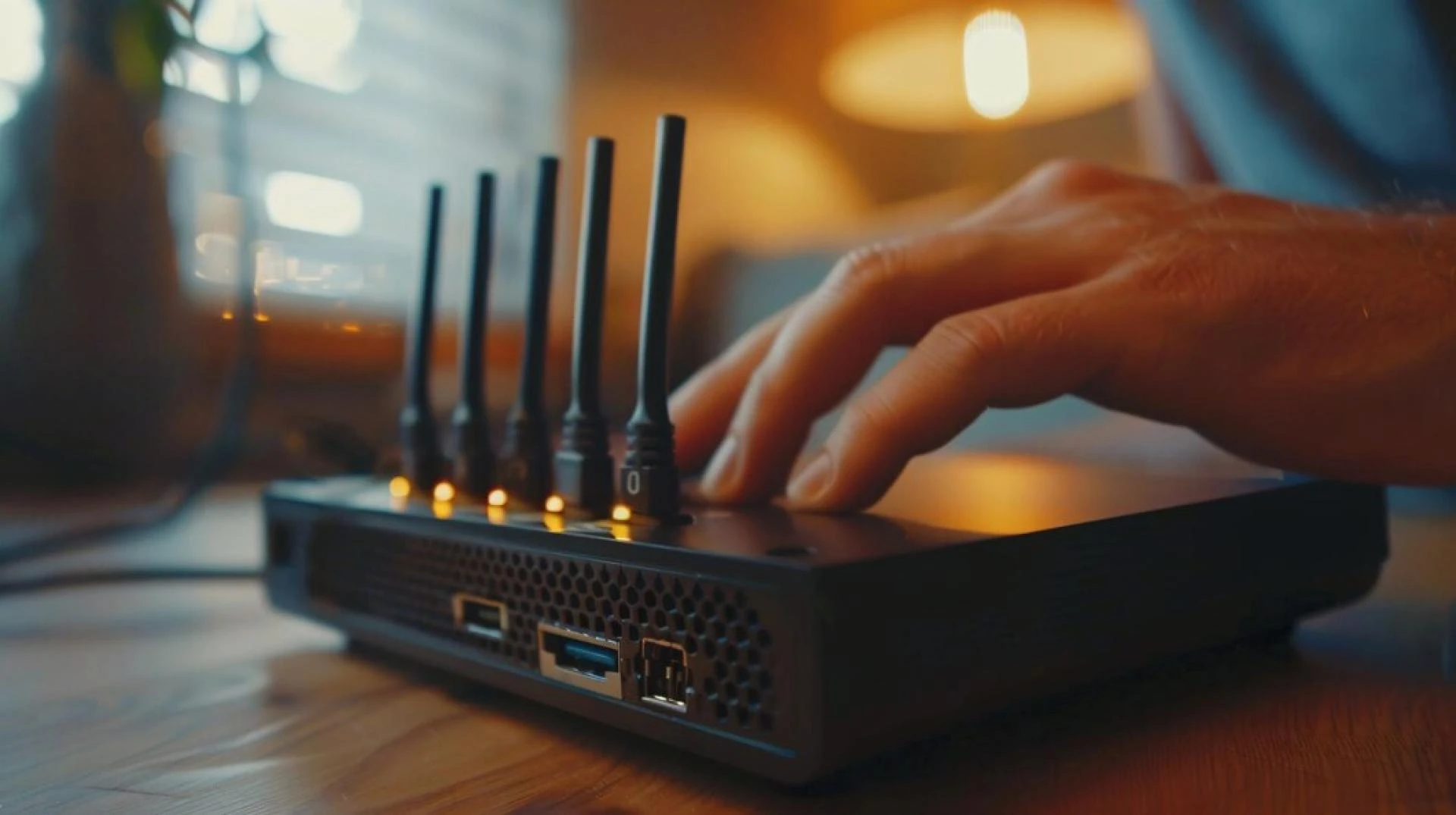

For every home, having a rapid and dependable internet connection through Wi-Fi network is a must-have in the present time. As a result of the revolution in working from home, distance learning, and watching movies on the Internet, it becomes crucial to make your Wi-Fi as efficient as possible. There are many variables that you have control over when it comes to your Wi-Fi connection, and learning about those tweaks can often yield a tremendous increase in speed and connection stability. In this blog post as a follow up on my earlier blog post about Optus Wi-Fi plans and nbn vs 5g wireless plans, I’ll give some insights on how users can enhance their Wi-Fi performance at home.
Assess Your Current Wi-Fi Performance
But to make changes, one must assess how your Wi-Fi is performing or functioning at the moment. Use online tools such as speedtest and begin by running a speed test to know the current speeds. net. This will allow you to get an indication of the download and upload speeds. If your speeds are lower than what you’ve subscribed to, then it’s the right time to start looking for solutions.
Optimize Your Router Placement
One of the simplest ways to improve your Wi-Fi performance is by placing your router in an optimal location. Here are some tips:
Central Location: Place your router in the center of your home to ensure an even distribution of the signal.Elevate the Router: Higher placement, such as on a shelf or mounted on a wall, can reduce obstructions and improve coverage.Avoid Obstacles: Keep your router away from thick walls, metal objects, and electronic devices that can interfere with the signal.Upgrade Your Router
If your router is old, it might not support the latest Wi-Fi standards. Upgrading to a newer model can make a big difference. Look for routers that support Wi-Fi 6, as they offer faster speeds and better performance in crowded networks. For those exploring new plans, Optus Wi-Fi plans offer a variety of options tailored to different needs.
Use Wired Connections Where Possible
Despite the comfort of Wi-Fi technology, cables are preferable as they provide a faster and more reliable connection. Devices that need significant bandwidth and need a strong signal should be plugged directly into the router using an Ethernet cable. This shall release the wireless bandwidth for other devices that may require it.
Adjust Your Router Settings
Tweaking your router’s settings can also enhance performance. Here are some settings to consider:
Channel Selection: Routers often default to the same channels, leading to congestion. Use a Wi-Fi analyzer app to find the least crowded channel and switch your router to it.Bandwidth Prioritization: Enable Quality of Service (QoS) settings to prioritize bandwidth for essential applications and devices.Security: Ensure your Wi-Fi network is secure by using WPA3 encryption. This not only protects your data but can also prevent unauthorized users from slowing down your network.Expand Your Coverage with Mesh Wi-Fi Systems
If you have a large home or areas with weak signals, a mesh Wi-Fi system can help. Mesh systems use multiple nodes to create a seamless network that covers your entire home. This ensures that you get a strong and consistent signal no matter where you are.
Limit Interference from Other Devices
Many household devices can interfere with your Wi-Fi signal, including microwaves, cordless phones, and baby monitors. Keep your router away from these devices and consider using the 5GHz band, which is less prone to interference than the 2.4GHz band.
Regularly Update Firmware
Router manufacturers release firmware updates to fix bugs and improve performance. Check your router’s settings to ensure it’s running the latest firmware. Regular updates can help maintain optimal performance and security.
Consider Network Upgrades
As technology advances, you might find that your current network setup isn't keeping up with your needs. It’s worth comparing options like nbn vs 5g to determine the best fit for your home. The NBN offers high-speed internet through fiber connections, while 5G provides fast wireless internet that can be a great alternative, especially in areas where NBN is not available.
Troubleshooting Common Issues
Even with the best setup, you may still encounter issues. Here are some common problems and solutions:
Slow Speeds: Restart your router, check for firmware updates, and make sure no one is using excessive bandwidth.Dropped Connections: Move closer to the router, reduce interference, and consider a mesh system for better coverage.Device Not Connecting: Ensure the device is within range, restart it, and check for any network settings that need to be adjusted.Conclusion
Boosting Wi-Fi signal strength and coverage around your home does not have to be complicated. Thus, you can experience faster and more stable connection in the whole house if you follow the above mentioned strategies. From subscribing for Optus Wi-Fi to choosing between nbn or 5g, tweaking your router and setting will improve your browsing.
Key Takeaways
Optimize Router Placement: Position your router centrally and elevated to improve signal distribution.Upgrade Your Hardware: Ensure your router supports the latest Wi-Fi standards for better performance.Consider Network Options: Evaluate the benefits of NBN versus 5G to find the best solution for your home.Implement these tips, and you'll notice a significant improvement in your Wi-Fi performance, making your online activities smoother and more enjoyable.






















Sign in to leave a comment.