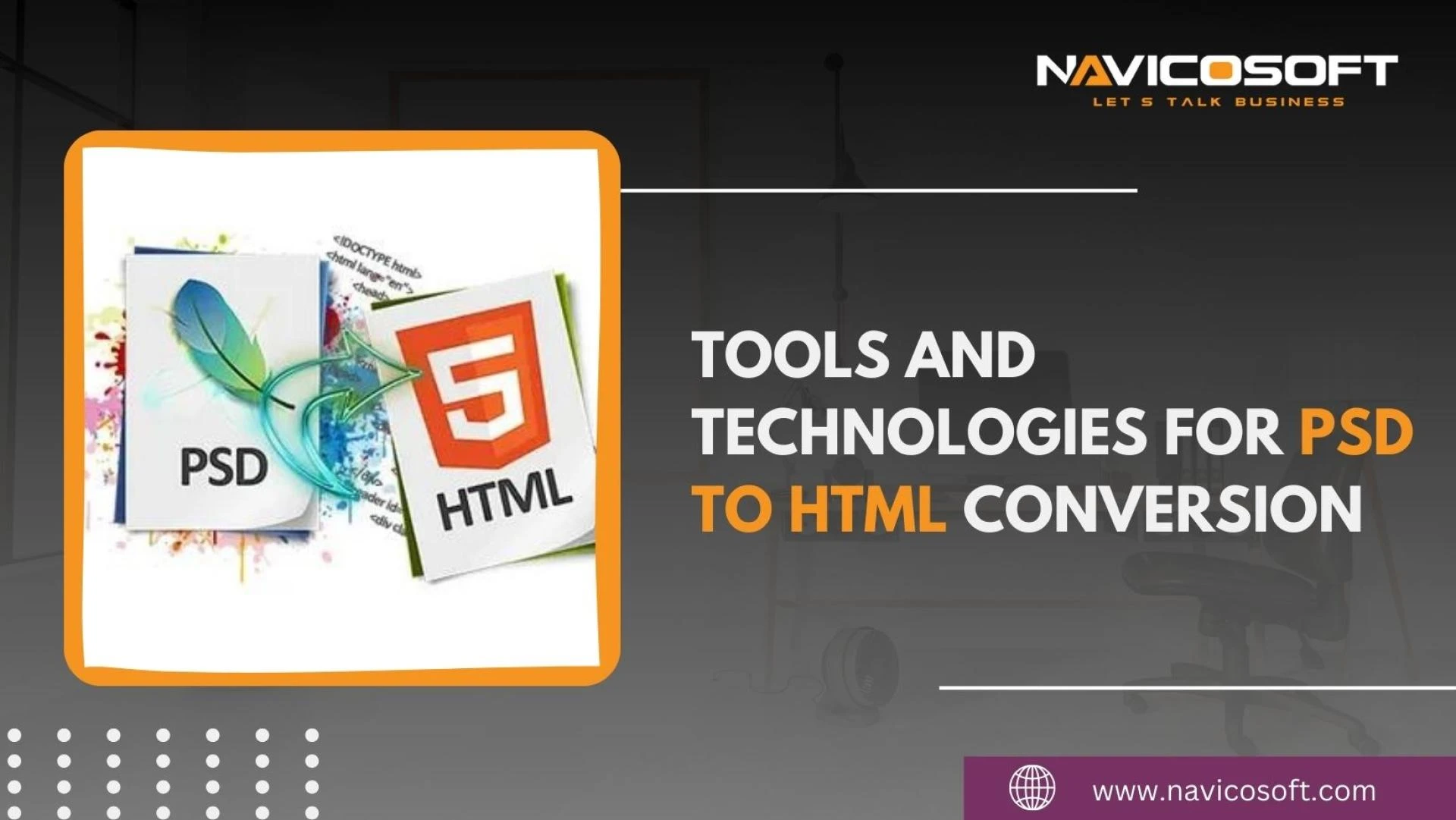

PSD to HTML conversion has long been around in the web world. Given its name, it is a conversion process and certainly needs tools to do so.
So, here today, let’s dig into those tools and technologies for PSD to HTML conversion.
In graphic design and web development, a PSD service refers to a service that involves working with PSD files (Photoshop Document files) to create, modify, or convert visual designs.
PSD files are created using Adobe Photoshop, a popular graphic design software, and they contain layered images that allow designers to work with various design elements separately.
Furthermore, in web development, an HTML service refers to a service that helps convert design files or concepts into functional HTML (Hypertext Markup Language) code.
Therefore, people typically use HTML as the markup language to arrange and present content on the internet.
In addition, HTML services significantly transform design mockups or visual concepts into fully interactive and functional web pages.
That together makes PSD to HTML services that provide assistance to get a perfect website.
PSD to HTML Conversion Tools and Technologies
There are several standard technologies and tools used for PSD to HTML conversion.
These tools help developers transform a design concept in a Photoshop Document (PSD) format into a fully functional HTML and CSS website.
Following are some tools and technologies for PSD to HTML conversion:
Adobe Photoshop
The starting point is the PSD file created using Adobe Photoshop, which contains the design elements and layers that need to be converted to HTML.
This is the primary software used to create PSD designs. It allows designers to create mockups, wireframes, and visually appealing designs.
HTML/CSS
HTML is used to organize the content and layout of the web page, whereas CSS controls the visual presentation and styling. So, they are the basic technologies for coding and styling web pages.
Therefore, HTML is responsible for the construction and content of the web page, while CSS handles the visual appearance and layout.
Text Editors and Integrated Development Environments (IDEs)
People commonly use tools like Sublime Text, Visual Studio Code, and Atom for manually coding HTML and CSS.
Bootstrap
Bootstrap is a popular open-source CSS framework with a responsive grid system, pre-defined CSS classes, and components. Further, it helps in creating mobile-friendly and responsive websites with ease.
Front-End Frameworks
Frameworks like Bootstrap, Foundation, and Bulma provide pre-designed and responsive CSS and JavaScript components to accelerate development.
Responsive Design Tools
Tools like Flexbox and CSS Grid help create reactive layouts that adapt to different screen sizes and orientations.
PSD to HTML Conversion Software
So, we discuss tools and technologies for PSD to HTML conversion. However, some developers design software tools specifically for converting PSD designs to HTML.
They may offer layer extraction, image optimization, and code generation features.
Image Editors
While not exclusively for PSD to HTML conversion, image editors can be used to modify or optimize design elements before integration. For example, Adobe Illustrator.
Version Control Systems
Tools like Git help manage and track changes to the codebase, making collaboration and code management more efficient.
Browser Developer Tools
Browsers’ built-in developer tools allow developers to inspect and debug the HTML and CSS code as it’s rendered in the browser.
Markup Validators
HTML and CSS validators help ensure that the code meets standards and best practices, reducing the likelihood of errors.
Performance Optimization Tools
Tools like PageSpeed Insights and GTmetrix help analyze and optimize the performance of web pages by suggesting improvements to reduce loading times.
Responsive Testing Tools
Extensions and online tools like BrowserStack or CrossBrowserTesting allow testing web pages across different devices and browsers.
Zeplin
Designers and developers working on projects together use Zeplin as a collaboration tool.
Zeplin simplifies the handoff process for designers and developers by providing a platform.
They can easily share designs and extract CSS, assets, and measurements from PSD files.
Adobe XD
Adobe XD is a design and prototyping tool that authorizes designers to make interactive prototypes, wireframes, and design elements.
It helps streamline the design-to-development process and facilitates collaboration between designers and developers.
Gulp
Developers use Gulp as a task runner built on Nod.js to automate repetitive tasks in the development workflow. Hence, developers commonly use it for tasks.
For example, compiling Sass/LESS files, optimizing images, and minifying CSS/JS files during the PSD to HTML conversion process.
Sketch
Sketch is a vector-based design tool for macOS that allows designers to create designs and export them to various formats.
In brief, it is a popular choice for UI/UX designers due to its simplicity and robust features.
Sublime Text
Sublime Text is a powerful code editor popular among developers for its speed, customization options, and extensive plug-in ecosystem.
However, during the PSD to HTML conversion process, developers widely use it to write clean and efficient HTML, CSS, and JavaScript code.
SASS/LESS
SASS (Syntactically Awesome Style Sheets) and LESS (Leaner CSS) are CSS preprocessor tools that add functionality and enhance the CSS workflow.
They provide features like nesting, variables, mixins, and more, making styling code more manageable and efficient.
GitHub
GitHub is a web-based version control and collaboration platform that developers widely use.
Moreover, it helps manage code and tracking changes and facilitates collaboration among team members during the PSD to HTML conversion process.
Code Editors with Live Preview
Some code editors provide live preview features, allowing developers to see real-time changes as they code.
Thus, code editors with Live Preview are tools that facilitate the process of converting designs from Adobe Photoshop (PSD) to HTML, a process often referred to as PSD to HTML conversion.
Also, these code editors offer a real-time preview of the HTML and CSS code as it’s being written.
Therefore, it allows developers to see the immediate visual representation of their code changes without moving in the middle of the code editor and a web browser.
Automated PSD to HTML Conversion Services
However, in addition to manual conversion, some online services offer automated PSD to HTML conversion.
It happens using AI and algorithms to generate HTML/CSS code based on the PSD design. Automated PSD to HTML conversion includes online tools or software platforms.
Therefore, they offer an automated way to convert Adobe Photoshop (PSD) design files into HTML and CSS code and create functional web pages.
So, these services aim to streamline the process of converting visual designs into usable web assets by eliminating the need for manual coding.
Conclusion
Remember that the selection of tools and technologies may vary based on individual preferences.
Moreover, it also includes project requirements and the complexity of the design-to-HTML conversion.
So, these are just a few examples of the tools and technologies for the best PSD to HTML services conversion.
In addition, the selection of tools may vary depending on individual preferences, project requirements, and the specific needs of the development team.
All in all, be it manual or automated conversion, getting the best PSD to HTML services can ensure a flawless website.
Original Source:
https://www.skipbaylesstwitter.com/2023/09/13/tools-and-technologies-for-psd-to-html-conversion/











Sign in to leave a comment.