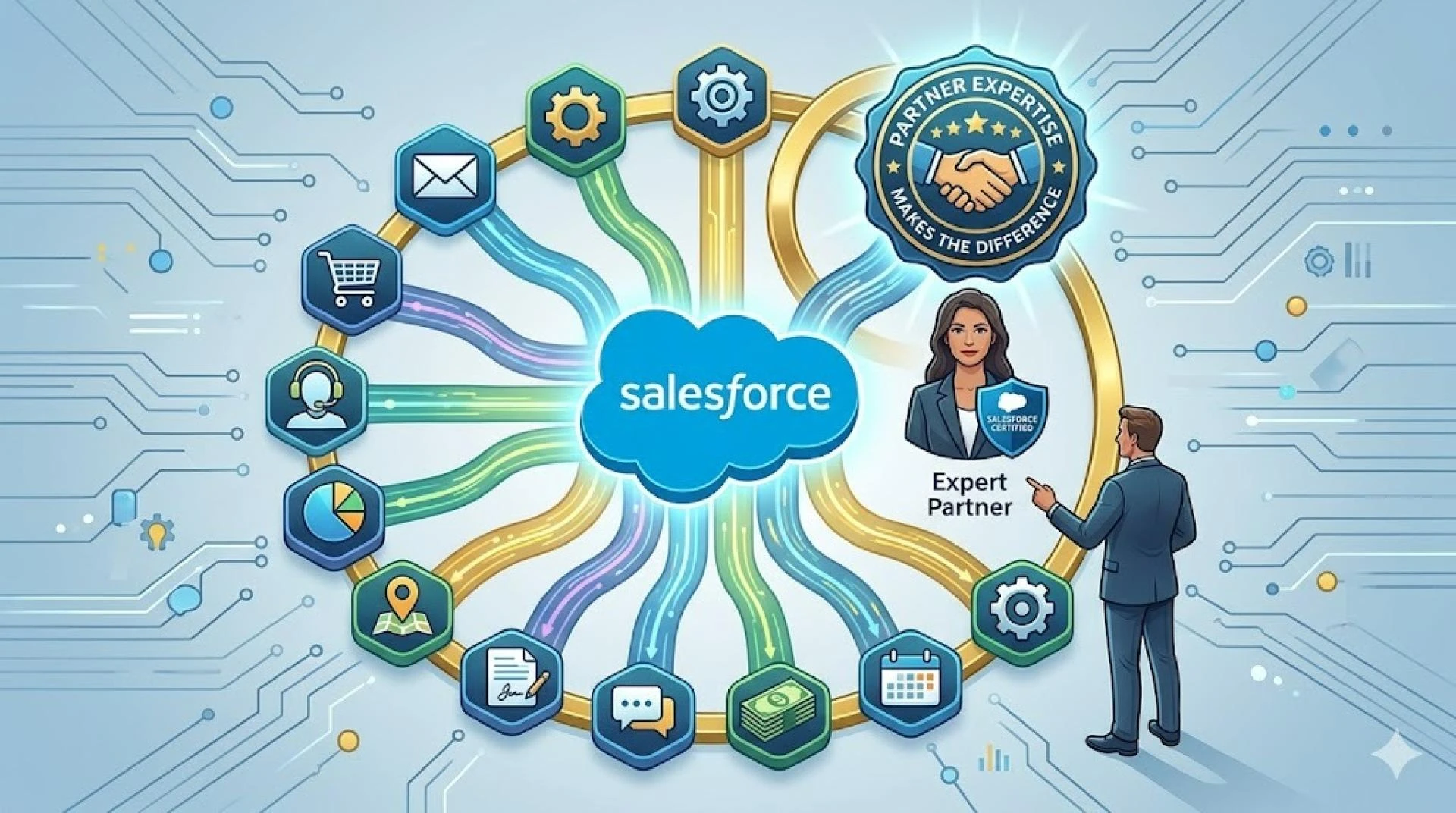

Salesforce functions as a robust customer relationship management platform, but enterprises rarely work under a single software environment. Marketing professionals utilize HubSpot, customer support agents work in Zendesk, and sales experts manage communications through Slack. Enterprises disregard connections between Salesforce and the mentioned tools. Data sits isolated in separate systems. The information silos lead to major operational hindrances and customer insights fragmentation.
Through Salesforce application integration, enterprises can ensure seamless interaction between the CRM and external platforms and applications. The integrations transform Salesforce from a standalone platform into a central application, where data flows autonomously between systems. Sales information synchronizes with marketing automation tools. Support and resolution tickets details are updated in CRM customer records. Communication platforms highlight relevant CRM information without manual data extraction.
10 Essential Salesforce Integrations for Enterprises
Enterprises depend on certain application integrations to connect Salesforce with their crucial business resources. The integrations address diverse operational requirements in marketing, customer service, communication, and commerce functions.
1. Salesforce HubSpot Integration
The alignment between marketing and sales operations depends on merging customer records between HubSpot and Salesforce sales tracking. This integration ensures that the lead information, campaign responses, and involvement metrics are synchronized bidirectionally. Marketing professionals can see which campaigns generate qualified opportunities. Sales representatives access complete interaction histories without switching platforms. A professional Salesforce integration consultant set up field mappings and workflow triggers to ensure accurate data flow between HubSpot and Salesforce.
2. WordPress Salesforce Integration
Websites developed using WordPress capture lead details from contact forms, newsletter signups and content downloads. The integration of WordPress with Salesforce minimizes manual lead data capture efforts for enterprises. The system creates records for new prospects automatically. Form submissions, user registrations, and ecommerce transactions populate Salesforce with fresh data. Response times drop, and lead loss from delayed follow-up becomes preventable.
3. Salesforce Email Integration
Email remains the main business communication channel. Email integration becomes fundamental to track correspondence within customer records. Integrated email clients log send messages, responses, and attachments to relevant Salesforce records directly. Sales teams maintain complete communication histories. The customer support agents can visualize previous transactions without going through various email archives.
4. Salesforce Ecommerce Integration
The online retailers expect purchase details, order status, and customer behavior data to be available in the Salesforce environment. Salesforce ecommerce integrations connect platforms like Shopify or Magento with the CRM to establish extensive customer records that include transaction details, product preferences, and lifetime value metrics. Support agents can retrieve order information at the earliest during service interactions. Sales professionals can discover upsell opportunities based on buying preferences.
5. Salesforce Slack Integration
The sales professionals discuss deals, troubleshoot issues, and distribute responses through Slack channels. Slack integration brings Salesforce record updates, notifications, and chance alerts into communication threads. The sales agents can update records, create tasks, and search CRM data from a single collaboration workspace. Workflow momentum remains intact.
6. Zendesk Salesforce Integration
Customer service departments working with Zendesk expect access to extensive customer profiles from Salesforce. The Zendesk Salesforce integration synchronizes support requests with CRM records. The agents can visualize account history, contract details, and past interactions while they resolve issues. Support ticket data flows back into Salesforce and offers sales and account management professionals insights into customer experiences. Stakeholders can discover patterns in support requests, highlighting upsell opportunities and retention risks.
7. Salesforce Microsoft Teams Integration
Teams using Microsoft's collaboration platform can surface Salesforce records directly within their communication channels. The integration lets users search accounts, update opportunities, and receive CRM notifications without leaving Teams. Sales calls conducted through Teams can automatically log activity to relevant Salesforce records and maintain accurate communication tracking.
8. Salesforce and Outlook Integration
Integrating Outlook with Salesforce enables enterprises to experience bidirectional email sync that captures correspondence. The calendar integration schedules meetings, manages reminders, and links appointments to certain accounts and opportunities. The mailing templates stored in Salesforce can be retrieved through Outlook. This ensures consistent messaging throughout the sales organization.
9. Jira and Salesforce Integration
Software firms and IT departments organize development work in Jira while managing customer relationships in the Salesforce environment. Integration between these platforms connects support cases to development tickets, links feature requests to product roadmaps and offers customers transparency into issue resolution progress. A professional Salesforce integration consultant optimizes the data mapping settings to ensure technical datasets flow between systems with greater precision.
10. Appy Pie Automate Salesforce Integration
Organizations looking to connect Salesforce with applications that lack native integrations can utilize automation platforms such as Appy Pie. These tools develop custom workflows between Salesforce and other applications through native connectors. Salesforce application integration becomes possible without extensive development resources.
Understanding the Need for Salesforce Integration Partners
Technical complexity multiplies when enterprises attempt to connect Salesforce with multiple business systems at once. Internal IT teams face steep learning curves in understanding API architectures, data mapping requirements, and authentication protocols in different platforms. Each application speaks its own technical language and requires specific configuration approaches. Each also imposes unique constraints on how data can be exchanged.
Salesforce integration partners bridge this expertise divide. They bring specialized knowledge in platforms of all types. These consultants have implemented connections like these dozens or hundreds of times. They encounter and resolve the edge cases that derail internal teams. They understand which integration approaches work best for specific use cases and can anticipate problems before they surface.
A Salesforce integration consultant also provides implementation velocity that internal teams cannot match.
- Partners maintain robust application connectors and tested integration workflows.
- Integration consultants use proven methodologies that accelerate deployment.
- Partners handle the ongoing maintenance and troubleshooting that integration projects require.
This frees internal IT resources for core business priorities. Enterprises working with integration partners achieve faster time-to-value and more reliable connections. The alternative often results in delayed projects and incomplete implementations. Integrations require constant manual intervention to function. Partner expertise transforms Salesforce application integration from a technical challenge into a strategic capability.
Integration Challenges Resolved by Salesforce Integration Partners
Four main obstacles complicate enterprise integration projects. Each needs specialized knowledge to overcome.
- Data Imprecisions and Suboptimal Data Quality
Field types don't line up when data formats differ between systems. This creates mapping conflicts. Values contain formatting errors, and duplicate records emerge during synchronization. A Salesforce integration consultant establishes data validation rules and implements transformation logic. They configure deduplication protocols that maintain information accuracy across connected platforms.
- API Limitations and Rate Limits
Every platform imposes restrictions on API calls per hour or data volume per transaction. High-volume enterprises hit these thresholds quickly. Synchronization failures and delayed updates follow. Integration partners architect solutions using batch processing and strategic caching. Optimized query patterns maximize data flow within imposed constraints.
- Legacy System Integration
Legacy enterprise systems often lack modern APIs. They rely on file exports, database queries, or outdated protocols instead. Connecting these platforms to Salesforce application integration requires middleware solutions, custom connectors, or scheduled batch jobs. These bridge incompatible architectures and maintain reliable data exchange.
- Security and Compliance Risks
Data moving between systems creates exposure points for breaches and unauthorized access. Compliance violations can occur. Integration specialists implement encryption protocols and configure authentication frameworks. They establish audit trails and ensure connections meet regulatory requirements and standards.
Final Words
Salesforce integrations revolutionize disconnected business systems into unified operations, but technical complexity makes implementation challenging for internal teams. Data quality issues, API restrictions, legacy system constraints, and security requirements create obstacles that delay projects and compromise results.
A Salesforce integration consultant brings specialized expertise in a variety of platforms and proven methodologies that internal resources cannot match. Enterprises seeking reliable connections and faster time-to-value will find that a partner's expertise converts integration challenges into competitive advantages.


Sign in to leave a comment.