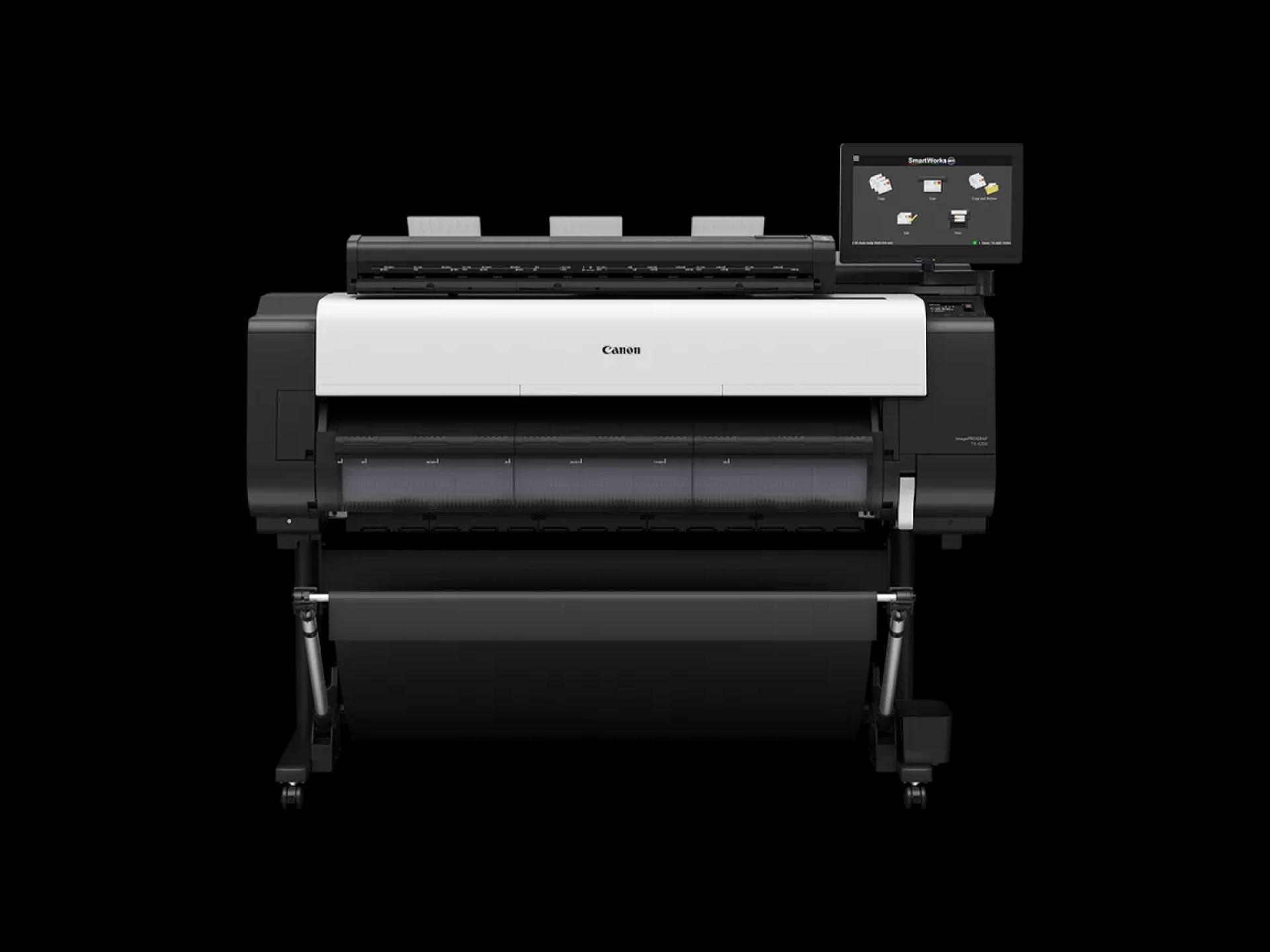
Printing technology has evolved significantly, and businesses now require devices that can handle diverse tasks efficiently. Whether it is printing reports, marketing materials, or internal memos, having a reliable printer can improve office workflow and productivity. Choosing a printer that offers speed, quality, and convenience is critical for both small and large businesses.
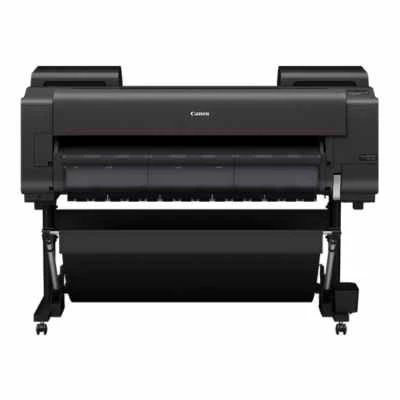
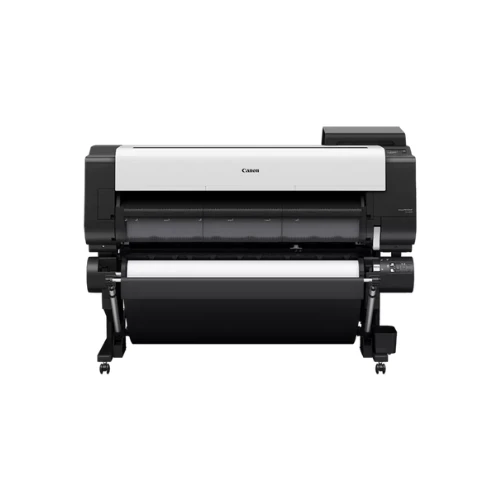
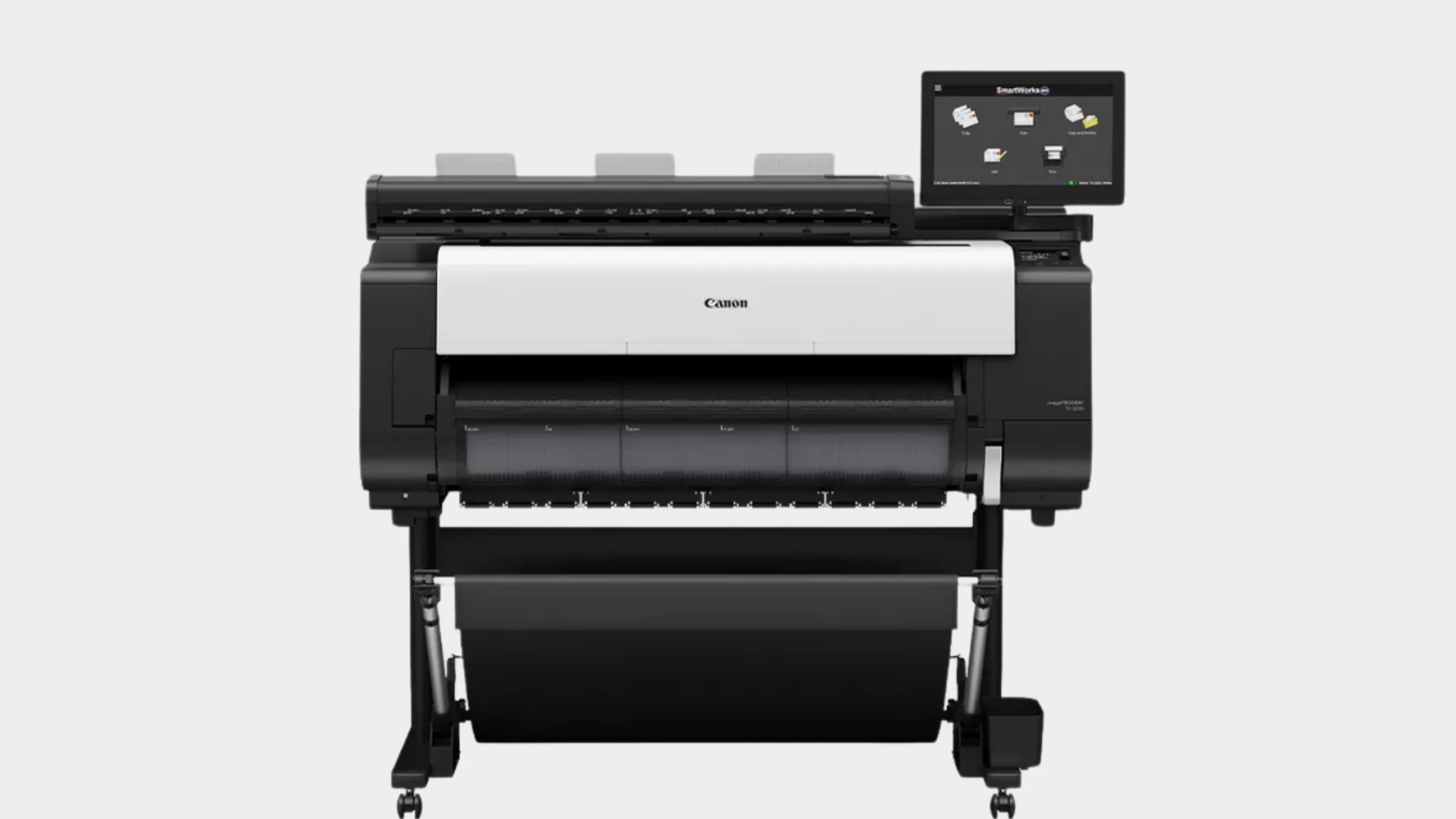
Canon printers continue to lead the market with innovative features, exceptional reliability, and high-quality output. From compact desktop units to multifunction and large-format models, Canon printers are designed to meet the specific needs of modern offices. Their versatile options make them suitable for a variety of business environments, ensuring consistent performance and minimal downtime.
Essential Features of Canon Printers
High-Quality Printing
Canon printers deliver crisp text and vibrant images, which is essential for professional documents and presentations. Advanced printing technology ensures precise color reproduction, making them ideal for marketing materials, reports, and client-facing documents. Canon’s image-processing features enhance every print job for superior results.
Speed and Efficiency
Office productivity depends heavily on printing speed. Canon printers are designed to handle high-volume printing tasks efficiently, reducing waiting time. Many models feature automatic duplex printing, which saves both time and paper, allowing employees to focus on other important tasks.
Multifunction Capabilities
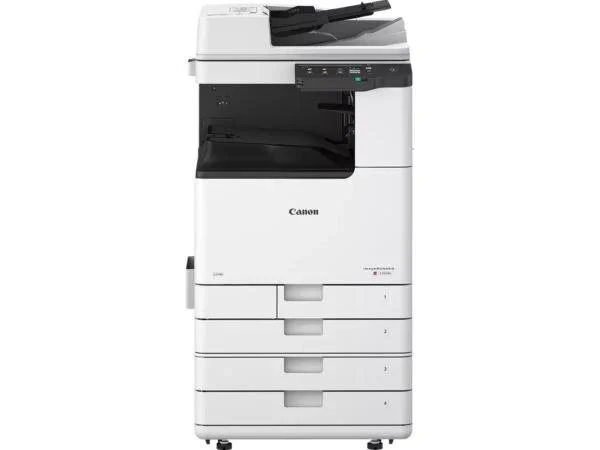
Modern offices often need devices that combine multiple functions in a single unit. Canon multifunction printers provide printing, scanning, copying, and sometimes faxing capabilities. This integration reduces the need for separate devices, saving office space and reducing overall equipment costs.
Connectivity Options
Wireless and Network Printing
Canon printers offer a variety of connectivity options, including Wi-Fi, Ethernet, and mobile printing. Employees can print directly from laptops, tablets, or smartphones, enhancing flexibility and streamlining operations. Cloud printing features also allow remote access, which is particularly useful for distributed teams.
Easy Integration with Office Systems
Many Canon printers can integrate seamlessly with existing office software, including document management systems. This feature ensures smooth workflow and allows for better control over print jobs, user permissions, and reporting.
Cost Efficiency and Maintenance
Ink and Toner Management
Canon printers are designed to be cost-effective. Many models use high-yield cartridges or tanks that reduce the frequency of replacements. Software tools provided by Canon help track usage and manage consumables efficiently, saving businesses time and money.
Reliable Durability
Built to withstand demanding workloads, Canon printers are known for their long-lasting performance. They require minimal maintenance, and user-friendly alerts notify employees when attention is needed, preventing downtime and ensuring consistent output quality.
Energy Efficiency
Canon incorporates energy-saving technologies into many of its printers. Features like automatic sleep mode and low power consumption help reduce electricity usage, contributing to sustainable office operations.
Advantages of Using Canon Printers
Versatility Across Business Environments
Canon printers are suitable for a wide range of offices, from small home offices to large corporate environments. Their adaptability ensures that businesses can select models based on specific requirements such as print volume, document type, and workflow needs.
Advanced Software Features
Canon printers often come with management software that allows administrators to monitor and control printer usage. Features include job tracking, automated reporting, and security settings, which are valuable for businesses that need to manage multiple devices efficiently.
Improved Productivity
By combining speed, quality, and multifunction capabilities, Canon printers contribute directly to office productivity. Employees spend less time managing print jobs and more time focusing on core business tasks, making workflows more efficient.
Tips for Choosing the Right Canon Printer
Assess Office Requirements
Evaluate the volume of printing, type of documents, and space availability. This ensures that the selected Canon printer meets operational needs without overinvesting in unnecessary features.
Consider Future Growth
Selecting a printer that can scale with business growth is essential. Canon offers models with expandable paper capacity, advanced connectivity, and multifunction options, which accommodate increasing demands over time.
Test Before Purchase
Whenever possible, testing a Canon printer before final purchase ensures compatibility with office software and verifies performance expectations. This step helps prevent issues related to speed, quality, and connectivity.
Conclusion
Canon printers are a dependable choice for businesses seeking reliable, high-performance printing solutions. Their versatile features, cost efficiency, and advanced software integration make them ideal for modern office environments.
By choosing the right Canon printer, businesses can ensure consistent print quality, improved productivity, and a long-lasting, efficient printing infrastructure that supports daily operations effectively.























Sign in to leave a comment.