

As YouTube remains a key platform for video sharing and content creation, mastering advanced video editing techniques has become essential for creators looking to enhance their videos' quality and viewer engagement. This guide delves into several advanced editing techniques to help elevate your YouTube content in 2024.
1. Master Color Grading
Color grading transforms the visual impact of your video by adjusting its color palette to set a specific mood or style. Using tools like DaVinci Resolve or Adobe Premiere Pro, you can give your video a nostalgic warmth or a cooler, more somber tone. This technique helps your content stand out and emotionally resonate with your audience.
2. Smooth Transitions
Effective transitions keep your viewers hooked and ensure a seamless narrative flow. Techniques like whip pans, zooms, or custom digital effects, when used judiciously, add a slick professional touch. Software such as Adobe After Effects is perfect for creating these effects.
3. Prioritize Audio Quality
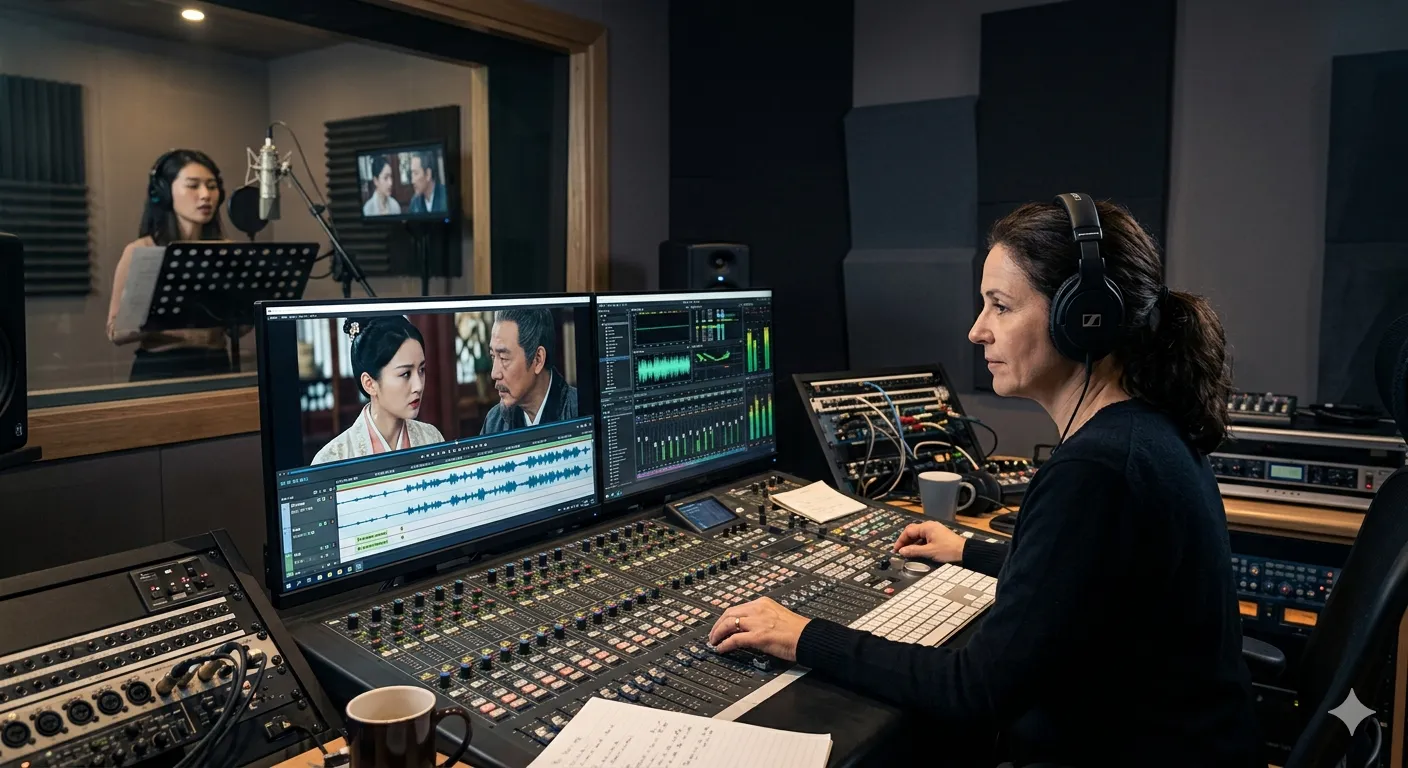
Great audio often goes unnoticed, but bad audio doesn't. Enhance your video's quality by cleaning background noise, balancing audio levels, and using effects to match the visual mood. Tools like Audacity and Adobe Audition are excellent for refining your audio, which can profoundly affect the viewer's experience.
Read more: Tips for beginners
4. Play with Speed Ramping
Speed ramping allows you to vary the speed within a single shot—slow down for dramatic moments or speed up to add energy. This dynamic editing technique, available in tools like Final Cut Pro and Adobe Premiere Pro, requires precise timing but can dramatically enhance your storytelling.
5. Incorporate Motion Graphics and Animation
Motion graphics and animation can clarify and enrich your content, making complex ideas more digestible and engaging. Adobe After Effects offers extensive features for creating custom animations that complement your video’s narrative without overwhelming it.
6. Get Creative with Layering
Using multiple video and graphic layers lets you craft a rich, composite visual experience. Whether it’s for picture-in-picture effects or integrating text overlays, advanced layering adds depth and helps convey multiple points simultaneously.
7. Utilize B-Roll Effectively
B-roll can enhance your narrative by providing additional context or detail. Thoughtfully selected B-roll footage makes your content more engaging and visually appealing, especially when it complements your main narrative.
8. Emphasize Storyboarding and Pre-Visualization
Starting with a solid plan makes a huge difference. Storyboarding and pre-visualization help you anticipate how different shots will work together, facilitating creative decision-making and streamlining both the shooting and editing processes.
Conclusion
Advanced editing skills are critical for producing engaging YouTube content. While it’s important to download videos responsibly and legally for editing, using high-quality YouTube downloaders and ensuring you have the right to the content can enhance your creative possibilities. Always respect copyright laws to uphold the integrity of your content.
If you're interested in downloading youtube videos, read the full guide.
FAQs
Q1: What are some basic tips for color grading YouTube videos?
A1: Start with adjusting your video's white balance and exposure to ensure a neutral base. Then, use color wheels to subtly enhance or alter hues to fit the mood of your video. Experiment with LUTs (Look-Up Tables) for quick color grading based on popular film looks.
Q2: How can I use transitions to improve viewer retention?
A2: Use transitions that complement the pacing and style of your video. Smooth, subtle transitions like fades and dissolves are great for maintaining a professional look, while more dynamic transitions should be used sparingly to highlight key moments or changes in scene.
Q3: What should I know about using copyrighted material in my edits?
A3: Always ensure you have the appropriate permissions or licenses for any copyrighted material you include in your videos. Utilize royalty-free libraries or creative commons resources when possible, and consider using original or commissioned work to avoid potential legal issues.
Q4: How can I effectively use speed ramping in my YouTube videos?
A4: Use speed ramping to draw attention to specific actions or moments. Gradual speed changes are generally more engaging than abrupt ones. Sync these changes with significant moments in your soundtrack for maximum impact.
Q5: What are best practices for ensuring optimal audio quality?
A5: Invest in a good microphone, record in a quiet environment, and consider using lapel mics for dialogue. In post-production, use tools like noise reduction and compression to clean up and balance your audio tracks. Always monitor audio with good headphones to catch and adjust any discrepancies.
Q6: How can beginners incorporate motion graphics into videos?
A6: Start with simple graphics like lower-thirds for introducing speakers or highlighting key information. Use templates and presets available in editing software to learn how these are constructed. Over time, try customizing these elements to fit your brand or style more closely.
Q7: How can I use B-roll footage effectively in my video edits?
A7: Use B-roll to cover cuts, provide context, or add visual interest. Make sure it's relevant to the content and adds value rather than just filling space. Properly timing your B-roll with the main narrative enhances the storytelling and keeps the viewer engaged.






















Sign in to leave a comment.