


Introduction
Most TRON users spend more TRX than they need to — not because the network is expensive, but because they haven't optimized how they use it.
TRX usage optimization tips are exactly what you need if you're tired of watching your TRX balance shrink on every transfer. Whether you send USDT occasionally or run a high-volume operation, small changes in how you manage your resources make a significant difference in what you pay.
This guide covers the most effective TRX usage optimization tips available right now — practical, proven, and applicable to any TRON user regardless of experience level.
Why TRX Optimization Matters More Than You Think
Every TRON transaction consumes resources. When those resources run short, the network charges you in TRX.
The problem is that most users never check their resource balances before sending. They just hit send, lose TRX to TRX gas fees, and assume that's just how it works.
It doesn't have to be that way.
With the right TRX usage optimization tips in place, you can reduce per-transfer costs by 60–80%. For frequent users, that adds up to real money saved every single week.
Understand the TRON Resource System First
Before applying any TRX usage optimization tips, you need to understand what you're optimizing.
TRON runs on two core resources:
- Bandwidth — Consumed by every transaction to cover data size; replenishes daily for free in small amounts
- TRON energy — Required for smart contract execution, including every TRC-20 transfer like USDT
Here's the key insight: bandwidth shortfalls cost a little. Energy shortfalls cost a lot.
A USDT transfer without enough TRON energy can burn 13–30 TRX in TRX gas fees. With energy available, that same transfer costs almost nothing.
Every optimization tip in this guide is designed to keep your energy supply healthy and your fees low.
TRX Usage Optimization Tips That Actually Work
Tip 1 — Always Check Your Energy Before Sending
This is the simplest and most overlooked step.
Before making any TRC-20 transfer, check your energy balance using Tronscan or your wallet's resource panel. If you have less than 32,000 energy units — the typical requirement for a USDT transfer — you'll pay the shortfall in TRX.
Knowing this before you send gives you time to top up your energy and avoid unnecessary TRX gas fees.
Tip 2 — Use TRX Energy Rent for On-Demand Transfers
Freezing TRX generates energy, but it locks up your capital for days. For most users, that's not practical.
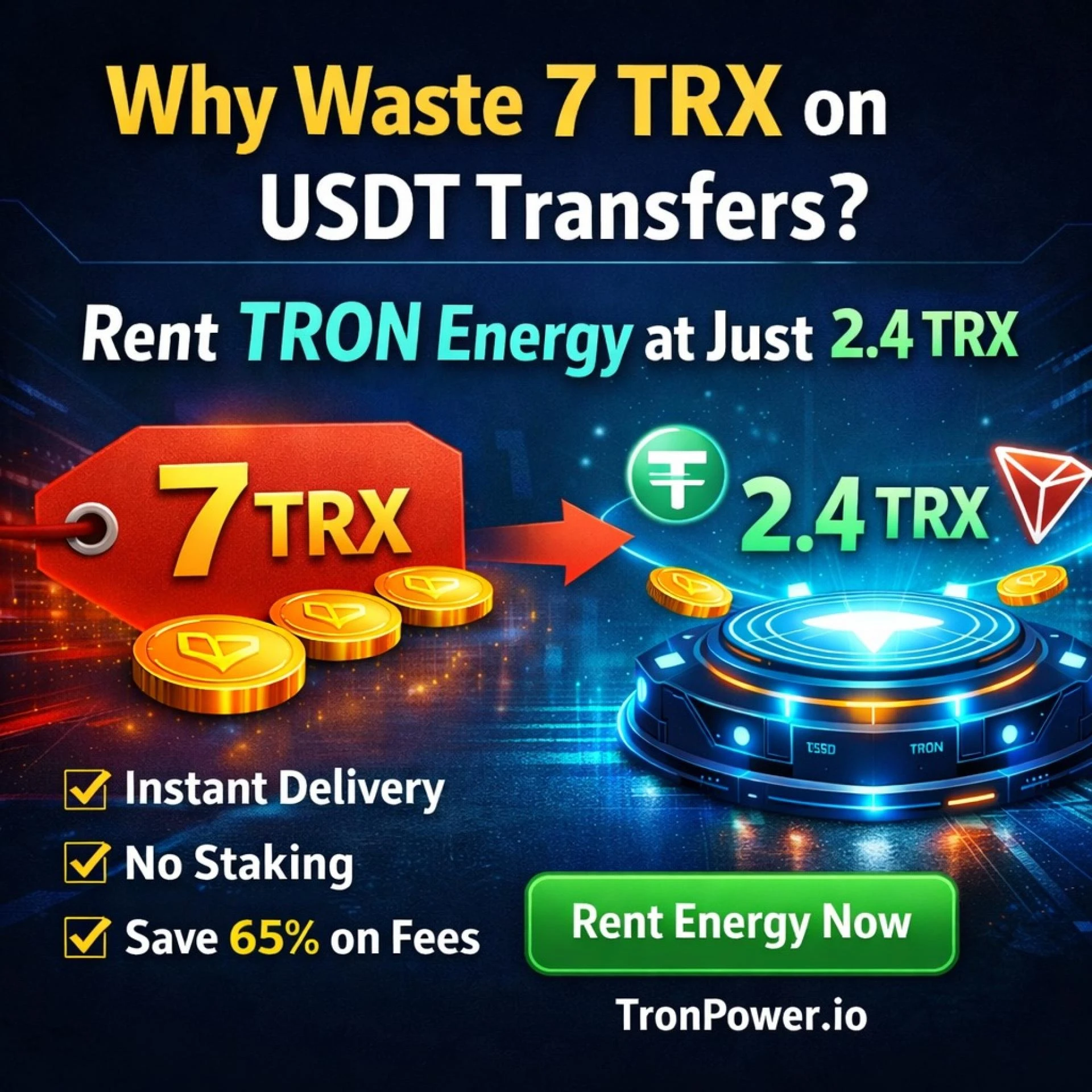
TRX energy rent solves this cleanly. You borrow energy from a provider, pay a small fee, and use it for your transfer — all within seconds. No locked funds, no waiting periods, no complexity.
Platforms like Tronpower.io specialize in exactly this. It's one of the fastest TRX usage optimization tips you can act on today.
→ For a deeper look at how energy rental works end-to-end, the TRON Energy Rental Guide on Tronpower.io is the most complete resource available. It covers pricing, process, and how to match rental amounts to your actual transfer needs — worth bookmarking before your next transfer.
Tip 3 — Batch Your Transfers When Possible
Every transfer burns energy. If you can consolidate multiple small transfers into fewer larger ones, you reduce the total number of energy-consuming transactions.
Instead of sending 10 separate payments throughout the day, consider grouping them into two or three. Same total value transferred — fewer energy events — lower overall cost.
This is one of the most underused TRX usage optimization tips for businesses and traders.
Tip 4 — Time Your Transfers Strategically
TRON network usage fluctuates throughout the day. During peak hours, resources are scarcer and effective TRX gas fees can be higher.
Sending transfers during off-peak hours — typically late night or early morning UTC — can result in slightly lower resource costs. It's not a massive difference for individual transfers, but it matters at scale.
Tip 5 — Maintain a Minimum Energy Buffer
Don't let your energy drop to zero between transfers.
If you're regularly sending TRC-20 tokens, keep a baseline energy reserve. You can do this by freezing a small amount of TRX permanently or by setting up a recurring energy rental plan through Tronpower.io.
Having even 30,000–50,000 energy units available at all times covers most transfers and prevents emergency TRX burns.
Tip 6 — Use the Right Wallet for Resource Visibility
Some wallets show your energy and bandwidth balances clearly. Others don't show them at all.
Wallets like TronLink give you clear resource visibility inside the app. Trust Wallet users can cross-reference with Tronscan. Choosing a wallet with good resource visibility is one of the quieter TRX usage optimization tips that saves you money over time by keeping you informed.
Tip 7 — Match Your Energy Rental to Your Transfer Volume
Over-renting wastes money. Under-renting means you still pay partial TRX gas fees when energy runs short mid-transfer.
The sweet spot is renting exactly what you need — or slightly more as a buffer. Use Tronscan's resource calculator or the guidance in Tronpower.io's documentation to estimate the right amount for your planned transfers.
Benefits of Following These TRX Usage Optimization Tips
Applying these TRX usage optimization tips consistently delivers compounding advantages over time.
Here's what changes when you optimize properly:
- Lower fees per transfer — Consistent access to TRON energy slashes your per-transfer cost by up to 80%
- More predictable spending — No more surprise TRX deductions after a transfer
- Capital stays liquid — TRX energy rent means you don't lock up funds to generate energy
- Fewer failed or delayed transactions — Sufficient energy means smooth confirmations every time
- Scales with volume — Whether you send 5 or 500 transfers a day, the optimization approach holds
- Low TRX fees become the norm — Not the exception, but the expected experience on every transfer
- Better business margins — For companies processing payments, reduced fees directly improve profitability
The users who pay the most on TRON are those who never think about optimization. The ones who pay the least apply a few simple habits consistently.
How Tronpower.io Supports TRX Usage Optimization
Tronpower.io is purpose-built to support smarter TRON energy management for every type of TRON user.
Whether you're applying one of the TRX usage optimization tips above for the first time or building a scalable energy strategy for a high-volume operation, Tronpower.io covers the full range.
Here's what the platform delivers:
- Instant energy delivery — Rented energy lands in your wallet within seconds of your request
- Transparent, upfront pricing — See exactly what your rental costs before you commit
- Flexible rental durations — Hours, days, or full monthly plans depending on your usage pattern
- Bulk energy packages — Ideal for businesses optimizing at volume for consistently low TRX fees
- Secure delegation — Uses TRON's native protocol; your private key and funds are never involved
- No registration required — Enter your address, choose your energy, pay, and receive
- Always available — 24/7 service with no downtime interruptions
For anyone serious about applying TRX usage optimization tips in practice, Tronpower.io is the operational infrastructure that makes it work.
Frequently Asked Questions
What are TRX usage optimization tips?
TRX usage optimization tips are strategies that help TRON users reduce the amount of TRX spent on transaction fees. They focus on managing TRON energy and bandwidth efficiently so that fewer resources are wasted on each transfer.
Why are my TRX gas fees so high?
High TRX gas fees almost always mean your wallet doesn't have enough TRON energy to cover your transfer. The network burns TRX to compensate. Keeping energy stocked — through freezing or TRX energy rent — eliminates this problem.
What is TRX energy rent and how does it work?
TRX energy rent is when you temporarily borrow TRON energy from a provider like Tronpower.io. You pay a small fee, energy is delegated to your wallet instantly, and you use it for your transfer. Your TRX balance stays intact — only the rental fee is charged.
How much TRON energy does a USDT transfer require?
A standard TRC-20 USDT transfer typically needs around 32,000 energy units. If your wallet has less than this, the shortfall is covered by burning TRX — adding directly to your transfer cost.
Is it cheaper to freeze TRX or rent energy?
It depends on your usage pattern. Freezing makes sense if you transact daily and have surplus TRX. TRX energy rent is more cost-effective for occasional users or those who need energy on demand without locking up capital.
How quickly does rented energy arrive from Tronpower.io?
Energy from Tronpower.io is delivered within seconds of your payment being confirmed. This makes it practical even for last-minute transfers where you realize your energy is low right before sending.
Can these optimization tips help businesses too?
Absolutely. Businesses processing large volumes of TRC-20 transfers benefit enormously from TRX usage optimization tips. Bulk energy plans from Tronpower.io deliver low TRX fees at scale — and the savings at high volume are substantial.
Conclusion
Paying too much on TRON transfers isn't inevitable — it's a resource management problem, and it's entirely fixable.
Here's a summary of the key TRX usage optimization tips covered in this guide:
- Always check your TRON energy balance before making any TRC-20 transfer
- Use TRX energy rent for instant, flexible energy without locking up capital
- Batch multiple transfers to reduce the total number of energy-consuming transactions
- Time transfers during off-peak hours to minimize resource costs
- Maintain a baseline energy buffer to avoid emergency TRX burns
- Use wallets with clear resource visibility to stay informed at all times
- Match your energy rental amount precisely to your planned transfer volume
Every one of these TRX usage optimization tips is actionable today — no technical expertise required.
If you want the fastest path to consistently low TRX fees, Tronpower.io is where to start. Instant TRON energy delivery, honest pricing, and flexible plans built for every type of TRON user — from first-time senders to high-volume businesses. Start optimizing your TRX usage and keep more of every transfer where it belongs.

















Sign in to leave a comment.