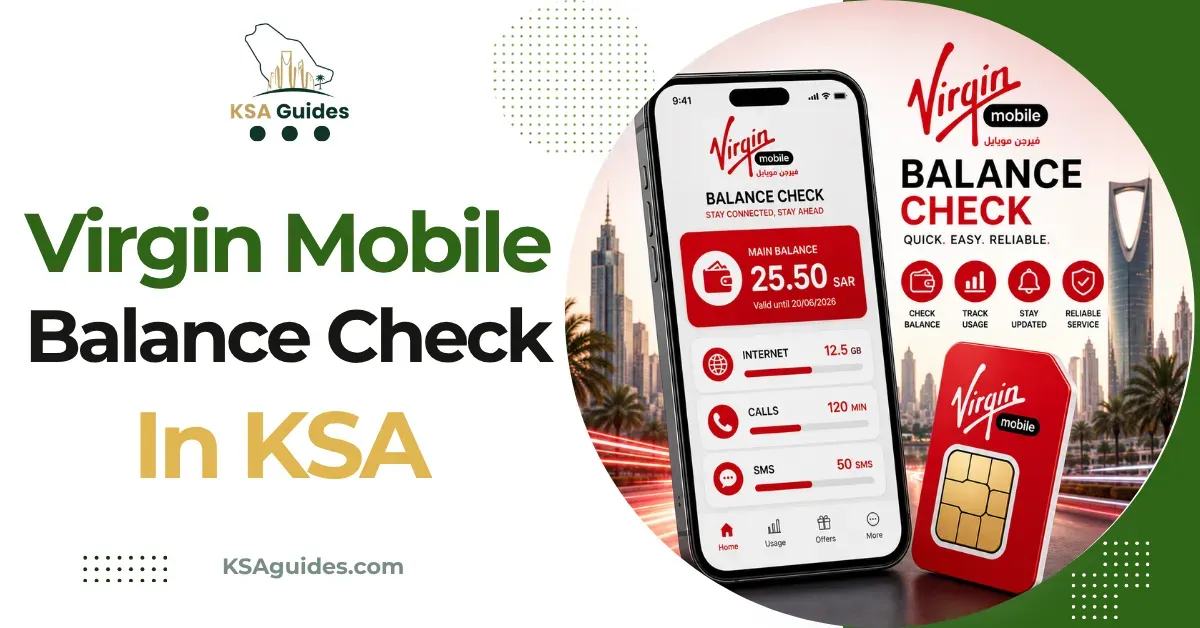

Checking your mobile balance regularly is a simple way to keep track of your calls, internet usage, and available credit. For Virgin Mobile customers in Saudi Arabia, a Virgin Mobile balance inquiry can help avoid unexpected interruptions and make it easier to manage monthly communication expenses.
Whether you use a prepaid SIM or another Virgin Mobile service, knowing how to check your remaining balance is useful for everyday mobile management. This guide explains the common ways customers can review their balance and what to consider when checking their account.
What Is a Virgin Mobile Balance Inquiry?
A Virgin Mobile balance inquiry means checking the remaining credit, data allowance, or other available benefits associated with your mobile account.
The exact information displayed can depend on your plan and account type. Some users may want to check their main prepaid credit, while others may be more interested in remaining internet data, minutes, or package validity.
Virgin Mobile services and account features can change over time, so customers should always rely on the latest information provided through official Virgin Mobile channels.
Why Check Your Mobile Balance Regularly?
Regular balance checks can help you understand how much of your available allowance remains. This is particularly useful for prepaid customers who want to avoid running out of credit unexpectedly.
Some practical reasons to check your balance include:
- Monitoring remaining prepaid credit
- Checking mobile data usage
- Confirming package validity
- Managing monthly communication expenses
- Avoiding unexpected service interruptions
- Understanding your current plan benefits
A quick check can also help you decide whether you need to recharge or change your current package.
Using the Virgin Mobile App
One of the most convenient ways to manage a Virgin Mobile account is through the provider's official mobile application, where available.
After signing in, customers may be able to view information related to their account, balance, active packages, data usage, and other services. The exact features shown can depend on the customer's plan and the current version of the application.
If you are using the app for a Virgin Mobile balance inquiry, make sure you download it from a trusted official source. Avoid unofficial applications or websites that request your password, verification code, or other sensitive information.
Keeping the app updated can also help ensure that you have access to the latest account-management features.
Checking Balance Through Customer Services
Another option is to use Virgin Mobile's customer-support or account-management services. These channels can be useful if you cannot access the application or need help understanding your current balance.
When contacting customer support, keep your account information available, but never share confidential security codes with strangers. A legitimate support process should clearly explain what information is required for account verification.
If your balance appears incorrect or a package has not been activated properly, customer support may also be able to explain the situation and guide you through the available options.
Balance and Data Are Not Always the Same
An important point for mobile users is that account credit and data allowance are different things.
Your main balance may represent available prepaid credit, while your internet package could have a separate data allowance. Similarly, voice minutes and SMS benefits may be tracked independently depending on your plan.
Therefore, a Virgin Mobile balance inquiry should be understood in the context of what you actually want to check. If you are experiencing slow internet, for example, checking your main credit alone may not tell you how much mobile data remains.
What to Do When Your Balance Is Low
If your available credit or package allowance is running low, review your current usage before purchasing anything new.
You may need to:
- Recharge your prepaid account.
- Check whether an existing package is close to expiration.
- Review available plans that match your usage.
- Monitor data consumption if internet usage is high.
- Check whether automatic renewal is enabled.
Avoid purchasing a package simply because it is advertised online. Always confirm the current price, benefits, validity, and terms through official Virgin Mobile information before making a payment.
Tips for Managing Your Mobile Account
Good account-management habits can make your mobile service easier to control. Check your balance periodically rather than waiting until your services stop working.
It is also useful to monitor which activities consume the most data. Video streaming, large downloads, and automatic application updates can use considerable amounts of mobile data.
For prepaid customers, keeping track of recharge dates and package expiration can also prevent unexpected interruptions.
Most importantly, protect your account. Use a strong password where applicable, avoid sharing OTPs, and do not enter account information on suspicious websites.
Frequently Asked Questions
How can I perform a Virgin Mobile balance inquiry?
Customers can generally use available official account-management channels, such as the Virgin Mobile application or customer-support services. Available methods may change, so check the latest official guidance.
Can I check my remaining data separately?
Depending on your plan, data usage may be displayed separately from your main account balance. Check your account dashboard or current package information.
Why is my balance lower than expected?
Possible reasons include calls, data usage, SMS, package charges, renewals, or other account activity. Review your transaction or usage information to identify the deduction.
Should I use third-party balance-checking websites?
It is safer to use official Virgin Mobile services. Third-party pages may contain outdated information or request unnecessary personal details.
What should I do if my balance information looks incorrect?
Review your recent account activity first. If the issue remains unclear, contact official customer support and request clarification.
Conclusion
A regular Virgin Mobile balance inquiry is a useful habit for customers who want better control over their mobile spending and usage. Checking available credit, data, minutes, and package validity can help prevent unexpected interruptions.
For the most accurate information, use official Virgin Mobile account-management channels and verify current service details before purchasing or renewing a package. With regular monitoring and good account-security practices, Saudi mobile users can manage their Virgin Mobile services more confidently.





























Sign in to leave a comment.