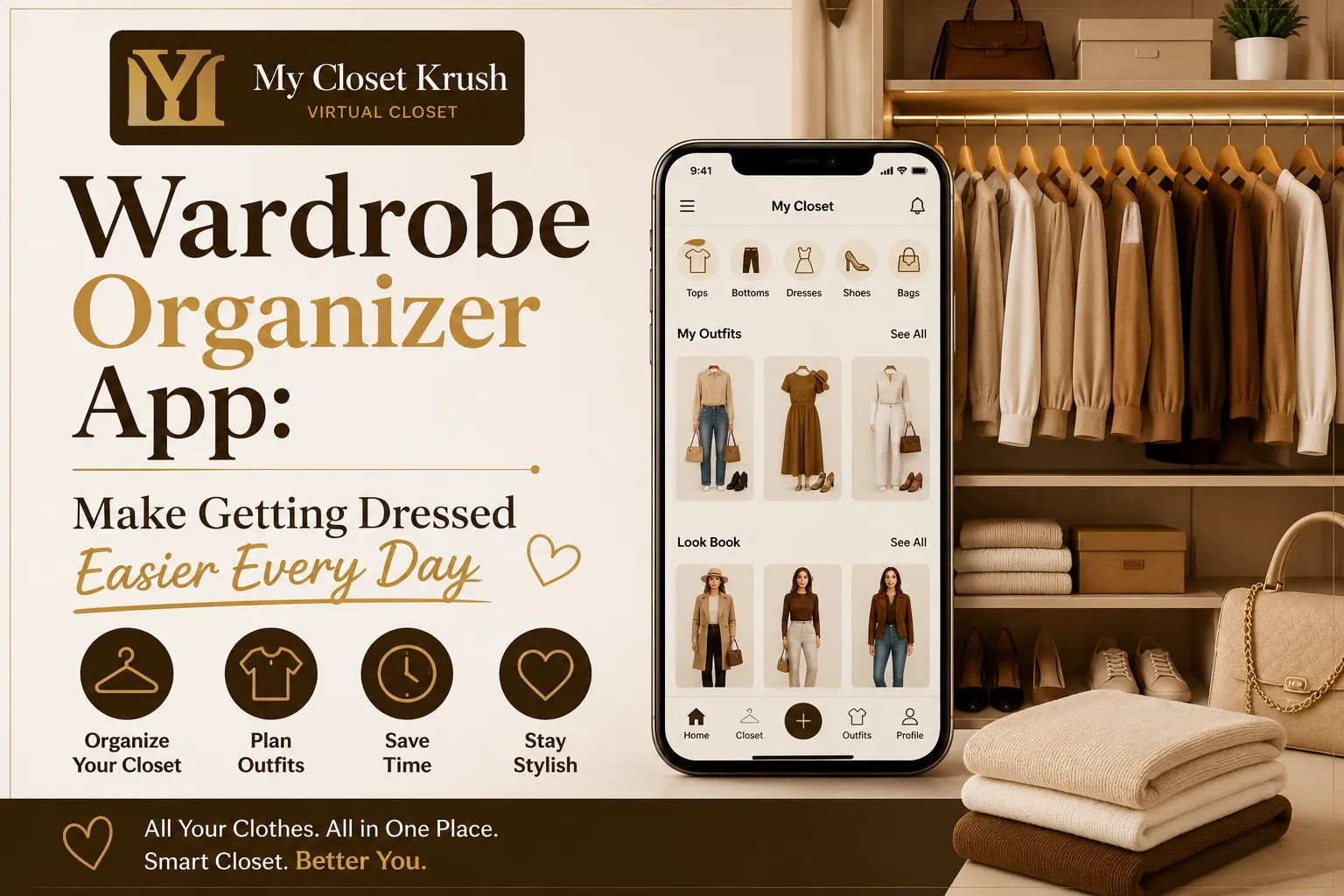

Getting dressed should not feel like a daily struggle. A wardrobe organizer app can help you see what you own, plan outfits, and make better use of clothes that are already in your closet. Instead of searching through piles of clothes or wearing the same few outfits, you can keep everything in one easy place. With the right app, you can save time, reduce clutter, and enjoy choosing your clothes more.
Why Your Closet Needs Better Organization
Many people own more clothes than they think. The problem is that they do not always know what they have. A shirt may stay at the back of a drawer for months. A jacket may be forgotten because it is hidden behind other items.
A digital clothing organizer gives you a clear view of your collection. You can add shirts, jeans, dresses, jackets, shoes, and accessories. Once your items are added, you can check them without opening every drawer or moving every hanger.
This simple change can make your morning easier. You can check your clothes while having breakfast and decide what you want to wear before you leave home.
How a Wardrobe Closet App Can Help
A wardrobe closet app gives you a digital version of your clothing collection. You can use it to store pictures and basic details about your clothes. Some apps also let you group items by type, color, season, or occasion.
This can be useful when your closet is full but you still feel like you have nothing to wear.
For example, you may have five pairs of black trousers but only wear two of them. Looking at your digital collection can help you notice this pattern. You may also find clothes that work well together but have never been worn as an outfit.
The goal is simple. You should be able to understand your clothing collection without spending a lot of time searching.
Plan Outfits Before You Leave Home
One of the best uses of a digital wardrobe is outfit planning. You can put different clothing items together and create looks for work, weekends, parties, travel, or casual days.
Planning ahead can save you valuable time in the morning. You do not have to stand in front of your closet trying several combinations.
You can also prepare outfits for the whole week. For example, choose five work outfits on Sunday evening. Then, each morning, you already know what you want to wear.
This can be especially useful before trips. You can create outfits based on the weather, number of days, and activities you have planned.
Find Clothes You Forgot You Owned
It is easy to forget about clothes when you have a large collection. Items at the back of your closet may stay untouched for a long time.
A clothing management app can bring those items back into your view.
You may discover an old shirt that looks great with a pair of jeans. You may also remember a jacket that works well for cooler evenings. Finding new combinations from clothes you already own can help you get more value from your collection.
Before buying something new, check your digital closet. You may already have a similar item.
Make Shopping More Thoughtful
Shopping can become easier when you know exactly what is already in your closet. A digital clothing collection lets you check your existing items before you visit a store or shop online.
Suppose you want to buy a white shirt. Before making the purchase, look at your saved clothing. If you already have three similar shirts, you may decide to buy something different instead.
You can also keep a simple list of items you actually need. This can help you avoid buying clothes just because they look good at the moment.
Over time, this approach can make your wardrobe more useful and easier to manage.
Organize Clothes by Season
Your clothing needs change throughout the year. Heavy coats may be useful during winter, while light shirts and shorts may be better for warmer months.
A digital wardrobe planner can help you separate clothing by season. You can group winter coats, sweaters, boots, and warm trousers together. Summer clothing can include light dresses, shorts, sandals, and breathable shirts.
This makes it easier to decide what belongs in your current rotation.
You can also check seasonal items before storing them away. If something no longer fits or you never wear it, you can decide whether it should stay in your collection.
Track What You Actually Wear
Your digital closet can also help you understand your clothing habits.
Try keeping track of the outfits you wear most often. After a few weeks, you may notice that certain colors, styles, or clothing combinations appear again and again.
You may also notice items that rarely leave the closet. This gives you a useful reason to decide what to keep and what to remove.
The information does not need to be complicated. Even simple notes can help you make better choices.
Keep Your Digital Closet Simple
Adding every clothing item can take some time at first. Do not let that stop you.
Start with the clothes you wear most often. Add your favorite shirts, trousers, dresses, jackets, shoes, and accessories first. You can add the rest later.
Take clear photos in good light. Use simple names for your items. Keep categories easy to understand.
The goal is to make your digital closet useful, not difficult to maintain.
You should also review your collection from time to time. Remove items you no longer own and add new pieces when you buy them. A few minutes of basic maintenance can keep your clothing list accurate.
Make Your Daily Routine Easier
A well-organized digital closet can do more than help you choose clothes. It can make your daily routine feel simpler.
You can plan outfits before busy mornings. You can prepare clothing for trips. You can check what you own before shopping. You can also find new ways to wear pieces that have been sitting unused.
Most importantly, you can make decisions with less searching. Your clothes become easier to see, understand, and use.
If you want a simple way to take control of your closet, a wardrobe organizer app can be a helpful choice. Tools such as My Closet Krush can give you a practical way to organize your clothes, plan outfits, and make smarter choices with what you already own.



























Sign in to leave a comment.