
If you have ever typed "how do I make a logo" into a search bar at midnight, you already know the problem. There are hundreds of options out there, and most beginners have no idea which ones actually deliver a usable result versus which ones just look good in a demo video. That is exactly why finding the best logo generator tools matters so much when you are starting from zero design experience.
The good news is that you do not need a design degree anymore. Modern logo generators walk you through the process step by step, ask a few questions about your brand, and hand you a set of options within minutes. Some are built for speed, some lean more into full branding, and a few sit somewhere comfortable in between.
In this guide, we will look at what actually separates a solid logo generator from a forgettable one, then walk through six tools worth trying, starting with one that handles the widest range of beginner needs in a single workflow.
What Makes a Logo Generator Tool Worth Using
Before picking a tool, it helps to know what you are actually looking for. A flashy homepage does not always translate into a logo you will be proud to put on a business card.
Logo Quality That Does Not Look Templated
The strongest logo generators produce results that feel considered rather than pulled straight from a stock icon library. If every third logo in the tool's gallery looks suspiciously similar, that is usually a sign of a shallow template system rather than genuine design flexibility.
Real Editing Control
A good logo design tool should let you adjust font pairing, icon size, spacing, and layout without fighting the interface. Small tweaks are often what turns a decent logo into one that actually feels like yours.
Clean, Usable Exports
This one trips up a lot of beginners. A logo that only exports as a small PNG is not going to cut it once you need a business card, a website favicon, or a printed sign. Look for tools that offer transparent backgrounds and, ideally, vector formats like SVG so your logo scales cleanly at any size.
Beginner Friendly Workflow
If you are new to design, the interface matters as much as the output. The best logo design software for beginners uses guided steps, plain language, and previews so you are never guessing what a setting actually does.
Best Logo Generator Tools Comparison at a Glance
| Tool | Best For | Free to Design | Vector Export | Starting Price |
|---|---|---|---|---|
| Zoviz | All in one brand setup | Yes | Yes | Paid plans from around $29 per month |
| Looka | Fast, polished logo packs | Yes | Yes, on premium packages | One time packages from around $20 |
| Canva | Logo plus content creation | Yes | Yes, on Pro plan | Free plan available, Pro is a paid upgrade |
| Wix Logo Maker | Guided builder for beginners | Yes | Yes, on higher tiers | One time plans from around $49 |
| Adobe Express | Adobe users wanting brand assets | Yes | Limited on free tier | Free plan available, premium around $9.99 per month |
| Namecheap Logo Maker | Free early stage logos | Yes | Not guaranteed | Free |
Pricing and features change often, so it is worth checking each tool's official page before committing to a plan.
Best Logo Generator Tools to Try in 2026
Here is a closer look at six tools that consistently stand out for beginners, starting with the one that covers the widest range of needs.
1. Zoviz

Zoviz is a strong starting point if you want more than just a single logo file. The workflow generates several logo directions quickly, then lets you fine tune fonts, spacing, and icon style without feeling boxed in by a rigid editor. It leans into practical output too, meaning the logos it produces are shaped for real use across websites, social profiles, and printed material rather than just looking nice in a preview window.
What makes it especially useful for beginners is the built in brand kit. Instead of walking away with only a logo, you also get consistent variations for profile icons, headers, and favicons, plus supporting brand assets. If you would rather set up your logo and your early brand presence in one place instead of hopping between five different apps, this is worth trying first.
Typical use cases include building a logo and matching brand kit together, generating multiple concepts before settling on one direction, and creating social ready assets without switching tools. Paid plans generally start in the range of thirty dollars a month, scaling up based on how many brands and how much storage you need.
2. Looka

Looka is a good fit if you want logo options that already look close to finished with minimal editing. The setup process asks a handful of style questions, then generates a batch of concepts that lean polished rather than rough. For beginners who want to avoid heavy customization, this is one of the more forgiving best logo design tools available, since you can often land on something usable within the first few results.
The tradeoff is that highly specific or unconventional branding might require more tweaking than Looka's editor comfortably allows. It works best when your brand direction is fairly clear and you mainly need a clean, professional execution of that idea.
3. Canva

Canva earns its spot here because it rarely stops at just the logo. Once you have a mark you like, you can immediately build matching social posts, presentation decks, and marketing graphics using the same brand colors and fonts. For anyone searching for logo design online free options while also needing everyday content tools, Canva covers both in a single subscription.
It is not the deepest tool for complex, multi element logo systems, but for beginners who want speed and flexibility across their whole content workflow, it is hard to beat.
4. Wix Logo Maker
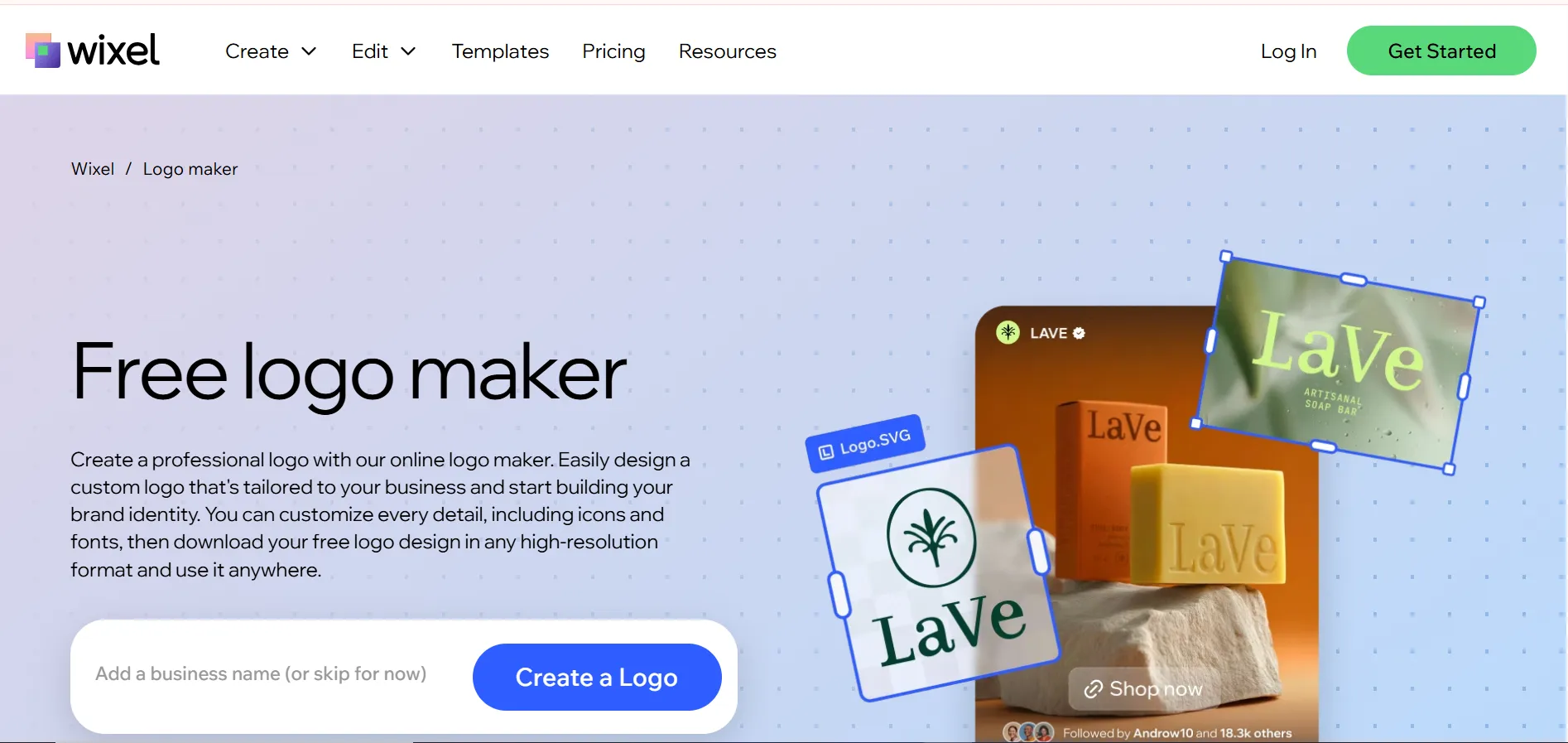
Wix Logo Maker leans into a guided, low stress experience. You answer a short style quiz, and the tool narrows down options based on your answers rather than dumping an overwhelming number of choices on you at once. This makes it a solid pick if you want to design a logo online without second guessing every setting.
It pairs naturally with the Wix website builder too, so if you are planning to build your site on the same platform, keeping your logo and site design connected saves a step later on.
5. Adobe Express

Adobe Express sits in a nice middle ground for beginners who might eventually want to move into more advanced design tools. It offers a straightforward way to create logo style marks and branded templates without opening a full design application, while still feeling connected to the wider Adobe ecosystem if you decide to go deeper later.
It works especially well for creators who need quick branded content, not just a static logo file, since templates for social posts and covers come built in.
6. Namecheap Logo Maker
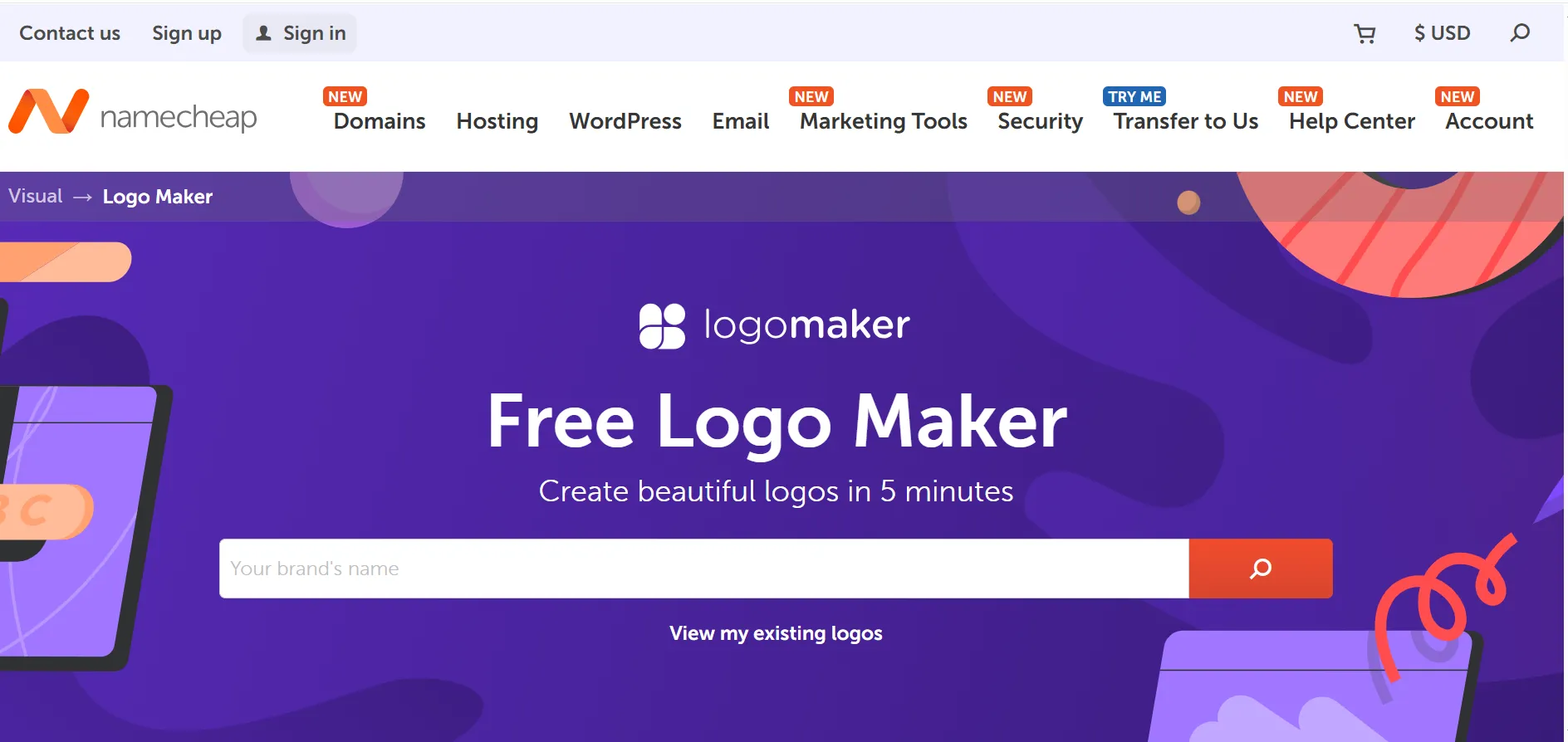
Namecheap Logo Maker keeps things refreshingly simple. There is no subscription pressure and no complicated editor to learn, which makes it one of the better free logo design tools for early stage projects or placeholder branding. You will not get deep customization here, but for a fast, no cost starting point while you test an idea, it does the job well.
Quick Picks Based on What You Need
If you would rather skip the comparison shopping, here is a simple way to decide.
Best all in one setup for beginners, Zoviz. Best for fast, polished results with light editing, Looka. Best if you also need everyday content tools, Canva. Best guided experience for total beginners, Wix Logo Maker. Best for Adobe fans who want quick brand assets, Adobe Express. Best free option for early stage testing, Namecheap Logo Maker.
Frequently Asked Questions
What is the best logo generator for someone with zero design experience?
Tools with a guided setup, such as Wix Logo Maker or Zoviz, tend to work best for beginners since they walk you through style choices step by step instead of leaving you with a blank canvas.
Can I get a free online logo design that still looks professional?
Yes. Tools like Canva and Namecheap Logo Maker offer free online logo design options that produce clean, usable results, though vector exports and advanced customization are often reserved for paid plans.
Do I need a vector file for my logo, or is a PNG enough?
A PNG works fine for basic web and social use, but a vector file such as SVG is worth having if you plan to print your logo, resize it for signage, or use it across multiple platforms without losing quality.
Final Thoughts on the Best Logo Generator Tools
There is no universal winner among the best logo generator tools, since the right choice depends on your budget, your comfort with editing, and whether you want a logo alone or a full starter brand kit. Beginners who want everything handled in one workflow tend to do well with Zoviz, while those who want speed paired with everyday content creation often lean toward Canva or Looka.
Whichever tool you pick, start simple. Generate a handful of directions, choose the one that feels most like your brand, and resist the urge to overcomplicate it before you have even launched. A clean, readable logo will always outperform a busy one, no matter which platform you use to build it.






















Sign in to leave a comment.