
Digital threats are no longer limited to large corporations. Small businesses, startups, and even personal websites are now frequent targets for cybercriminals. Understanding where your systems are vulnerable is the first step toward building strong digital protection. That is where a Cyber Security Assessment becomes essential.
This beginner-friendly guide explains what an assessment is, how it works, why it matters, and how businesses can use the results to build a stronger security posture.
What Does a Cyber Security Assessment Mean?
A Cyber Security Assessment is a structured process that evaluates how well your digital systems, networks, and data are protected against potential threats. It identifies weaknesses before attackers can exploit them and highlights gaps in policies, software, and user behavior.
Rather than reacting to incidents after damage is done, this approach focuses on prevention. It creates a clear picture of your current security level and provides a roadmap for improvement.
Why Cyber Security Assessments Matter for Beginners
Many businesses believe security is only about installing antivirus software or using strong passwords. In reality, modern threats are more advanced and often target misconfigured systems, unpatched software, and human errors.
Protecting Business Data
Customer records, financial information, and intellectual property are valuable targets. An assessment helps you understand which assets are at risk and how to secure them before a breach happens.
Reducing Financial and Legal Risk
Data breaches can result in major financial losses, legal penalties, and long-term damage to brand trust. Early detection of weaknesses helps prevent expensive incidents.
Building Customer Trust
When clients know you take security seriously, they are more likely to trust your services. A documented security review demonstrates your commitment to protecting their data.
What Is Included in a Cyber Security Assessment?
A professional Cyber Security Assessment examines multiple layers of your digital environment to identify vulnerabilities and operational risks.
Network and Infrastructure Review
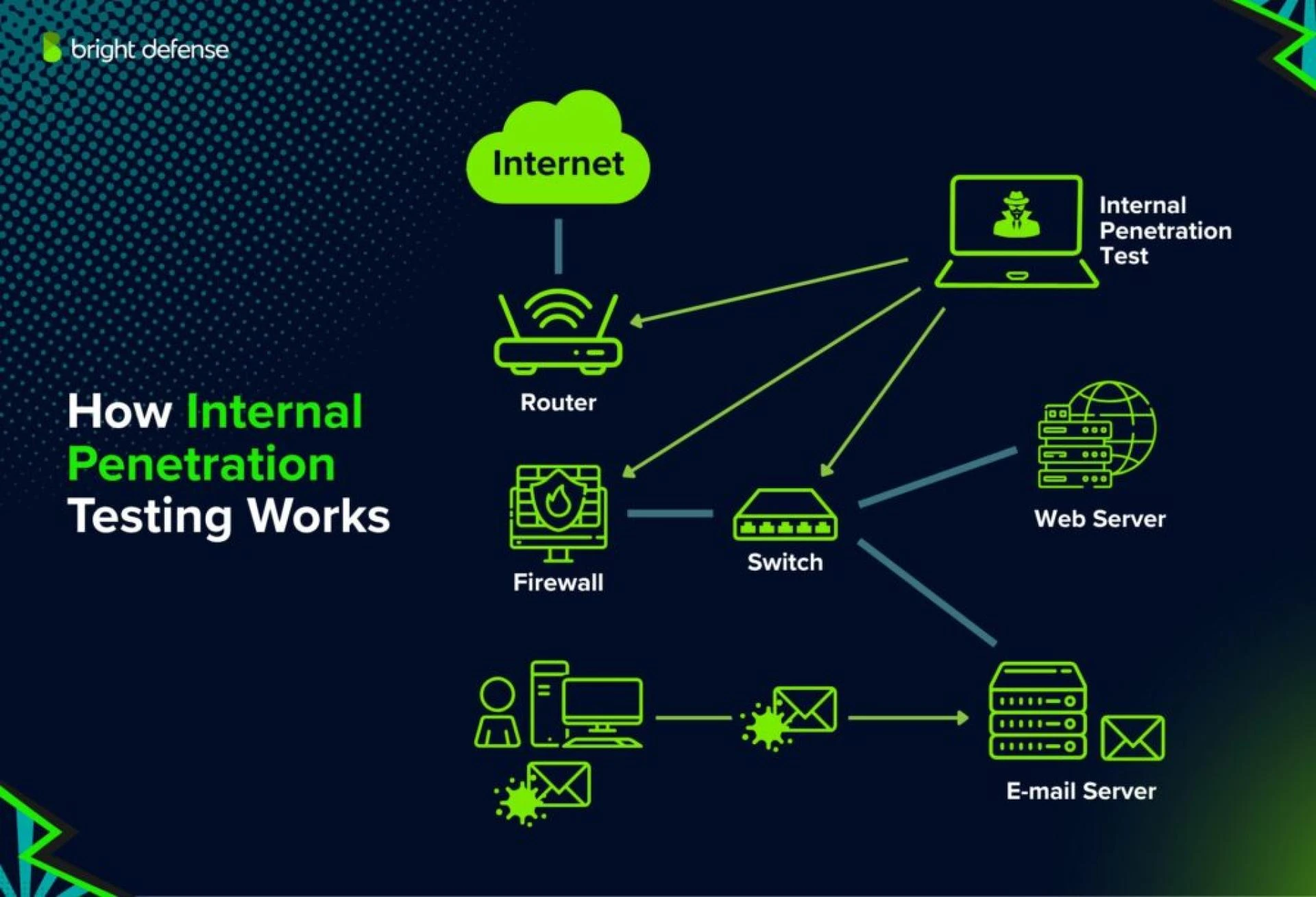
This step analyzes firewalls, routers, servers, and cloud configurations to ensure they are properly secured and updated.
Application and Website Testing
Web applications are common attack targets. Testing helps uncover weaknesses such as outdated plugins, insecure APIs, and configuration errors.
Policy and Process Evaluation
Strong security depends on clear policies. This includes password rules, access control, data handling procedures, and incident response planning.
User Awareness and Behavior
Employees are often the first line of defense. Reviewing training practices and user behavior helps reduce phishing and social engineering risks.
How the Assessment Process Works (Step by Step)
Understanding the process helps beginners know what to expect.
Step 1 – Asset Identification
Security teams list all digital assets, including devices, servers, cloud services, and sensitive data locations.
Step 2 – Risk Analysis
Each asset is evaluated based on potential threats and business impact if compromised.
Step 3 – Vulnerability Scanning
Automated tools and manual checks identify outdated software, misconfigurations, and weak access controls.
Step 4 – Findings and Recommendations
The results are documented in a clear report with prioritized actions based on risk severity.
Cyber Security Assessment vs Penetration Testing
These two services are often confused, but they serve different purposes.
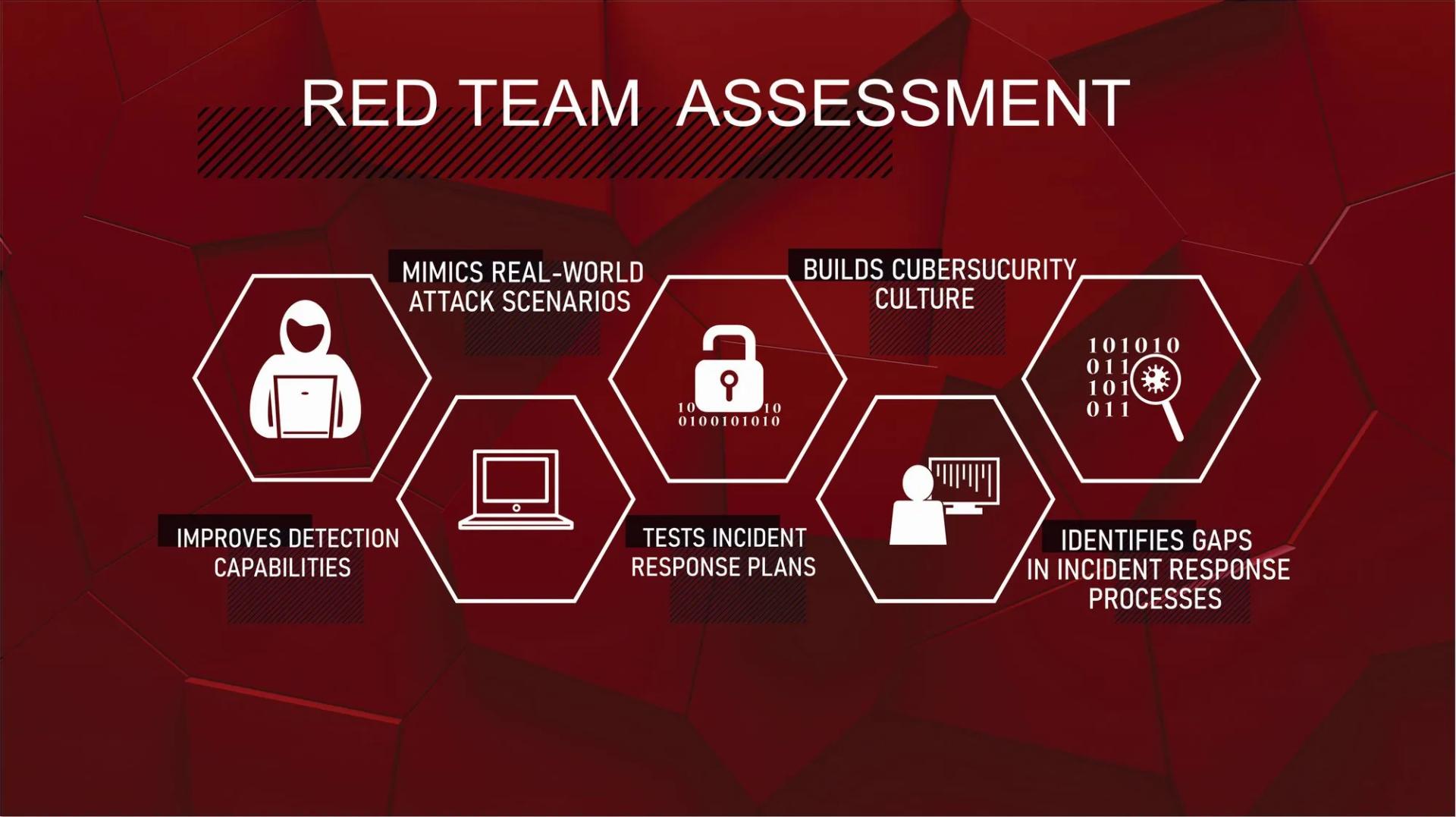
A Cyber Security Assessment focuses on identifying weaknesses and gaps across systems, policies, and processes. Penetration testing simulates real-world attacks to see how defenses perform under active exploitation. Many organizations use both approaches together for stronger protection.
How Often Should You Perform an Assessment?
Security is not a one-time task. New software updates, employee changes, and evolving threats mean risks constantly change.
Most organizations benefit from performing a Cyber Security Assessment at least once a year. Additional assessments are recommended after major system changes, migrations to cloud platforms, or security incidents.
Common Mistakes Beginners Make
Relying Only on Tools
Security software is important, but tools alone cannot fix poor processes or risky user behavior.
Ignoring Small Warnings
Minor alerts can signal bigger underlying issues. Early action prevents larger problems later.
Skipping Professional Guidance
DIY checks may miss deeper vulnerabilities. Working with experienced professionals helps uncover risks that automated scans may overlook.
Choosing the Right Security Partner
Not all providers offer the same depth of service. Look for a partner that combines technical expertise with clear communication and actionable guidance.
LMNTRIX Active Defense helps businesses understand their security posture through structured evaluations and practical improvement plans. By focusing on real-world risks, LMNTRIX Active Defense supports companies at every stage of digital maturity. Organizations that work with LMNTRIX Active Defense benefit from expert insights that turn complex security findings into clear next steps.
How to Use Assessment Results to Improve Security
Assessment results should lead to real action.
Prioritize High-Risk Issues
Address vulnerabilities that could cause the most damage first.
Update Policies and Training
Use findings to improve employee training, access rules, and data handling processes.
Build a Long-Term Security Roadmap
Security improvements work best when planned over time, not rushed in response to emergencies.
Conclusion: Build Strong Security Before Threats Strike
A proactive approach to security helps businesses stay ahead of attackers, protect customer trust, and avoid costly downtime. Understanding your current risks is the foundation of smart protection planning.
If you want expert guidance and clear next steps, LMNTRIX Active Defense can help you evaluate your security posture and build a stronger defense strategy.
Contact us today to schedule your security review and take the first step toward safer digital operations.
FAQs
Q1: Is a cyber security assessment necessary for small businesses?
Yes. Small businesses are common targets because attackers know they often have weaker defenses. Regular reviews help close security gaps early.
Q2: How long does an assessment usually take?
The timeline depends on system size and complexity. Small environments may take a few days, while larger networks can take several weeks.
Q3: Will an assessment disrupt daily business operations?
Most assessments are designed to run with minimal disruption. Scans and reviews are typically scheduled to avoid peak business hours.



























Sign in to leave a comment.