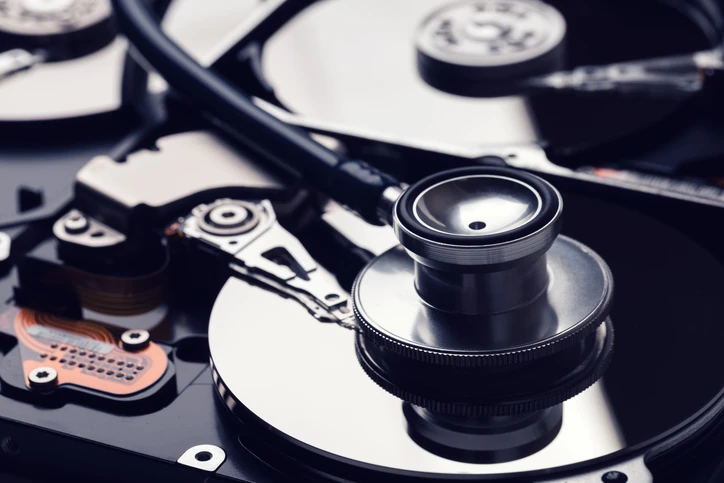
Your computer’s storage drive—whether it’s a traditional hard disk drive (HDD) or a modern solid-state drive (SSD)—is one of the most critical components of your system. It holds your operating system, documents, photos, applications, and more. But like all hardware, disk drives degrade over time. That’s where a disk drive health checker becomes essential.
🧠 What Is a Disk Drive Health Checker?
A disk drive health checker is a software tool that analyzes the condition of your HDD or SSD. It monitors performance metrics, error rates, and health indicators using built-in technologies like SMART (Self-Monitoring, Analysis, and Reporting Technology).
Popular tools include
ULINK DA Drive Analyzer launched in 2021, is a comprehensive drive health monitoring and failure prediction service developed by ULINK Technology. It utilizes AI and multiple threshold-based algorithms to analyze drive health data and generate alerts when potential failures are detected. Users can access summarized drive health visualizations, making it easier to monitor their storage devices.
ULINK DA Drive Analyzer monitors the health of storage drives, predicts potential failures, and alerts users in advance. It gathers a wide range of drive health metrics from S.M.A.R.T. and other health logs, allowing users to track performance and detect issues early. When abnormal drive activity is identified through AI or threshold-based detection, the system issues alerts so users can take preventive action to protect their data.
These tools provide detailed information such as:
- Drive temperature
- Read/write error rates
- Reallocated sectors
- Remaining lifespan
- Health status (often as a percentage or “Good/Bad” alert)
🚨 Why It Matters
Most disk failures happen without warning. A failing drive may show subtle signs—slow performance, corrupted files, or random crashes—before it fails entirely. A health checker helps you:
- Catch early signs of failure
- Prevent data loss
- Maintain optimal performance
- Know when to back up or replace a drive
This is especially critical for businesses, creatives, or anyone storing sensitive or irreplaceable data.
✅ When Should You Use One?
- Every 1–2 months for regular users
- More frequently if you're experiencing performance issues
- Immediately if your system crashes or files go missing
🔚 Final Thoughts
Think of a disk drive health checker as a routine health exam for your computer’s storage. It’s quick, easy, and can save you from the disaster of losing your data. If you haven’t used one yet, now’s the perfect time to check your drive’s health—before it’s too late.

























Sign in to leave a comment.