
In the simplest terms, a webpage is a digital document that you can view through a web browser like Chrome, Firefox, or Safari. Every webpage is a part of a larger collection known as a website. Each page is identified by a unique address called a URL (Uniform Resource Locator). When users type in a website’s URL or click on a link, the browser retrieves and displays that particular webpage from a web server.
A webpage is written using HTML (HyperText Markup Language), the standard language for creating and structuring content on the internet. HTML defines the layout, text, links, and multimedia elements on a page, while technologies like CSS (Cascading Style Sheets) and JavaScript add style and interactivity.
What Is a Webpage - kaashiv infotech html
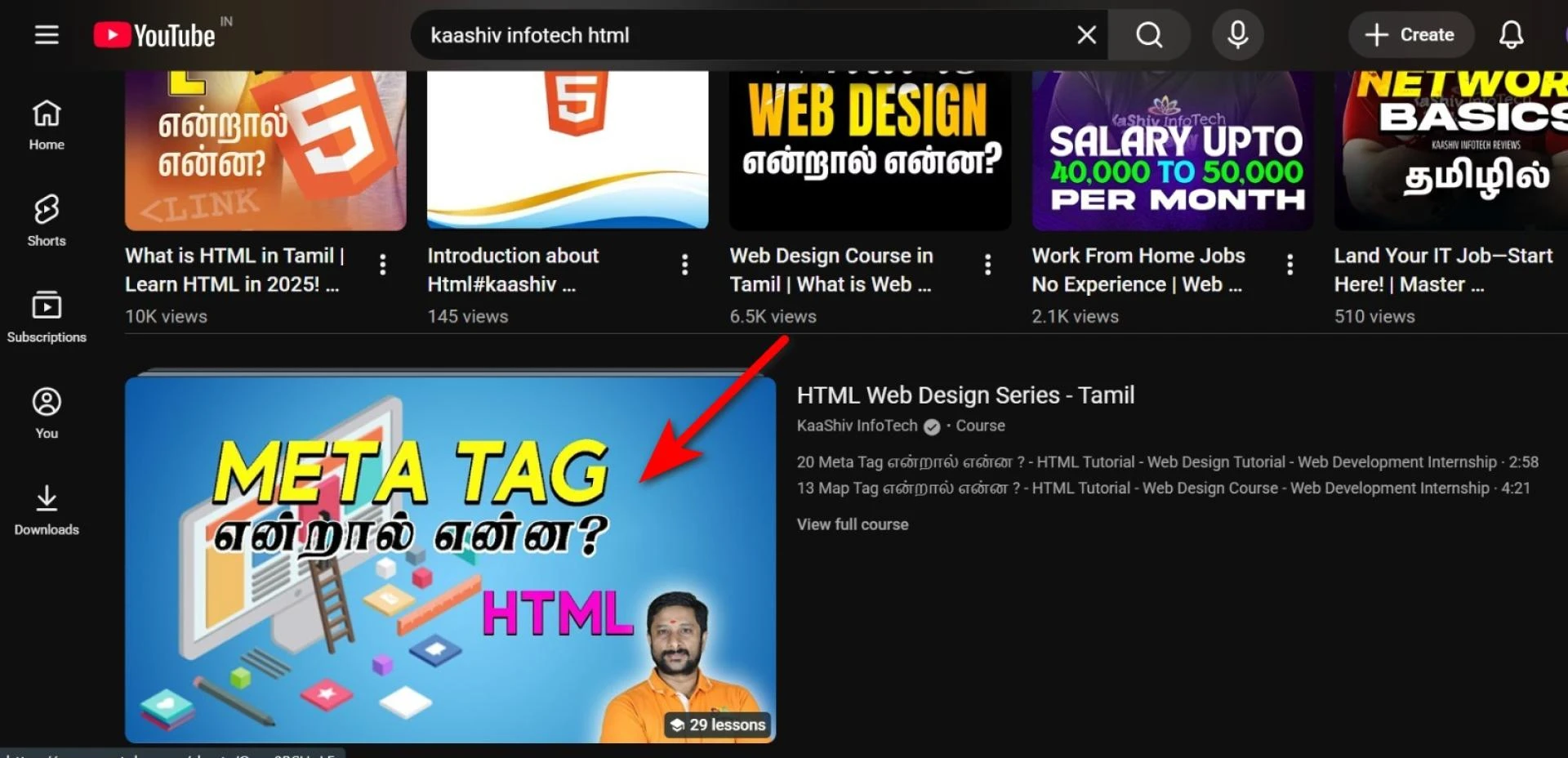
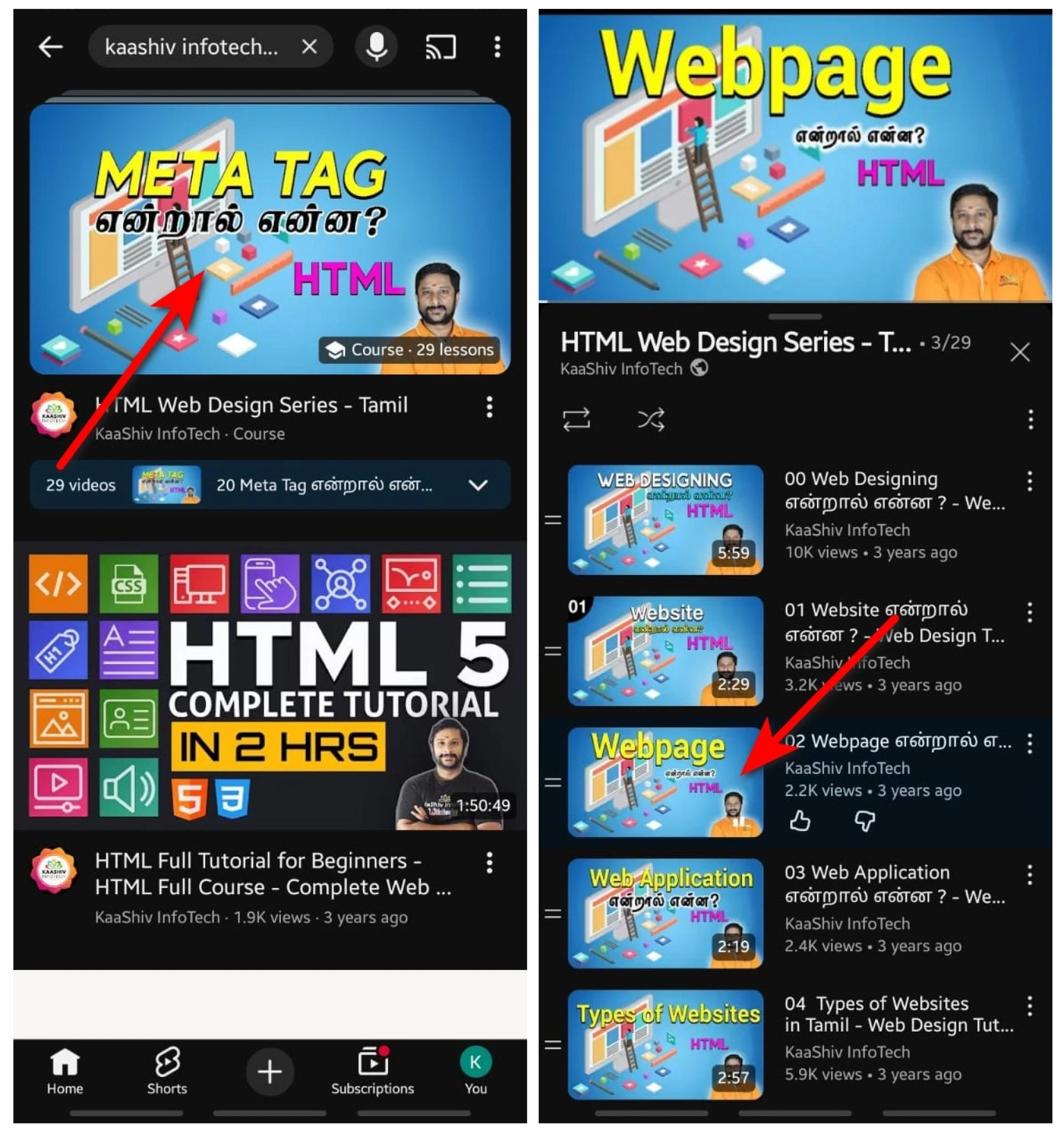
step for pc:
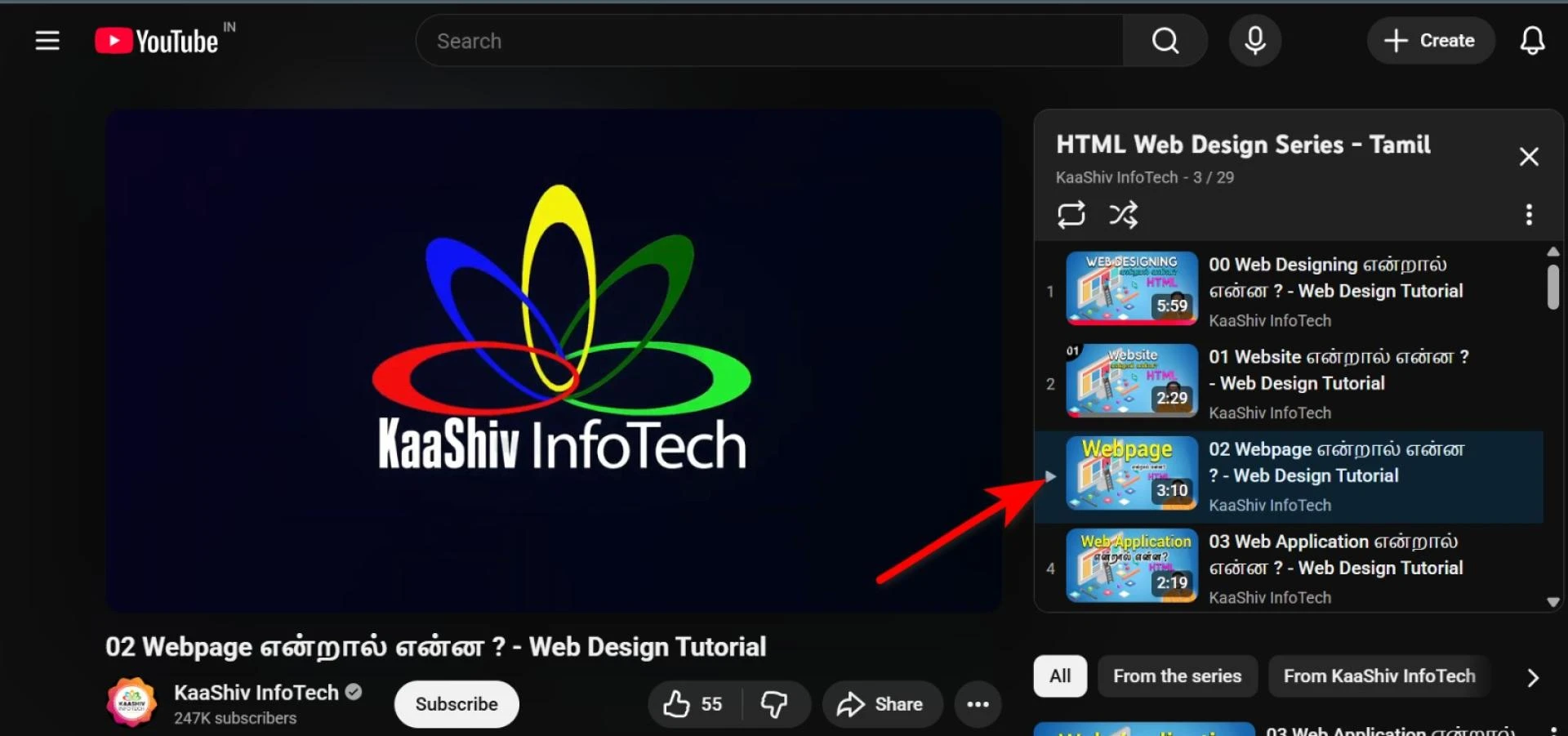
step for mobile :
Structure of a Webpage
Every webpage is made up of two major parts — the head and the body.
- The head contains metadata, title, and links to stylesheets or scripts.
- The body contains the visible content like headings, paragraphs, images, and buttons.
Here’s a simple example:
<!DOCTYPE html>
<html>
<head>
    <title>My First Webpage</title>
</head>
<body>
    <h1>Welcome to My Webpage!</h1>
    <p>This is my first HTML page.</p>
</body>
</html>
This basic HTML structure is the foundation of every page you see online today. Once you understand how HTML tags work, you can build more dynamic and responsive designs using CSS and JavaScript.
💡 Want to start learning web design? Explore our Front-End Web Development course that covers HTML, CSS, and JavaScript step-by-step.
How Webpages Work
When you visit a website, your browser sends a request to a web server asking for the page’s content. The server responds by sending back the HTML file, which your browser interprets and displays visually. This is how webpages are rendered and connected through hyperlinks, forming the global network we know as the World Wide Web.
Webpages can be static (unchanging) or dynamic (generated in real-time by web applications). For example, a blog article may be a static page, while your social media feed is a dynamic one that updates constantly with new information.
Learning to create webpages is the first step toward building websites, applications, and online platforms. Many learners at kaashiv infotech html Internship begin their journey by mastering the basics of HTML and progressing toward front-end frameworks like React and Angular.
🚀 Next step in your web journey? Check out our Full Stack Web Development course in chennai and UI/UX Course in Chennai to gain practical, job-ready web skills.
The Importance of Webpages
Webpages are more than just lines of code — they’re how the world communicates online. From e-commerce platforms and news portals to educational resources and social networks, every experience on the internet begins with a webpage. Understanding how webpages are built gives you the power to create, innovate, and share your ideas with the world.
Conclusion
A webpage is the foundation of every online experience. By learning HTML, CSS, and JavaScript, you can move from being a passive consumer of content to an active creator on the web. Start experimenting with code, explore tutorials, and take hands-on projects to strengthen your understanding of how webpages work — because every great website begins with a single page.
kaashiv infotech python,
kaashiv infotech for loop,
kaashiv infotech python basics,
kaashiv infotech python course,
kaashiv infotech python internship,
kaashiv infotech learn python,
kaashiv infotech python training,
kaashiv infotech python projects,
kaashiv infotech data analytics,
kaashiv infotech ai training,
kaashiv infotech programming,
kaashiv infotech python examples,
kaashiv infotech python automation,
kaashiv infotech full stack course,
kaashiv infotech python developer,
kaashiv infotech coding,
kaashiv infotech software training,
kaashiv infotech technology training,
kaashiv infotech it internship,
kaashiv infotech machine learning,
kaashiv infotech web development,
kaashiv infotech python loops,
kaashiv infotech python tutorial



























Sign in to leave a comment.