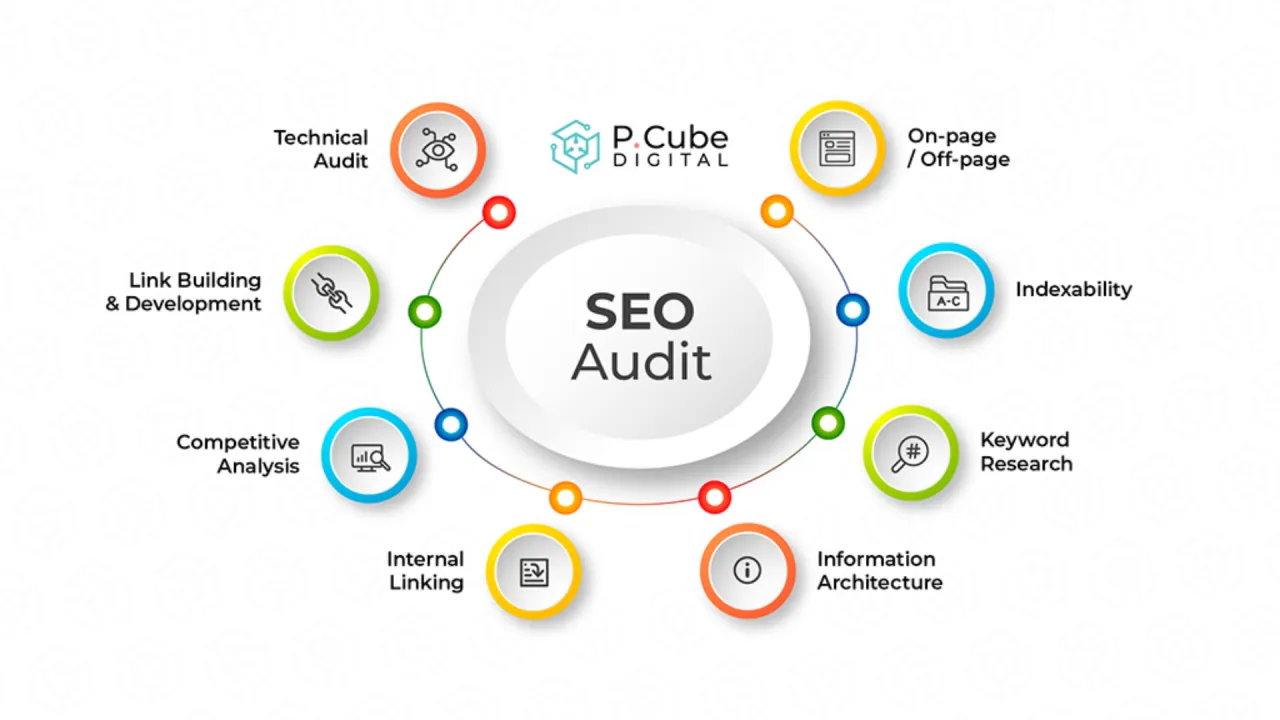

An SEO audit is a health check for your website. It’s a process of evaluating your online assets to ensure your site is performing as well as it possibly can in search results. This involves finding out what’s working well, what mistakes need fixing, and what new opportunities you can seize.
For a small business, the goal of an SEO audit is not just to generate a list of errors but to create a clear action plan that aligns with your business objectives, such as generating more phone calls, increasing online sales, or driving foot traffic to your store.
Why is an SEO Audit Critical for Small Businesses?
For small businesses, a thorough SEO audit levels the playing field. It allows you to compete with larger brands by identifying your unique strengths and opportunities. Here’s why you need one:
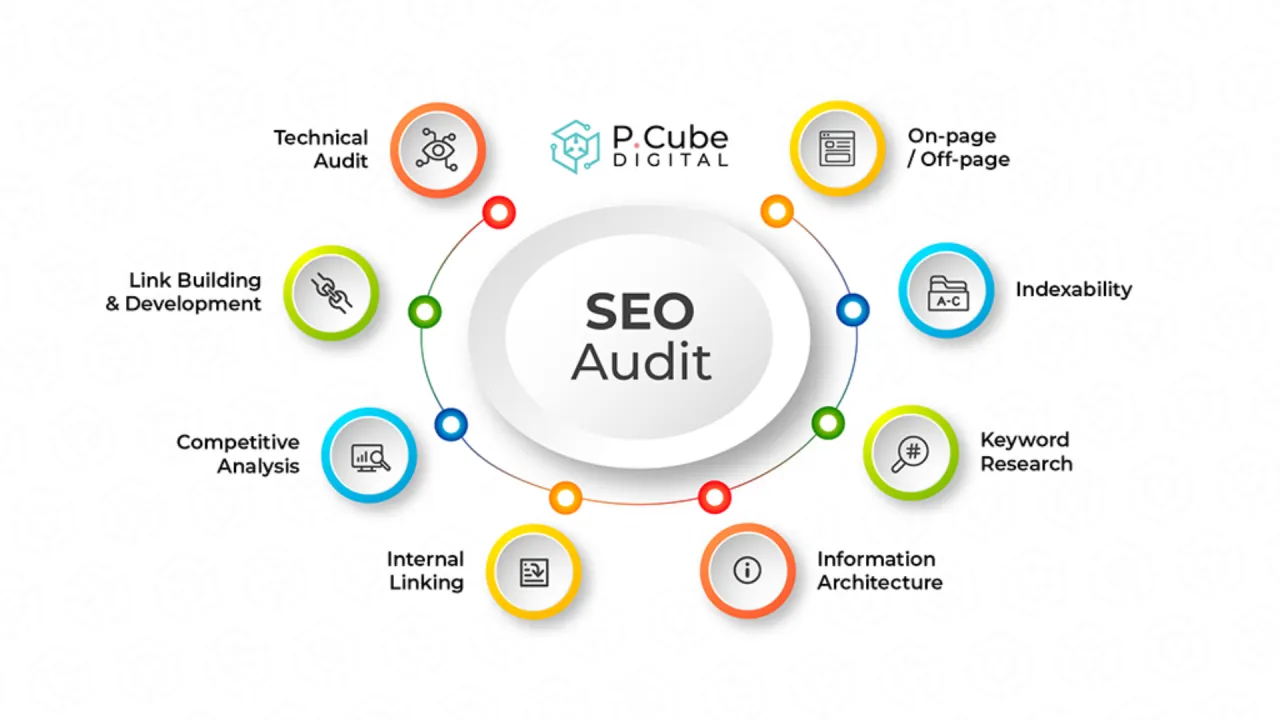
- Identify Hidden Issues: You might be unaware of technical problems like broken links, slow loading speeds, or poor mobile experiences that are driving visitors away.
- Uncover Valuable Opportunities: Discover high-value keywords your competitors rank for that you’re missing, and find content gaps you can fill to attract more qualified traffic.
- Maximize Your Marketing Budget: By fixing issues and optimizing your site, you ensure that your marketing efforts (like content creation and paid ads) are as effective as possible.
- Improve User Experience: Many SEO best practices directly improve the user experience, making it easier for visitors to find what they need and convert into customers.
Step-by-Step Guide to Your SEO Audit
Conducting an SEO audit might seem daunting, but it can be broken down into manageable steps. You can use a mix of free and paid tools to gather data. For a basic audit, tools like Google Search Console, Google Analytics, and a free version of Screaming Frog or SEO software with a site audit tool will be invaluable.
Phase 1: The Technical Foundation (The Non-Negotiables)
Before you look at content or keywords, you must ensure your website is technically sound. Search engines need to crawl and index your site easily. If they can't, it doesn't matter how good your content is.
- Check Crawlability and Indexation
- Use Google Search Console to check for crawl errors and see which pages of your site are indexed. A significant gap between submitted and indexed pages is a red flag.
- Perform a site:yourwebsite.com search on Google. Does it show the pages you expect? If your homepage isn't in the index, you have a critical issue to address.
- Review your robots.txt file (at yourdomain.com/robots.txt). Ensure it's not accidentally blocking Googlebot from crawling your entire site or important CSS/JS files.
- Ensure Your Site is Secure and Accessible
- HTTPS: Your site must be served over a secure HTTPS connection. Look for the padlock icon in the browser's address bar. If it says "Not secure," this is a top-priority fix as it's a confirmed ranking signal.
- WWW vs. Non-WWW: Ensure your site redirects all versions to a single canonical URL. For example, http://yourdomain.com and https://www.yourdomain.com should both 301-redirect to https://www.yourdomain.com (or the version you prefer). This prevents duplicate content issues.
- Test Site Speed and Mobile-Friendliness
- Use tools like Google PageSpeed Insights or GTmetrix. These will provide scores for both desktop and mobile and give you specific recommendations to improve loading times. Key metrics to focus on are Core Web Vitals (LCP, FID, CLS).
- Mobile-First: With Google's mobile-first indexing, your site's mobile version is the primary version for ranking. Check for issues like unplayable content, faulty redirects, and small text that requires zooming.
Phase 2: On-Page Analysis
Once your site’s technical health is confirmed, it's time to analyze its content and how it’s presented to search engines and users.
- Evaluate Title Tags and Meta Descriptions
- These are the first things users see in search results. Ensure every important page on your site has a unique title tag and meta description.
- Title tags should be concise, include your primary keyword, and be under 60 characters to avoid being cut off in SERPs.
- Meta descriptions are your chance to entice a click. Write compelling, keyword-rich summaries (under 160 characters) that include a call to action.
- Review Heading Structure (H1, H2, H3...)
- Your content should follow a logical hierarchy. Each page should have one clear H1 tag, which serves as the main title for that page, followed by H2s and H3s for sub-sections.
- Skipping heading levels (e.g., going from H2 to H4) can be confusing for search engines. Ensure a logical, hierarchical structure that makes your content scannable for readers.
- Check for Keyword Optimization
- For each key page (like your homepage and core services), identify its primary keyword focus. Ensure that keyword is used naturally in the title, H1, first paragraph, URL slug, and a few times throughout the body content.
- Avoid "keyword stuffing," which is unnatural repetition. Instead, think about semantic relevance—use related terms and phrases that support the main topic.
Phase 3: Content & Keyword Gap Analysis
This phase is about making sure your website is not just technically sound, but also provides the best possible information to your target audience, outperforming your competitors.
- Identify Content Gaps
- Content gap analysis is the process of finding topics and keywords your competitors rank for that you don’t, but which are relevant to your business.
- Use tools like Ahrefs' Content Gap or SEMrush to compare your site’s keyword profile with two or three of your main competitors. This will reveal valuable keywords where you're missing out on traffic.
- Audit Your Existing Content
- Review your blog posts and cornerstone pages. Is the information outdated? Can you add more depth, examples, or visuals to make it more comprehensive than what your competitors offer?
- Look for "thin" content. Pages with very little text (e.g., under 300 words) that are not designed for search engines (like a contact page) are fine, but valuable blog posts should be detailed and helpful.
- Promote and Interlink: Once your content is updated and valuable, build high-quality external backlinks to it, and create strong internal links between related pages on your own site to pass authority.
Local SEO Audit (If You Have a Physical Location)
If your small business serves a local community, your SEO audit must also focus on local factors. This is a powerful subset of SEO that can drive high-intent, nearby customers to your store.
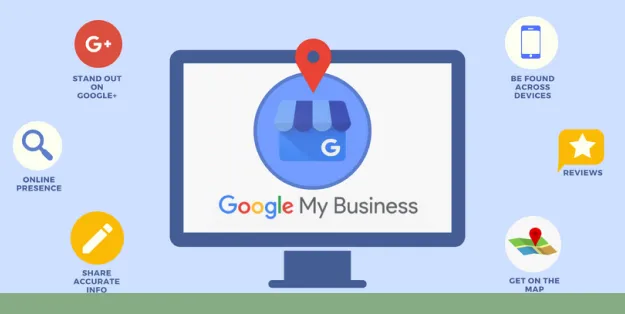
- Optimize Your Google Business Profile (GBP)
- Ensure your GBP is claimed, verified, and 100% complete. Check that your Name, Address, and Phone number (NAP) are accurate and consistent with your website.
- Add high-quality photos, update your hours (especially for holidays), and regularly create posts to signal activity to Google.
- Audit Local Citations
- Your NAP information must be consistent across all online directories (Yelp, Bing Places, Yellow Pages, etc.). Inconsistent information confuses search engines and can harm your local ranking.
- Use a tool like Moz Local or a listing management service to find and fix these inconsistencies.
Conclusion & Key Takeaways
Conducting an SEO audit is one of the most valuable exercises you can do for your small business website. It transforms guesswork into a data-driven, strategic plan for growth. It’s not a one-time task, but a process you should revisit regularly—at least every six months to a year—to stay ahead of the competition and adapt to new search trends.
By following this guide, you can identify and fix the technical issues holding you back, optimize your content to attract the right traffic, and discover new opportunities to outperform your competitors. Remember, a well-executed SEO audit is the foundation of a successful small business SEO strategy, leading to more organic traffic, better user engagement, and ultimately, more customers.
Key Takeaways:
- A comprehensive SEO audit covers technical health, on-page factors, and content strategy.
- Use free tools like Google Search Console, PageSpeed Insights, and a free website crawler to get started.
- For local businesses, auditing your Google Business Profile and local citations is non-negotiable.
- A content gap analysis helps you find competitive advantages you didn't know you had.
Take the first step today. Audit your website, find the gaps, and start building a smarter strategy for online visibility. If you'd like expert guidance to accelerate your growth, consider exploring the full range of our complete SEO services to build a tailored plan for your business.



























Sign in to leave a comment.